MacBook Neo Games: :
Turn your MacBook Neo into a high-end Gaming PC
With its ultra-slim design, vibrant colors, and incredible launch price, the new MacBook Neo is already establishing itself as the perfect laptop for students and everyday productivity. However, when it comes to finding games for MacBook Neo, this budget-friendly model has its limitations.
Fortunately, thanks to cloud gaming technology, you don’t need to buy a more expensive machine. Shadow PC offloads all the processing power to specialized data centers to transform any MacBook Neo into a gaming PC capable of running the latest AAA titles and Windows software!
A18 Pro and 8GB of RAM: :
The MacBook Neo’s gaming limitations
To offer a Mac at such an attractive price point, Apple had to make some tough compromises. The MacBook Neo is powered by a chip derived from the iPhone. While it excels at everyday tasks (browsing, word processing, streaming, photos...), it lacks the raw horsepower needed for serious gaming. Consequently, playing on MacBook Neo can be quite a struggle.
Furthermore, the MacBook Neo faces other major hurdles for gamers, specifically its 8GB of RAM (hardly enough to launch games on MacBook Neo) and its 256GB storage capacity (the SSD will quickly hit its limit when you try to install games on MacBook Neo).
With Shadow, these obstacles vanish in just a few clicks! The RAM, processor, RTX graphics card, and storage are all hosted in the cloud. This allows you to run Windows games on MacBook Neo, including the latest AAA titles, all while your laptop stays cool and efficient!
The Perfect Match:
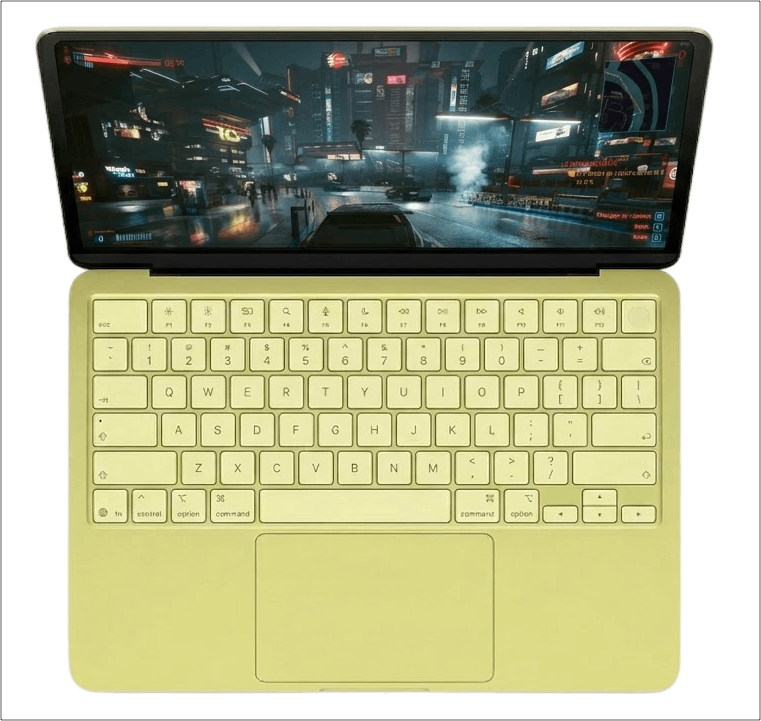
MacBook Neo and 1440p Gaming
One of the MacBook Neo’s standout features is undoubtedly its display. Apple equipped it with a stunning 13 inch Liquid Retina panel boasting a 2408 x 1506 resolution, delivering impressive pixel density and image clarity that’s simply unmatched at this price point.
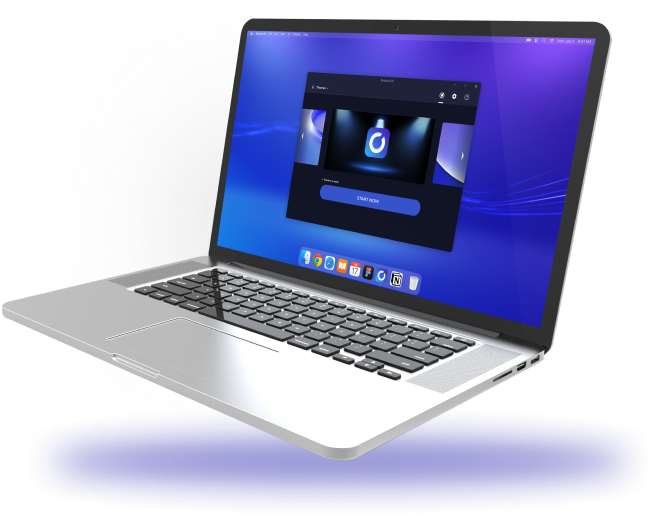
It would be a crime not to put all those pixels to work! The Shadow app for macOS is fully optimized to leverage this high definition and HiDPI support. This allows you to play the latest PC games on MacBook Neo at 1440p with Ultra settings and stable framerates, making the most of your screen's native sharpness. You get the best of both worlds: crisp macOS visuals for your daily tasks and high-end 1440p Windows games on your MacBook Neo via Shadow PC!
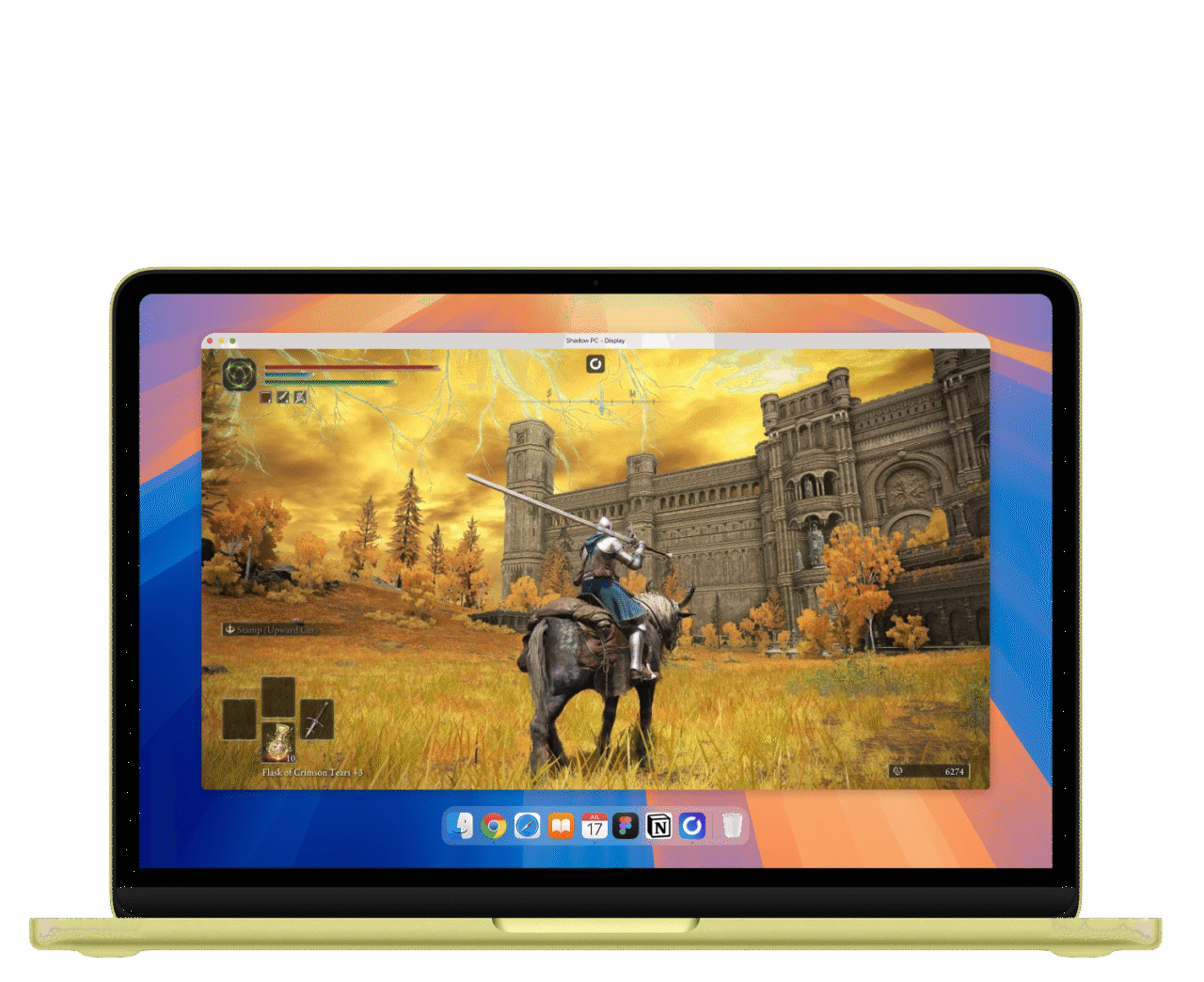
All your Windows PC games on MacBook Neo
Equipped with a powerful Apple chip but built on ARM architecture, the native library of games for MacBook Neo remains quite limited (since most titles are designed for Intel and AMD's x86 architecture).
Shadow solves this compatibility headache. Unlike typical cloud gaming services restricted to a specific, curated catalog, Shadow provides a full Windows 11 environment where you can install your games and apps just like on a local PC.
-
All your Launchers: Install Steam, Epic Games Store, Battle.net, GOG, or even PC Xbox Game Pass.
-
No extra purchases: Already own PC games? Simply install them directly onto your Shadow.
-
Mods and total freedom: Install your mods, add-ons, and essential apps like Discord or OBS without any restrictions.
Shadow on MacBook Neo: :
AAA gaming on an ultrabook
Don’t let the A18 Pro and 8GB of RAM on the new MacBook Neo limit the games you can play. While this affordable Mac is perfectly tailored for everyday tasks, it needs the boost of a Shadow PC to become truly versatile and unlock its full multimedia and gaming potential on MacBook Neo.
Instead of making your MacBook Neo overheat or maxing out its small 256GB SSD, leverage the power and storage of a Windows gaming PC in the cloud. Install Steam or Game Pass on your Shadow PC, and enjoy your favorite Windows games on MacBook Neo at maximum settings.
The best gaming PC isn’t an overpriced rig: it’s the sleek MacBook Neo you already own.
How to play Windows Games on Macbook Neo in 3 steps:

Choose the plan that best fits your needs.


Launch Shadow and start playing Windows games on your MacBook Neo. It’s that simple!
The best games on Macbook Neo thanks to Shadow
- Windows
- MacOS
- iOS
- Android
- Linux
- Smart TV
- Raspberry Pi OS
- Shadow Drive