How to play Death Stranding: On the Beach on Mac?
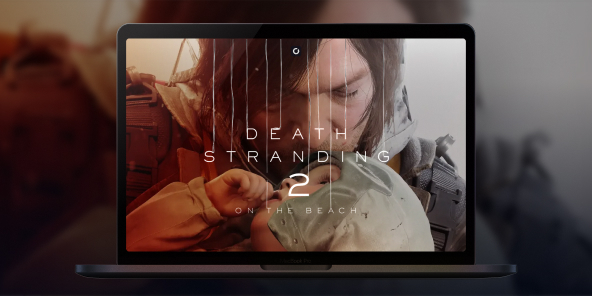
Death Stranding 2: On the Beach is undoubtedly one of the most spectacular releases of early 2026, but unfortunately, no native macOS version has been announced yet. Are you dying to resume deliveries with Sam Porter Bridges on your MacBook? With Shadow PC, you can play Death Stranding 2 on any Mac right now! Enjoy all the power of a high-end gaming PC right in your browser or via the Shadow app.
Play Death Stranding 2 on Mac with Shadow PC
Shadow PC is a high-end Windows gaming PC in the cloud, instantly accessible from any Mac, including Intel models unsupported by native macOS versions. Buy Death Stranding 2 on Steam, install it on your Shadow, and play without worrying about your Mac’s hardware. Max settings, zero limits.
AMD EPYC CPU, 8 Kerne (3,25 GHz); 16 GB RAM; NVIDIA RTX 2000 Ada GPU, 16 GB (GPU der GeForce RTX 4060-Klasse); 512 GB SSD
AMD EPYC CPU, 8 Kerne (bis zu 3,7 GHz); 28 GB RAM; NVIDIA RTX A4500 GPU, 20 GB (GPU der GeForce RTX 3070 Ti-Klasse); 512-GB-SSD
Your journey starts on Mac
Death Stranding 2 unfolds through tension, distance, and the unknown. The game takes its time, then suddenly pushes you to adapt, survive, and keep moving forward.

Norman Reedus returns as Sam in a standalone sequel set eleven months after the first game. This time, the journey expands beyond America, opening new routes to Australia, with story elements also involving Mexico.
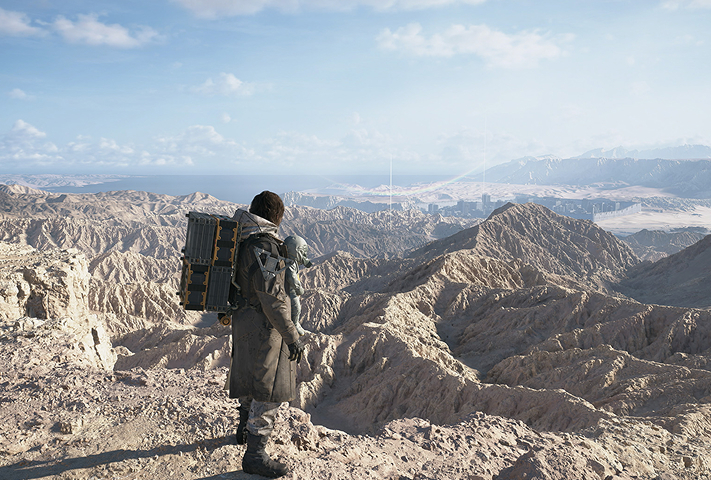
Day and night cycles, dynamic weather, Timefall, earthquakes, sandstorms, and wildfires turn every delivery into a real survival challenge. The world doesn’t just look impressive, it actively works against you.
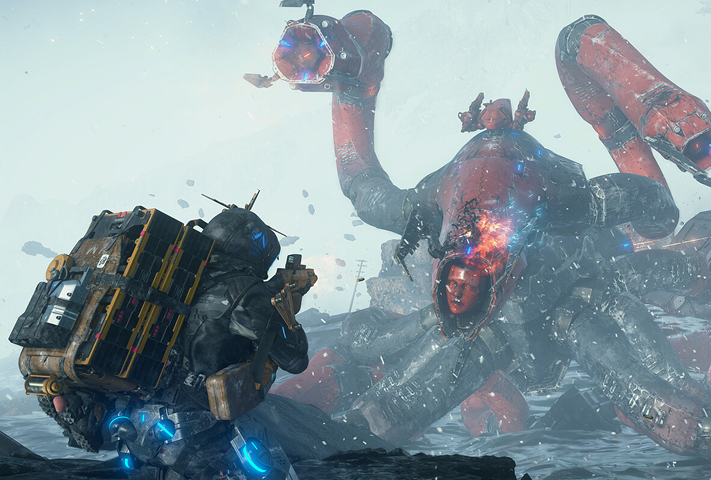
Face enemies head-on, avoid them, infiltrate areas, or customize Sam with APAS upgrades. Shape your own playstyle, balancing stealth, mobility, and combat.
Reconnect Australia and Mexico with Shadow
Death Stranding 2: On the Beach isn’t built around real-time co-op. Its Social Strand System works asynchronously: roads, structures, paths, and player-created elements appear as areas get connected. On PC, this system is even more powerful, as PS5 and PC players share the same servers. Important note: save transfers between PS5 and PC are not supported. With Shadow PC on Mac, you get full access to the PC version, with the same connected world.
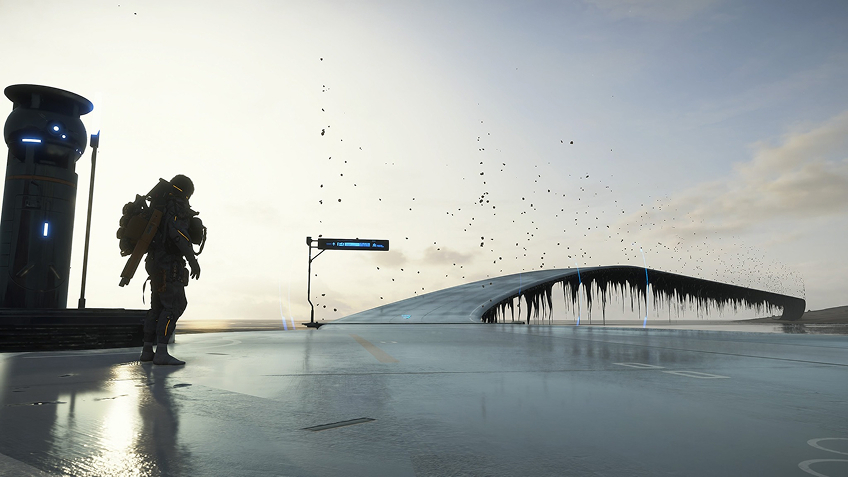
Tutorial: Play Death Stranding 2 with cloud gaming in 3 steps
Whether you’re on Mac (with limited macOS-compatible games), on Linux (where Windows emulation impacts performance), or using an older PC (with a low-end GPU), Shadow gives you instant access to a powerful gaming PC to run all your favorite games*.


Install the Shadow app on your Mac, or connect instantly from your browser via pc.shadow.tech

Launch your Shadow PC, install Death Stranding 2, and you’re ready to go. Enjoy the game in Ultra settings.
Your gaming PC, anytime, anywhere
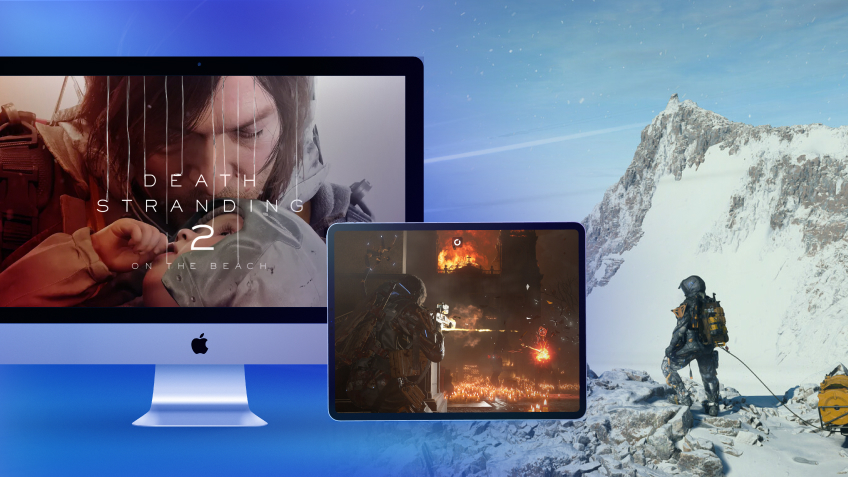
Access your Shadow PC and play Death Stranding 2, along with all your favorite games*, on any Apple device (including iPhone or Apple TV), or directly from your browser. Shadow’s cloud gaming technology turns your Mac into a high-performance gaming PC, available wherever you are.

FAQ
Shadow ist ein kompletter Windows-Gaming-PC, der vollständig in der Cloud gehostet wird. Es ist die einzige virtuelle Maschine, deren Leistung mit der eines lokalen PCs mithalten kann. Und im Gegensatz zu Cloud-Gaming-Diensten können Sie jedes Spiel, jede App und jede Software installieren und ausführen: Es gibt keinen eingeschränkten Katalog.
Ihr Shadow ist eine echte professionelle Windows-Arbeitsstation. Installieren Sie alles, was Sie benötigen*: Adobe Suite, CAD-Programme, Entwicklungsumgebungen, usw.
kompatibel-mit-allen-macs
Für jedes Endgerät Ihrer Wahl steht die Shadow PC Clientsoftware kostenlos zum Download zur Verfügung; Diese ermöglicht Ihnen insbesondere das Testen der Navigationsqualität und die Anpassung Ihrer Einstellungen für Videoqualität bis hin zur höchsten Auflösung von 4k. Für den schnellen Zugriff von einem neuen Endgerät oder einem Arbeitsplatz mit beschränkten Möglichkeiten zur Softwareinstallation können Sie jetzt direkt über einen Browser auf Ihren Shadow PC zugreifen. Und zwar ganz schnell und einfach, es ist keine Installation erforderlich: Besuchen Sie die Seite pc.shadow.tech! Dieser Zugriffsmodus ist besonders praktisch, wenn Sie Ihre Inhalte über eine anspruchsvolle Software direkt vom Rechner Ihrer Kunden und Interessenten aus vorführen oder schulen wollen: Sie müssen nun Ihr Endgerät, Ihre Software und Ihre Daten nicht mit sich herumtragen, sondern können ganz einfach ortsunabhängig darauf zugreifen.
Ja, mit Shadow erhalten Sie Downloadgeschwindigkeiten von 1 Gbit/s auf Ihren Shadow-PC, selbst wenn Ihre lokale Internetverbindung langsam ist.
Kurz gesagt: Nein. Wir stellen ausreichend Leistung bereit, um Ihre Anforderungen je nach gewähltem Angebot zu erfüllen. Hinsichtlich der Latenz ermöglicht unsere fortschrittliche Technologie eine Nutzung bereits ab einer geringen Bandbreite (ab 15 Mb/s) und sorgt dabei für eine kaum wahrnehmbare Verzögerung. Natürlich kann die Kompression die Bildqualität beeinflussen, und falls Ihre Verbindung zu langsam ist, könnten Sie im Vergleich zum Originalbild Unterschiede feststellen.
Ja, Shadow begrenzt die Auflösung nicht und ermöglicht es Ihnen, Windows sowie Ihre Spiele und Programme in 4K UHD auszuführen. Beachten Sie bitte, dass einige Spiele möglicherweise kein 4K unterstützen oder dabei geringere Leistungen aufweisen können. Zudem benötigt diese hohe Auflösung eine höhere Bandbreite, weshalb eine stabile und schnellere Internetverbindung als bei niedrigeren Auflösungen erforderlich ist.
Ja, Sie können direkt über das Schnellmenü Ihres Shadow-PCs einen zweiten Bildschirm aktivieren.