How can I make the most of RTX in Crimson Desert?
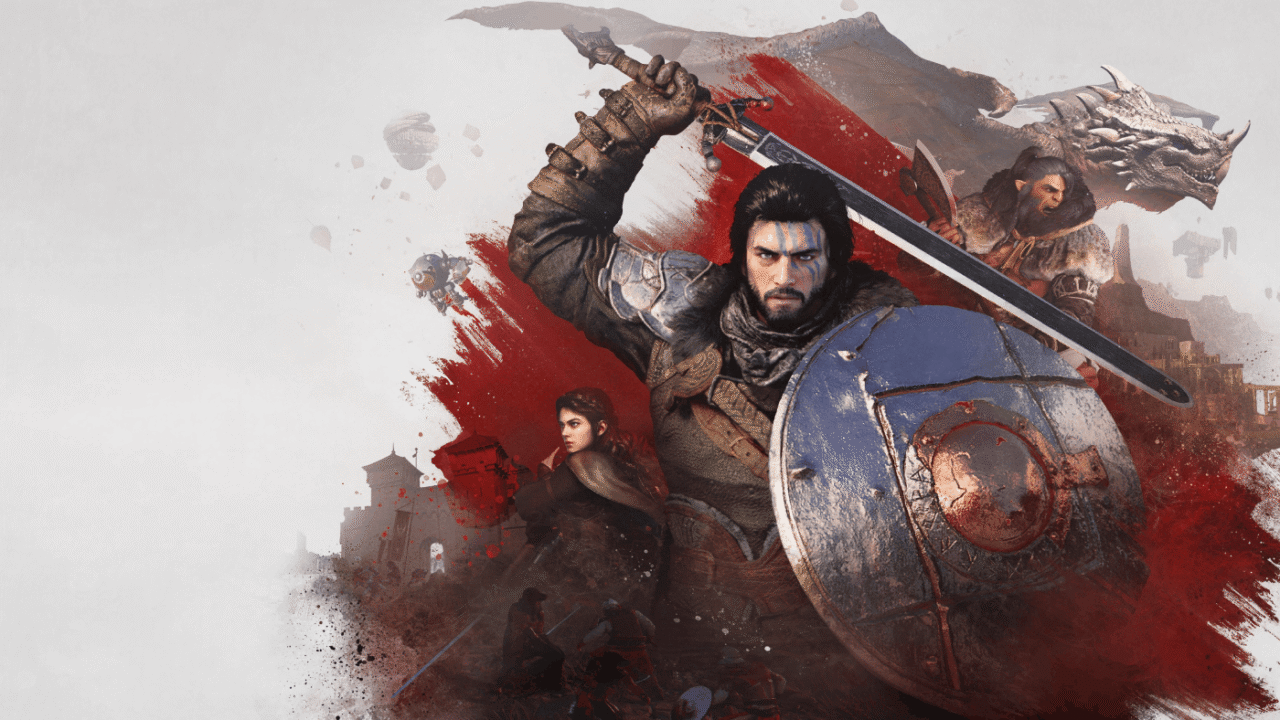
Thanks to its new graphics engine (BlackSpace Engine), Crimson Desert impresses with its level of realism. As a result, ray tracing is enabled by default, making the game very demanding for older machines or those that aren’t RTX-compatible. Shadow PC gives you access to a fully-fledged Windows gaming PC hosted in the cloud. Find out how to get the most out of Crimson Desert in RTX at maximum quality, without investing in a new graphics card!
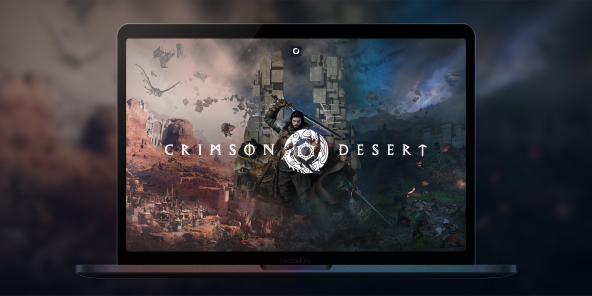
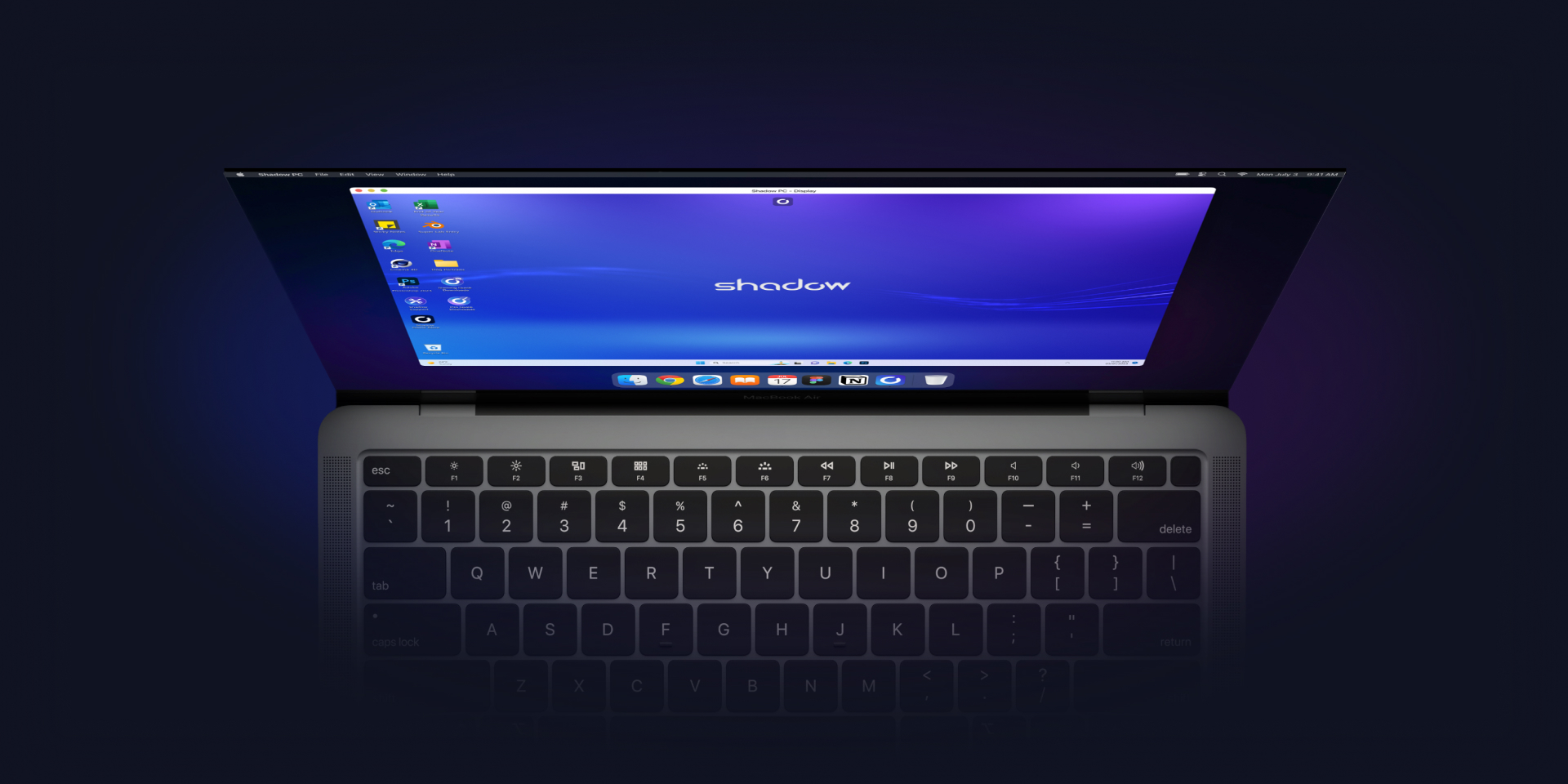
Play Crimson Desert in RTX with Shadow PC
Crimson Desert enables RTX by default, which significantly enhances the game’s graphics quality.
However, this results in a significantly reduced frame rate for graphics cards that do not support ray tracing. Rather than buying an overpriced graphics card, Shadow PC gives you remote access to a fully-fledged gaming PC in the cloud, with full RTX compatibility!
With Shadow PC, play Crimson Desert in RTX and Ultra settings from any computer or device (TV, smartphone, tablet, etc.)!
AMD EPYC CPU, 8 Kerne (3,25 GHz); 16 GB RAM; NVIDIA RTX 2000 Ada GPU, 16 GB (GPU der GeForce RTX 4060-Klasse); 512 GB SSD
AMD EPYC CPU, 8 Kerne (bis zu 3,7 GHz); 28 GB RAM; NVIDIA RTX A4500 GPU, 20 GB (GPU der GeForce RTX 3070 Ti-Klasse); 512-GB-SSD

Crimson Desert: Ray tracing throughout
Built on its own graphics engine, Crimson Desert is one of the most ambitious titles of recent years in terms of graphics and rendering. Making extensive use of ray tracing and physics simulation calculations, Crimson Desert requires a GPU with hardware-accelerated ray tracing to be fully enjoyed. The good news is that all Shadow models are RTX-compatible!
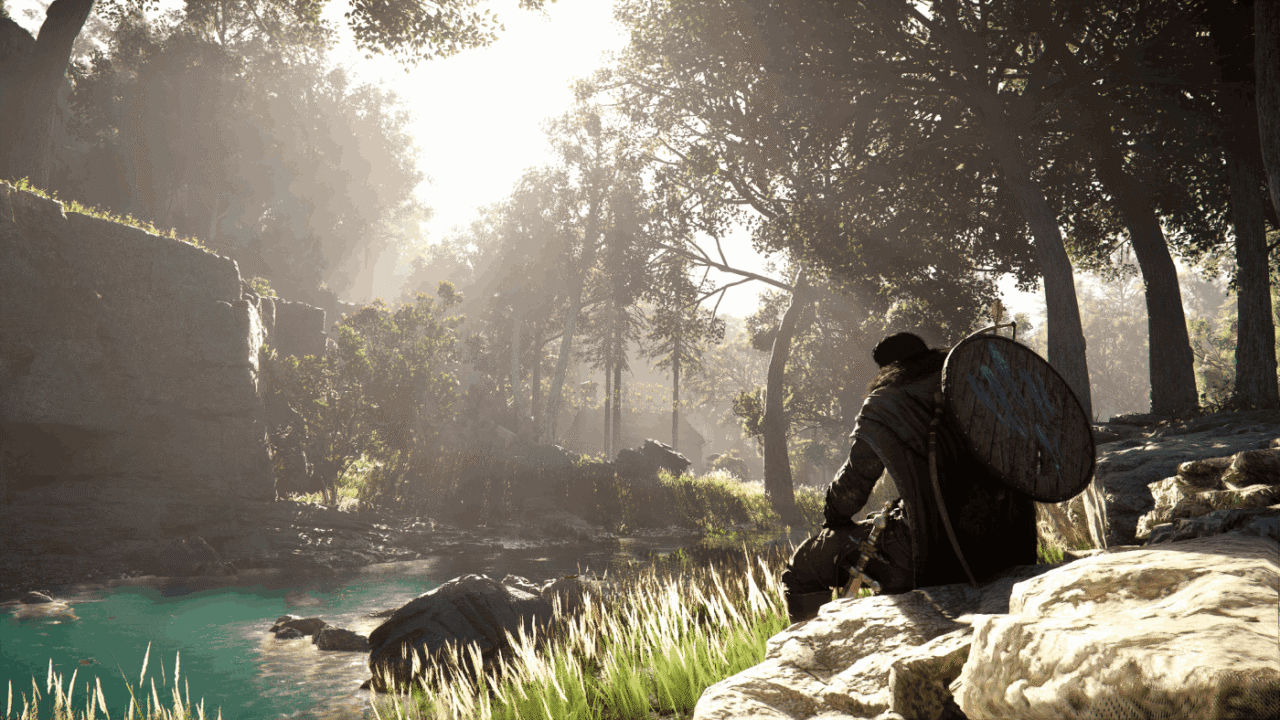
Immersion is a key concept in Crimson Desert. To enhance this, the game makes extensive use of ray-tracing techniques, delivering hyper-realistic lighting effects that bring the environments the player explores to life.
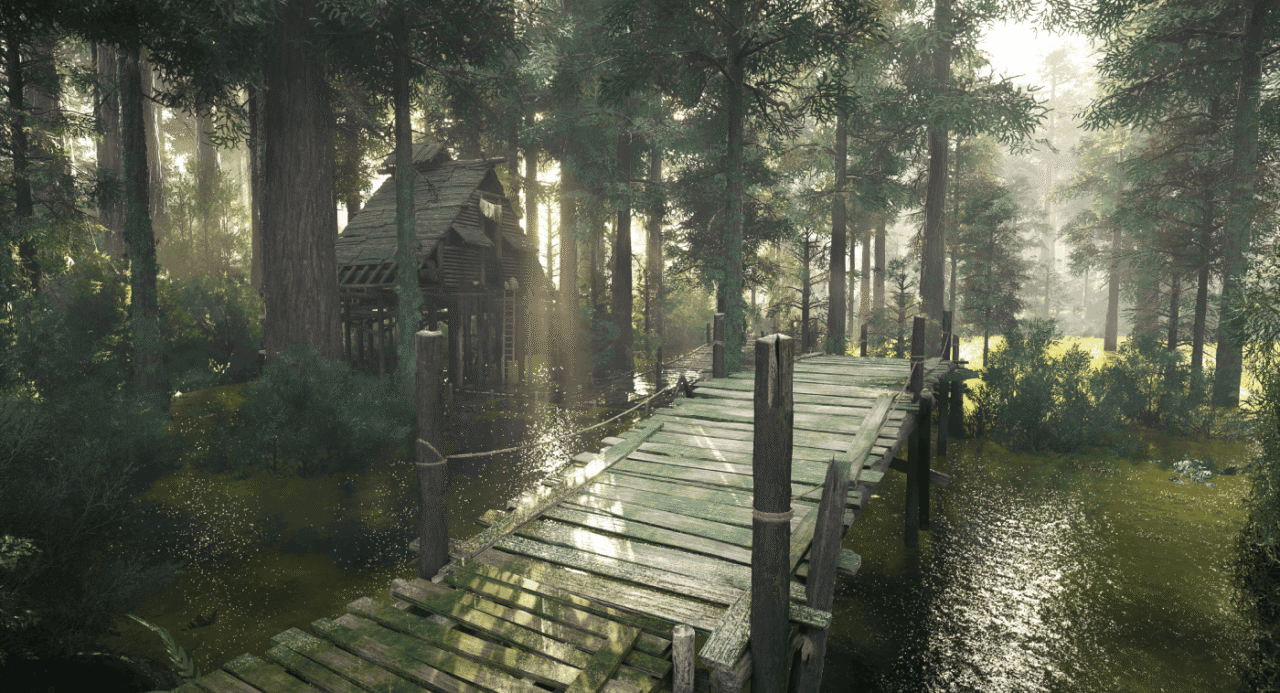
Another standout achievement by the developers at Pearl Abyss is the behaviour of the water. Using cutting-edge physical simulation models, they have managed to make the water’s behaviour physically accurate, taking immersion to new heights.
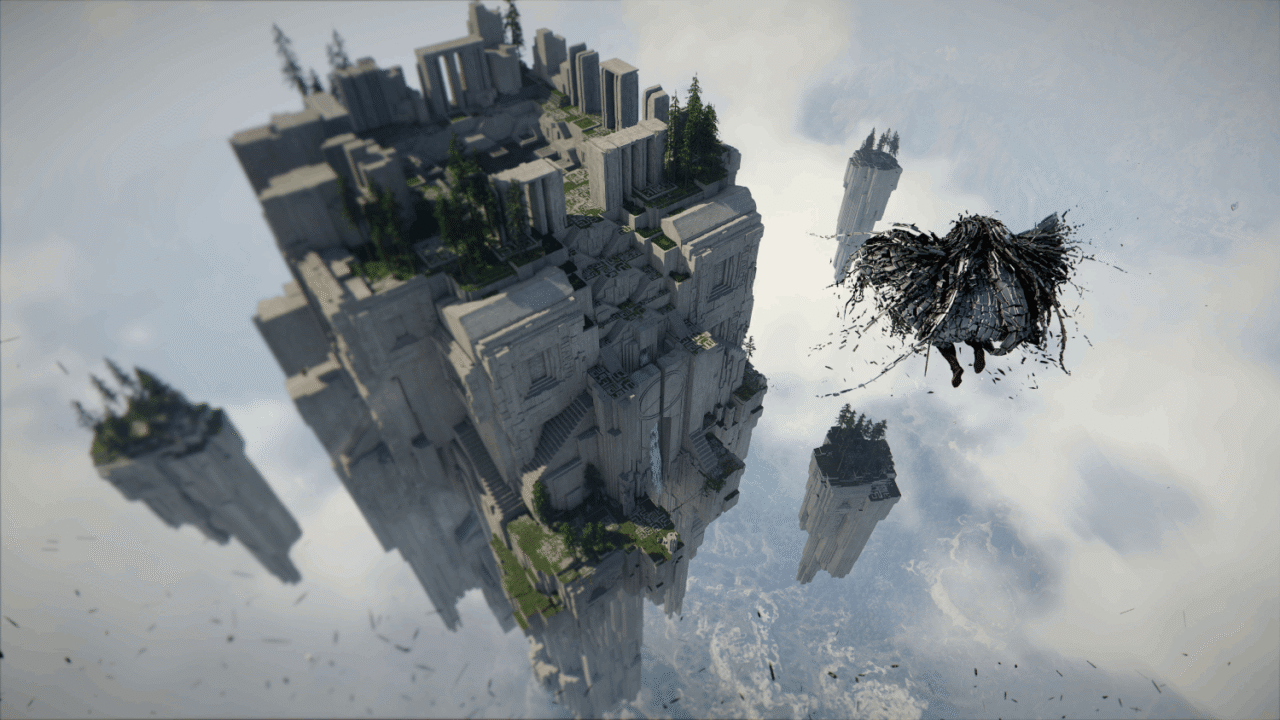
By continuing to leverage GPU acceleration, Crimson Desert offers – despite the sheer size of its map – a depth of field never seen before. As a result, you can observe your surroundings in detail from a bird’s-eye view, in a natural and realistic way.
BlackSpace Engine: pushing the boundaries of RTX
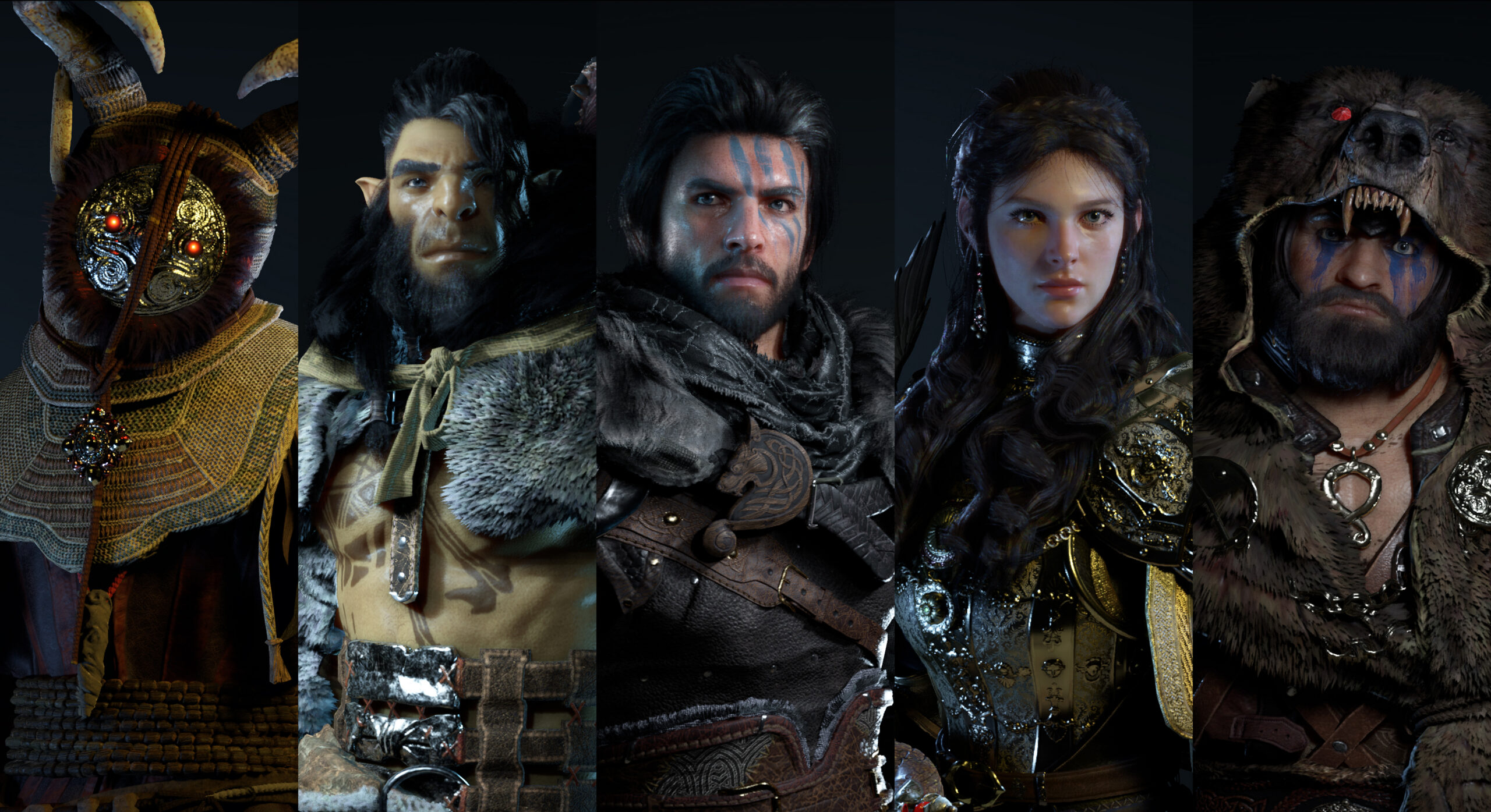
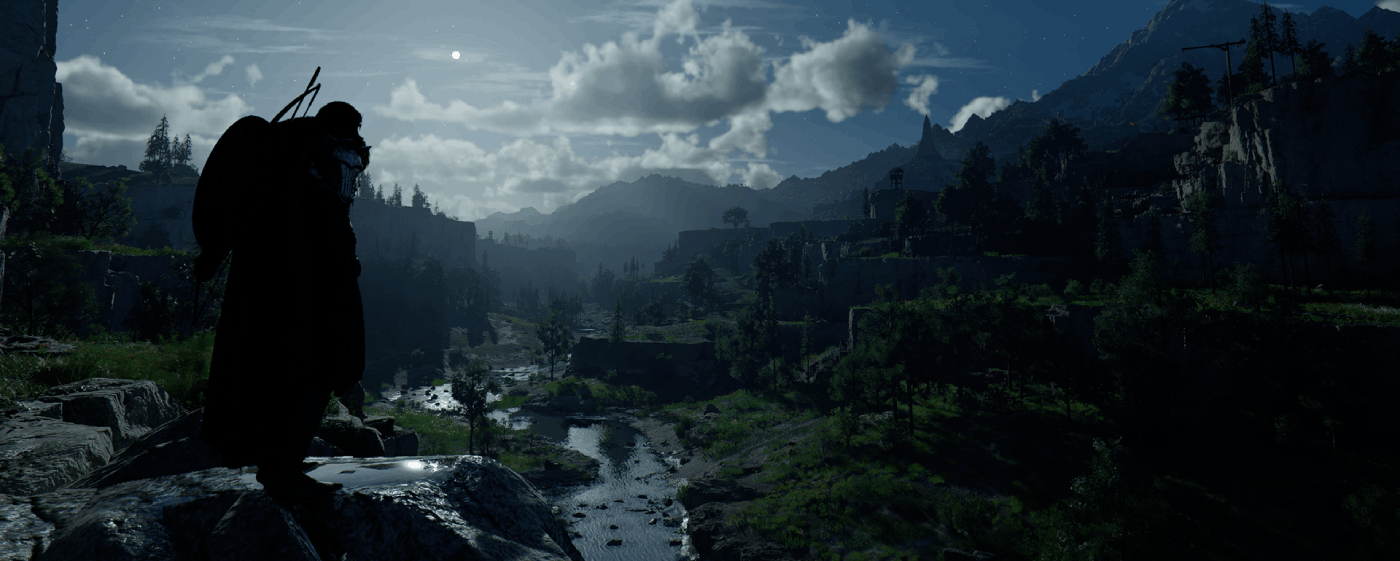
Crimson Desert impresses with its stunning graphics: mountains, cities, mists and coastlines look more realistic than ever thanks to the BlackSpace Engine. Its extensive use of ray tracing lends authenticity to the lighting effects, enhances immersion and creates an almost organic rendering of the day-night cycle: with Crimson Desert, Pearl Abyss is pushing the boundaries of graphics rendering and RTX effects!
Tutorial: Play Crimson Desert via cloud gaming in 3 steps
Want to explore the vastness of the continent of Pywel? Here's how to play Crimson Desert via cloud gaming on any device: PC, Mac, smartphone, or tablet:


Install the Shadow client on your Mac, or log in directly from your web browser via pc.shadow.tech.

Start up your Shadow PC and install Crimson Desert. That's it! Now you're ready to play in Ultra mode!

FAQ
Shadow ist ein kompletter Windows-Gaming-PC, der vollständig in der Cloud gehostet wird. Es ist die einzige virtuelle Maschine, deren Leistung mit der eines lokalen PCs mithalten kann. Und im Gegensatz zu Cloud-Gaming-Diensten können Sie jedes Spiel, jede App und jede Software installieren und ausführen: Es gibt keinen eingeschränkten Katalog.
Ihr Shadow ist eine echte professionelle Windows-Arbeitsstation. Installieren Sie alles, was Sie benötigen*: Adobe Suite, CAD-Programme, Entwicklungsumgebungen, usw.
kompatibel-mit-allen-macs
Für jedes Endgerät Ihrer Wahl steht die Shadow PC Clientsoftware kostenlos zum Download zur Verfügung; Diese ermöglicht Ihnen insbesondere das Testen der Navigationsqualität und die Anpassung Ihrer Einstellungen für Videoqualität bis hin zur höchsten Auflösung von 4k. Für den schnellen Zugriff von einem neuen Endgerät oder einem Arbeitsplatz mit beschränkten Möglichkeiten zur Softwareinstallation können Sie jetzt direkt über einen Browser auf Ihren Shadow PC zugreifen. Und zwar ganz schnell und einfach, es ist keine Installation erforderlich: Besuchen Sie die Seite pc.shadow.tech! Dieser Zugriffsmodus ist besonders praktisch, wenn Sie Ihre Inhalte über eine anspruchsvolle Software direkt vom Rechner Ihrer Kunden und Interessenten aus vorführen oder schulen wollen: Sie müssen nun Ihr Endgerät, Ihre Software und Ihre Daten nicht mit sich herumtragen, sondern können ganz einfach ortsunabhängig darauf zugreifen.
Ja, mit Shadow erhalten Sie Downloadgeschwindigkeiten von 1 Gbit/s auf Ihren Shadow-PC, selbst wenn Ihre lokale Internetverbindung langsam ist.
Kurz gesagt: Nein. Wir stellen ausreichend Leistung bereit, um Ihre Anforderungen je nach gewähltem Angebot zu erfüllen. Hinsichtlich der Latenz ermöglicht unsere fortschrittliche Technologie eine Nutzung bereits ab einer geringen Bandbreite (ab 15 Mb/s) und sorgt dabei für eine kaum wahrnehmbare Verzögerung. Natürlich kann die Kompression die Bildqualität beeinflussen, und falls Ihre Verbindung zu langsam ist, könnten Sie im Vergleich zum Originalbild Unterschiede feststellen.
Ja, Shadow begrenzt die Auflösung nicht und ermöglicht es Ihnen, Windows sowie Ihre Spiele und Programme in 4K UHD auszuführen. Beachten Sie bitte, dass einige Spiele möglicherweise kein 4K unterstützen oder dabei geringere Leistungen aufweisen können. Zudem benötigt diese hohe Auflösung eine höhere Bandbreite, weshalb eine stabile und schnellere Internetverbindung als bei niedrigeren Auflösungen erforderlich ist.
Ja, Sie können direkt über das Schnellmenü Ihres Shadow-PCs einen zweiten Bildschirm aktivieren.