Generate your AI images and train your models locally on Shadow PC
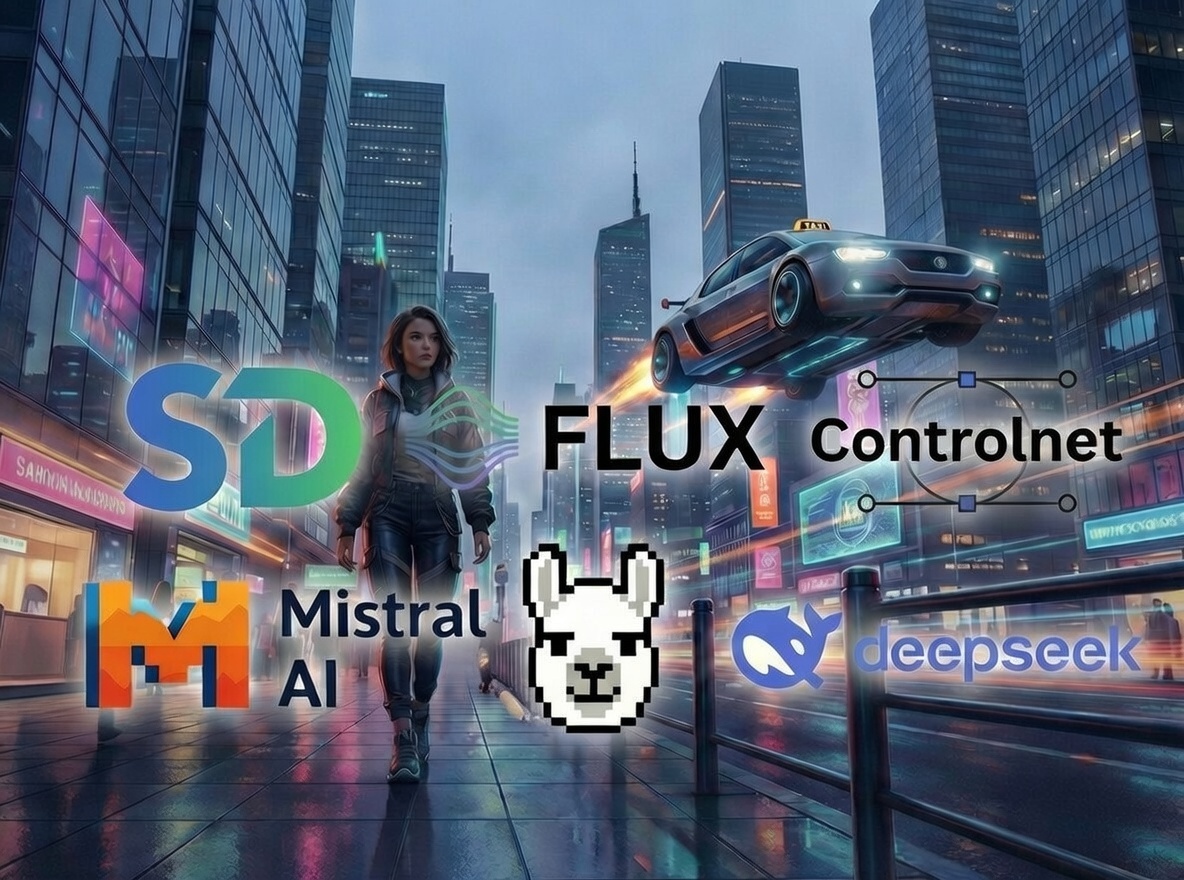
Shadow PC unlocks the power of generative AI, accessible from any device. Quickly and freely use models:
- SDXL (Stable Diffusion XL) – High-fidelity images
- FLUX – Ultra-fast next-generation generation
- ControlNet – Precise control of poses and structures
- LLaMA, Gemma, Qwen, DeepSeek, Phi, Mistral – up to 32B
Why Shadow PC is perfect for Generative AI
Shadow PC is the ideal partner for local AI, offering cloud power with a local experience. With configurations like Neo Pro or Power Pro, equipped with NVIDIA RTX GPUs, compatible with CUDA and Tensorflow, you can comfortably run models like LLAMA, Gemma or DeepSeek. Unlike restricted online services, you enjoy complete installation freedom with no monitoring of your prompts, ensuring a private and secure environment.



From Neo Pro to Expert, Shadow PC offers several configurations tailored to your AI needs. 100% of Shadow plans are compatible with the most popular models, as well as CUDA, Tensorflow, and popular LLM management tools like Invoke, Pinokio, or LM Studio.
-
NVIDIA® RTX 2000 ADA 16 GB (Karte vom Typ Geforce RTX 4060)
-
AMD EPYC 9354P 8 vCores - 3.25 GHz
-
16 GB RAM
-
C:\ 1 TB SSD
-
D:\ Bis zu 5 TB HDD als Option verfügbar
-
Windows 11 Home/Enterprise*
-
Bis zu 1 Gb/s an Bandbreite
-
NVIDIA® RTX™ A4500 20 GB (Karte vom Typ Geforce RTX 3070 Ti)
-
AMD EPYC™ 7543P 8 vCores (bis 3.7 GHz)
-
28 GB RAM
-
C:\ 1 TB SSD
-
D:\ Bis zu 5 TB HDD als Option verfügbar
-
Windows 11 Home/Enterprise*
-
Bis zu 1 Gb/s an Bandbreite
-
NVIDIA® Quadro RTX 6000 24 GB
-
Intel Xeon™ 12 vCores (bis 4,5 Ghz)
-
41 GB RAM
-
C:\ 1 TB SSD
-
D:\ Bis zu 5 TB HDD als Option verfügbar
-
Windows 11 Home/Enterprise*
-
Bis zu 1 Gb/s an Bandbreite
Unlock the power of AI in one click
Generate, experiment and control your models as if locally, but with the power of the cloud. Install on your Shadow PC a suite of AI-powered image, text, and video generation tools, designed for both novice users and advanced creators. \n\nWe recommend 3 tools to get started:
LM Studio is the recommended tool to install and use text models like LLAMA, Gemma or DeepSeek. It enables local execution on Shadow PC, ensuring complete privacy: no prompt is observed or stored on the servers.
Invoke AI is an image generation suite designed for both beginners and creators. Installed on Shadow PC, it offers precise control and lets you leverage models like SDXL or FLUX with cloud power locally.

Pinokio is a specialized browser that automates the installation and launch of complex AI applications. In one click, it configures the required technical environments on your Shadow PC, making cutting-edge tools accessible without any special knowledge in programming or command line.
The best AI models to install
Shadow PC can comfortably run models up to 32B thanks to its NVIDIA RTX GPUs with 16 to 24GB of VRAM.

(Generation / editing / control)
Stable Diffusion 1.5/2.1/XL
Flux
Playground
Kolors
ControlNet

(Compatible via ComfyUI + extensions)
Hotshot
AnimateDiff
CogVideoX
OpenSora
ModelScope Video

(LLMs Compatible via LM Studio)
LLaMA (Meta)
Mistral
DeepSeek
Gemma
Orca
GDPR compliant
We process data in compliance with EU GDPR, with data minimization.
Your content is never used by Shadow to train models.
We do not have access to your prompts. No history is stored on our end.
Your usage stays within your Shadow PC just like on a local machine.
Shadow PC provides a cloud-based PC accessible from any device, specifically designed to unlock the power of generative AI. This solution allows you to execute, experiment with, and control models as if they were running locally, without the need to invest in expensive hardware.
With substantial VRAM (minimum 16 GB), Shadow PC comfortably runs models up to 32B parameters.
-
Images: Stable Diffusion (1.5, 2.1, XL), FLUX, ControlNet, Playground, Kolors.
-
Text (LLM): LLaMA, Mistral, Gemma, DeepSeek, Qwen, Phi.
-
Video: Hotshot, AnimateDiff, CogVideoX, OpenSora (compatible via ComfyUI).
While you have the total freedom to install any tools you choose, Shadow recommends two specific applications to get you started:
InvokeAI: For high-end image generation.
LM Studio: To run text models on your PC or Mac via the Shadow environment.
Are my data used to train AI models? In short: No. Shadow guarantees a private, 100% GDPR-compliant environment.
-
Zero Training: Your content is never used by Shadow for training purposes.
-
No Prompt Logging: Shadow does not have access to your prompts and stores no history.
-
Local Execution: Everything happens strictly within your private Shadow PC instance.