- Shadow Blog
- Play on Mac
- How do I play Life is Strange: Reunion on Mac with the graphics set to maximum?
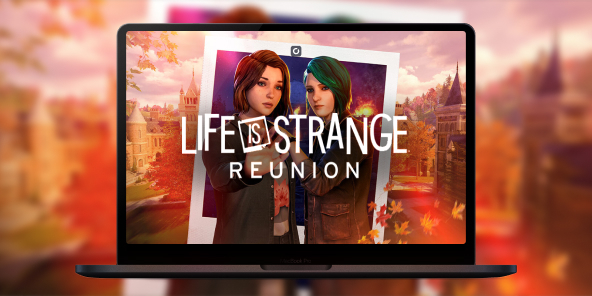
How do I play Life is Strange: Reunion on Mac with the graphics set to maximum?
Life is Strange: Reunion marks the triumphant return of Max and Chloe in a deeply moving narrative adventure. Built using Unreal Engine 5, the game is a visual masterpiece, but it doesn't offer a native version for macOS and requires phenomenal graphics power to run at its best. Don’t compromise on the emotional impact: with Shadow PC, turn your Mac into a powerhouse capable of running the game at its “Hella High” settings. Dive into the story of Caledon University with perfect fluidity, without worrying about the limitations of your Apple hardware.
Unlock "Hella High" mode (Ultra 4K) directly on your Mac
In the game’s official settings, the "Hella High" preset delivers the ultimate 2160p experience. Shadow PC brings that power to your MacBook or iMac through the cloud. It’s a full Windows gaming PC hosted in the cloud, letting you enable Lumen lighting and high resolution textures with no compromises.
AMD EPYC CPU, 8 cores (3.25 GHz); 16 GB RAM; NVIDIA RTX 2000 Ada GPU, 16 GB (GeForce RTX 4060-class GPU); 512 GB SSD
AMD EPYC CPU, 8 cores (up to 3.7 GHz); 28 GB RAM; NVIDIA RTX A4500 GPU, 20 GB (GeForce RTX 3070 Ti–class GPU); 512 GB SSD
The most ambitious narrative experience in the series
Life is Strange: Reunion pushes Unreal Engine 5 to its limits for total immersion. Experience every emotional moment without compromise thanks to cloud gaming power.

Reunite with Max Caulfield and Chloe Price, brought to life by their original voice actors, in a sequel that blends the timelines of Double Exposure.

Explore Caledon University, a stunning location threatened by an act of arson set to destroy everything in just three days.

Investigate the source of the disaster and decide who will survive; every decision shapes one of the multiple endings in this emotional finale.
Unreal Engine 5: stunning visuals without the slowdown
The game uses technologies like Lumen lighting to create a unique atmosphere, but these effects can cause major FPS drops on many setups. Shadow PC removes that barrier by handling the full processing load on its high performance servers. Your Mac receives a flawless high resolution video stream, so you can enjoy every detail of the "Photo Wall" with no latency.

Tutorial: play Life is Strange: Reunion with cloud gaming in 3 steps
Whether you’re on Mac with no native macOS version, on Linux, or using an older computer, Shadow gives you access in just a few clicks to a powerful gaming PC so you can enjoy your favorite games with max graphics settings.

Go to shadow.tech and choose the PC configuration that matches your performance needs.

Install the Shadow client on your Mac, or sign in directly from your web browser via pc.shadow.tech

Launch your Shadow PC and install Life is Strange: Reunion. That’s it. All that’s left is to play in Ultra settings.
Your gaming PC, whenever you want, wherever you are
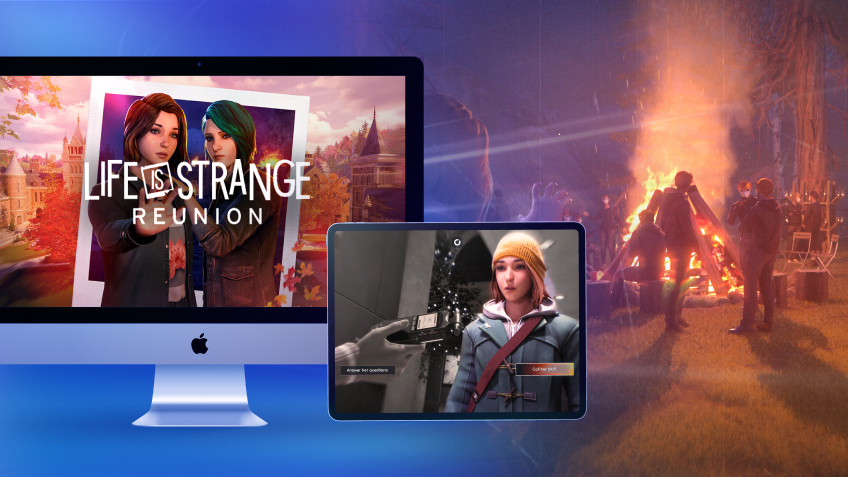
Sign in to your Shadow PC and play Life is Strange: Reunion along with all your favorite games on any Apple device, including iPhone and Apple TV, or directly from your web browser. Shadow’s cloud gaming technology turns your Mac into a powerful gaming PC you can access from anywhere.

FAQ
Shadow is a complete Windows gaming PC fully hosted in the cloud. It’s the only virtual machine whose performance rivals that of a local PC. And unlike cloud-gaming services, you can install and run any game, app, or software: there’s no restricted catalog.
Your Shadow is a true professional Windows workstation. Install everything you need*: Adobe Suite, CAD tools, development IDEs, etc.
Yes, both the Shadow app and the browser version work on most recent versions of macOS and computers.
For each device of your choosing, you can download the Shadow PC software client for free; in particular, this will allow you to test the browsing quality and adjust your video quality settings to the highest resolution, such as 4k. When you need to quickly access your environment and files via a new device or a workstation that's limited in terms of software installation, you can now directly access your Shadow PC via a browser. No installation required, it's quick and easy: Just head to the pc.shadow.tech web page! This access mode comes particularly in handy when you're giving a client a demo or delivering training via a demanding software directly on your clients or prospects' device: No need to lug around your own hardware, with your software and data, as Shadow PC gives you easy and instant access to it, at any tie and anywhere.
Yes, with Shadow you get 1 Gb/s download speeds to your Shadow PC, even if your local internet connection is slow.
In short: no. We provide enough power to meet your needs based on your chosen plan. Regarding latency, our advanced technology enables smooth usage even at low bandwidth (starting at 15 Mb/s), delivering virtually imperceptible latency. Of course, compression can impact image quality, and if your connection is too weak, you may notice a difference compared to the original image.
Yes, Shadow does not limit the resolution, allowing you to run Windows, your games, and software in 4K UHD. Please note that some games may not support 4K or may experience reduced performance at this resolution. Additionally, higher resolutions require more bandwidth, meaning you'll need a faster and more stable internet connection compared to lower resolutions.
Yes, you can activate a second screen directly on the Quick Menu.