How can I make the most of RTX in Crimson Desert?
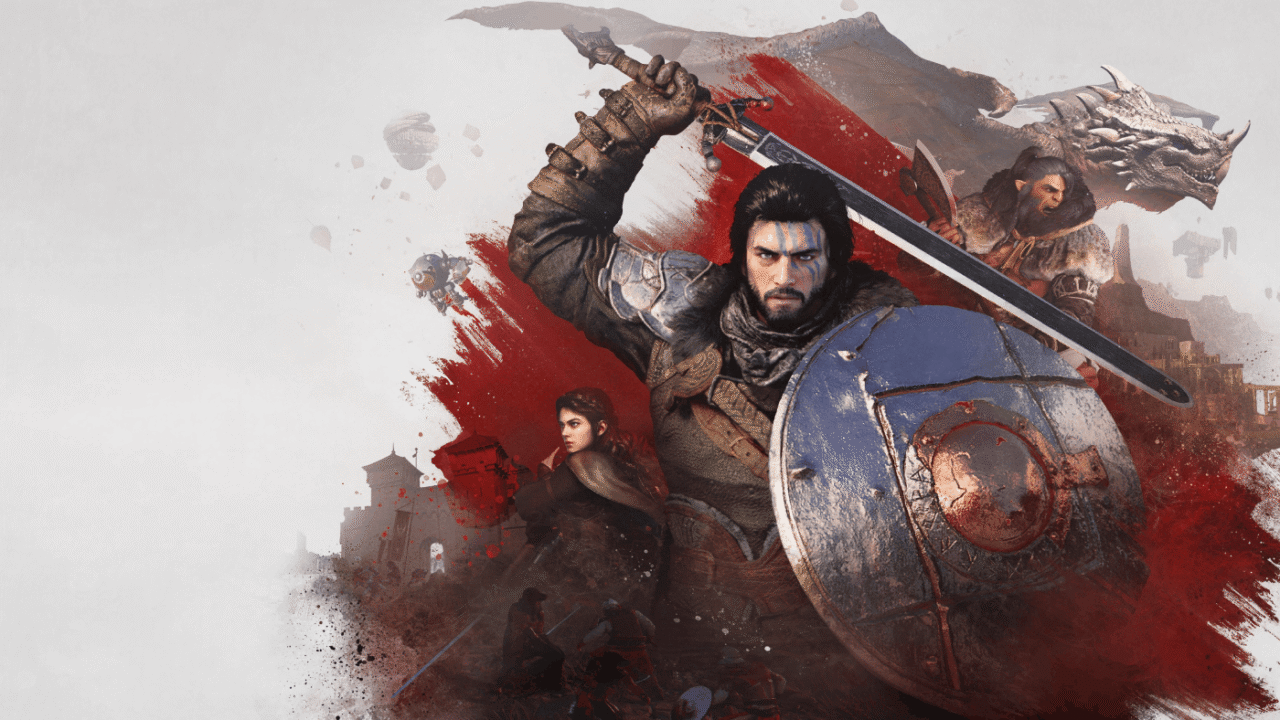
Thanks to its new graphics engine (BlackSpace Engine), Crimson Desert impresses with its level of realism. As a result, ray tracing is enabled by default, making the game very demanding for older machines or those that aren’t RTX-compatible. Shadow PC gives you access to a fully-fledged Windows gaming PC hosted in the cloud. Find out how to get the most out of Crimson Desert in RTX at maximum quality, without investing in a new graphics card!
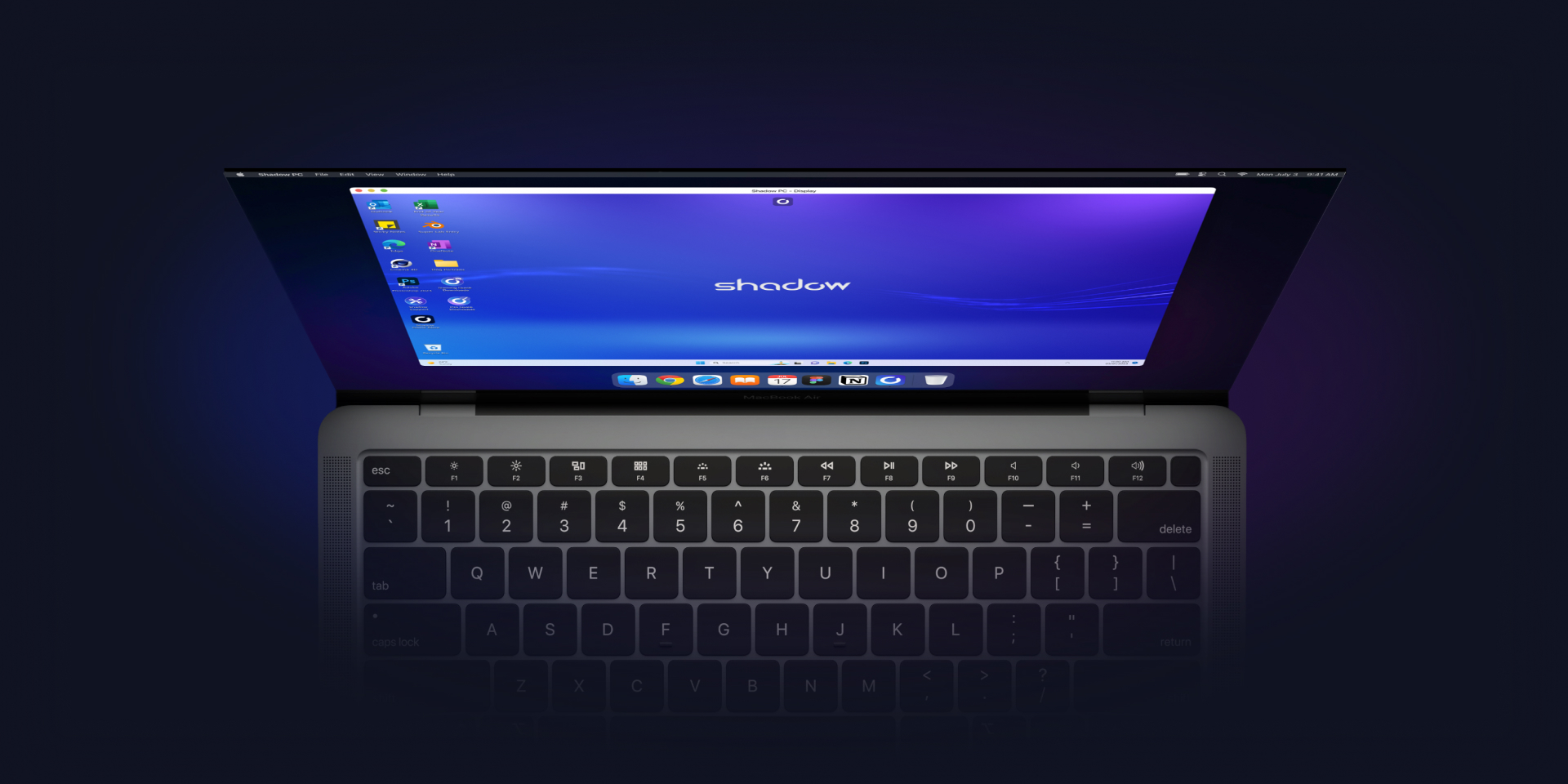
Play Crimson Desert in RTX with Shadow PC
Crimson Desert enables RTX by default, which significantly enhances the game’s graphics quality.
However, this results in a significantly reduced frame rate for graphics cards that do not support ray tracing. Rather than buying an overpriced graphics card, Shadow PC gives you remote access to a fully-fledged gaming PC in the cloud, with full RTX compatibility!
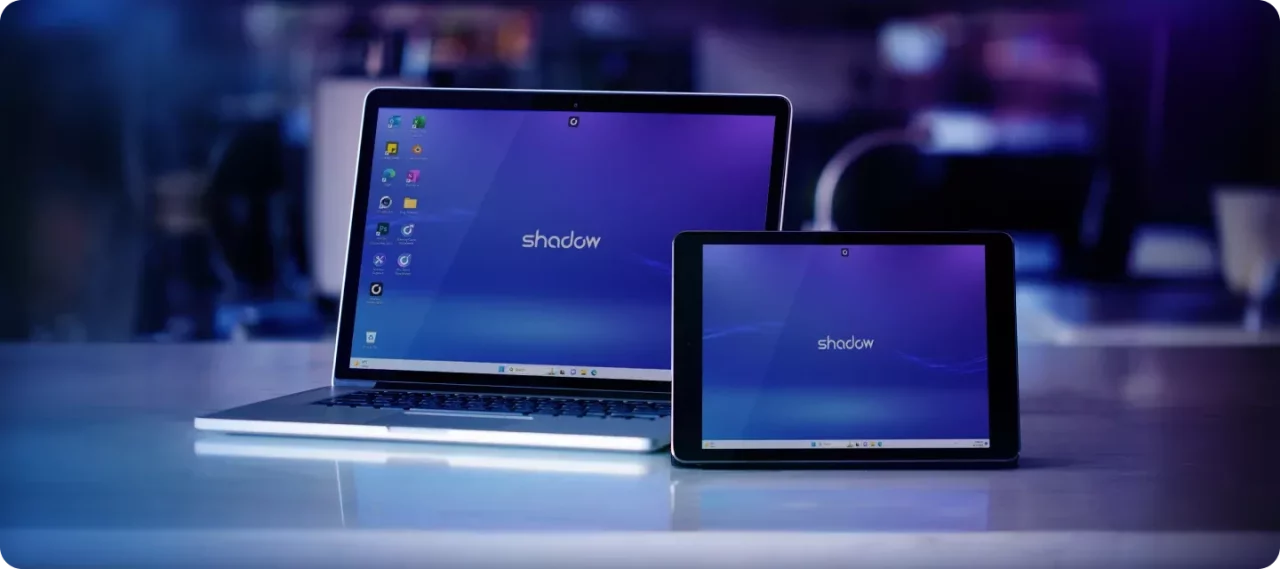
With Shadow PC, play Crimson Desert in RTX and Ultra settings from any computer or device (TV, smartphone, tablet, etc.)!
CPU AMD EPYC de 8 núcleos (3,25 GHz); 16 GB de RAM; GPU NVIDIA RTX 2000 Ada de 16 GB (GPU de clase GeForce RTX 4060); SSD de 512 GB
CPU AMD EPYC de 8 núcleos (hasta 3,7 GHz); 28 GB de RAM; GPU NVIDIA RTX A4500 de 20 GB (GPU de clase GeForce RTX 3070 Ti); SSD de 512 GB

Crimson Desert: Ray tracing throughout
Built on its own graphics engine, Crimson Desert is one of the most ambitious titles of recent years in terms of graphics and rendering. Making extensive use of ray tracing and physics simulation calculations, Crimson Desert requires a GPU with hardware-accelerated ray tracing to be fully enjoyed. The good news is that all Shadow models are RTX-compatible!
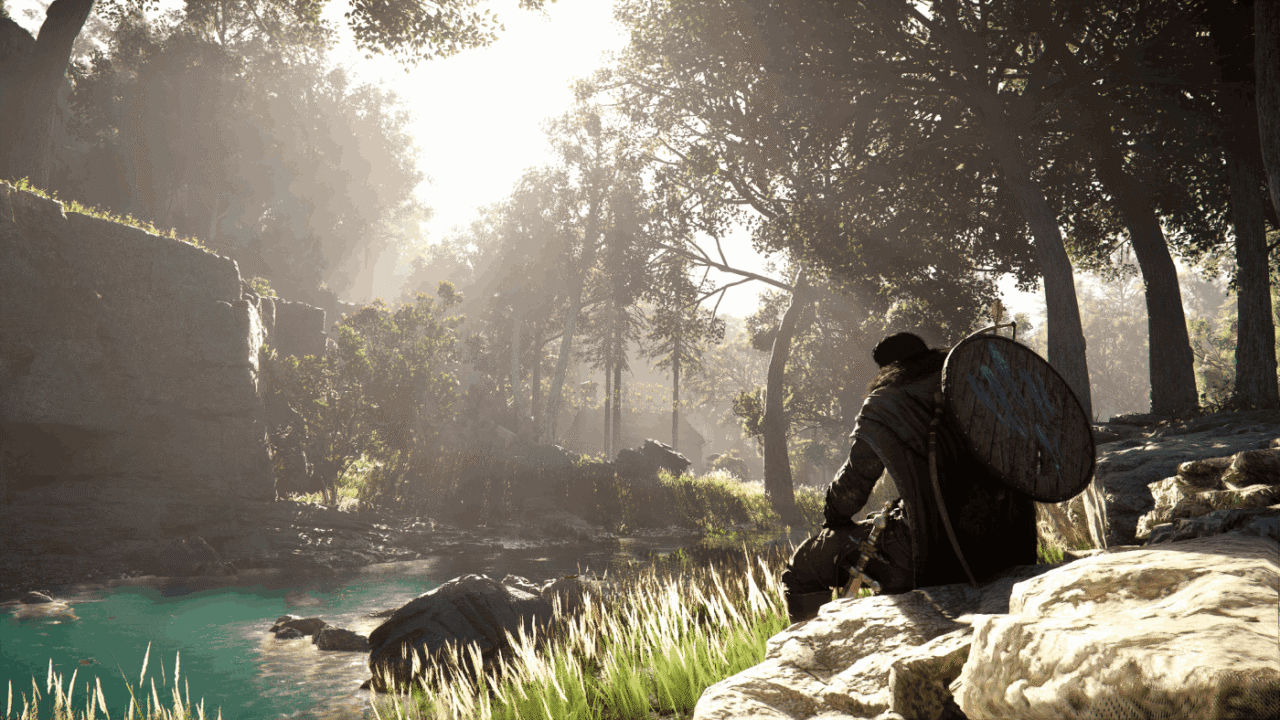
Immersion is a key concept in Crimson Desert. To enhance this, the game makes extensive use of ray-tracing techniques, delivering hyper-realistic lighting effects that bring the environments the player explores to life.
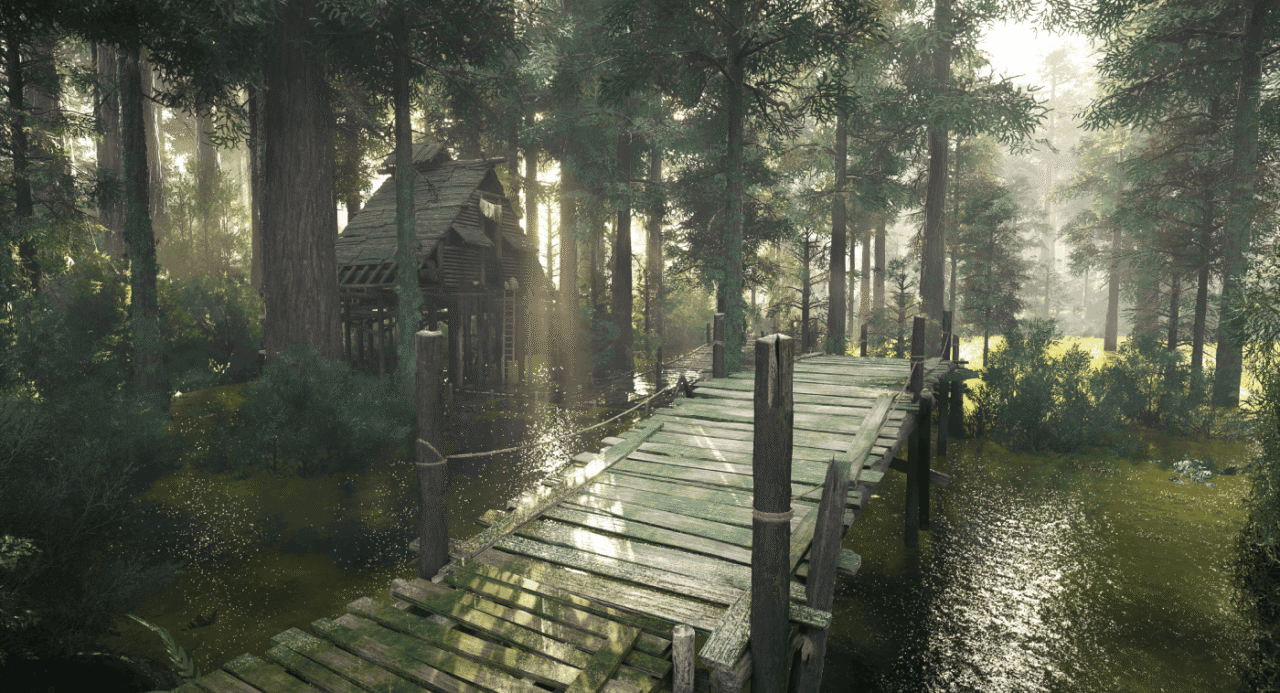
Another standout achievement by the developers at Pearl Abyss is the behaviour of the water. Using cutting-edge physical simulation models, they have managed to make the water’s behaviour physically accurate, taking immersion to new heights.
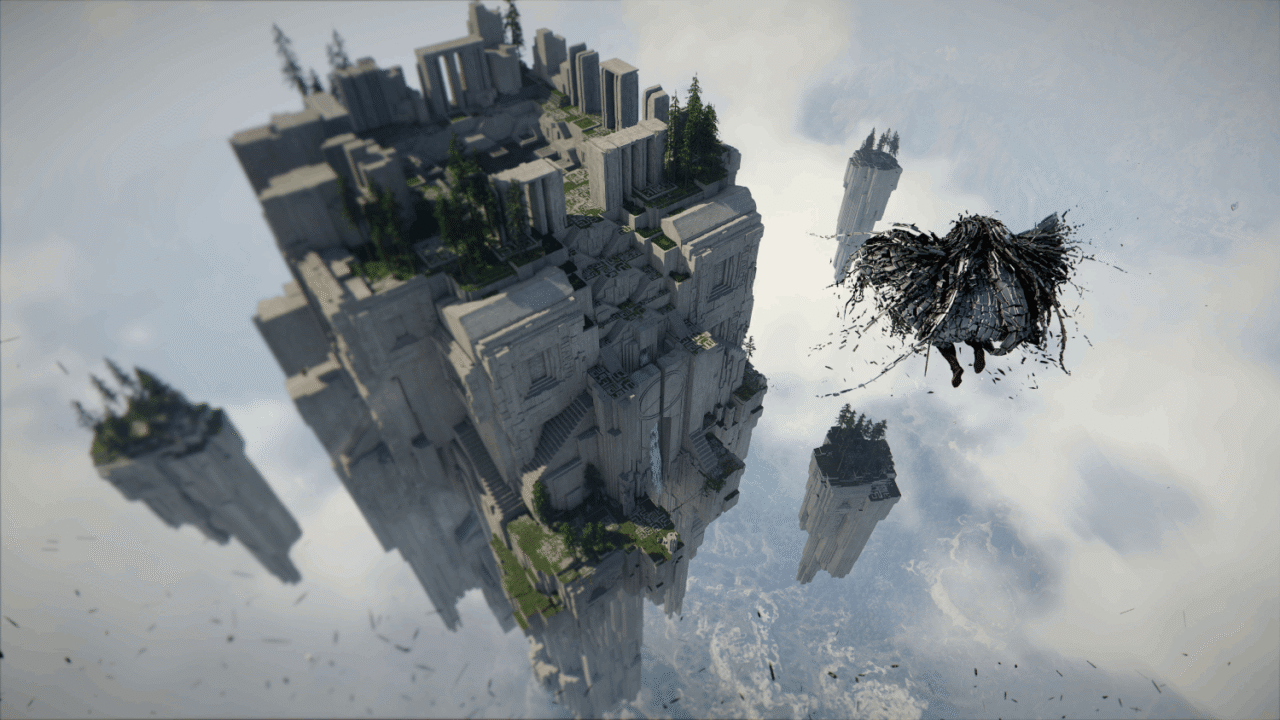
By continuing to leverage GPU acceleration, Crimson Desert offers – despite the sheer size of its map – a depth of field never seen before. As a result, you can observe your surroundings in detail from a bird’s-eye view, in a natural and realistic way.
BlackSpace Engine: pushing the boundaries of RTX
Crimson Desert impresses with its stunning graphics: mountains, cities, mists and coastlines look more realistic than ever thanks to the BlackSpace Engine. Its extensive use of ray tracing lends authenticity to the lighting effects, enhances immersion and creates an almost organic rendering of the day-night cycle: with Crimson Desert, Pearl Abyss is pushing the boundaries of graphics rendering and RTX effects!
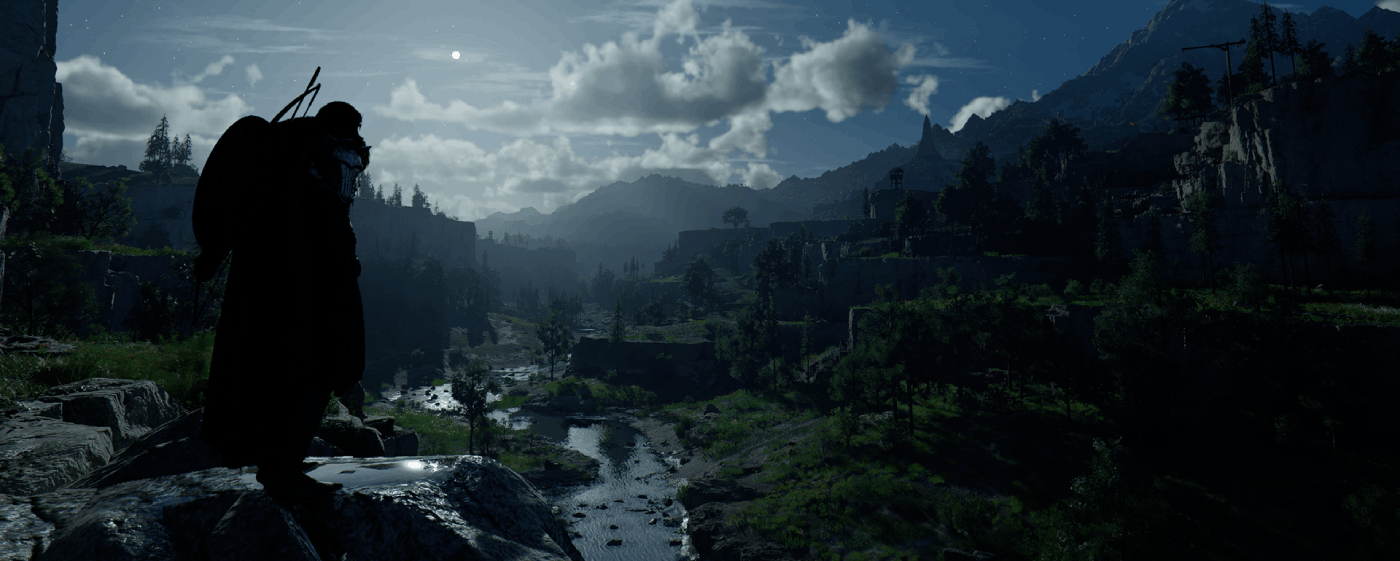
Tutorial: Play Crimson Desert via cloud gaming in 3 steps
Want to explore the vastness of the continent of Pywel? Here's how to play Crimson Desert via cloud gaming on any device: PC, Mac, smartphone, or tablet:


Install the Shadow client on your Mac, or log in directly from your web browser via pc.shadow.tech.

Start up your Shadow PC and install Crimson Desert. That's it! Now you're ready to play in Ultra mode!

FAQ
Shadow es un completo PC para juegos con Windows alojado íntegramente en la nube. Es la única máquina virtual cuyo rendimiento rivaliza con el de un PC local. Y, a diferencia de los servicios de juegos en la nube, puedes instalar y ejecutar cualquier juego, aplicación o software: no hay catálogo restringido.
Tu Shadow es una auténtica estación de trabajo profesional con Windows. Instala todo lo que necesites*: Adobe Suite, herramientas CAD, entornos de desarrollo, etc.
Sí, tanto la aplicación Shadow como la versión para navegador funcionan en la mayoría de las versiones recientes de macOS y en ordenadores compatibles.
Para cada terminal que elija, podrá descargar de forma gratuita el software cliente Shadow PC; entre otras cosas, podrá poner a prueba la calidad de la navegación o ajustar los parámetros de la calidad de vídeo, para llegar incluso a la más alta resolución, como el 4K. Cuando precise acceder de forma rápida desde un nuevo terminal o estación de trabajo con restricciones para la instalación de software, ahora podrá disfrutar de un acceso directo a su PC Shadow desde un explorador. Sin necesidad de realizar instalación alguna, resulta rápido y sencillo: solo tiene que visitar la página pc.shadow.tech. Este modo de acceso resulta muy práctico para fines de demostración o formación sobre su contenido, a través de un programa de software exigente directamente desde la estación de trabajo de sus clientes y clientes potenciales: no hay necesidad de transportar el terminal, el software y los datos, accede a ellos con total facilidad.
Sí, cuando usas Shadow, obtienes una velocidad de descarga de hasta 1 Gb/s, incluso si tu conexión en casa es más lenta.
En resumen: no. Proporcionamos potencia suficiente para satisfacer sus necesidades según la oferta elegida. En cuanto a la latencia, nuestra tecnología avanzada permite utilizar una conexión con poco ancho de banda (a partir de 15 Mb/s) ofreciendo una latencia prácticamente imperceptible. Por supuesto, la compresión puede afectar la calidad de imagen, y si su conexión es demasiado lenta, podrá notar la diferencia respecto a la imagen original.
Sí, Shadow no limita la resolución y permite ejecutar Windows, sus juegos y programas en 4K UHD. Tenga en cuenta que algunos juegos podrían no admitir 4K o podrían tener un rendimiento inferior con esta resolución. Además, una resolución así requiere mayor ancho de banda, por lo que necesitará una conexión a Internet más rápida y estable que con resoluciones más bajas.
Sí, puede activar una segunda pantalla directamente desde el Menú Rápido de su PC Shadow.