How to play Dead by Daylight on Mac?
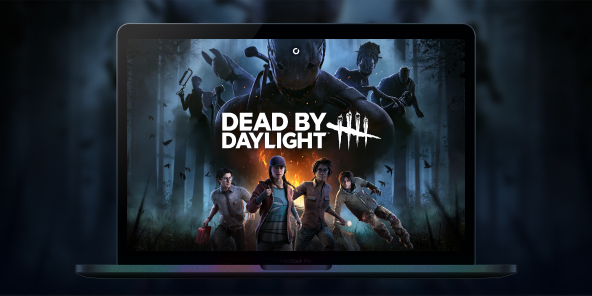
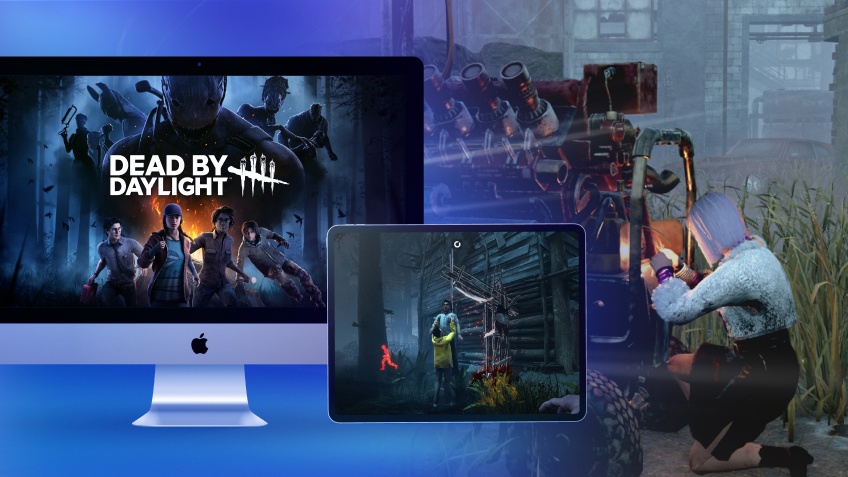
Dead by Daylight is the benchmark for asymmetrical horror: one Killer versus four Survivors, with intense matches where every decision matters. Since 2016, the game has built a worldwide fanbase, with build guides and iconic crossovers, and a meta that evolves with each update. To play Dead by Daylight on Mac, Shadow PC gives you the same experience as on Windows: install the game via Steam/Epic, access your account, enjoy cross-play, and play on macOS just like on a local PC.

Play Dead by Daylight on your Mac with Shadow PC
Shadow PC gives you the power of a Windows gaming PC… from the cloud. Open the app on your Mac, install Dead by Daylight via Steam or Epic, and jump straight into private or ranked matches no disk partitioning, no dual boot. Perfect for multiplayer: day one updates, in game cross play, voice chat, and Discord.
AMD EPYC CPU, 8 cores (3.25 GHz); 16 GB RAM; NVIDIA RTX 2000 Ada GPU, 16 GB (GeForce RTX 4060–class GPU); 512 GB SSD
AMD EPYC CPU, 8 cores (up to 3.7 GHz); 28 GB RAM; NVIDIA RTX A4500 GPU, 20 GB (GeForce RTX 3070 Ti–class GPU); 512 GB SSD
Dead by Daylight: where horror meets strategy
In every multiplayer match, one player takes on the role of the hunter while four others try to survive and escape. There’s no linear campaign: the appeal lies in fast paced matches, character progression, and a world that evolves with each update.
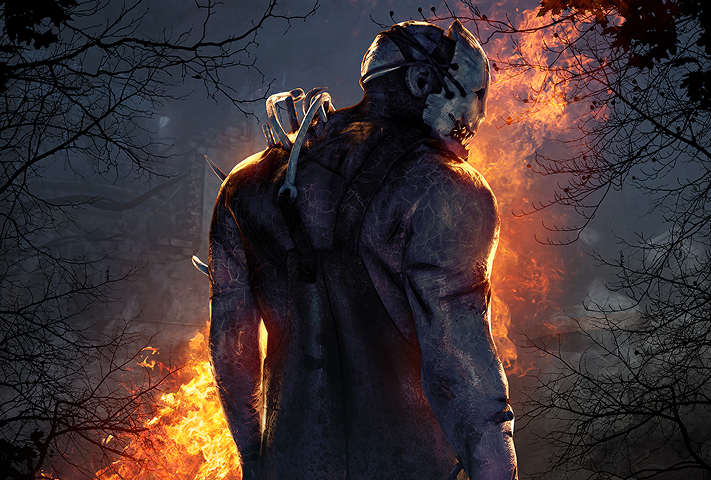
One player takes on the role of a Killer with a unique power (originals and licensed characters), while four others cooperate as Survivors with complementary perks to repair generators and escape.
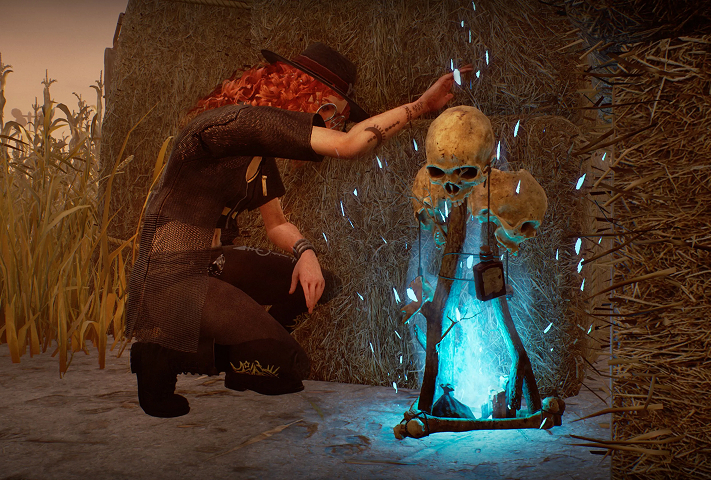
Trials take place on themed maps shaped by the Entity, featuring totems, fog, and environmental elements that influence every chase.
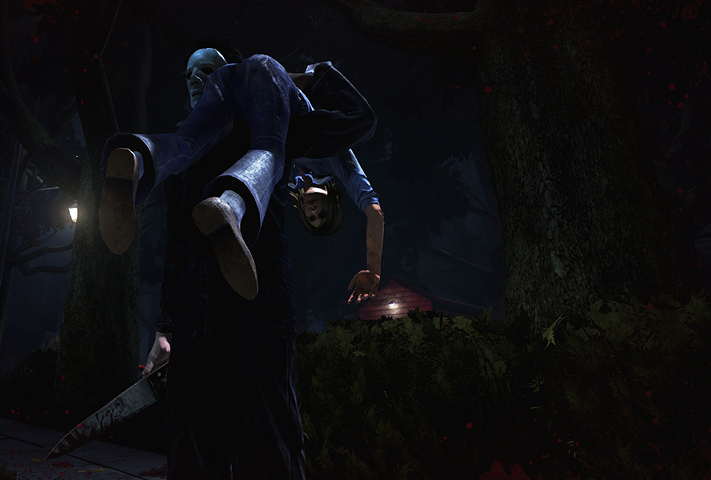
Chases are everything: mind games, pallets and windows, and managing the red stain. Perks, items, and generator pressure can turn a match around in seconds.
Licensed chapter adding Rick Grimes and Michonne as Survivors (with a legendary Daryl Dixon outfit) plus team-oriented, leadership-style perks playable on Mac via Shadow PC (Windows version). Release set/confirmed for July 29, 2025.
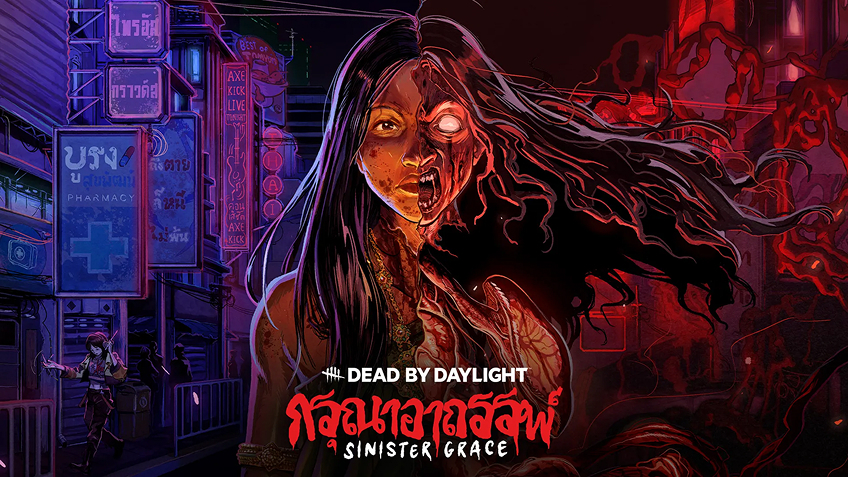
Original chapter inspired by Thai folklore. A metamorphic hunt with new Killer The Krasue and new Survivor Vee Boonyasak playable on Mac via Shadow PC.

FNaF chapter introducing Springtrap as Killer, with security-room vibes doors, cameras, and tactical control, playable on Mac via Shadow PC.


Cross-play on Mac, powered by Shadow PC
Dead by Daylight supports cross-play across PC and consoles. With Shadow PC, your Mac runs the official Windows version, so you queue in the same cross-platform pool, keep your account, and play with friends wherever they are.

Turn your Mac or iPhone into a gaming PC in just a few clicks!
Whether you're on a Mac (with few games compatible with macOS), a Linux machine (where Windows emulation hurts performance), or an older PC (or one with an underpowered graphics card), Shadow gives you access in just a few clicks to a powerful gaming PC to install all your favorite games*!

Choose the plan that best fits your needs.


Launch Shadow, install Anno 117: Pax Romana, and start playing. It’s that simple!
Your gaming PC, anytime, anywhere
Connect to your high-performance Shadow PC and play Dead by Daylight along with all your favorite titles on any device**, whether it’s an iPhone, iPad, mobile tablet, Windows or Linux computer, Meta Quest, or just your web browser. Benefit from a smooth, dependable, and ultimate cloud gaming service wherever you go, and elevate your gaming sessions with the unmatched power of Shadow PC

FAQ
Shadow is a complete Windows gaming PC fully hosted in the cloud. It’s the only virtual machine whose performance rivals that of a local PC. And unlike cloud-gaming services, you can install and run any game, app, or software: there’s no restricted catalog.
Your Shadow is a true professional Windows workstation. Install everything you need*: Adobe Suite, CAD tools, development IDEs, etc.
Yes, both the Shadow app and the browser version work on most recent versions of macOS and computers.
For each device of your choosing, you can download the Shadow PC software client for free; in particular, this will allow you to test the browsing quality and adjust your video quality settings to the highest resolution, such as 4k. When you need to quickly access your environment and files via a new device or a workstation that's limited in terms of software installation, you can now directly access your Shadow PC via a browser. No installation required, it's quick and easy: Just head to the pc.shadow.tech web page! This access mode comes particularly in handy when you're giving a client a demo or delivering training via a demanding software directly on your clients or prospects' device: No need to lug around your own hardware, with your software and data, as Shadow PC gives you easy and instant access to it, at any tie and anywhere.
Yes, with Shadow you get 1 Gb/s download speeds to your Shadow PC, even if your local internet connection is slow.
In short: no. We provide enough power to meet your needs based on your chosen plan. Regarding latency, our advanced technology enables smooth usage even at low bandwidth (starting at 15 Mb/s), delivering virtually imperceptible latency. Of course, compression can impact image quality, and if your connection is too weak, you may notice a difference compared to the original image.
Yes, Shadow does not limit the resolution, allowing you to run Windows, your games, and software in 4K UHD. Please note that some games may not support 4K or may experience reduced performance at this resolution. Additionally, higher resolutions require more bandwidth, meaning you'll need a faster and more stable internet connection compared to lower resolutions.
Yes, you can activate a second screen directly on the Quick Menu.