How to play Death Stranding: On the Beach on Mac?
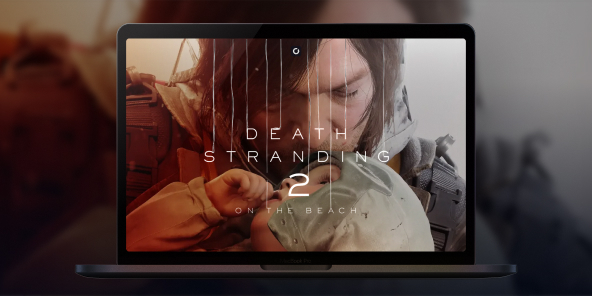
Death Stranding 2: On the Beach is undoubtedly one of the most spectacular releases of early 2026, but unfortunately, no native macOS version has been announced yet. Are you dying to resume deliveries with Sam Porter Bridges on your MacBook? With Shadow PC, you can play Death Stranding 2 on any Mac right now! Enjoy all the power of a high-end gaming PC right in your browser or via the Shadow app.
Play Death Stranding 2 on Mac with Shadow PC
Shadow PC is a high-end Windows gaming PC in the cloud, instantly accessible from any Mac, including Intel models unsupported by native macOS versions. Buy Death Stranding 2 on Steam, install it on your Shadow, and play without worrying about your Mac’s hardware. Max settings, zero limits.
AMD EPYC CPU, 8 cores (3.25 GHz); 16 GB RAM; NVIDIA RTX 2000 Ada GPU, 16 GB (GeForce RTX 4060-class GPU); 512 GB SSD
AMD EPYC CPU, 8 cores (up to 3.7 GHz); 28 GB RAM; NVIDIA RTX A4500 GPU, 20 GB (GeForce RTX 3070 Ti–class GPU); 512 GB SSD
Your journey starts on Mac
Death Stranding 2 unfolds through tension, distance, and the unknown. The game takes its time, then suddenly pushes you to adapt, survive, and keep moving forward.

Norman Reedus returns as Sam in a standalone sequel set eleven months after the first game. This time, the journey expands beyond America, opening new routes to Australia, with story elements also involving Mexico.
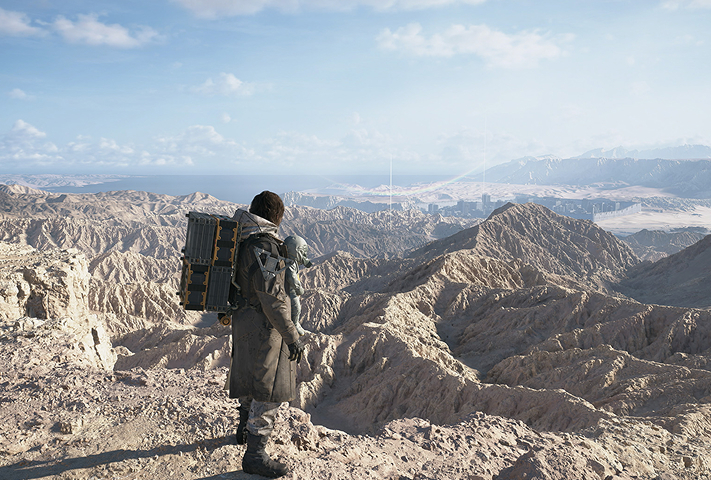
Day and night cycles, dynamic weather, Timefall, earthquakes, sandstorms, and wildfires turn every delivery into a real survival challenge. The world doesn’t just look impressive, it actively works against you.
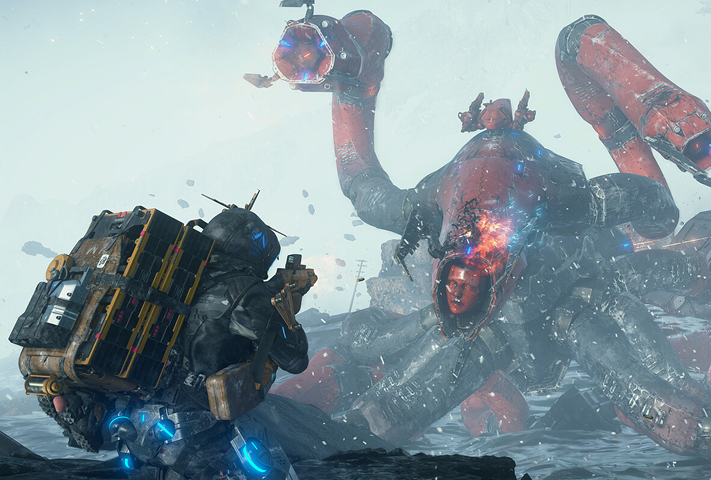
Face enemies head-on, avoid them, infiltrate areas, or customize Sam with APAS upgrades. Shape your own playstyle, balancing stealth, mobility, and combat.
Reconnect Australia and Mexico with Shadow
Death Stranding 2: On the Beach isn’t built around real-time co-op. Its Social Strand System works asynchronously: roads, structures, paths, and player-created elements appear as areas get connected. On PC, this system is even more powerful, as PS5 and PC players share the same servers. Important note: save transfers between PS5 and PC are not supported. With Shadow PC on Mac, you get full access to the PC version, with the same connected world.
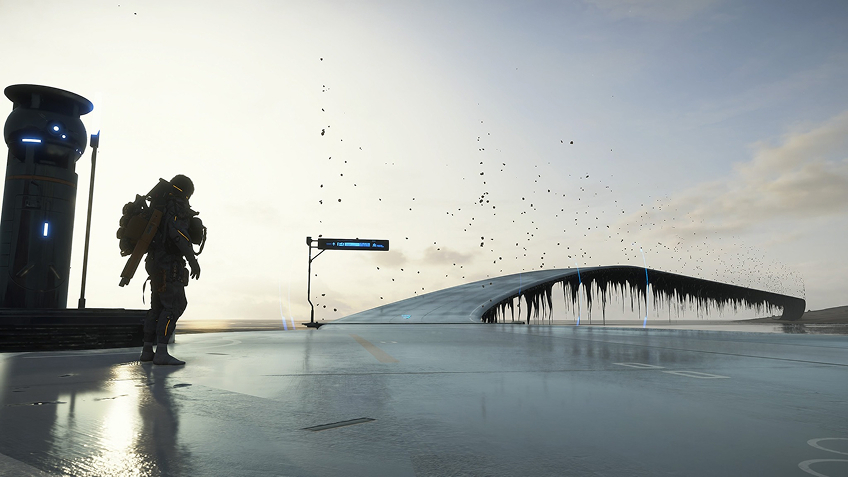
Tutorial: Play Death Stranding 2 with cloud gaming in 3 steps
Whether you’re on Mac (with limited macOS-compatible games), on Linux (where Windows emulation impacts performance), or using an older PC (with a low-end GPU), Shadow gives you instant access to a powerful gaming PC to run all your favorite games*.


Install the Shadow app on your Mac, or connect instantly from your browser via pc.shadow.tech

Launch your Shadow PC, install Death Stranding 2, and you’re ready to go. Enjoy the game in Ultra settings.
Your gaming PC, anytime, anywhere
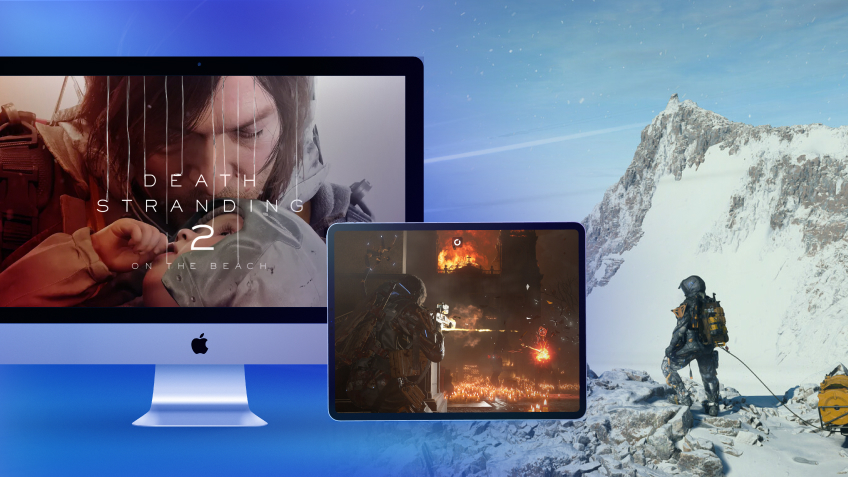
Access your Shadow PC and play Death Stranding 2, along with all your favorite games*, on any Apple device (including iPhone or Apple TV), or directly from your browser. Shadow’s cloud gaming technology turns your Mac into a high-performance gaming PC, available wherever you are.

FAQ
Shadow is a complete Windows gaming PC fully hosted in the cloud. It’s the only virtual machine whose performance rivals that of a local PC. And unlike cloud-gaming services, you can install and run any game, app, or software: there’s no restricted catalog.
Your Shadow is a true professional Windows workstation. Install everything you need*: Adobe Suite, CAD tools, development IDEs, etc.
Yes, both the Shadow app and the browser version work on most recent versions of macOS and computers.
For each device of your choosing, you can download the Shadow PC software client for free; in particular, this will allow you to test the browsing quality and adjust your video quality settings to the highest resolution, such as 4k. When you need to quickly access your environment and files via a new device or a workstation that's limited in terms of software installation, you can now directly access your Shadow PC via a browser. No installation required, it's quick and easy: Just head to the pc.shadow.tech web page! This access mode comes particularly in handy when you're giving a client a demo or delivering training via a demanding software directly on your clients or prospects' device: No need to lug around your own hardware, with your software and data, as Shadow PC gives you easy and instant access to it, at any tie and anywhere.
Yes, with Shadow you get 1 Gb/s download speeds to your Shadow PC, even if your local internet connection is slow.
In short: no. We provide enough power to meet your needs based on your chosen plan. Regarding latency, our advanced technology enables smooth usage even at low bandwidth (starting at 15 Mb/s), delivering virtually imperceptible latency. Of course, compression can impact image quality, and if your connection is too weak, you may notice a difference compared to the original image.
Yes, Shadow does not limit the resolution, allowing you to run Windows, your games, and software in 4K UHD. Please note that some games may not support 4K or may experience reduced performance at this resolution. Additionally, higher resolutions require more bandwidth, meaning you'll need a faster and more stable internet connection compared to lower resolutions.
Yes, you can activate a second screen directly on the Quick Menu.