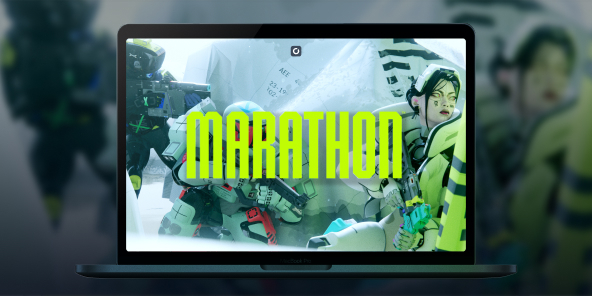
How to play Marathon on Mac?
There's something poetic here: Marathon, Bungie's very first franchise, was born as a Mac exclusive in 1994. In 2026, the series returns as a full-scale PvPvE extraction shooter, but without a native macOS version. With Shadow PC, you can play Marathon on any Mac or MacBook from day one, with the full power of a high-end Windows PC in the cloud. Drop into Tau Ceti IV, choose your Runner Shell, and fight your way to extraction, all from your Apple device.

Play Marathon on your Mac with Shadow PC
Shadow PC gives you a complete Windows gaming PC in the cloud, so you can install Marathon directly from Steam, just like any PC player. Whether you're coordinating a three-Runner squad through Dire Marsh or going solo as a Rook with nothing to lose, Shadow delivers the low latency and consistent frame rate that a competitive extraction shooter demands. No Windows machine required, not a single gigabyte used on your Mac.
AMD EPYC CPU, 8 Kerne (3,25 GHz); 16 GB RAM; NVIDIA RTX 2000 Ada GPU, 16 GB (GPU der GeForce RTX 4060-Klasse); 512 GB SSD
AMD EPYC CPU, 8 Kerne (bis zu 3,7 GHz); 28 GB RAM; NVIDIA RTX A4500 GPU, 20 GB (GPU der GeForce RTX 3070 Ti-Klasse); 512-GB-SSD
Marathon: the colony is lost. The loot is yours.
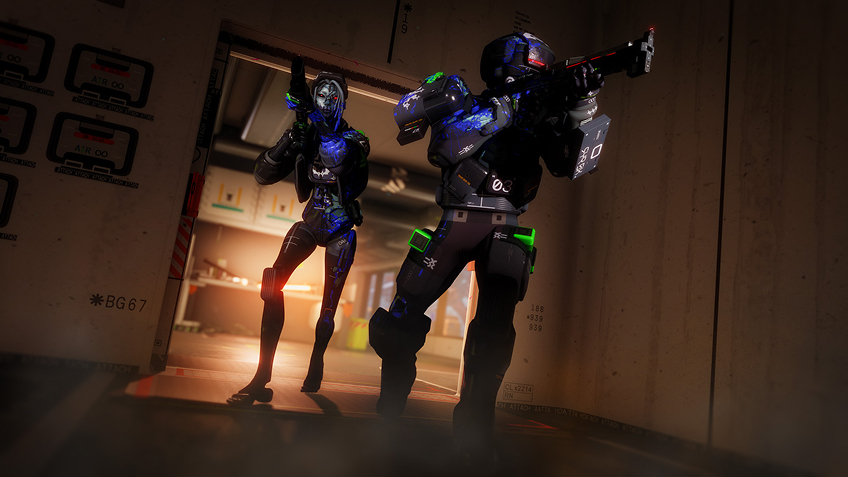
Set in 2893 on the abandoned colony of Tau Ceti IV, Marathon is a PvPvE extraction FPS from the creators of Halo and Destiny. Drop in, scavenge, fight rival crews and AI factions, then extract or lose everything.
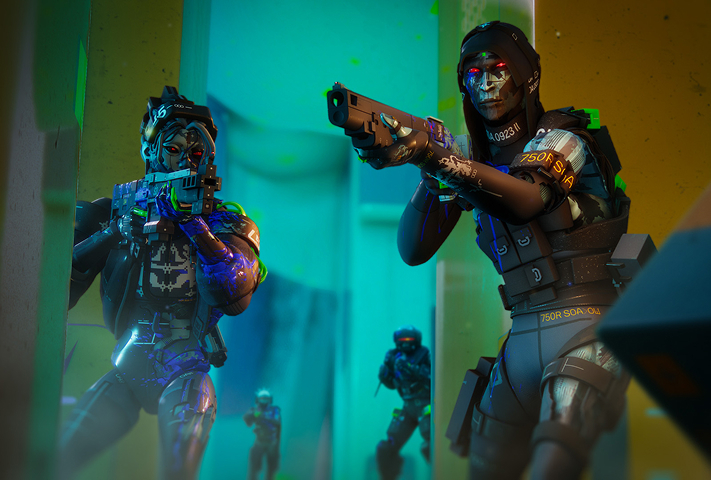
Pick from seven bio-synthetic mercenary classes at launch, Destroyer, Vandal, Assassin, Recon, Thief, Triage, or Rook, each with unique Prime and Tactical abilities. Layer in moddable weapons, body implants, and Core upgrades to build your exact playstyle.

Tau Ceti IV launches with three ground zones, Perimeter for beginners learning the basics, the hazard-filled Dire Marsh where a high-gear dropship mid-run draws every Runner in the area, and the brutally vertical Outpost where PvP encounters are near-unavoidable.
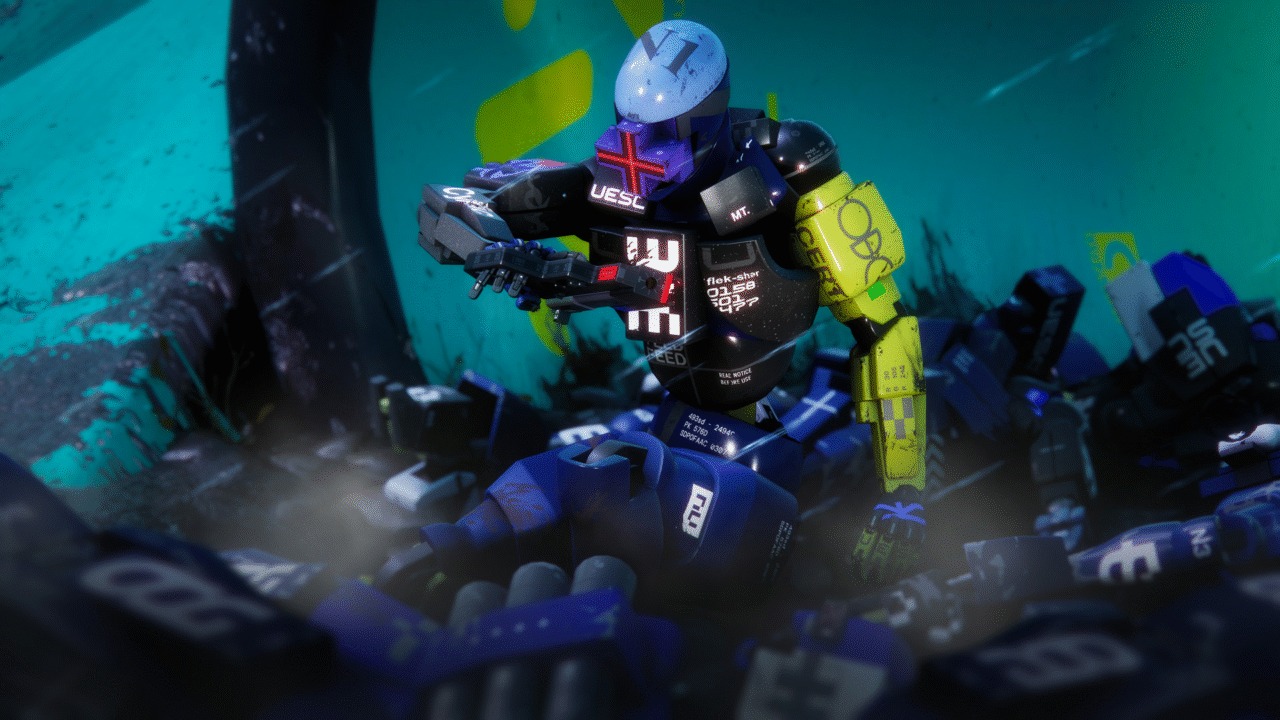
The Heat System replaces traditional stamina: sprinting, double-jumping, and sliding all generate heat, and overheating slows your Runner at the worst possible moment. Manage your movements, manage your contracts, manage your squad, and extract before someone else extracts you first.
Proximity Chat and live alliances directly on your Mac
Marathon's Proximity Chat system lets you negotiate real-time truces with rival crews to take down powerful common enemies, then betray them the moment it's convenient. Playing via Shadow PC on your Mac, you're running the full Windows version, which means you're in the same lobbies as PC, PS5, and Xbox Series players, with complete cross-play and cross-save supported from day one. Your Runner progression, your loot, your Vault, all of it follows you seamlessly across devices and sessions.
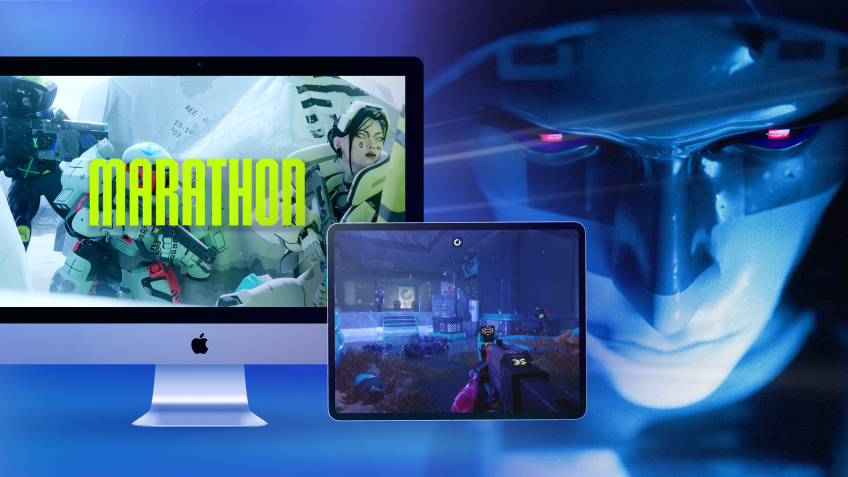
Turn your Mac or iPhone into a gaming PC in just a few clicks!
Whether you're on a Mac (with few games compatible with macOS), a Linux machine (where Windows emulation hurts performance), or an older PC (or one with an underpowered graphics card), Shadow gives you access in just a few clicks to a powerful gaming PC to install all your favorite games*!

Choose the plan that best fits your needs.


Launch Shadow, install Marathon, and start playing. It’s that simple!
Your gaming PC, anytime, anywhere
Log in to your Shadow PC and play Marathon along with all your favorite games on any Apple device (even iPhone or Apple TV), or directly from your web browser. Shadow's cloud gaming and streaming technologies turns your Mac into a powerful gaming PC, accessible from anywhere, anytime!

FAQ
Marathon has no native macOS version at launch. With Shadow PC, you can play the full Windows version of Marathon on any Mac or MacBook, including Apple Silicon M1, M2, and M3, without using local storage or needing to meet any hardware requirements.
Three steps: sign up on shadow.tech and pick your plan, install the Shadow app on your Mac or connect directly at pc.shadow.tech, then launch Shadow, install Marathon from Steam, and start your first run. That's all it takes.
Yes. Shadow PC runs the full Windows PC version of Marathon, putting you in the same cross-play pool as PC, PS5, and Xbox Series players. Cross-save is fully supported, your Runner, your Vault, and your faction progression carry over across every session.
Your Mac hardware doesn't matter, Shadow PC handles all the computing on its servers. You just need a stable broadband connection and the Shadow app. Shadow's infrastructure runs the game; your Mac just displays it.
Yes. Marathon launches March 5, 2026 on PC and is immediately available via Shadow, no waiting for a port that may never come.
Shadow ist ein kompletter Windows-Gaming-PC, der vollständig in der Cloud gehostet wird. Es ist die einzige virtuelle Maschine, deren Leistung mit der eines lokalen PCs mithalten kann. Und im Gegensatz zu Cloud-Gaming-Diensten können Sie jedes Spiel, jede App und jede Software installieren und ausführen: Es gibt keinen eingeschränkten Katalog.
Ihr Shadow ist eine echte professionelle Windows-Arbeitsstation. Installieren Sie alles, was Sie benötigen*: Adobe Suite, CAD-Programme, Entwicklungsumgebungen, usw.
kompatibel-mit-allen-macs
Für jedes Endgerät Ihrer Wahl steht die Shadow PC Clientsoftware kostenlos zum Download zur Verfügung; Diese ermöglicht Ihnen insbesondere das Testen der Navigationsqualität und die Anpassung Ihrer Einstellungen für Videoqualität bis hin zur höchsten Auflösung von 4k. Für den schnellen Zugriff von einem neuen Endgerät oder einem Arbeitsplatz mit beschränkten Möglichkeiten zur Softwareinstallation können Sie jetzt direkt über einen Browser auf Ihren Shadow PC zugreifen. Und zwar ganz schnell und einfach, es ist keine Installation erforderlich: Besuchen Sie die Seite pc.shadow.tech! Dieser Zugriffsmodus ist besonders praktisch, wenn Sie Ihre Inhalte über eine anspruchsvolle Software direkt vom Rechner Ihrer Kunden und Interessenten aus vorführen oder schulen wollen: Sie müssen nun Ihr Endgerät, Ihre Software und Ihre Daten nicht mit sich herumtragen, sondern können ganz einfach ortsunabhängig darauf zugreifen.
Ja, mit Shadow erhalten Sie Downloadgeschwindigkeiten von 1 Gbit/s auf Ihren Shadow-PC, selbst wenn Ihre lokale Internetverbindung langsam ist.
Kurz gesagt: Nein. Wir stellen ausreichend Leistung bereit, um Ihre Anforderungen je nach gewähltem Angebot zu erfüllen. Hinsichtlich der Latenz ermöglicht unsere fortschrittliche Technologie eine Nutzung bereits ab einer geringen Bandbreite (ab 15 Mb/s) und sorgt dabei für eine kaum wahrnehmbare Verzögerung. Natürlich kann die Kompression die Bildqualität beeinflussen, und falls Ihre Verbindung zu langsam ist, könnten Sie im Vergleich zum Originalbild Unterschiede feststellen.
Ja, Shadow begrenzt die Auflösung nicht und ermöglicht es Ihnen, Windows sowie Ihre Spiele und Programme in 4K UHD auszuführen. Beachten Sie bitte, dass einige Spiele möglicherweise kein 4K unterstützen oder dabei geringere Leistungen aufweisen können. Zudem benötigt diese hohe Auflösung eine höhere Bandbreite, weshalb eine stabile und schnellere Internetverbindung als bei niedrigeren Auflösungen erforderlich ist.
Ja, Sie können direkt über das Schnellmenü Ihres Shadow-PCs einen zweiten Bildschirm aktivieren.