How to play Anno 117: Pax Romana on Mac?
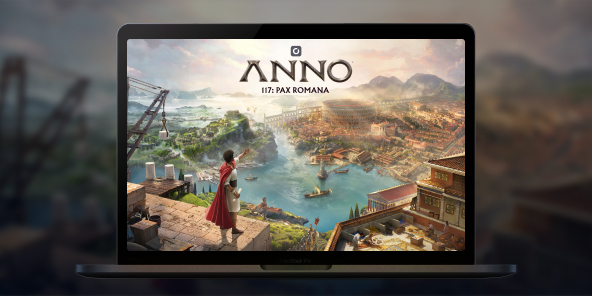
There is no announced native macOS version for Anno 117: Pax Romana, but you can play the full Windows edition on any Mac thanks to Shadow PC. Launch a Windows gaming PC in the cloud, install the game from your preferred store, and dive into the golden age of Rome. Begin your adventure in Latium or Albion for two different city-builder experiences.

Play Anno 117: Pax Romana on your Mac with Shadow PC
Shadow PC is a real Windows gaming PC in the cloud. Start your Shadow, log in to Steam / Ubisoft Connect / Epic, download Anno 117: Pax Romana, and enjoy all the features, DLCs, saves, and achievements, just like on a local PC. Fluid strategy sessions, even on a lightweight MacBook.
AMD EPYC CPU, 8 cores (3.25 GHz); 16 GB RAM; NVIDIA RTX 2000 Ada GPU, 16 GB (GeForce RTX 4060-class GPU); 512 GB SSD
AMD EPYC CPU, 8 cores (up to 3.7 GHz); 28 GB RAM; NVIDIA RTX A4500 GPU, 20 GB (GeForce RTX 3070 Ti–class GPU); 512 GB SSD
Build your Pax Romana in your own way
In 117 AD, embody a Roman Governor and shape a living empire through building, trading, diplomacy, and (if you wish) warfare. Solo campaign and sandbox; online multiplayer up to 4 players.
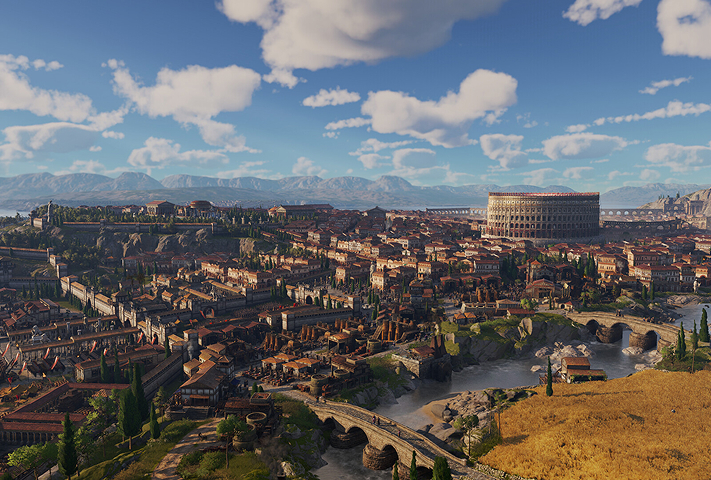
Start under the sun of Latium or in the mists of Albion. Each province has its climate, resources, cultures, and challenges, then expand to the other later in your game.

Preserve local traditions or enforce Romanization to unify your territory. Honor different gods and raise temples to unlock unique economic and civic bonuses.
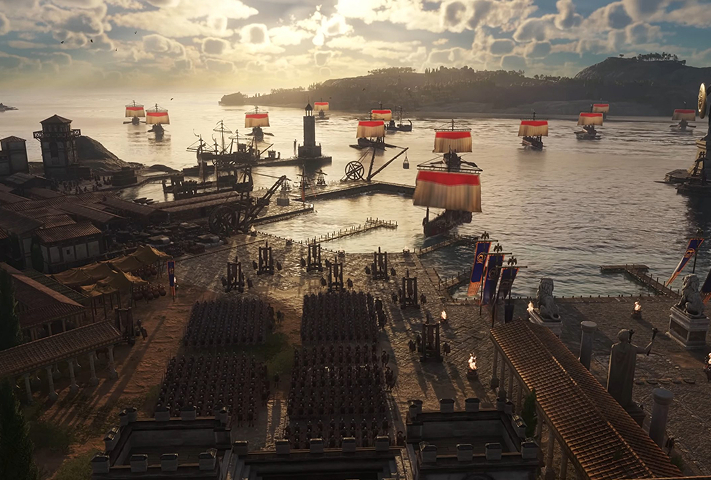
Raise and command land armies, infantry, archers, cavalry, siege with improved naval combat and modular ships. Warfare is optional; the decision is yours.

Starting in Latium or Albion completely changes your game
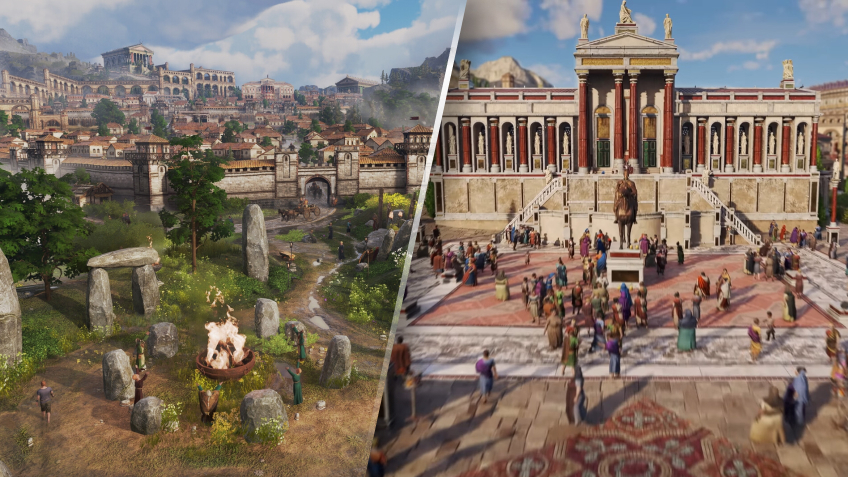
For the first time, your starting map is not fixed: choose Latium for Mediterranean production chains and classic Roman aesthetics, or Albion for a harsher, marshier frontier with Celtic accents and new constraints. This choice transforms your initial economy, city plans, and diplomatic posture—and you can later colonize/conquer the other province to expand your empire. On Mac via Shadow PC, you benefit from the same Windows features and saves, regardless of your starting location.
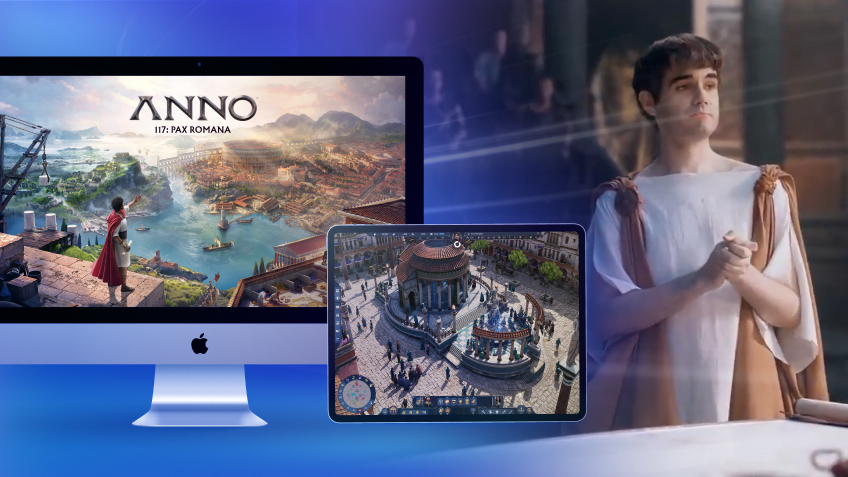
Turn your Mac or iPhone into a gaming PC in just a few clicks!
Whether you're on a Mac (with few games compatible with macOS), a Linux machine (where Windows emulation hurts performance), or an older PC (or one with an underpowered graphics card), Shadow gives you access in just a few clicks to a powerful gaming PC to install all your favorite games*!

Choose the plan that best fits your needs.


Launch Shadow, install Anno 117: Pax Romana, and start playing. It’s that simple!
Your gaming PC, anytime, anywhere
Connect to your high-performance Shadow PC and play Anno 117: Pax Romana along with all your favorite titles on any device**, whether it’s an iPhone, iPad, mobile tablet, Windows or Linux computer, Meta Quest, or just your web browser. Benefit from a smooth, dependable, and ultimate cloud gaming service wherever you go, and elevate your gaming sessions with the unmatched power of Shadow PC

FAQ
Yes, you can use Shadow PC to stream a full Windows PC to your Mac. Install the game via Steam, Ubisoft Connect, or Epic and play with all DLCs and updates.
1) Create your Shadow account and choose an offer.
2) Install the Shadow app on macOS (or use the web client via pc.shadow.tech).
3) Launch Shadow, install Anno 117: Pax Romana, and play on your MacBook.
The game offers online multiplayer (up to 4 players). Via Shadow PC, you access the same Windows features, voice chat, invites, and eventual cross-play if officially supported by the game.
Latium offers fertile biomes and a more classic economy; Albion is a misty frontier with different resources and culture. This choice influences your production chains, city plans, and early-game diplomacy.
Shadow is a complete Windows gaming PC fully hosted in the cloud. It’s the only virtual machine whose performance rivals that of a local PC. And unlike cloud-gaming services, you can install and run any game, app, or software: there’s no restricted catalog.
Your Shadow is a true professional Windows workstation. Install everything you need*: Adobe Suite, CAD tools, development IDEs, etc.
Yes, both the Shadow app and the browser version work on most recent versions of macOS and computers.
For each device of your choosing, you can download the Shadow PC software client for free; in particular, this will allow you to test the browsing quality and adjust your video quality settings to the highest resolution, such as 4k. When you need to quickly access your environment and files via a new device or a workstation that's limited in terms of software installation, you can now directly access your Shadow PC via a browser. No installation required, it's quick and easy: Just head to the pc.shadow.tech web page! This access mode comes particularly in handy when you're giving a client a demo or delivering training via a demanding software directly on your clients or prospects' device: No need to lug around your own hardware, with your software and data, as Shadow PC gives you easy and instant access to it, at any tie and anywhere.
Yes, with Shadow you get 1 Gb/s download speeds to your Shadow PC, even if your local internet connection is slow.
In short: no. We provide enough power to meet your needs based on your chosen plan. Regarding latency, our advanced technology enables smooth usage even at low bandwidth (starting at 15 Mb/s), delivering virtually imperceptible latency. Of course, compression can impact image quality, and if your connection is too weak, you may notice a difference compared to the original image.
Yes, Shadow does not limit the resolution, allowing you to run Windows, your games, and software in 4K UHD. Please note that some games may not support 4K or may experience reduced performance at this resolution. Additionally, higher resolutions require more bandwidth, meaning you'll need a faster and more stable internet connection compared to lower resolutions.
Yes, you can activate a second screen directly on the Quick Menu.