How to play Marathon on Mac?
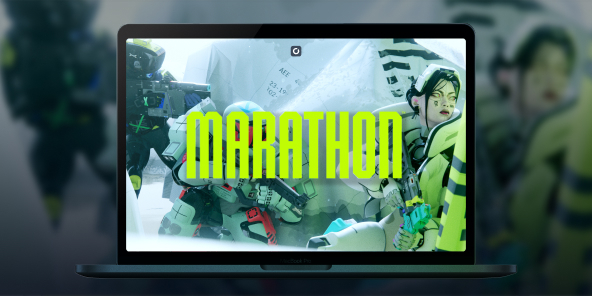
There's something poetic here: Marathon, Bungie's very first franchise, was born as a Mac exclusive in 1994. In 2026, the series returns as a full-scale PvPvE extraction shooter, but without a native macOS version. With Shadow PC, you can play Marathon on any Mac or MacBook from day one, with the full power of a high-end Windows PC in the cloud. Drop into Tau Ceti IV, choose your Runner Shell, and fight your way to extraction, all from your Apple device.

Play Marathon on your Mac with Shadow PC
Shadow PC gives you a complete Windows gaming PC in the cloud, so you can install Marathon directly from Steam, just like any PC player. Whether you're coordinating a three-Runner squad through Dire Marsh or going solo as a Rook with nothing to lose, Shadow delivers the low latency and consistent frame rate that a competitive extraction shooter demands. No Windows machine required, not a single gigabyte used on your Mac.
AMD EPYC CPU, 8 cores (3.25 GHz); 16 GB RAM; NVIDIA RTX 2000 Ada GPU, 16 GB (GeForce RTX 4060-class GPU); 512 GB SSD
AMD EPYC CPU, 8 cores (up to 3.7 GHz); 28 GB RAM; NVIDIA RTX A4500 GPU, 20 GB (GeForce RTX 3070 Ti–class GPU); 512 GB SSD
Marathon: the colony is lost. The loot is yours.
Set in 2893 on the abandoned colony of Tau Ceti IV, Marathon is a PvPvE extraction FPS from the creators of Halo and Destiny. Drop in, scavenge, fight rival crews and AI factions, then extract or lose everything.
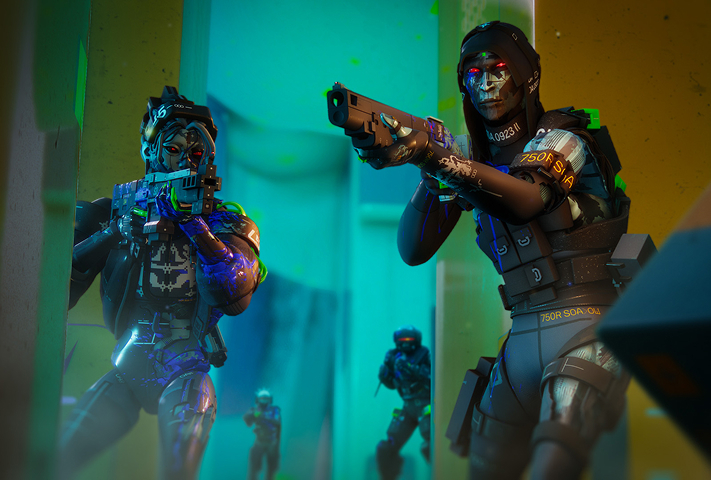
Pick from seven bio-synthetic mercenary classes at launch, Destroyer, Vandal, Assassin, Recon, Thief, Triage, or Rook, each with unique Prime and Tactical abilities. Layer in moddable weapons, body implants, and Core upgrades to build your exact playstyle.

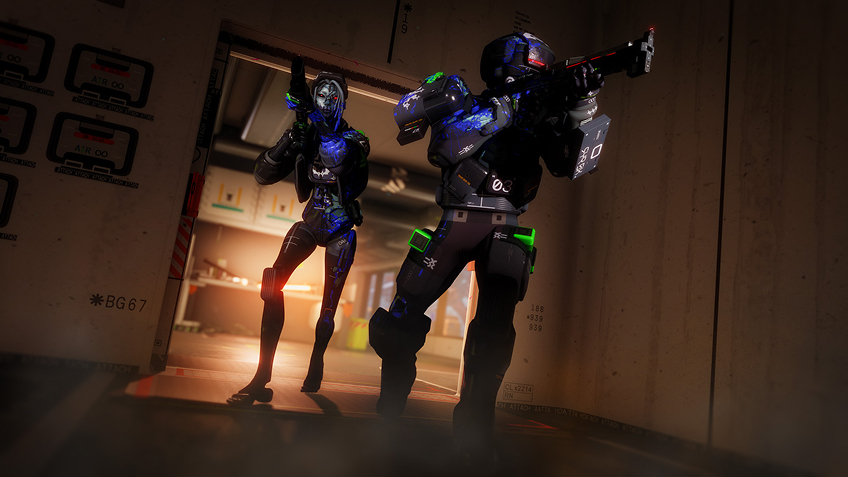
Tau Ceti IV launches with three ground zones, Perimeter for beginners learning the basics, the hazard-filled Dire Marsh where a high-gear dropship mid-run draws every Runner in the area, and the brutally vertical Outpost where PvP encounters are near-unavoidable.
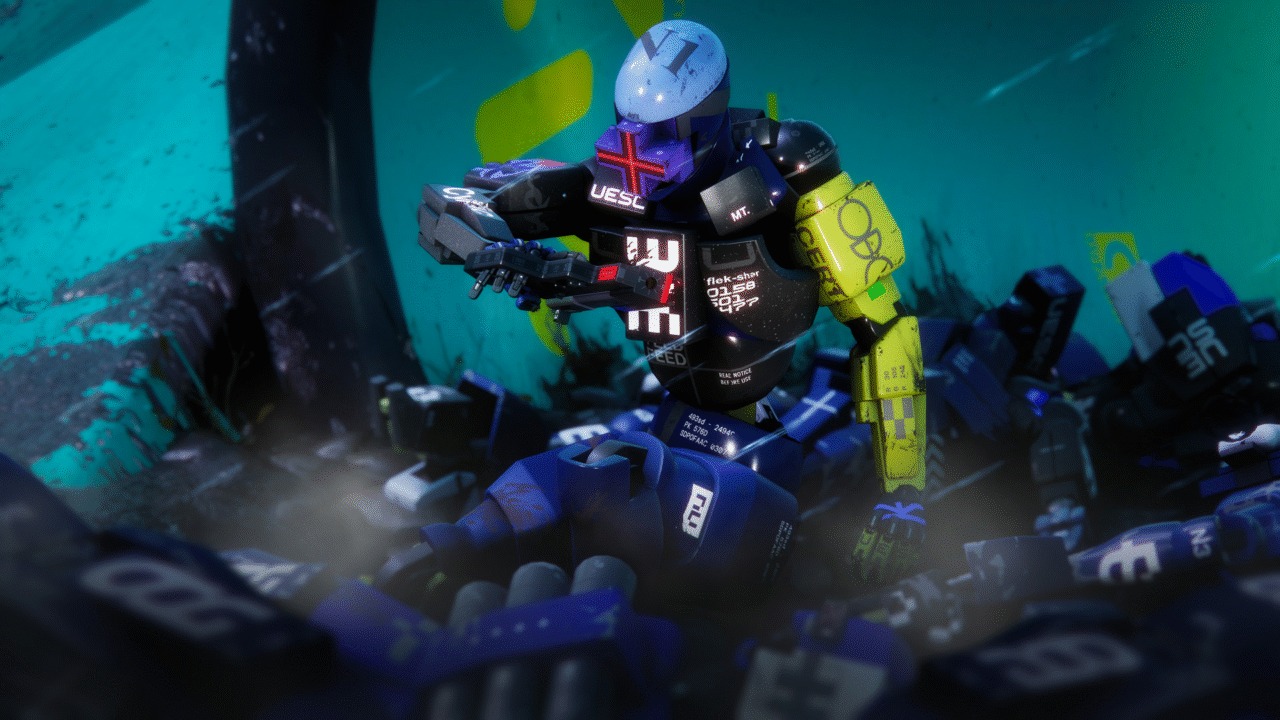
The Heat System replaces traditional stamina: sprinting, double-jumping, and sliding all generate heat, and overheating slows your Runner at the worst possible moment. Manage your movements, manage your contracts, manage your squad, and extract before someone else extracts you first.
Proximity Chat and live alliances directly on your Mac
Marathon's Proximity Chat system lets you negotiate real-time truces with rival crews to take down powerful common enemies, then betray them the moment it's convenient. Playing via Shadow PC on your Mac, you're running the full Windows version, which means you're in the same lobbies as PC, PS5, and Xbox Series players, with complete cross-play and cross-save supported from day one. Your Runner progression, your loot, your Vault, all of it follows you seamlessly across devices and sessions.
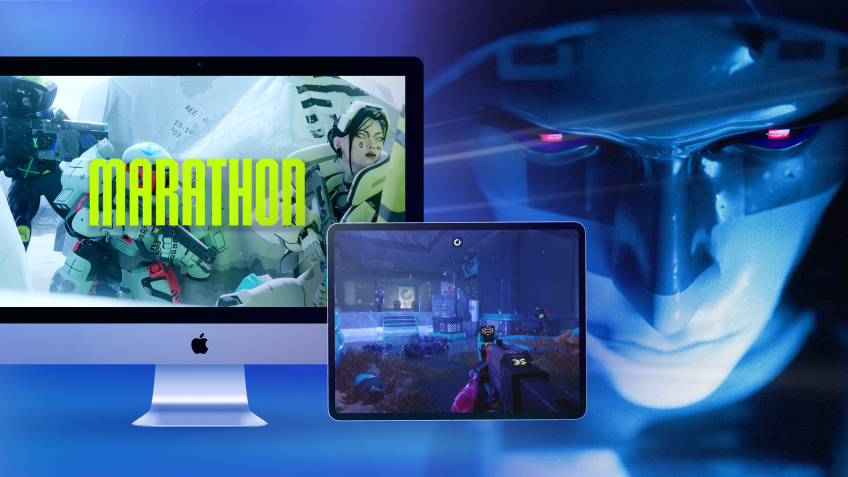
Turn your Mac or iPhone into a gaming PC in just a few clicks!
Whether you're on a Mac (with few games compatible with macOS), a Linux machine (where Windows emulation hurts performance), or an older PC (or one with an underpowered graphics card), Shadow gives you access in just a few clicks to a powerful gaming PC to install all your favorite games*!

Choose the plan that best fits your needs.


Launch Shadow, install Marathon, and start playing. It’s that simple!
Your gaming PC, anytime, anywhere
Log in to your Shadow PC and play Marathon along with all your favorite games on any Apple device (even iPhone or Apple TV), or directly from your web browser. Shadow's cloud gaming and streaming technologies turns your Mac into a powerful gaming PC, accessible from anywhere, anytime!

FAQ
Marathon has no native macOS version at launch. With Shadow PC, you can play the full Windows version of Marathon on any Mac or MacBook, including Apple Silicon M1, M2, and M3, without using local storage or needing to meet any hardware requirements.
Three steps: sign up on shadow.tech and pick your plan, install the Shadow app on your Mac or connect directly at pc.shadow.tech, then launch Shadow, install Marathon from Steam, and start your first run. That's all it takes.
Yes. Shadow PC runs the full Windows PC version of Marathon, putting you in the same cross-play pool as PC, PS5, and Xbox Series players. Cross-save is fully supported, your Runner, your Vault, and your faction progression carry over across every session.
Your Mac hardware doesn't matter, Shadow PC handles all the computing on its servers. You just need a stable broadband connection and the Shadow app. Shadow's infrastructure runs the game; your Mac just displays it.
Yes. Marathon launches March 5, 2026 on PC and is immediately available via Shadow, no waiting for a port that may never come.
Shadow is a complete Windows gaming PC fully hosted in the cloud. It’s the only virtual machine whose performance rivals that of a local PC. And unlike cloud-gaming services, you can install and run any game, app, or software: there’s no restricted catalog.
Your Shadow is a true professional Windows workstation. Install everything you need*: Adobe Suite, CAD tools, development IDEs, etc.
Yes, both the Shadow app and the browser version work on most recent versions of macOS and computers.
For each device of your choosing, you can download the Shadow PC software client for free; in particular, this will allow you to test the browsing quality and adjust your video quality settings to the highest resolution, such as 4k. When you need to quickly access your environment and files via a new device or a workstation that's limited in terms of software installation, you can now directly access your Shadow PC via a browser. No installation required, it's quick and easy: Just head to the pc.shadow.tech web page! This access mode comes particularly in handy when you're giving a client a demo or delivering training via a demanding software directly on your clients or prospects' device: No need to lug around your own hardware, with your software and data, as Shadow PC gives you easy and instant access to it, at any tie and anywhere.
Yes, with Shadow you get 1 Gb/s download speeds to your Shadow PC, even if your local internet connection is slow.
In short: no. We provide enough power to meet your needs based on your chosen plan. Regarding latency, our advanced technology enables smooth usage even at low bandwidth (starting at 15 Mb/s), delivering virtually imperceptible latency. Of course, compression can impact image quality, and if your connection is too weak, you may notice a difference compared to the original image.
Yes, Shadow does not limit the resolution, allowing you to run Windows, your games, and software in 4K UHD. Please note that some games may not support 4K or may experience reduced performance at this resolution. Additionally, higher resolutions require more bandwidth, meaning you'll need a faster and more stable internet connection compared to lower resolutions.
Yes, you can activate a second screen directly on the Quick Menu.