How to play Marathon on Mac?
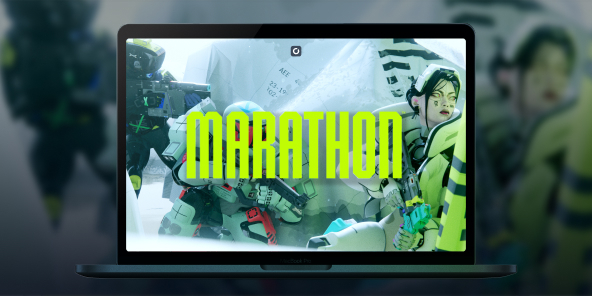
There's something poetic here: Marathon, Bungie's very first franchise, was born as a Mac exclusive in 1994. In 2026, the series returns as a full-scale PvPvE extraction shooter, but without a native macOS version. With Shadow PC, you can play Marathon on any Mac or MacBook from day one, with the full power of a high-end Windows PC in the cloud. Drop into Tau Ceti IV, choose your Runner Shell, and fight your way to extraction, all from your Apple device.

Play Marathon on your Mac with Shadow PC
Shadow PC gives you a complete Windows gaming PC in the cloud, so you can install Marathon directly from Steam, just like any PC player. Whether you're coordinating a three-Runner squad through Dire Marsh or going solo as a Rook with nothing to lose, Shadow delivers the low latency and consistent frame rate that a competitive extraction shooter demands. No Windows machine required, not a single gigabyte used on your Mac.
CPU AMD EPYC de 8 núcleos (3,25 GHz); 16 GB de RAM; GPU NVIDIA RTX 2000 Ada de 16 GB (GPU de clase GeForce RTX 4060); SSD de 512 GB
CPU AMD EPYC de 8 núcleos (hasta 3,7 GHz); 28 GB de RAM; GPU NVIDIA RTX A4500 de 20 GB (GPU de clase GeForce RTX 3070 Ti); SSD de 512 GB
Marathon: the colony is lost. The loot is yours.
Set in 2893 on the abandoned colony of Tau Ceti IV, Marathon is a PvPvE extraction FPS from the creators of Halo and Destiny. Drop in, scavenge, fight rival crews and AI factions, then extract or lose everything.
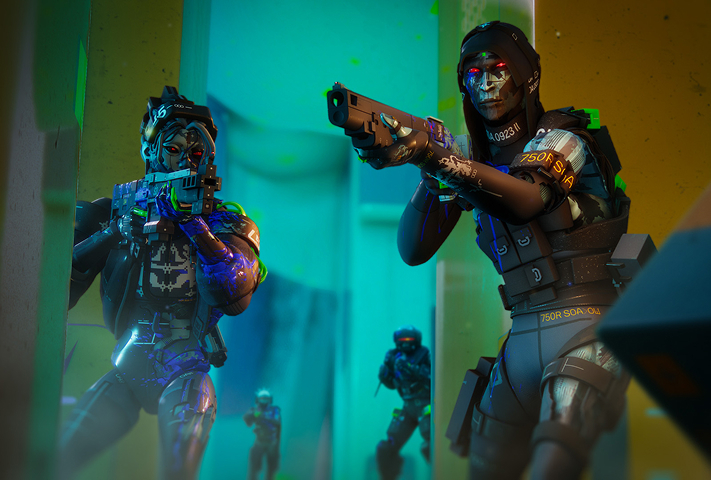
Pick from seven bio-synthetic mercenary classes at launch, Destroyer, Vandal, Assassin, Recon, Thief, Triage, or Rook, each with unique Prime and Tactical abilities. Layer in moddable weapons, body implants, and Core upgrades to build your exact playstyle.

Tau Ceti IV launches with three ground zones, Perimeter for beginners learning the basics, the hazard-filled Dire Marsh where a high-gear dropship mid-run draws every Runner in the area, and the brutally vertical Outpost where PvP encounters are near-unavoidable.
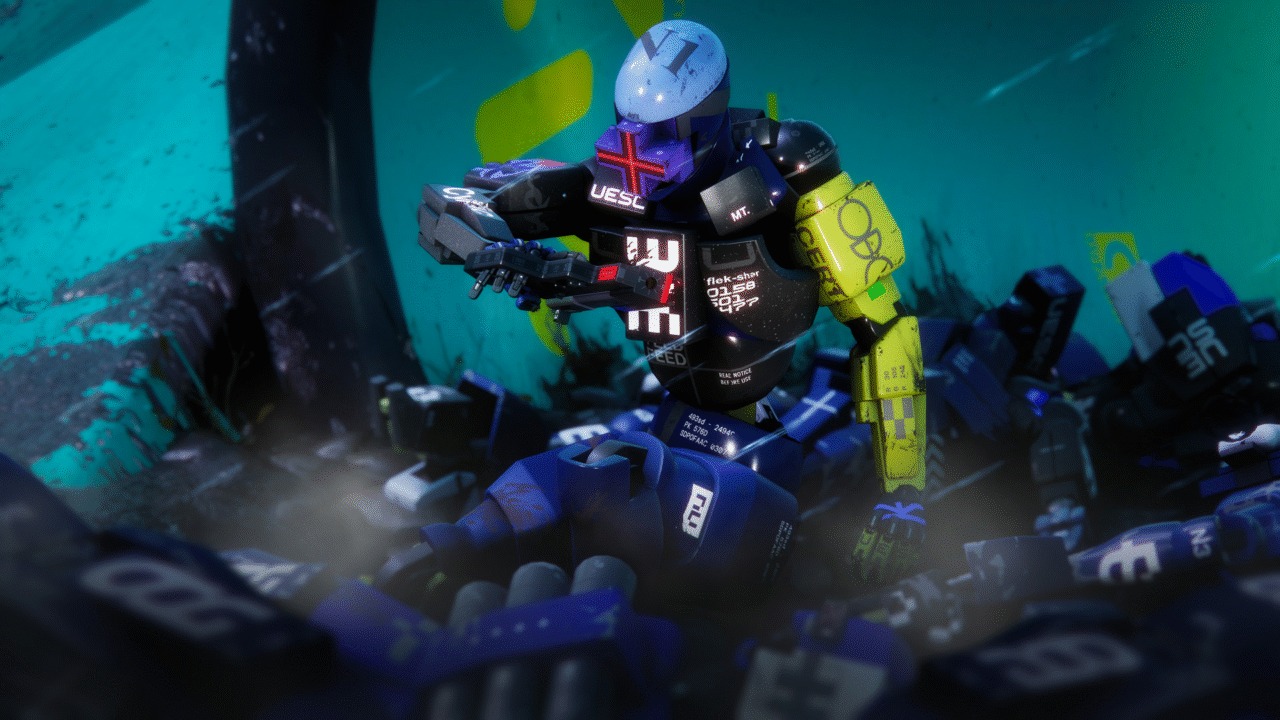
The Heat System replaces traditional stamina: sprinting, double-jumping, and sliding all generate heat, and overheating slows your Runner at the worst possible moment. Manage your movements, manage your contracts, manage your squad, and extract before someone else extracts you first.
Proximity Chat and live alliances directly on your Mac
Marathon's Proximity Chat system lets you negotiate real-time truces with rival crews to take down powerful common enemies, then betray them the moment it's convenient. Playing via Shadow PC on your Mac, you're running the full Windows version, which means you're in the same lobbies as PC, PS5, and Xbox Series players, with complete cross-play and cross-save supported from day one. Your Runner progression, your loot, your Vault, all of it follows you seamlessly across devices and sessions.
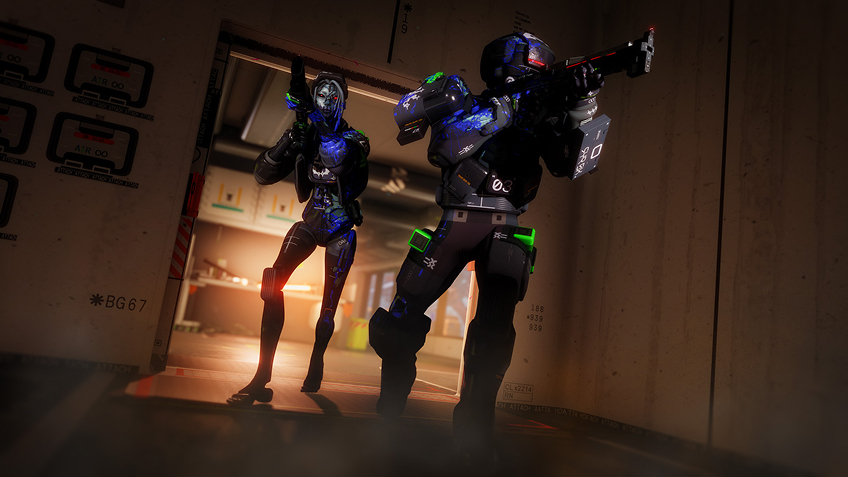
Turn your Mac or iPhone into a gaming PC in just a few clicks!
Whether you're on a Mac (with few games compatible with macOS), a Linux machine (where Windows emulation hurts performance), or an older PC (or one with an underpowered graphics card), Shadow gives you access in just a few clicks to a powerful gaming PC to install all your favorite games*!

Choose the plan that best fits your needs.


Launch Shadow, install Marathon, and start playing. It’s that simple!
Your gaming PC, anytime, anywhere
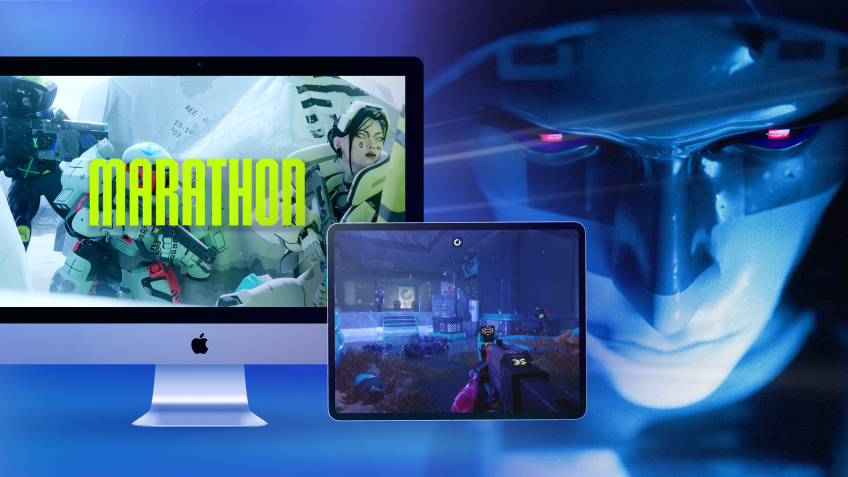
Log in to your Shadow PC and play Marathon along with all your favorite games on any Apple device (even iPhone or Apple TV), or directly from your web browser. Shadow's cloud gaming and streaming technologies turns your Mac into a powerful gaming PC, accessible from anywhere, anytime!

FAQ
Marathon has no native macOS version at launch. With Shadow PC, you can play the full Windows version of Marathon on any Mac or MacBook, including Apple Silicon M1, M2, and M3, without using local storage or needing to meet any hardware requirements.
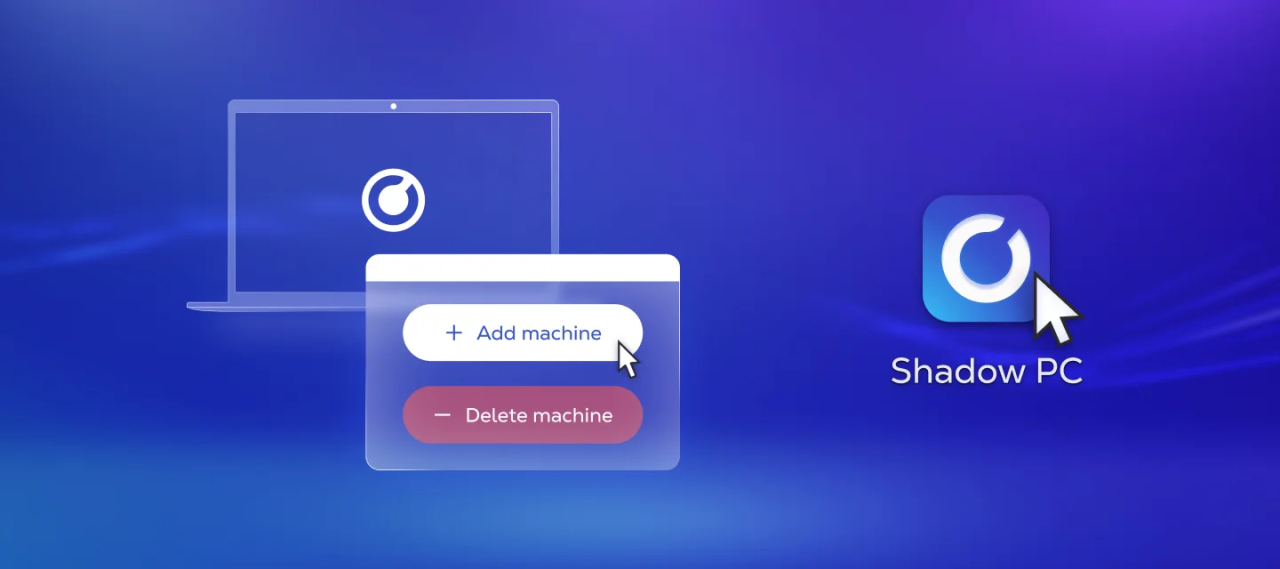
Three steps: sign up on shadow.tech and pick your plan, install the Shadow app on your Mac or connect directly at pc.shadow.tech, then launch Shadow, install Marathon from Steam, and start your first run. That's all it takes.
Yes. Shadow PC runs the full Windows PC version of Marathon, putting you in the same cross-play pool as PC, PS5, and Xbox Series players. Cross-save is fully supported, your Runner, your Vault, and your faction progression carry over across every session.
Your Mac hardware doesn't matter, Shadow PC handles all the computing on its servers. You just need a stable broadband connection and the Shadow app. Shadow's infrastructure runs the game; your Mac just displays it.
Yes. Marathon launches March 5, 2026 on PC and is immediately available via Shadow, no waiting for a port that may never come.
Shadow es un completo PC para juegos con Windows alojado íntegramente en la nube. Es la única máquina virtual cuyo rendimiento rivaliza con el de un PC local. Y, a diferencia de los servicios de juegos en la nube, puedes instalar y ejecutar cualquier juego, aplicación o software: no hay catálogo restringido.
Tu Shadow es una auténtica estación de trabajo profesional con Windows. Instala todo lo que necesites*: Adobe Suite, herramientas CAD, entornos de desarrollo, etc.
Sí, tanto la aplicación Shadow como la versión para navegador funcionan en la mayoría de las versiones recientes de macOS y en ordenadores compatibles.
Para cada terminal que elija, podrá descargar de forma gratuita el software cliente Shadow PC; entre otras cosas, podrá poner a prueba la calidad de la navegación o ajustar los parámetros de la calidad de vídeo, para llegar incluso a la más alta resolución, como el 4K. Cuando precise acceder de forma rápida desde un nuevo terminal o estación de trabajo con restricciones para la instalación de software, ahora podrá disfrutar de un acceso directo a su PC Shadow desde un explorador. Sin necesidad de realizar instalación alguna, resulta rápido y sencillo: solo tiene que visitar la página pc.shadow.tech. Este modo de acceso resulta muy práctico para fines de demostración o formación sobre su contenido, a través de un programa de software exigente directamente desde la estación de trabajo de sus clientes y clientes potenciales: no hay necesidad de transportar el terminal, el software y los datos, accede a ellos con total facilidad.
Sí, cuando usas Shadow, obtienes una velocidad de descarga de hasta 1 Gb/s, incluso si tu conexión en casa es más lenta.
En resumen: no. Proporcionamos potencia suficiente para satisfacer sus necesidades según la oferta elegida. En cuanto a la latencia, nuestra tecnología avanzada permite utilizar una conexión con poco ancho de banda (a partir de 15 Mb/s) ofreciendo una latencia prácticamente imperceptible. Por supuesto, la compresión puede afectar la calidad de imagen, y si su conexión es demasiado lenta, podrá notar la diferencia respecto a la imagen original.
Sí, Shadow no limita la resolución y permite ejecutar Windows, sus juegos y programas en 4K UHD. Tenga en cuenta que algunos juegos podrían no admitir 4K o podrían tener un rendimiento inferior con esta resolución. Además, una resolución así requiere mayor ancho de banda, por lo que necesitará una conexión a Internet más rápida y estable que con resoluciones más bajas.
Sí, puede activar una segunda pantalla directamente desde el Menú Rápido de su PC Shadow.