How to Play Overwatch on Mac (M1, M2, M3, M4 & Intel)
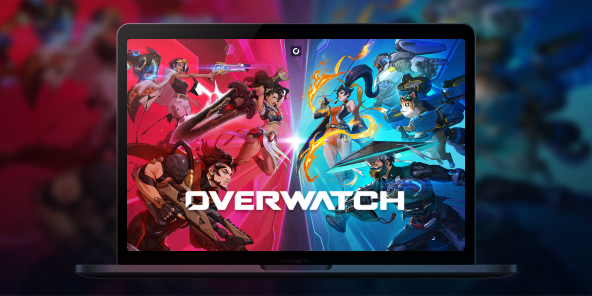
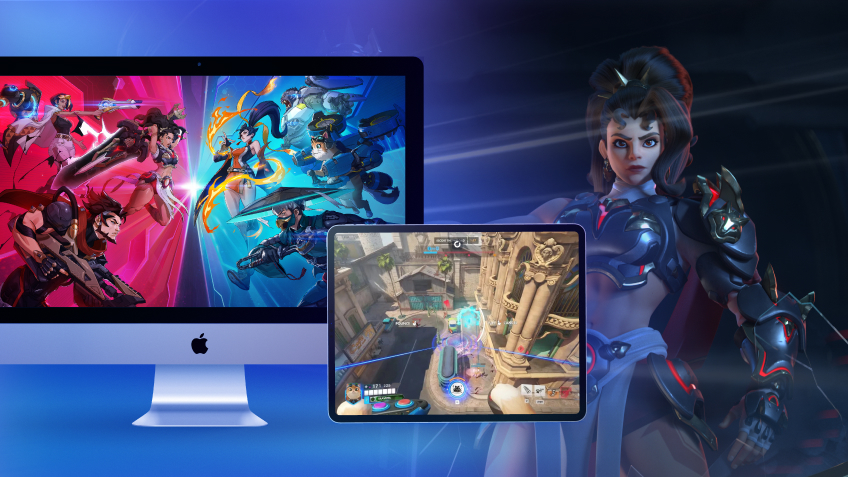
With its massive "Reign of Talon" update, Overwatch has undergone a major overhaul (even dropping the "2" from its name!) and introduced 5 spectacular new heroes. Unfortunately, Blizzard’s famous competitive FPS has never received a native macOS version. So, what’s the workaround? The answer is Shadow PC. Forget about Boot Camp or unstable emulators: discover how to play Overwatch on your Mac at max settings and team up with your friends, all thanks to cloud gaming.

Overwatch on Mac: Turn Your MacBook Into a Gaming PC
Itching to test out Jetpack Cat’s or Domina’s new gameplay, but the Battle.net launcher stubbornly tells you the game isn’t supported on your system? Don't go buying a new computer just yet.
With Shadow PC, you get remote access to a highly powerful Windows PC hosted in the cloud. In just a few clicks, you can install Battle.net and launch Overwatch on your iMac, Mac mini, or MacBook (whether it’s running an Intel chip or Apple Silicon M1, M2, M3, or M4). Experience flawless performance and maxed-out graphics without turning your machine into a space heater!
CPU AMD EPYC de 8 núcleos (3,25 GHz); 16 GB de RAM; GPU NVIDIA RTX 2000 Ada de 16 GB (GPU de clase GeForce RTX 4060); SSD de 512 GB
CPU AMD EPYC de 8 núcleos (hasta 3,7 GHz); 28 GB de RAM; GPU NVIDIA RTX A4500 de 20 GB (GPU de clase GeForce RTX 3070 Ti); SSD de 512 GB
Squad Up: Enjoy Overwatch Cross-Play on Mac
Overwatch is built around teamwork, and owning a Mac shouldn't leave you isolated. Because Shadow PC gives you access to a native Windows environment, you're running the actual PC version of the game.
That means you get 100% full cross-play. Instantly group up with your friends, whether they play on a Windows PC, PS5, Xbox, or are also playing on a Mac via Shadow! In-game voice chat and your Battle.net friends list work perfectly. You’ll never be the only one in your friend group left out again.
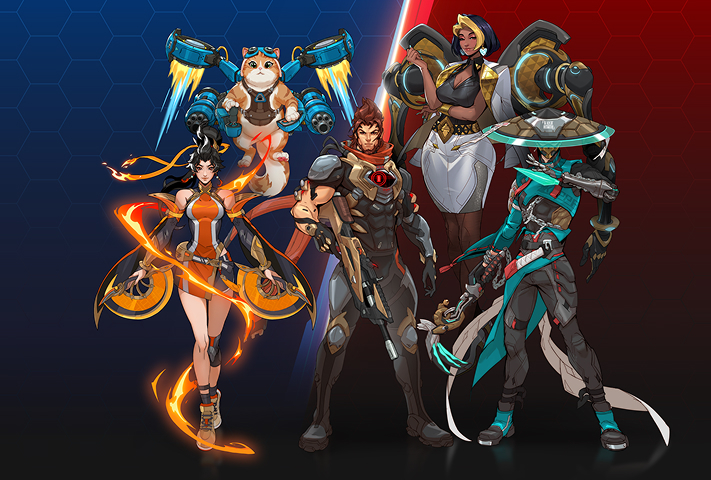
Season 1 of "Reign of Talon" marks a historic turning point with the arrival of 5 heroes all at once. Block incoming fire with the tank Domina, scorch the battlefield with Anran, deploy Emre's explosives, heal your allies with Mizuki, and take to the skies with the highly anticipated Jetpack Cat. Shadow PC guarantees the framerates you need to master their new abilities from day one.
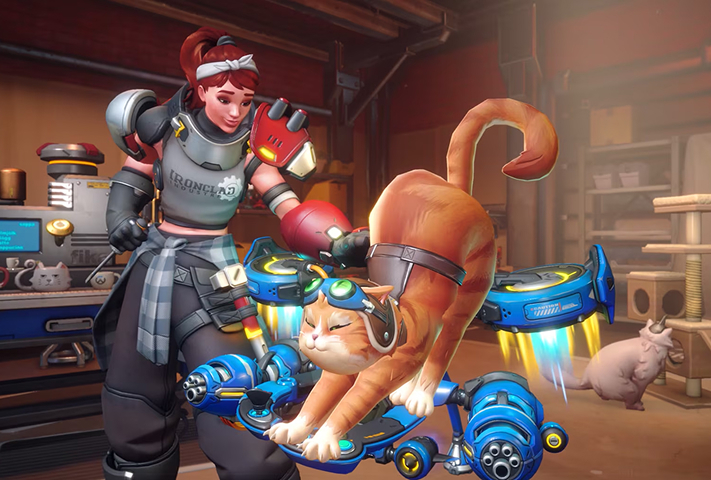
Competitive gameplay is evolving. With the introduction of sub-roles (Bruisers, Initiators, Tacticians...), the meta has never been this strategic. To react in a split second, you need minimal latency. Shadow’s network infrastructure ensures an optimal ping to Blizzard’s servers; a vital requirement for climbing the ranks in competitive play.
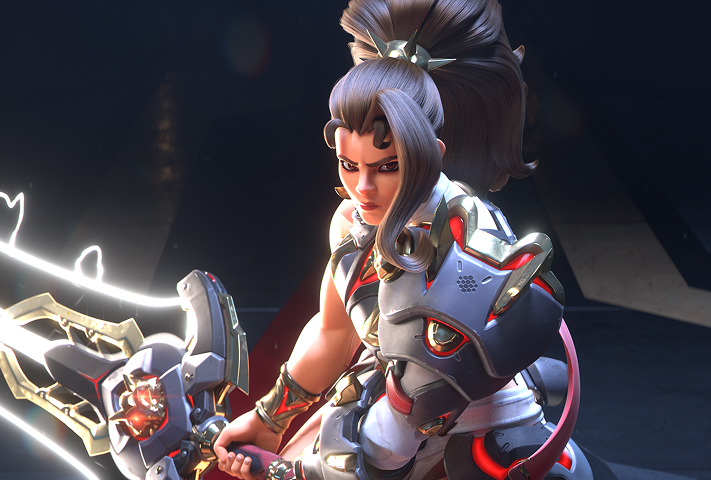
Immerse yourself in Overwatch's new major story arc. Participate in in-game events with your friends, choose your allegiance between Overwatch and the fearsome Talon organization, and unlock exclusive rewards throughout the year.
Why Choose Cloud Gaming for a Multiplayer FPS?
In a fast-paced competitive FPS like Overwatch, playing at 30 frames per second with frame drops just isn't an option. Software emulation solutions (like Parallels Desktop or CrossOver) often fall short for multiplayer games, largely due to anti-cheat systems.
Shadow PC bypasses this issue entirely by providing a real, remote Windows PC. Depending on the plan you choose (like the Power offer), you can run the game in 1440p or 4K, and take full advantage of the 120Hz displays on newer MacBook Pros for a true esports-grade experience.
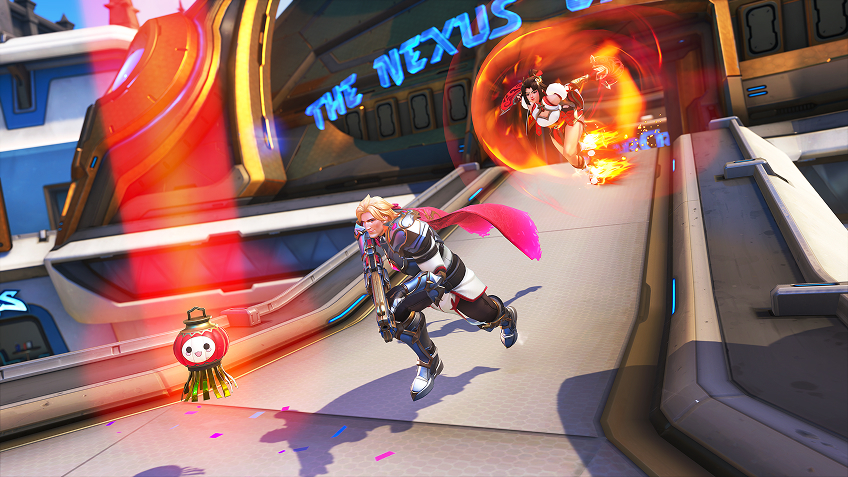
Tutorial: Install Overwatch on macOS in 3 steps
Ready to join the squad and take on the Reaper? Here's how to launch Overwatch (2) on your Apple device (Mac, iPhone, iPad, Apple TV, etc.):

Go to shadow.tech and select the PC configuration that suits your needs.

Install the Shadow client on your Mac, or log in directly from your web browser via pc.shadow.tech.

Start up your Shadow PC, download Battle.net, log in to your Blizzard account, and install Overwatch. Then you're ready to start playing!
Your Gaming PC: Anytime, Anywhere
Log in to your Shadow PC to play Overwatch and all your favorite games* on any Apple device, even your iPhone or Apple TV, or directly from your web browser. Shadow’s cloud gaming and streaming technology transforms your Mac into a powerful gaming PC that you can access wherever and whenever you want!

FAQ
Shadow es un completo PC para juegos con Windows alojado íntegramente en la nube. Es la única máquina virtual cuyo rendimiento rivaliza con el de un PC local. Y, a diferencia de los servicios de juegos en la nube, puedes instalar y ejecutar cualquier juego, aplicación o software: no hay catálogo restringido.
Tu Shadow es una auténtica estación de trabajo profesional con Windows. Instala todo lo que necesites*: Adobe Suite, herramientas CAD, entornos de desarrollo, etc.
Sí, tanto la aplicación Shadow como la versión para navegador funcionan en la mayoría de las versiones recientes de macOS y en ordenadores compatibles.
Para cada terminal que elija, podrá descargar de forma gratuita el software cliente Shadow PC; entre otras cosas, podrá poner a prueba la calidad de la navegación o ajustar los parámetros de la calidad de vídeo, para llegar incluso a la más alta resolución, como el 4K. Cuando precise acceder de forma rápida desde un nuevo terminal o estación de trabajo con restricciones para la instalación de software, ahora podrá disfrutar de un acceso directo a su PC Shadow desde un explorador. Sin necesidad de realizar instalación alguna, resulta rápido y sencillo: solo tiene que visitar la página pc.shadow.tech. Este modo de acceso resulta muy práctico para fines de demostración o formación sobre su contenido, a través de un programa de software exigente directamente desde la estación de trabajo de sus clientes y clientes potenciales: no hay necesidad de transportar el terminal, el software y los datos, accede a ellos con total facilidad.
Sí, cuando usas Shadow, obtienes una velocidad de descarga de hasta 1 Gb/s, incluso si tu conexión en casa es más lenta.
En resumen: no. Proporcionamos potencia suficiente para satisfacer sus necesidades según la oferta elegida. En cuanto a la latencia, nuestra tecnología avanzada permite utilizar una conexión con poco ancho de banda (a partir de 15 Mb/s) ofreciendo una latencia prácticamente imperceptible. Por supuesto, la compresión puede afectar la calidad de imagen, y si su conexión es demasiado lenta, podrá notar la diferencia respecto a la imagen original.
Sí, Shadow no limita la resolución y permite ejecutar Windows, sus juegos y programas en 4K UHD. Tenga en cuenta que algunos juegos podrían no admitir 4K o podrían tener un rendimiento inferior con esta resolución. Además, una resolución así requiere mayor ancho de banda, por lo que necesitará una conexión a Internet más rápida y estable que con resoluciones más bajas.
Sí, puede activar una segunda pantalla directamente desde el Menú Rápido de su PC Shadow.