Invincible VS on Mac: How to Play in High Resolution?
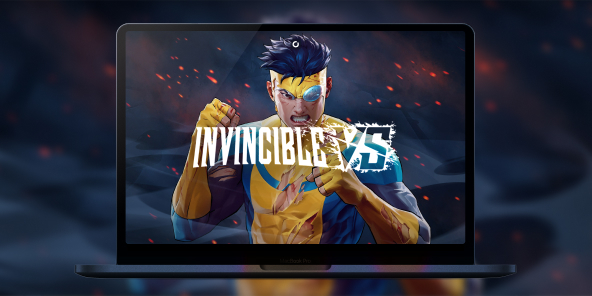
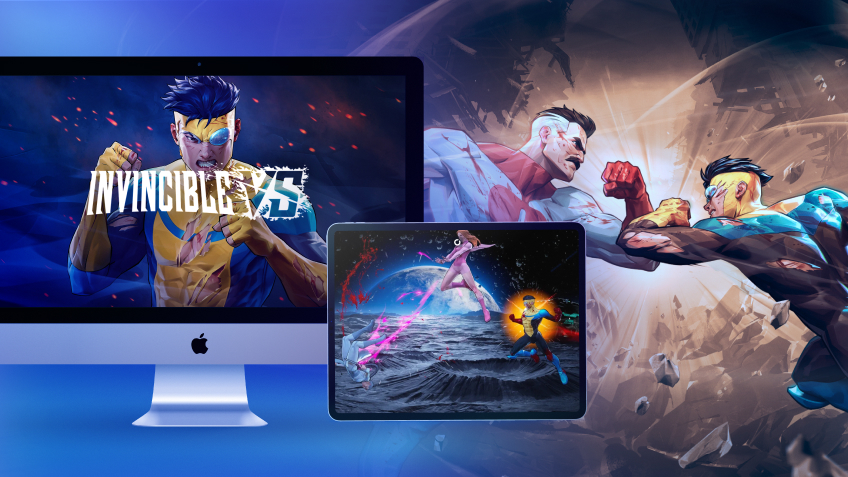
Whether you’re on a MacBook Air or an old iMac, Shadow PC becomes your portal to the world of Invincible. Install the game via Steam and play instantly with the full power of a high-end Windows PC.
Dominate the Invincible VS Roster with Cloud Power
Invincible VS requires a robust setup (RTX 2070 minimum) to guarantee 60 FPS. Shadow PC makes this power accessible on your MacBook or iMac. It’s a complete gaming Windows PC hosted in the cloud, allowing you to install the game via Steam and play instantly with high-end PC performance.
Neo Lite
per month

 Perfect for occasional gaming in 1440p with RTX
 Up to 120 hours of play per month, sessions up to 4hStream to any device in 1440pInstall your games & mods from Steam, Epic, Battle.net...*Upgrade to Shadow PC anytime as you play more
Power Lite
per month
Up to 50% more GPU power than Neo28GB RAM / 20GB VRAM for better in-game performanceUp to 120 hours of play per month, sessions up to 4hStream to any device in 1440pInstall your games & mods from Steam, Epic, Battle.net...*Upgrade to Shadow PC anytime as you play more
Neo
For the first six months, £32.99 after.
Perfect for 1080/1440p gaming with RTXStream to any device up to 1440p+Install your games & mods from Steam, Epic, Battle.net...*Multi screen and ultrawide supportNVIDIA RTX and DLSS compatibility
Power
For the first six months, £49.99 after.
Up to 50% more GPU power
 28GB RAM / 20GB VRAM for better gaming performanceStream to any device up to 5K+Install your games & mods from Steam, Epic, Battle.net...*Multi screen and ultrawide supportNVIDIA RTX and DLSS compatibility
The Ultimate Invincible Experience on Any Mac
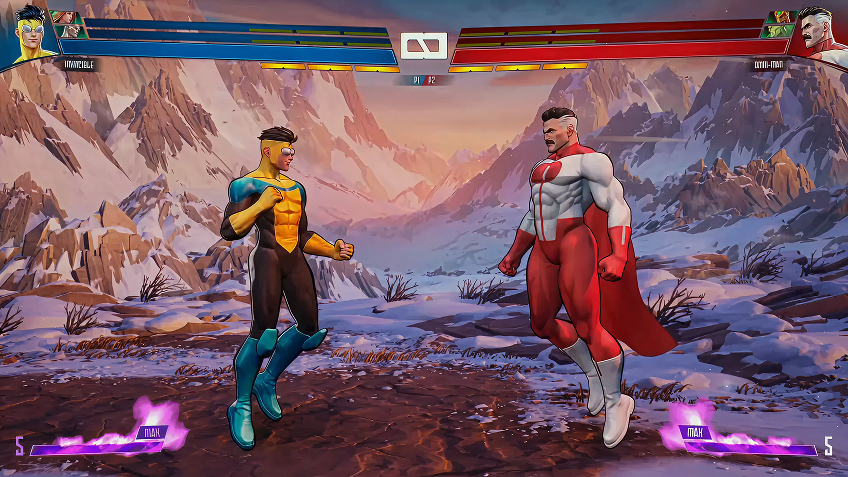
Don't let framerate drops ruin your ranked match. Shadow PC guarantees the fluidity needed to block deadly assaults from Anissa or Omni-Man.
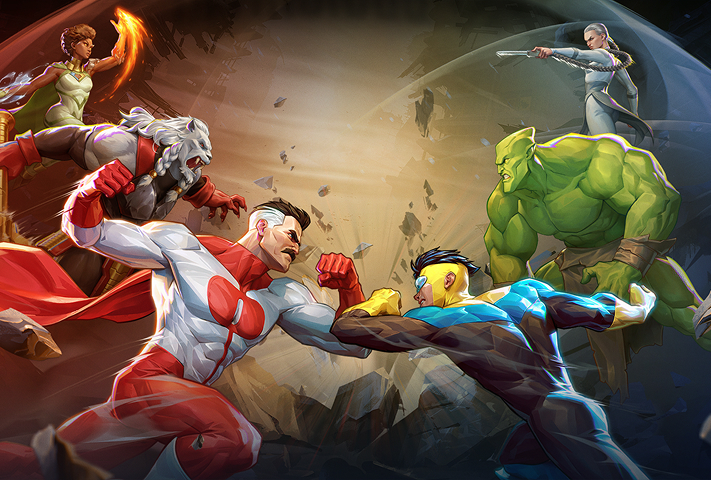
Build your dream team with Invincible, Atom Eve, Battle Beast, or the terrifying Conquest. The game features diverse archetypes for real strategic depth.
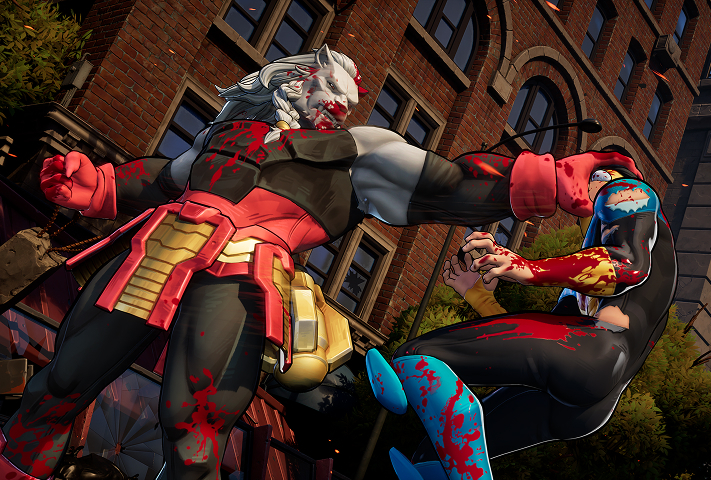
Experience intense battles with the Omni-Tag system: assists, active tags, and devastating combos. Experience gore faithful to the series via Overkills.
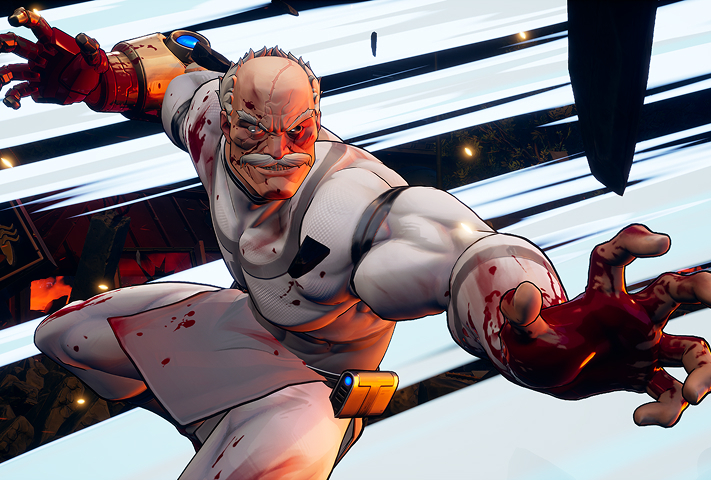
Dive into a story written with Robert Kirkman. This standalone mode takes you from Chicago to Titan’s penthouse for total immersion.

Surgical Precision: Rollback Netcode and 60 FPS
For Quarter Up, fluidity is a non-negotiable requirement. The game uses rollback-based netcode for lag-free online matches. Shadow PC handles all the processing power on its servers, sending a perfect video stream to your Mac so that every Assist Breaker or Heroic Strike is executed with frame-perfect precision.
Tutorial: Play Invincible VS via cloud gaming in 3 easy steps
Whether you're on a Mac (no native macOS version), Linux, or an old PC without the required RTX 2070, Shadow gives you access to a powerful gaming PC in just a few clicks!

Go to shadow.tech and select the PC configuration that fits your performance needs.

Install the Shadow client on your Mac, or connect directly via your browser at pc.shadow.tech.

Launch your Shadow PC, install Invincible VS via Steam. That's it! You're ready to play in high resolution!
Your gaming PC, whenever and wherever you want
Log in to your Shadow PC and play Invincible VS and all your favorite competitive games on any Apple device (even iPhone or Apple TV), or directly from your browser. Shadow transforms your screen into a high-end tournament PC, accessible everywhere!

FAQ
Shadow is a complete Windows gaming PC fully hosted in the cloud. It’s the only virtual machine whose performance rivals that of a local PC. And unlike cloud-gaming services, you can install and run any game, app, or software: there’s no restricted catalog.
Your Shadow is a true professional Windows workstation. Install everything you need*: Adobe Suite, CAD tools, development IDEs, etc.
Yes, both the Shadow app and the browser version work on most recent versions of macOS and computers.
For each device of your choosing, you can download the Shadow PC software client for free; in particular, this will allow you to test the browsing quality and adjust your video quality settings to the highest resolution, such as 4k. When you need to quickly access your environment and files via a new device or a workstation that's limited in terms of software installation, you can now directly access your Shadow PC via a browser. No installation required, it's quick and easy: Just head to the pc.shadow.tech web page! This access mode comes particularly in handy when you're giving a client a demo or delivering training via a demanding software directly on your clients or prospects' device: No need to lug around your own hardware, with your software and data, as Shadow PC gives you easy and instant access to it, at any tie and anywhere.
Yes, with Shadow you get 1 Gb/s download speeds to your Shadow PC, even if your local internet connection is slow.
In short: no. We provide enough power to meet your needs based on your chosen plan. Regarding latency, our advanced technology enables smooth usage even at low bandwidth (starting at 15 Mb/s), delivering virtually imperceptible latency. Of course, compression can impact image quality, and if your connection is too weak, you may notice a difference compared to the original image.
Yes, Shadow does not limit the resolution, allowing you to run Windows, your games, and software in 4K UHD. Please note that some games may not support 4K or may experience reduced performance at this resolution. Additionally, higher resolutions require more bandwidth, meaning you'll need a faster and more stable internet connection compared to lower resolutions.
Yes, you can activate a second screen directly on the Quick Menu.