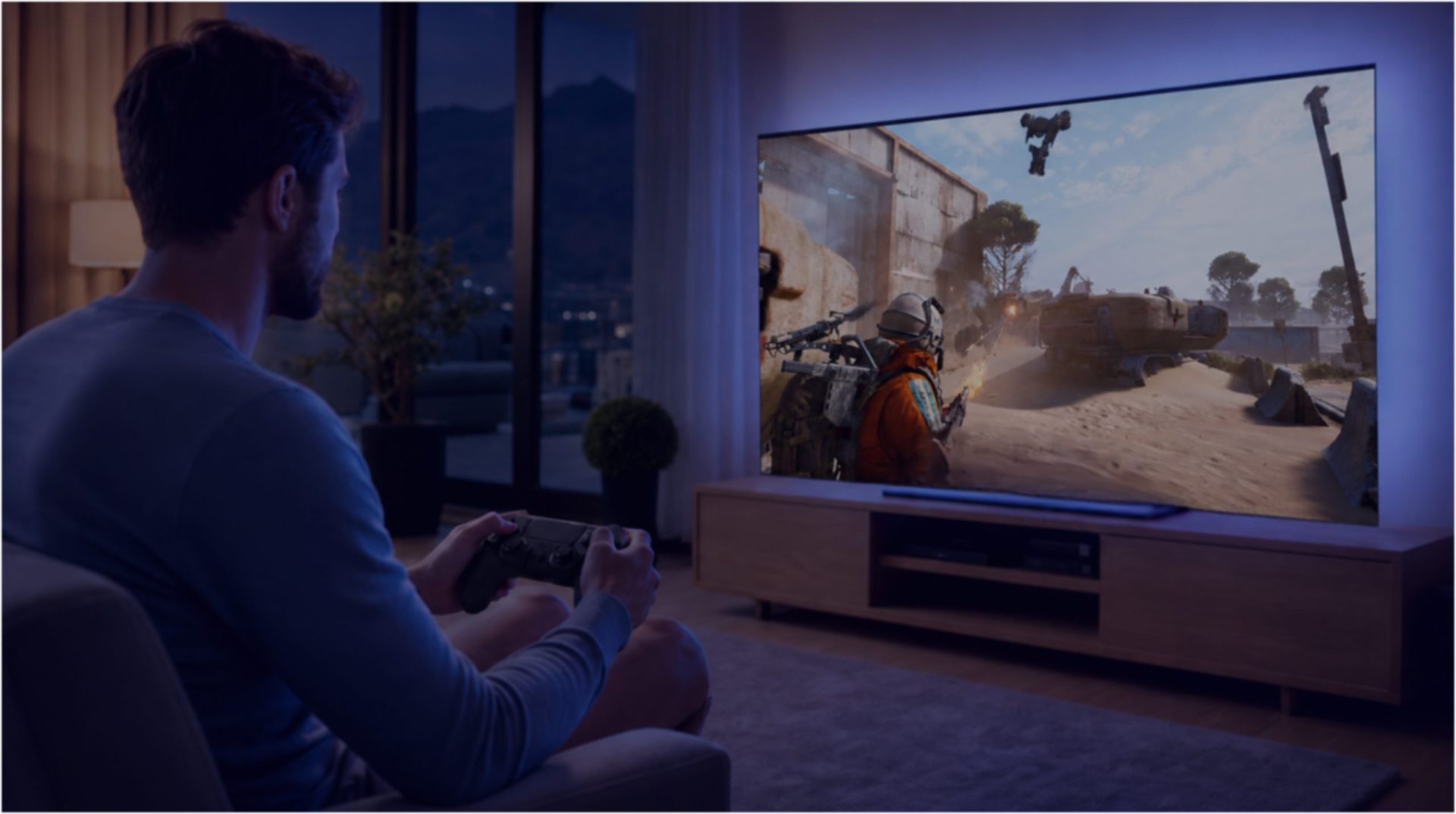
Turn your Android TV box into a gaming PC
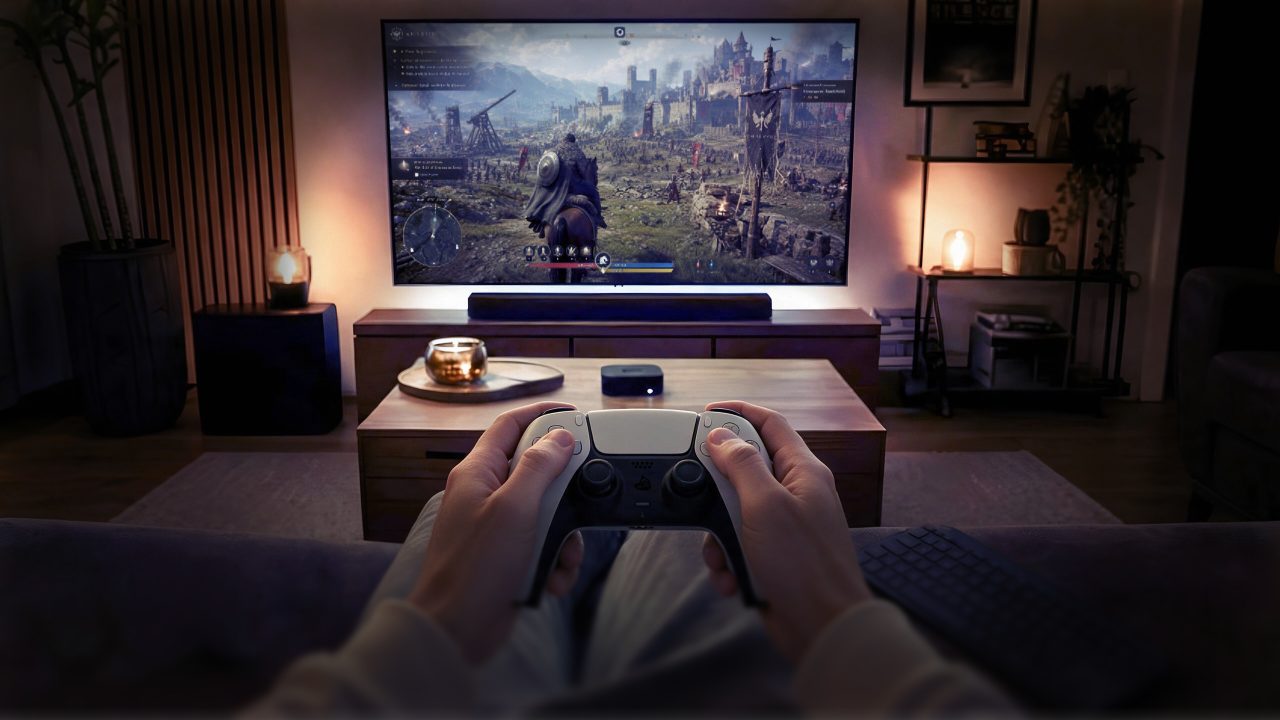
The box already plugged into your TV can run one. Install the Shadow app from the Play Store, pair a controller, and your full PC library is on the big screen.
Get your Shadow PC- A full Windows PC
- Android 5.0 and up
- No PC in the house
Android TV boxes are built to stream video, so a gaming PC on one sounds unlikely. It is not. Shadow PC is a full Windows machine running in a datacenter, and its app sits on the Play Store next to your streaming apps. Install it on any Android TV or Google TV device running Android 5.0 or later, 8.0 or later recommended, and sign in. What appears on your TV is not a catalog of games: it is your own Windows desktop, with your launchers, your saves and your mods where you left them.
What actually shows up on your TV
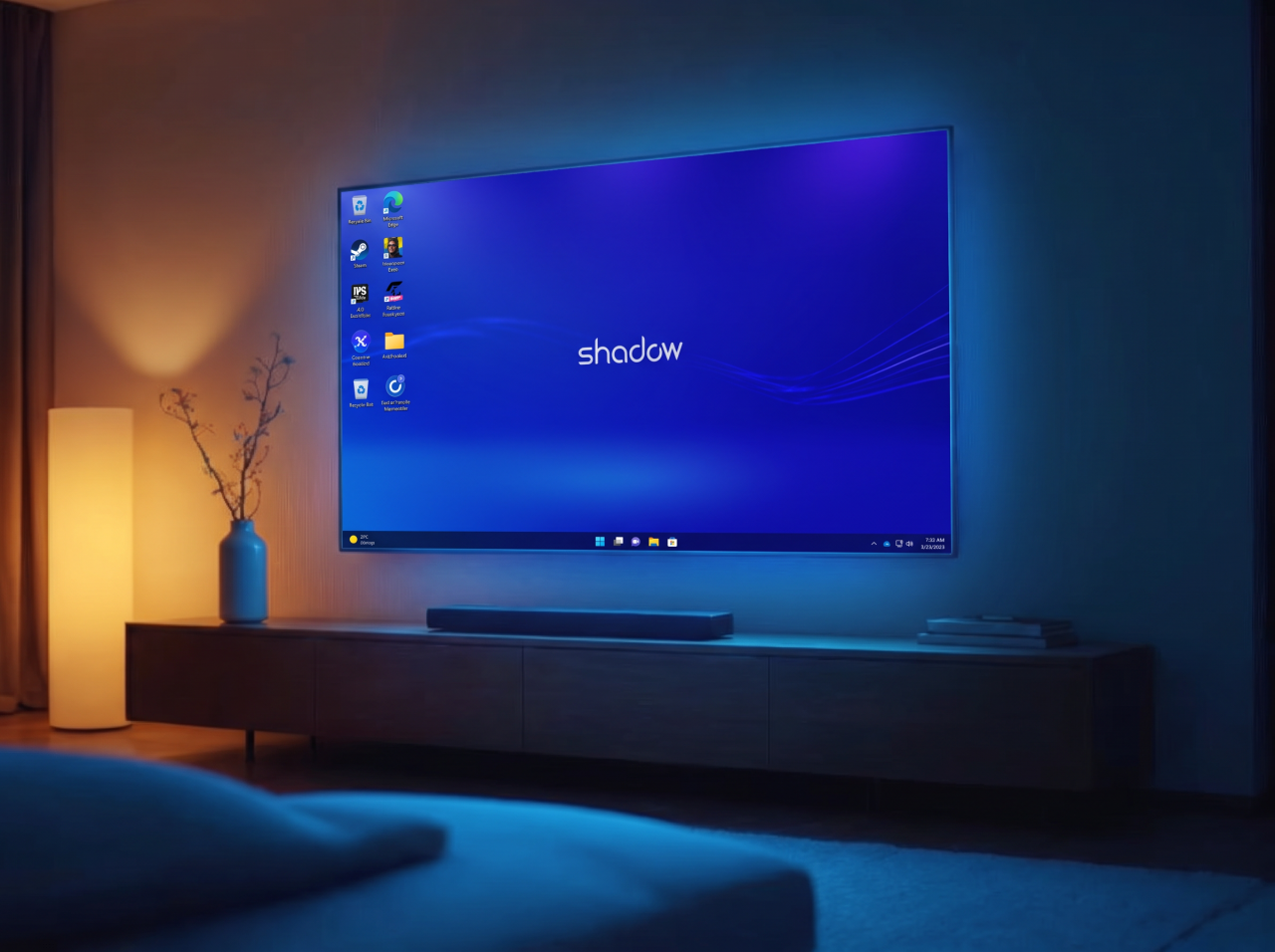
A Windows desktop. Not a tile grid, not a curated store: the same machine you would have under a desk, on the television in your living room.
Steam, Epic, GOG, Battle.net and the rest install normally, because they are installing on Windows. Your mods stay in place. Your saves are exactly where you left them last night on another screen. A browser is one click away when a game needs a wiki.
Around thirty titles with strict anti-cheat systems will not run, and the up-to-date list lives in our help center.
Play with what you already own
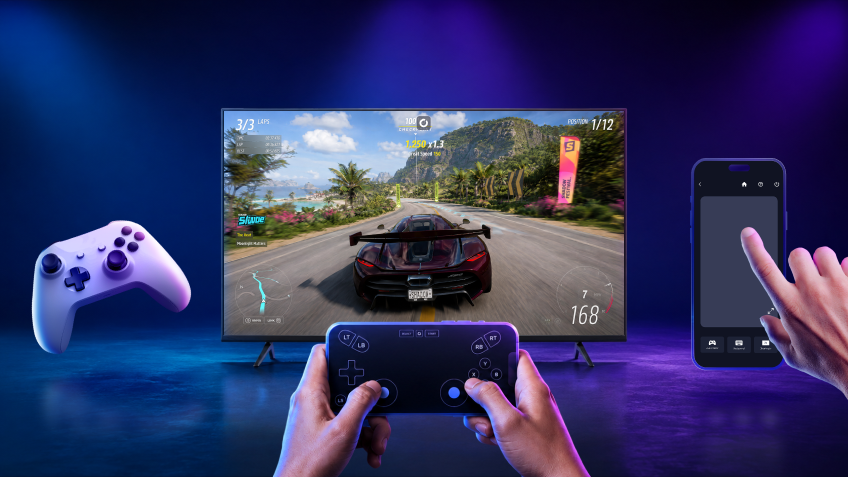
A Bluetooth controller pairs with your box the way it would for any of its own games. Xbox pads, PlayStation pads, most third-party ones. Windows sees a gamepad and behaves accordingly.
No controller tonight? The Shadow mobile app turns your phone into one, sticks and buttons included. That is often the fastest way to start a first session, and it costs nothing.
And when Windows asks for a cursor, your controller stick moves it, or your phone becomes a trackpad with a keyboard. A television never needs a desk.
Pick the plan for your living room
Both plans run your full PC library on your TV box. Power adds the headroom for 4K sets and the heaviest evenings.
Neo Lite
per month

 Perfect for occasional gaming in 1440p with RTX
 Up to 120 hours of playtime per month, sessions up to 4hStream to any device in 1440pInstall your games & mods from Steam, Epic, Battle.net...*Upgrade to Shadow PC anytime as you play more
Power Lite
per month
Up to 50% more GPU power than Neo28GB RAM / 20GB VRAM for better in-game performanceUp to 120 hours of playtime per month, sessions up to 4hStream to any device in 1440pInstall your games & mods from Steam, Epic, Battle.net...*Upgrade to Shadow PC anytime as you play more
Neo
For the first six months, £32.99 after.
Perfect for 1080/1440p gaming with RTXStream to any device up to 1440p+Install your games & mods from Steam, Epic, Battle.net...*Multi screen and ultrawide supportNVIDIA RTX and DLSS compatibility
Power
For the first six months, £49.99 after.
Up to 50% more GPU power
 28GB RAM / 20GB VRAM for better gaming performanceStream to any device up to 5K+Install your games & mods from Steam, Epic, Battle.net...*Multi screen and ultrawide supportNVIDIA RTX and DLSS compatibility
Neo Pro
For the first six months, £39.99 after.
Real-time 3D and rendering at the best priceStream on your devices up to 1440p+Install your software & CUDA/RTX workflows...*Priority access & Longer sessionsEasy users & subscriptions management
Power Pro
For the first six months, £52.99 after.
Up to 50% more GPU power28GB RAM / 20GB VRAM for 3D and gamingStream to any device up to 4K+Install your software & CUDA/RTX workflows...*Priority access & Longer sessionsEasy users & subscriptions management
Expert Pro
For the first six months, £62.99 after.
41GB RAM / 24GB VRAM for heavy-duty AI & 3DCPU [email protected] for multi-threaded tasksStream to any device up to 4K+Install your software & CUDA/RTX workflows...*Priority access & Longer sessionsEasy users & subscriptions managementA catalog, or your own PC
| Shadow PC | GeForce Now | Xbox Cloud Gaming | Boosteroid | |
|---|---|---|---|---|
| What runs on your TV |
Shadow PC
A full Windows PC
|
GeForce Now
A game catalog
|
Xbox Cloud Gaming
A console catalog
|
Boosteroid
A game catalog
|
| Your launchers and mods |
Shadow PC
Available
|
GeForce Now
Not available
|
Xbox Cloud Gaming
Not available
|
Boosteroid
Not available
|
| Your saves and files stay put |
Shadow PC
Available
|
GeForce Now
Not available
|
Xbox Cloud Gaming
Not available
|
Boosteroid
Not available
|
| Games outside any catalog |
Shadow PC
Available
|
GeForce Now
Not available
|
Xbox Cloud Gaming
Not available
|
Boosteroid
Not available
|
| A Windows desktop, a browser, your own software |
Shadow PC
Available
|
GeForce Now
Not available
|
Xbox Cloud Gaming
Not available
|
Boosteroid
Not available
|
| Same machine on your Mac or phone |
Shadow PC
Available
|
GeForce Now
Not available
|
Xbox Cloud Gaming
Not available
|
Boosteroid
Not available
|
What you need before you start
An Android TV or Google TV device running Android 5.0 or later, with 8.0 or later recommended. That covers most boxes and TV sticks sold in the last few years, along with the Google TV interfaces built into recent sets.
A wired Ethernet connection gives the steadiest picture. 5 GHz Wi-Fi works well when the router is close.
A Bluetooth controller is the comfortable way to play, and your phone stands in for one when you don't have a pad at hand.
The install itself takes three steps on the Play Store, and our help center walks through them.
Your other screens
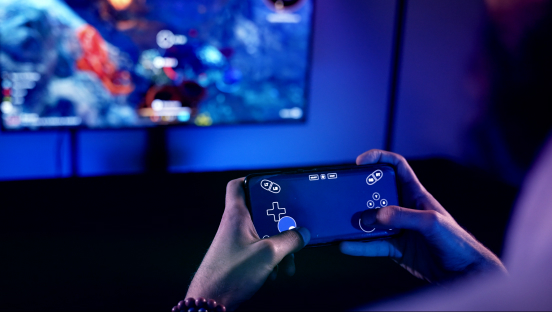
Your controller moves the cursor, your phone becomes a trackpad, and it can even become the gamepad.
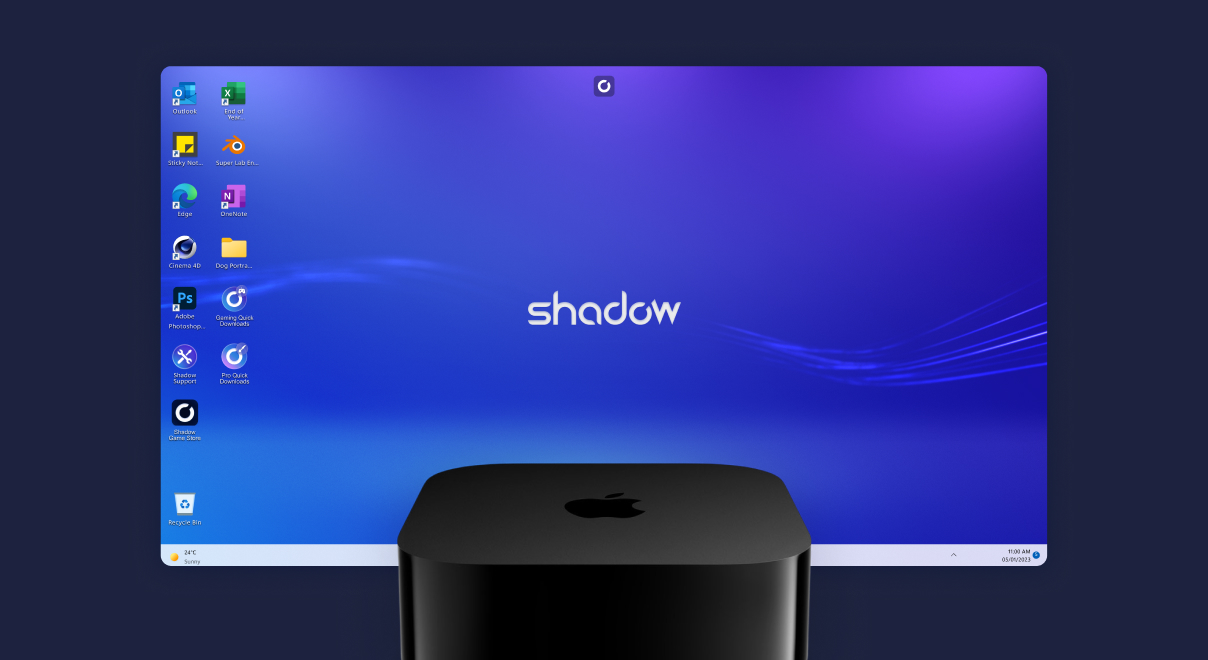
The same full Windows PC, on the only living-room box no other cloud gaming service reaches.
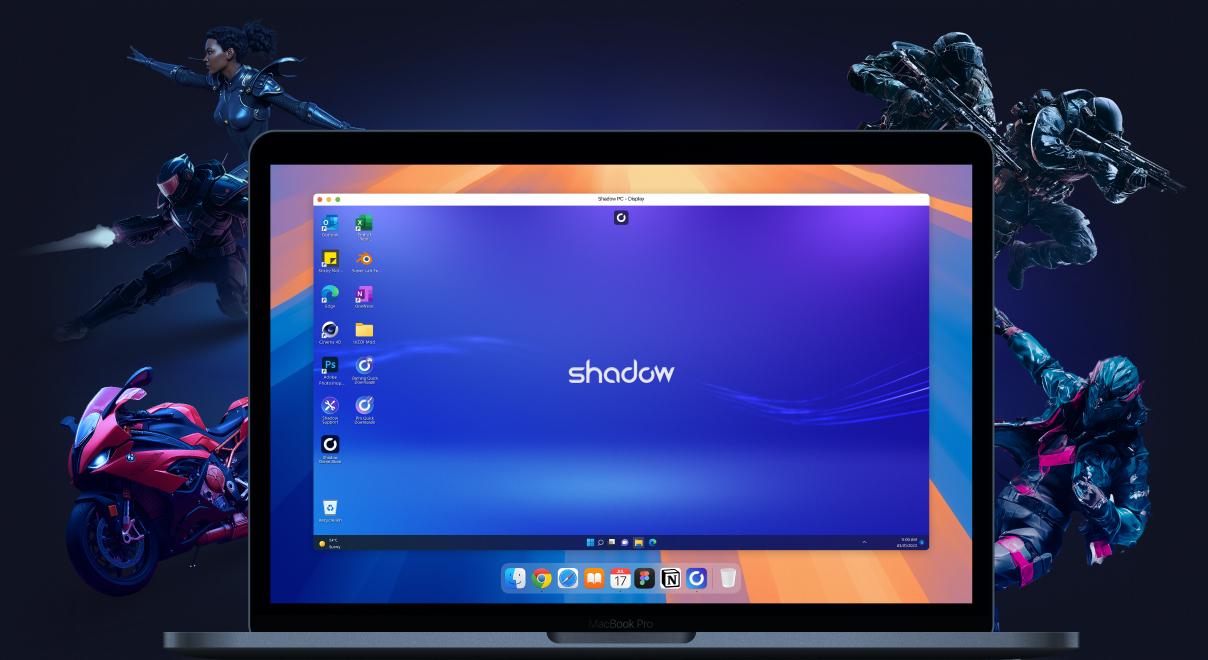
The same Shadow PC turns your Mac into a gaming rig. Same library, same saves.
The box is already plugged in
One app from the Play Store, one controller, and your PC library is on the television tonight.
Frequently asked questions
Android 5.0 or later, with Android 8.0 or later recommended for the smoothest experience. That covers most Android TV boxes, TV sticks and Google TV sets sold in recent years.
If your device runs Android TV or Google TV and can install apps from the Play Store, it can run Shadow PC. Televisions that use their own operating system need one of these boxes, or an Apple TV, plugged in alongside. Our help center keeps the current requirements.
Search for Shadow PC in the Play Store on your TV, install it and sign in. You can also push the install from your phone. The step-by-step guide is in our help center.
Your whole PC library. Steam, Epic, GOG and Battle.net install and run because Shadow PC is a real Windows machine. Around thirty titles with strict anti-cheat systems are the exception, and the current list is published in our help center.
Yes. Install the app on your TV, your Mac, your PC and your phone. Your Shadow PC runs one active session at a time, so you close it in the living room and pick up exactly where you left off somewhere else.