How to play Crimson Desert on Mac?
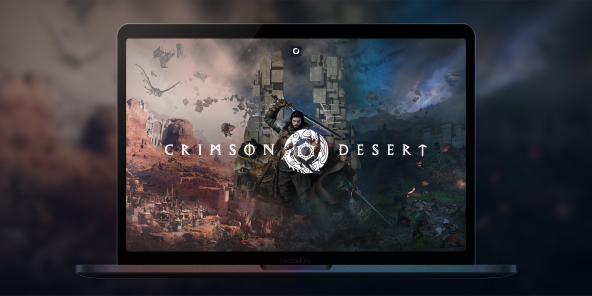
Crimson Desert does have a native macOS version, but it requires an Apple Silicon chip (M2 Pro or higher). If you’re on an Intel Mac, the game simply won’t launch. With Shadow PC, you can access a real Windows gaming PC from your MacBook or Intel iMac, and play Crimson Desert at full power, without touching your hardware. Take command of the Greymanes, an elite mercenary unit, and explore the war-torn continent of Pywel in one of the most ambitious open-world action RPGs of 2026, now available on all Macs.
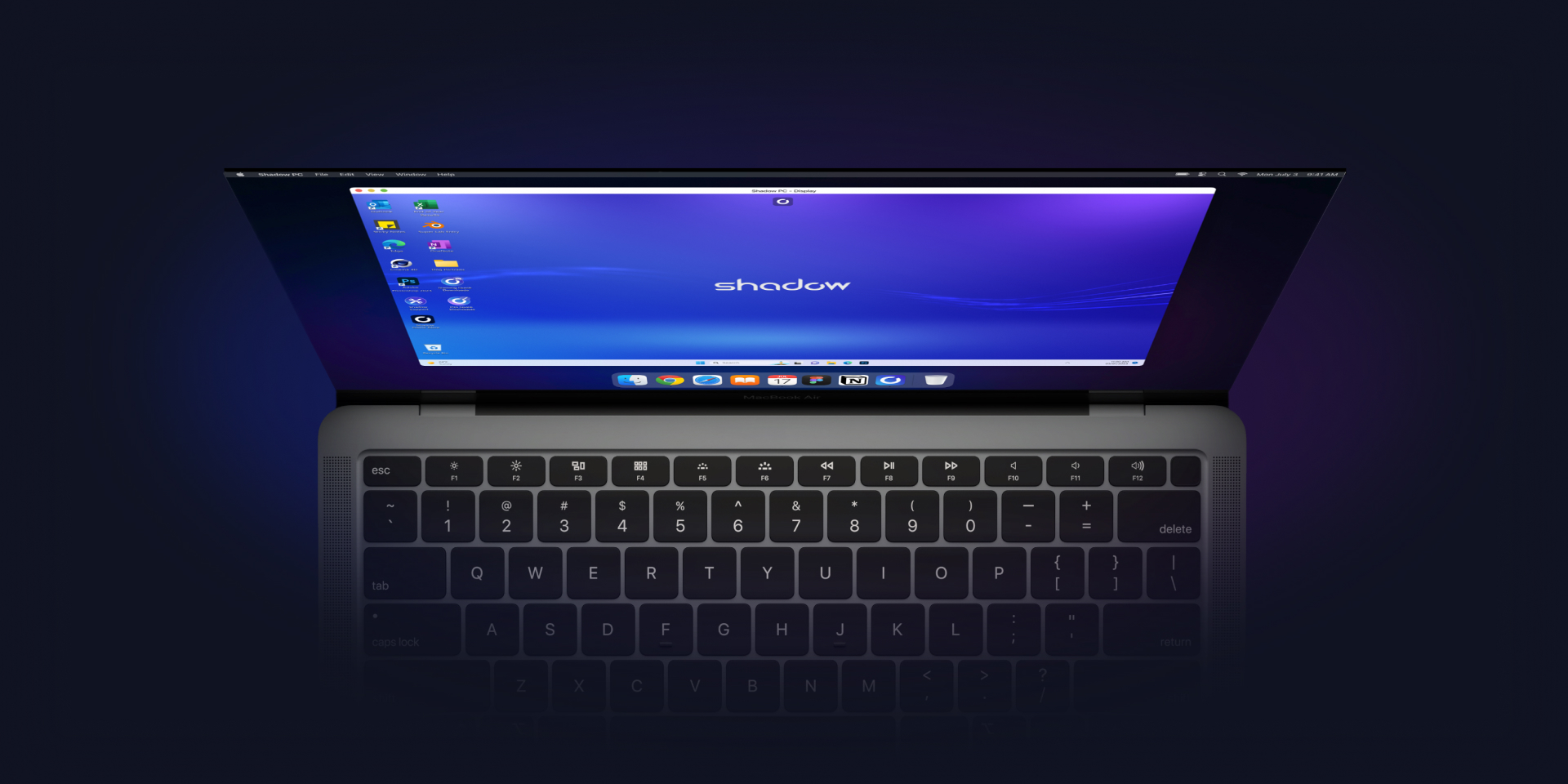
How does Shadow work?
Shadow is a cloud based Windows gaming PC that works like a streaming service.
Learn more →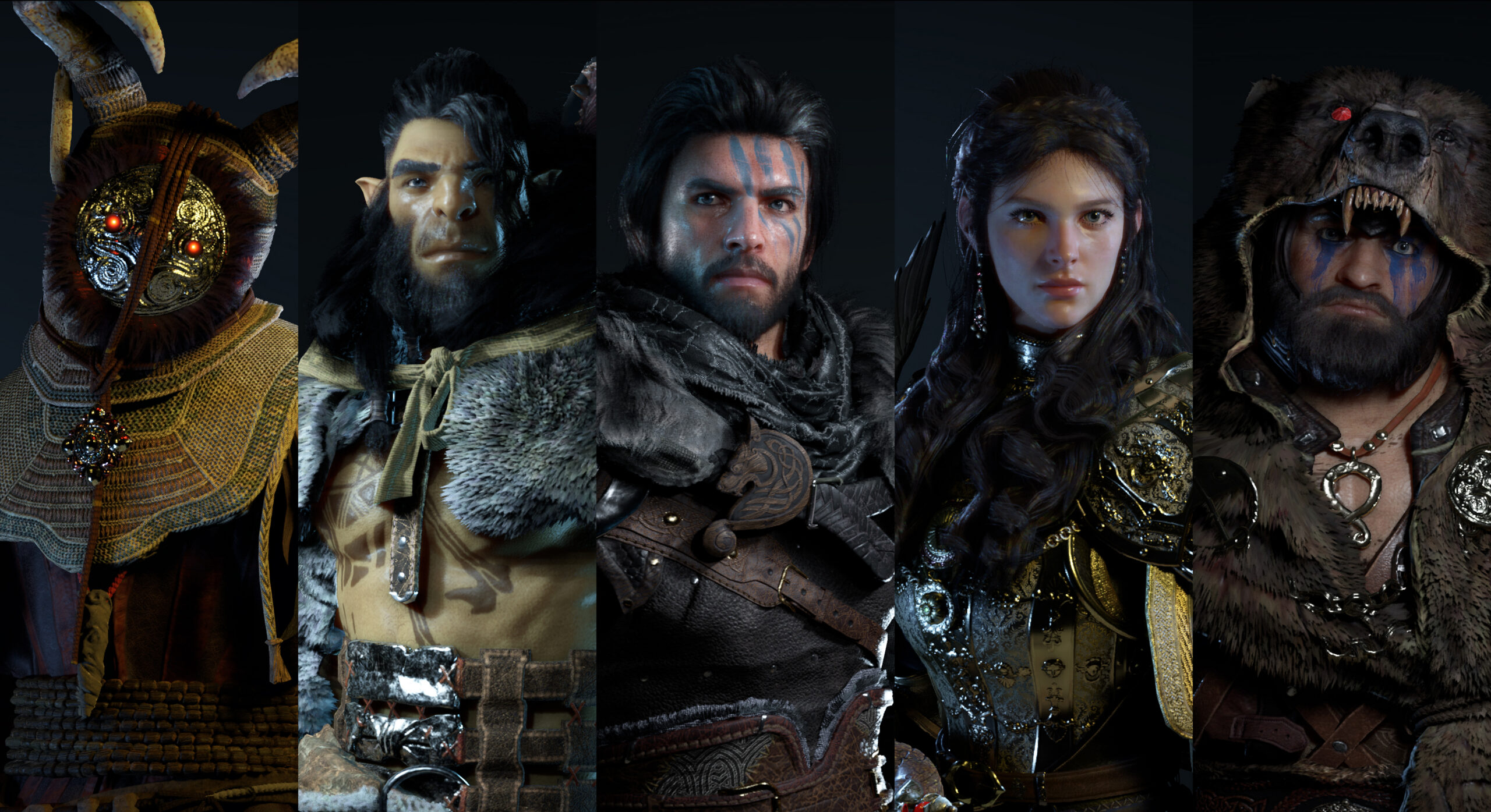
Crimson Desert: the future benchmark for open world games?
Crimson Desert is shaping up to be one of the most ambitious open world games of recent years. Discover its gameplay systems, its world, and why it could become a new genre benchmark.
Discover →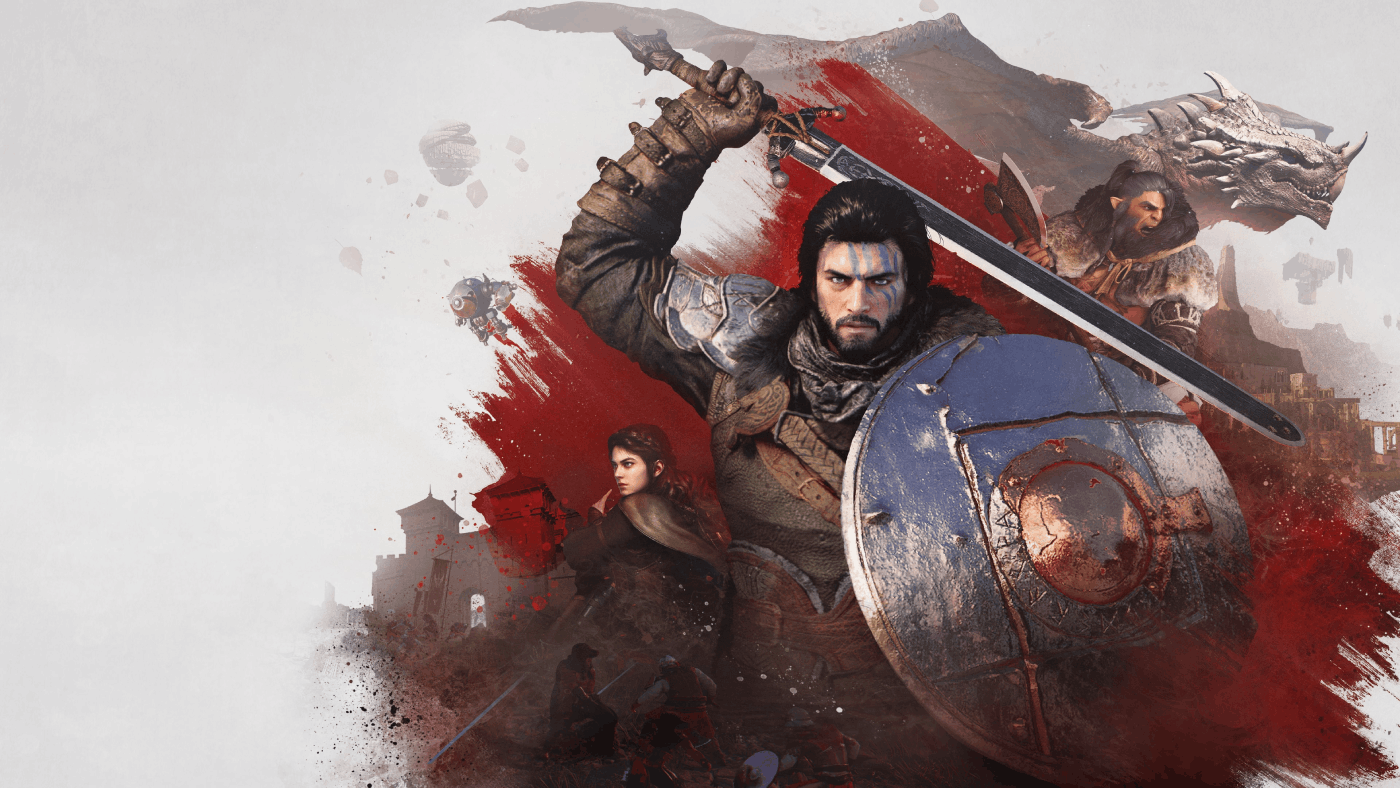
How to experience RTX in Crimson Desert?
Discover how RTX transforms Crimson Desert with spectacular lighting, realistic reflections, and next generation graphics.
Find out more →Play Crimson Desert on Intel Macs with Shadow PC
Shadow PC is a fully-fledged Windows gaming PC hosted in the cloud, accessible instantly from any Mac, including Intel models that are excluded from the native macOS version. Buy Crimson Desert on Steam, install it on your Shadow, and dive into the open world of Pywel without worrying about your Mac’s processor. Maximum quality, zero compromises.
CPU AMD EPYC, 8 core (3,25 GHz); 16 GB di RAM; GPU NVIDIA RTX 2000 Ada da 16 GB (GPU di classe GeForce RTX 4060); SSD da 512 GB
CPU AMD EPYC, 8 core (fino a 3,7 GHz); 28 GB di RAM; GPU NVIDIA RTX A4500 da 20 GB (GPU di classe GeForce RTX 3070 Ti); SSD da 512 GB
Crimson Desert: Pearl Abyss’s most ambitious single-player RPG
Set on the war-torn continent of Pywel, Crimson Desert follows Kliff Macduff, leader of the elite Greymane mercenaries, through betrayal, survival and a conflict far greater than he could have anticipated. A seamless open world, cinematic combat and a story lasting 50 to 80 hours.
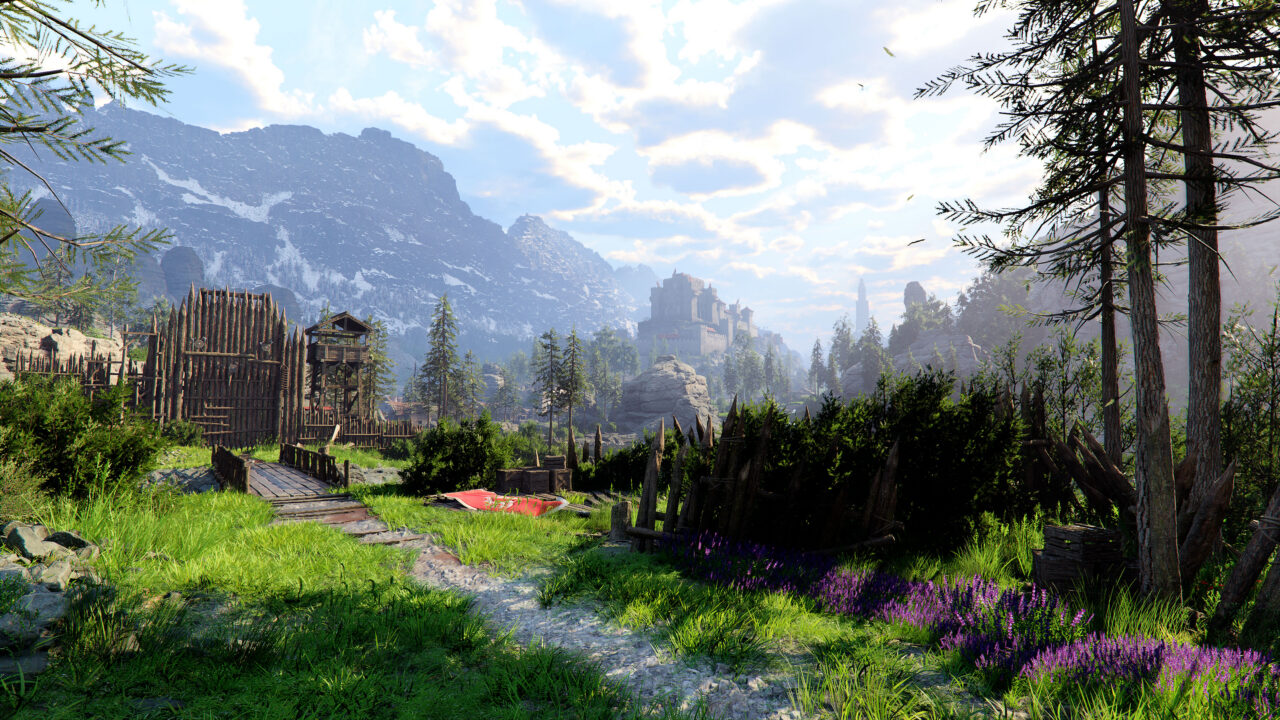
Combat is at the heart of Crimson Desert: fast-paced, tactical and deep. Equip up to three weapons at once, sword and shield, spear, rapier, bow and pistol, and freely chain together combos, aerial attacks, grapples and elemental infusions. No fixed classes. Your style, your rules.

Pywel is divided into five distinct regions, each with its own biomes, political factions and ecosystems, all connected without a single loading screen. From storm-battered fortresses to sun-drenched plains, the world rewards exploration at every turn.
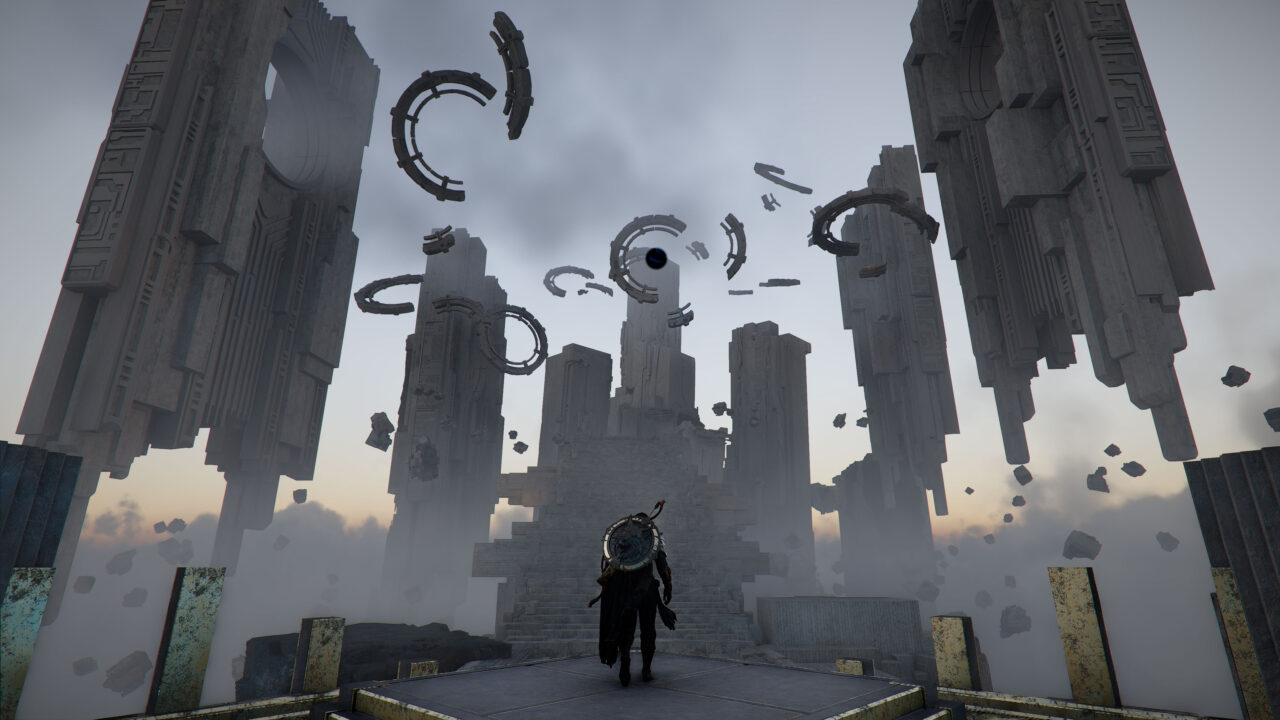
The main campaign is just the beginning. Hunting, fishing, crafting, fortress management, horse racing, combat tournaments or bounty hunting: with over 50 hours of story content and dozens more hours of side content, Pywel has something for every type of player.

Three playable characters. No microtransactions.
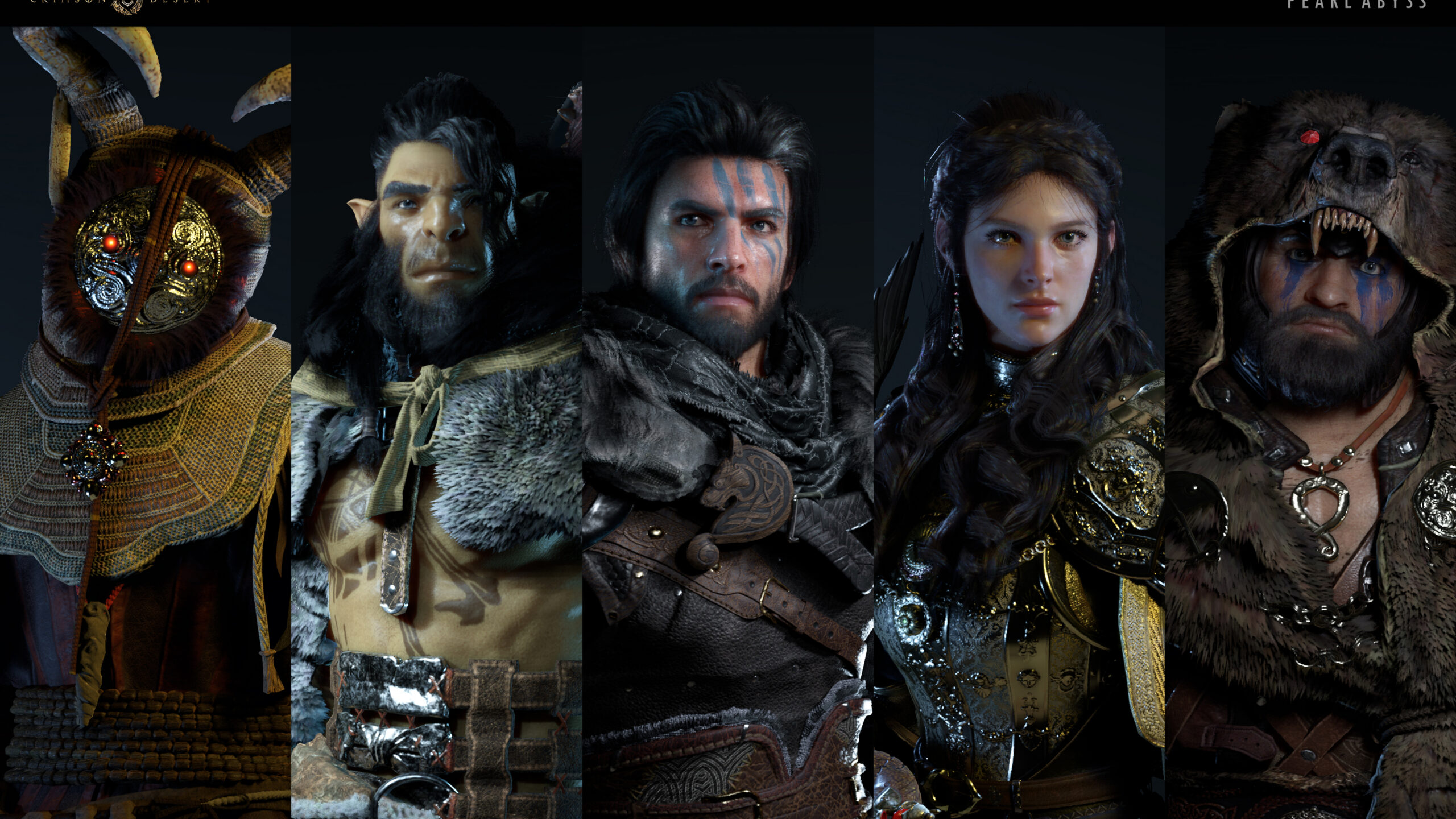
In addition to Kliff, two characters are unlocked gradually: Damiane, a cunning and agile character who glides through the air using a jet-powered umbrella; and Oongka, a philosophical Orc-kin who wields heavy weapons to deal raw, devastating damage. Each has their own skill tree and a truly distinct gameplay style. Crimson Desert launches with no microtransactions, no cash shop and no day-one DLC. A complete game at purchase, confirmed by Pearl Abyss. On Shadow PC, you can access all of this via the full Windows version on Steam, with Apple Silicon posing no obstacle.
Tutorial: Play Crimson Desert via cloud gaming in 3 steps
Want to explore the vastness of the continent of Pywel? Here's how to play Crimson Desert via cloud gaming on any device: PC, Mac, smartphone, or tablet:


Install the Shadow client on your Mac, or log in directly from your web browser via pc.shadow.tech.

Start up your Shadow PC and install Crimson Desert. That's it! Now you're ready to play in Ultra mode!
Your gaming PC, whenever you want, wherever you are
Log in to your Shadow PC and play Crimson Desert and all your favourite games* on any Apple device (even an iPhone or Apple TV), or directly from your web browser. Shadow’s cloud gaming and streaming technologies transform your Mac into a powerful gaming PC, accessible anywhere, anytime!

FAQ
Shadow è un PC da gioco Windows completo interamente ospitato nel cloud. È l'unica macchina virtuale le cui prestazioni rivaleggiano con quelle di un PC locale. E a differenza dei servizi di cloud gaming, puoi installare ed eseguire qualsiasi gioco, app o software: non ci sono restrizioni sul catalogo.
Il tuo Shadow è una vera workstation Windows professionale. Installa tutto ciò di cui hai bisogno*: Adobe Suite, strumenti CAD, ambienti di sviluppo, ecc.
Sì, sia l’app Shadow che la versione browser funzionano con le versioni più recenti di macOS e sui computer compatibili.
Per ogni dispositivo di vostra scelta, potete scaricare gratuitamente il software client Shadow PC; vi permette nello specifico di testare la qualità di navigazione, impostare i parametri di qualità video fino alla risoluzione più alta come la 4k Per le esigenze di accesso rapido da un nuovo dispositivo o una postazione con limiti in termini di installazione di software, potete ora accedere direttamente al vostro PC Shadow da un browser. Nessuna installazione necessaria, è un'operazione semplice e rapida: accedete alla pagina pc.shadow.tech! Questa modalità di accesso è in particolare molto pratica per le demo o le formazioni dei vostri contenuti tramite un software esigente, direttamente dalla postazione dei vostri clienti o prospect: non è più necessario trasportare il vostro dispositivo, i vostri software e i vostri dati, potrete accedervi in totale semplicità.
Sì, con Shadow disponi di una velocità di download di 1 Gb/s sul tuo PC Shadow, anche se la tua connessione internet locale è lenta.
In breve: no. Forniamo una potenza sufficiente a soddisfare le vostre esigenze in base all'offerta scelta. Quanto alla latenza, la nostra tecnologia avanzata consente di utilizzare una connessione a bassa larghezza di banda (a partire da 15 Mb/s) con una latenza praticamente impercettibile. Naturalmente, la compressione può influenzare la qualità dell'immagine e, se la vostra connessione è troppo lenta, potreste notare una differenza rispetto all'immagine originale.
Sì, Shadow non limita la risoluzione e permette di utilizzare Windows, i vostri giochi e programmi in 4K UHD. Si noti che alcuni giochi potrebbero non supportare la risoluzione 4K o potrebbero subire cali di prestazioni a tale definizione. Inoltre, una risoluzione così alta richiede una maggiore larghezza di banda, dunque una connessione internet più veloce e stabile rispetto alle definizioni inferiori.
Sì, è possibile attivare un secondo schermo direttamente dal Menu Rapido del vostro PC Shadow.