Play your Windows games on Mac
Do you have a Mac and want to play games? Playing Windows games on Mac has never been easier! Shadow gives you full access to a Windows PC in the cloud, making your Mac compatible with thousands of games and software usually reserved for Windows. With Shadow PC, you can play the most popular Windows games on your Mac, smoothly and without any restrictions.

A High-End Cloud
Gaming PC
Shadow is a Windows gaming PC delivered as a streaming service. Your Shadow is accessible in just two clicks from any connected device (Mac, PC, smartphone, tablet, Apple TV, Android TV, etc.). You can play your favorite PC games, create, and work on Windows effortlessly and without constraints.
No setup required
Prefer not to install anything? Access your Shadow PC directly from your web browser and enjoy your Windows games on Mac with zero installation.
Access your Shadow PC directly from your web browser and enjoy your Windows games on Mac with zero installation.
Ultra compatible
With Shadow, forget about the limited catalogs of traditional cloud gaming services. Shadow PC gives you access to a full Windows computer. This means you can install all your games and play all your Windows games on your Mac. No need for complicated emulators or limited virtualization—Shadow runs your Windows games natively, making them 100% compatible and perfectly smooth with no bugs or technical limitations.
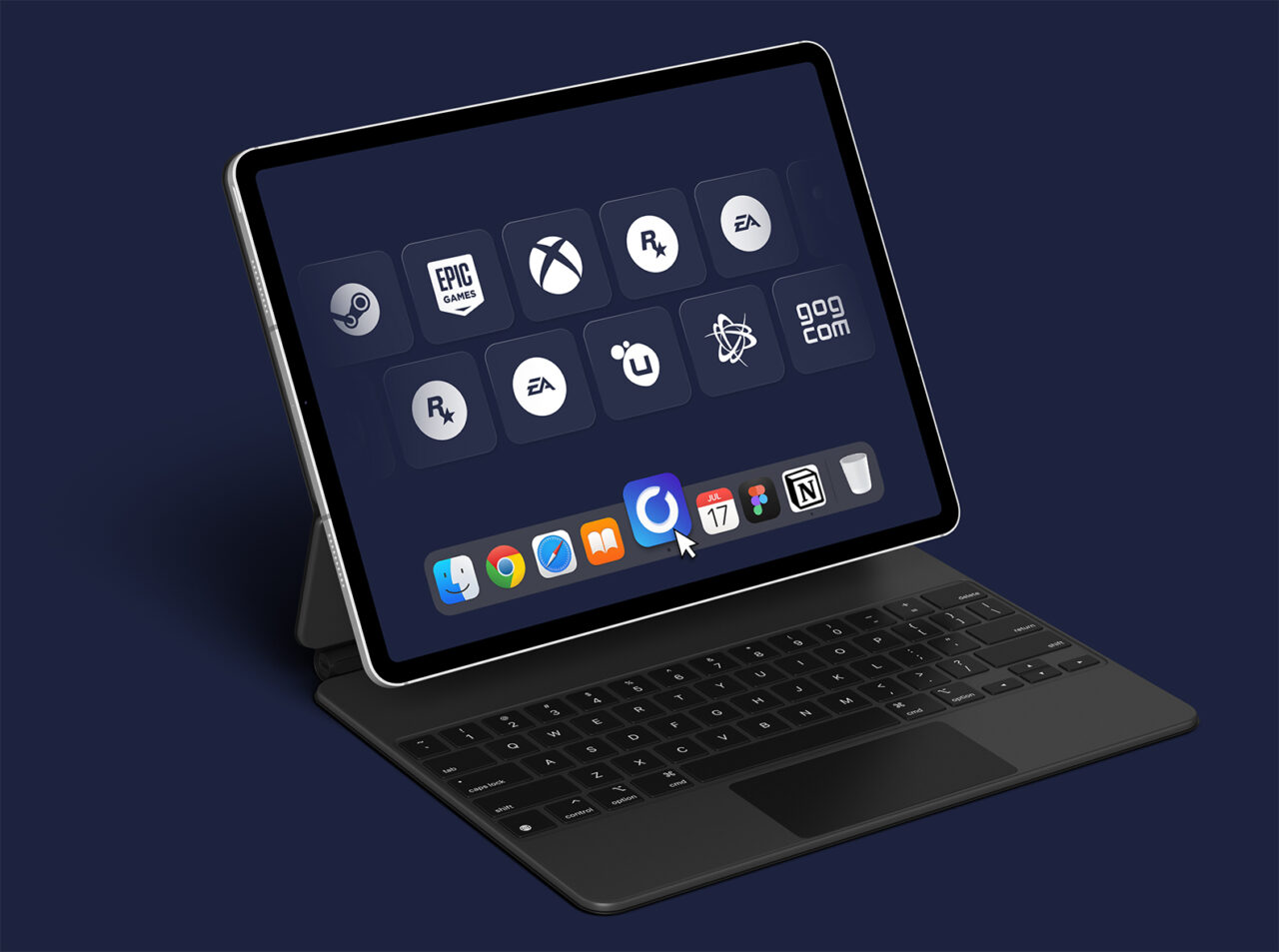
Play your Windows games on Mac, now!
Neo Lite
per month

 Perfect for occasional gaming in 1440p with RTX
 Up to 120 hours of play per month, sessions up to 4hStream to any device in 1440pInstall your games & mods from Steam, Epic, Battle.net...*Upgrade to Shadow PC anytime as you play more
Power Lite
per month
Up to 50% more GPU power than Neo28GB RAM / 20GB VRAM for better in-game performanceUp to 120 hours of play per month, sessions up to 4hStream to any device in 1440pInstall your games & mods from Steam, Epic, Battle.net...*Upgrade to Shadow PC anytime as you play more
Neo
For the first six months, 32,99€ after.
Perfect for 1080/1440p gaming with RTXStream to any device up to 1440p+Install your games & mods from Steam, Epic, Battle.net...*Multi screen and ultrawide supportNVIDIA RTX and DLSS compatibility
Power
For the first six months, 49,99€ after.
Up to 50% more GPU power
 28GB RAM / 20GB VRAM for better gaming performanceStream to any device up to 5K+Install your games & mods from Steam, Epic, Battle.net...*Multi screen and ultrawide supportNVIDIA RTX and DLSS compatibility
Why Shadow is the
best gaming platform
| Shadow PC | Native Mac | Cloud Gaming (GeForce Now, etc.) | Virtualization (Parallels, etc.) | |
|---|---|---|---|---|
| Windows 10/11 support |
Shadow PC
Available
|
Native Mac
Not available
|
Cloud Gaming (GeForce Now, etc.)
Not available
|
Virtualization (Parallels, etc.)
Limited support
|
| Preserve battery life |
Shadow PC
Available
|
Native Mac
Not available
|
Cloud Gaming (GeForce Now, etc.)
Available
|
Virtualization (Parallels, etc.)
Not available
|
| Run Windows Games |
Shadow PC
Available
|
Native Mac
Not available
|
Cloud Gaming (GeForce Now, etc.)
Limited support
|
Virtualization (Parallels, etc.)
Limited support
|
| Run Windows Apps |
Shadow PC
Available
|
Native Mac
Not available
|
Cloud Gaming (GeForce Now, etc.)
Not available
|
Virtualization (Parallels, etc.)
Limited support
|
| Desktop GPU performance |
Shadow PC
Available
|
Native Mac
Not available
|
Cloud Gaming (GeForce Now, etc.)
Available
|
Virtualization (Parallels, etc.)
Not available
|
| NVIDIA RTX & DLSS effects |
Shadow PC
Available
|
Native Mac
Not available
|
Cloud Gaming (GeForce Now, etc.)
Available
|
Virtualization (Parallels, etc.)
Not available
|
| Ultra-fast 1 Gbps bandwidth |
Shadow PC
Available
|
Native Mac
Not available
|
Cloud Gaming (GeForce Now, etc.)
Not available
|
Virtualization (Parallels, etc.)
Not available
|
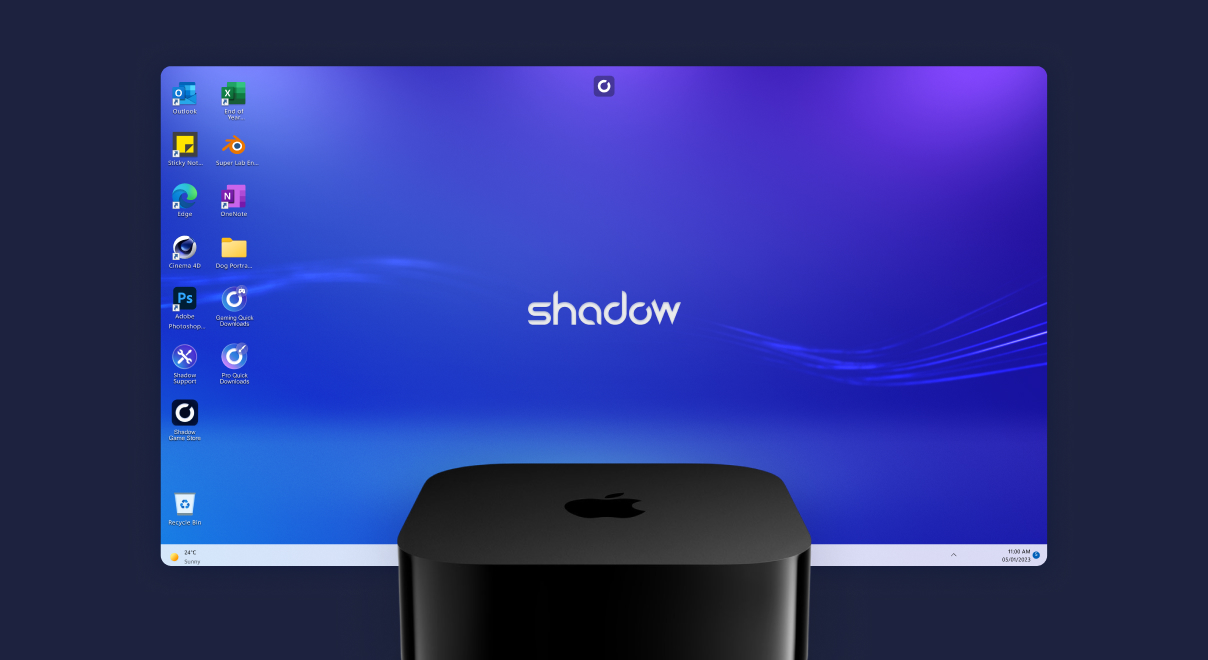
Enjoy your Shadow PC on your Apple TV and turn your screen into a full gaming or work station. Easy to use and just as powerful, perfect for gaming, streaming, from your couch.
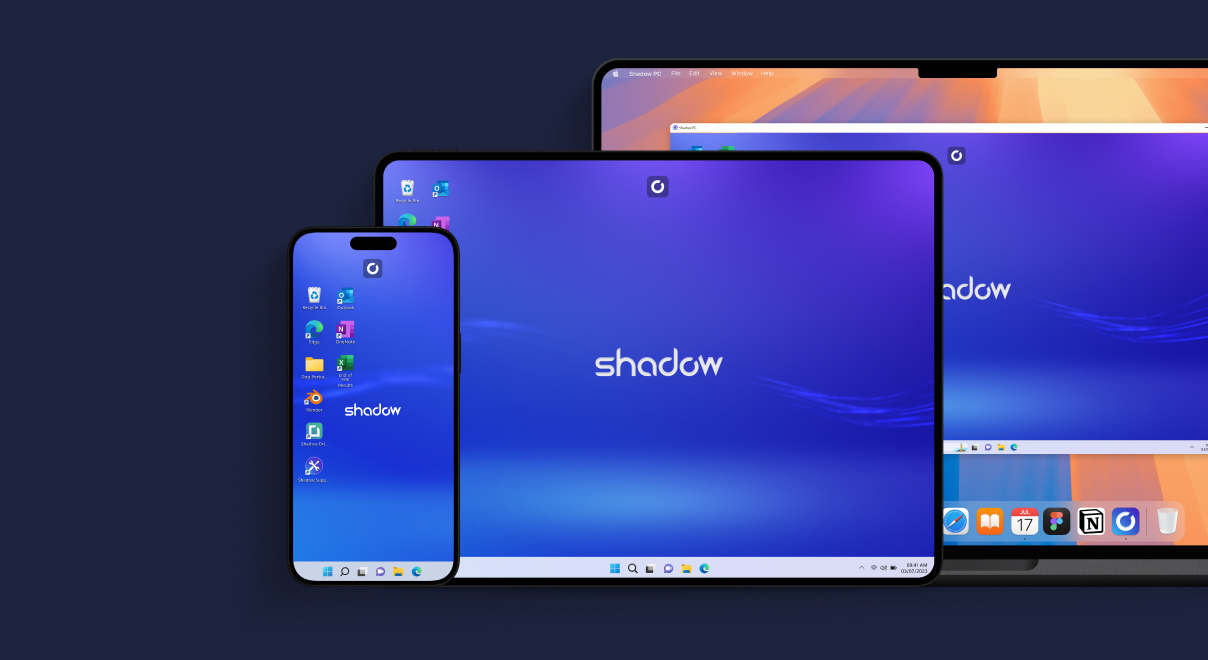
Turn your other devices into secondary monitors for more flexibility. Easily extend your workspace or keep an eye on multiple apps at once.
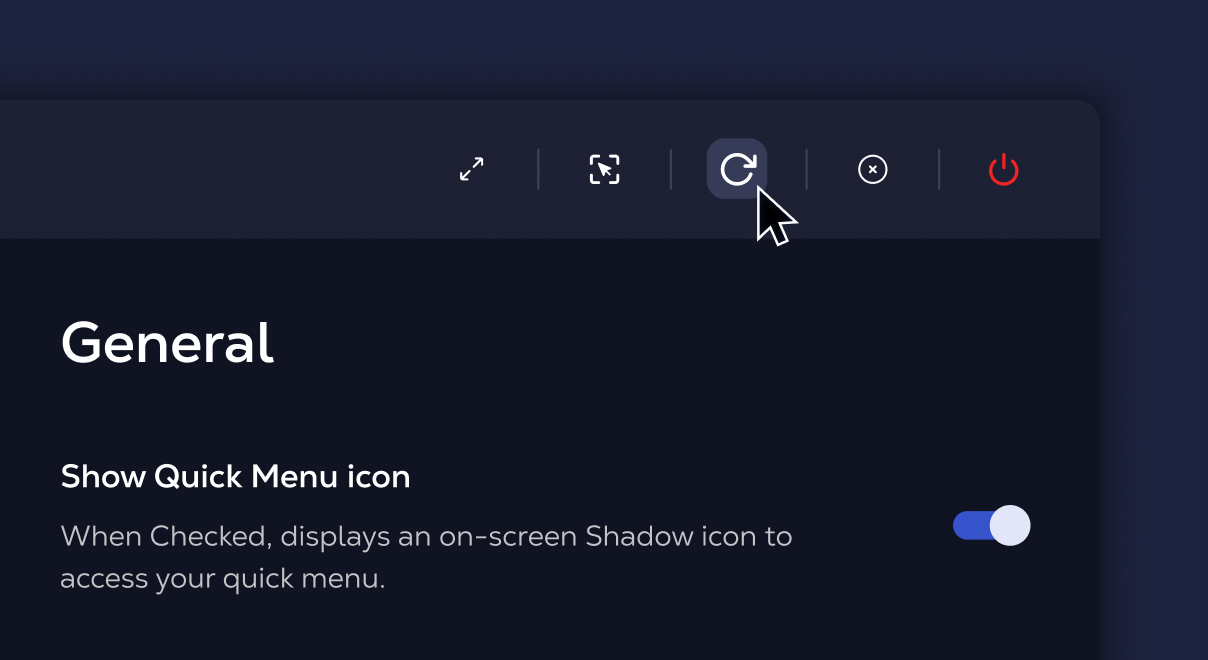
Quickly access essential controls for your Shadow PC using the Quick buttons in the Shadow overlay. Manage your experience smoothly without leaving your session.
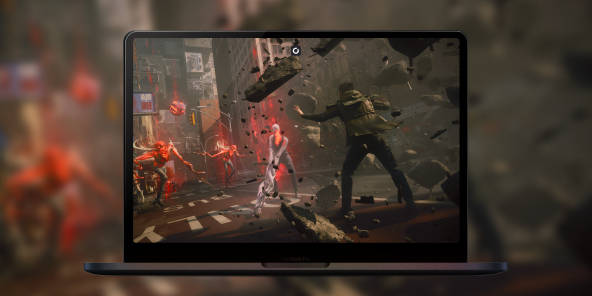
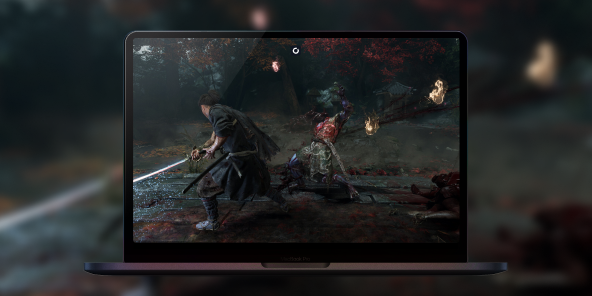
Your favorite Windows games on Mac
Discover more games
All games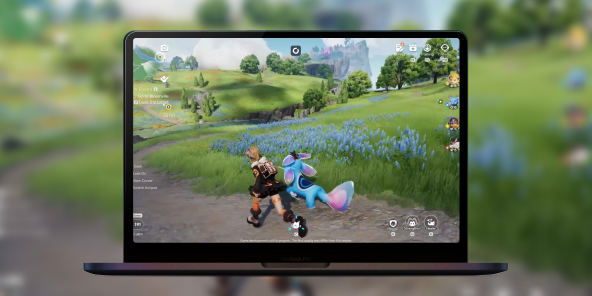
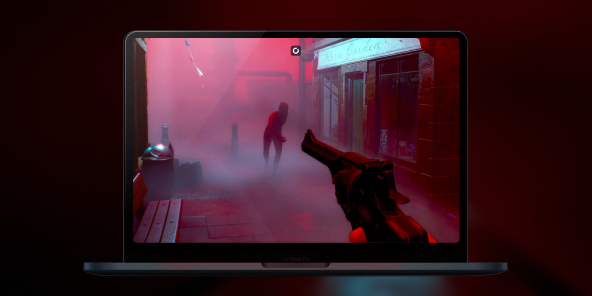
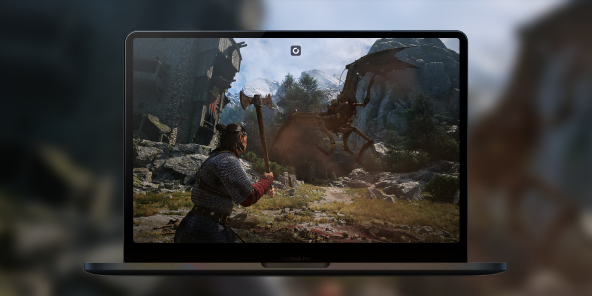
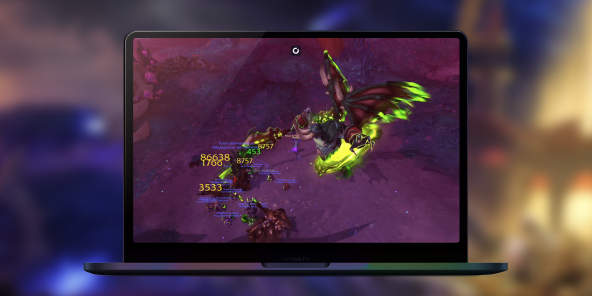
Playing on Mac has never been so simple, fast and accessible
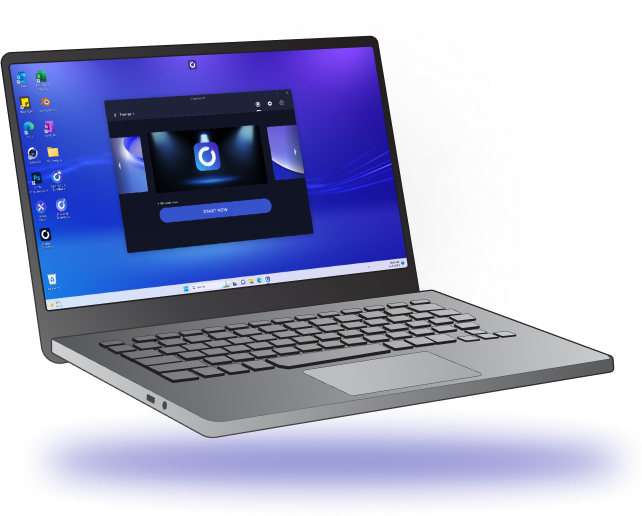
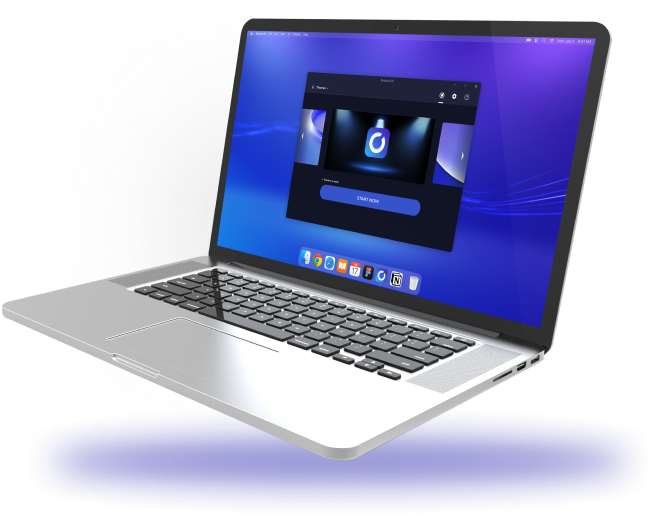
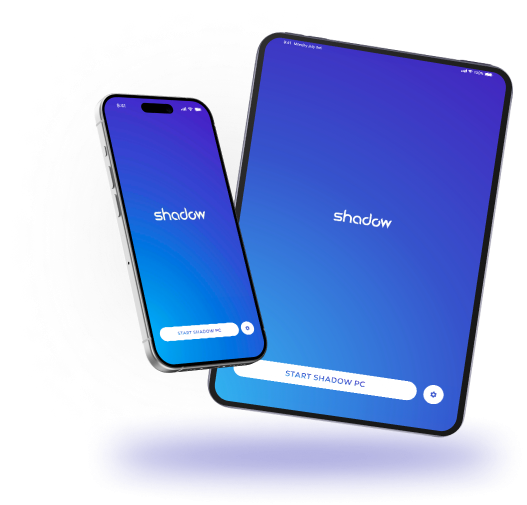
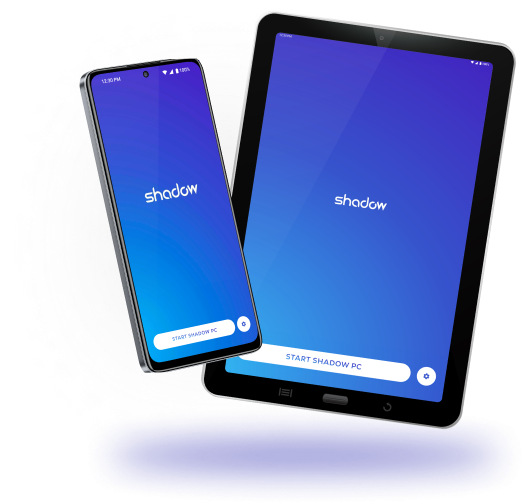
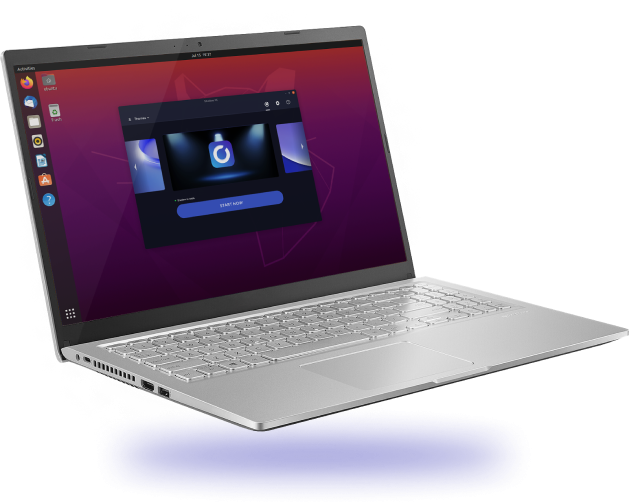
Shadow PC instantly transforms your laptop, desktop, Mac, Android device, iPhone or iPad into
a high-performance Windows PC.
- Windows
- MacOS
- iOS
- Android
- Linux
- Smart TV
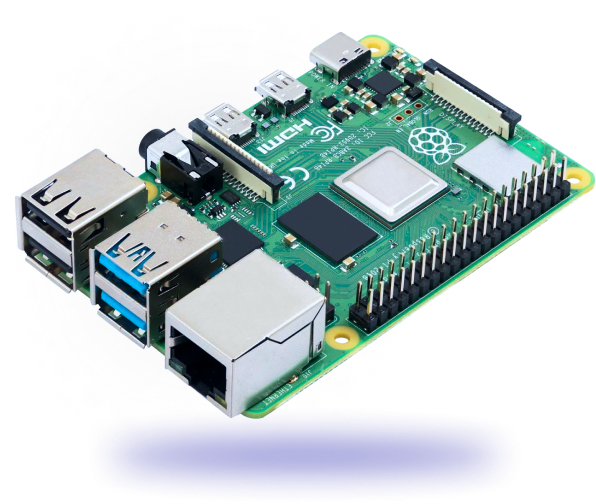
- Raspberry Pi OS
- Shadow Drive



Frequently asked questions
Almost all of them. Your games install from Steam, Epic or Battle.net on a full Windows PC in the cloud, and you play them right on your Mac. The exceptions: around thirty titles protected by strict anti-cheat that won't run; the up-to-date list is in the Help Center.
Your call. Use the Shadow app (Intel and Apple Silicon) or play straight from your browser at pc.shadow.tech, with nothing to install.
Yes. Any Mac running macOS 10.15 or later will do, whatever the model: the power comes from the cloud, not from your machine.
Up to 4K depending on your plan, powered by a dedicated NVIDIA RTX GPU with DLSS. A stable 15 Mbps connection is enough to get started, wired or solid Wi-Fi; you'll want more headroom for 4K.
It's neither emulation nor local virtualization, which both throttle performance, and it's not a locked catalog like GeForce Now: it's a complete Windows PC where you install whatever you want.
Neo and Power, both commitment-free. Switch plans or cancel whenever you like; current pricing lives on the Offers page.