What is the best PC to play Control Resonant on Mac?
Control Resonant lands on your Mac through Shadow PC before Remedy ships the native Mac version, streaming from a real RTX Windows PC in full 4K.
So, what is the best PC to play
Control Resonant on Mac?
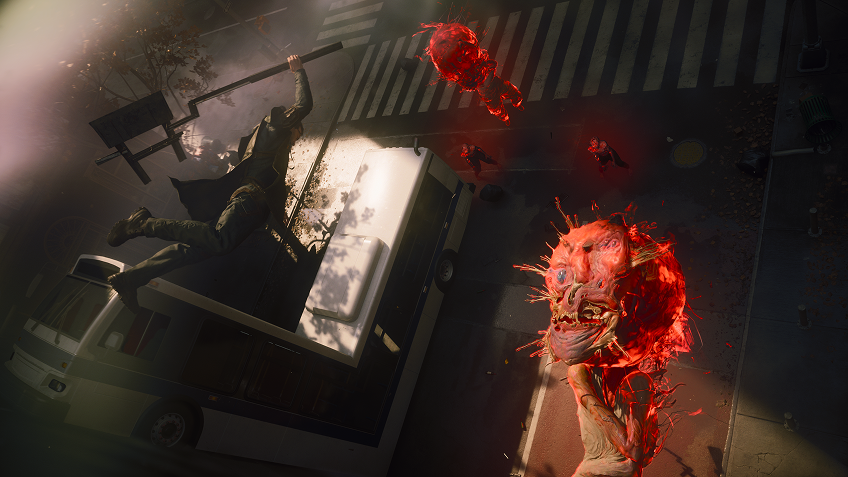
Honestly, the one that does not need a native Mac version yet. Control Resonant throws Dylan Faden into a warped, gravity-bending Manhattan on September 24, built on Remedy's heaviest Northlight Engine release yet. A gaming PC that handles it costs well over a thousand dollars, and Apple has not shipped a Mac port. Shadow PC streams a real Windows 11 machine to your Mac instead. Your own Steam library, your own save file, the exact release everyone else is playing.
Why Shadow PC is the best PC to play Control Resonant
1. Day one on Mac, before the native port ships
Remedy's Mac version of Control Resonant lands later in 2026, well after the September 24 launch. Shadow PC skips the wait: stream the full Windows release, Dylan's shapeshifting Aberrant and all, the moment it goes live on Steam and Epic Games Store. Power gives you a dedicated RTX-class GPU with 20 GB of VRAM and 28 GB of RAM, already configured for a Northlight Engine title this demanding. Nothing to install, nothing to wait for.
2. A warped Manhattan, rendered at full 4K
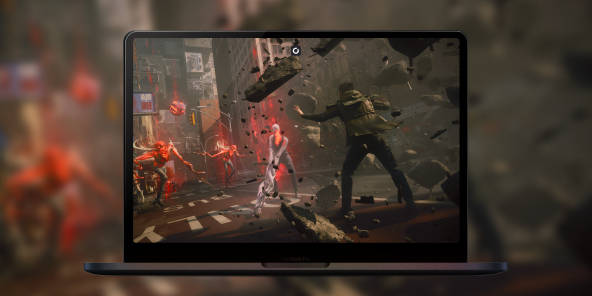
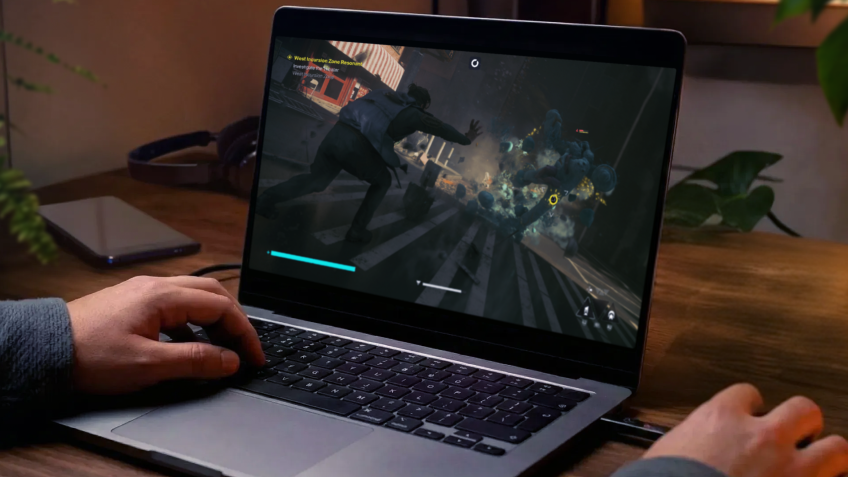
Stream from a real RTX-powered Windows PC straight to your Mac's display. DLSS 4.5 upscaling, every texture Remedy's Northlight Engine can push, a Manhattan that bends gravity and breaks apart around Dylan Faden. The client renders at your screen's native resolution and refresh rate, so every collapsing structure, every shift in that supernatural cityscape lands crisp on the display you already own. The full vision Remedy built, native to your Mac.
3. Built for the Mac you already have
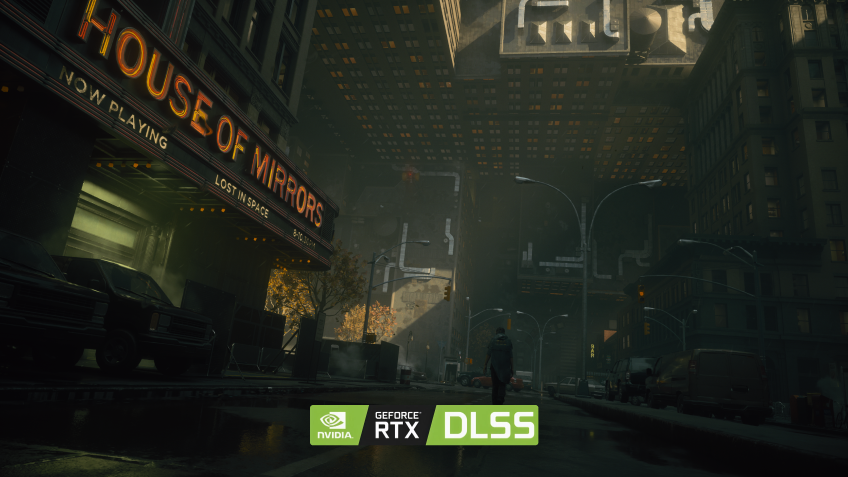
No Boot Camp, no Windows partition, no waiting on Apple Silicon support. Shadow PC ships ready and stays current: GPU drivers, Windows patches, launchers, all kept fresh on our side. Plug in your mouse, keyboard, headset and monitor. Pair a PlayStation, Xbox or Switch Pro controller in seconds. Wi-Fi 6 or Ethernet recommended. Control Resonant runs on the Mac you already have, thanks to Shadow PC.
Shadow PC versus other ways to play Control Resonant on Mac
| Shadow PC | Boot Camp or emulation | Other cloud gaming | |
|---|---|---|---|
| Set up in 5 minutes |
Shadow PC
|
Boot Camp or emulation
Impossible on Apple Silicon
|
Other cloud gaming
Some setup time
|
| 4K maxed-out settings |
Shadow PC
|
Boot Camp or emulation
Depends on the emulation layer
|
Other cloud gaming
Depends on plan
|
| Day-one September 24 access |
Shadow PC
|
Boot Camp or emulation
No native Mac version at launch
|
Other cloud gaming
Catalog-limited
|
| Your own Steam copy and saves |
Shadow PC
|
Boot Camp or emulation
|
Other cloud gaming
Catalog-limited
|
| Zero upfront hardware cost |
Shadow PC
|
Boot Camp or emulation
|
Other cloud gaming
|
| Play on the Mac you already own |
Shadow PC
|
Boot Camp or emulation
Intel only
|
Other cloud gaming
|

Power is the Shadow PC built for Control Resonant
To run Control Resonant's warped, physics-heavy Manhattan at full detail on day one, we recommend Power. It gives you the headroom to stream a demanding Remedy release smoothly, on any Mac, PC, tablet or TV you already own.
Neo Lite
per month

 Perfect for occasional gaming in 1440p with RTX
 Up to 120 hours of play per month, sessions up to 4hStream to any device in 1440pInstall your games & mods from Steam, Epic, Battle.net...*Upgrade to Shadow PC anytime as you play more
Power Lite
per month
Up to 50% more GPU power than Neo28GB RAM / 20GB VRAM for better in-game performanceUp to 120 hours of play per month, sessions up to 4hStream to any device in 1440pInstall your games & mods from Steam, Epic, Battle.net...*Upgrade to Shadow PC anytime as you play more
Neo
For the first six months, 32,99€ after.
Perfect for 1080/1440p gaming with RTXStream to any device up to 1440p+Install your games & mods from Steam, Epic, Battle.net...*Multi screen and ultrawide supportNVIDIA RTX and DLSS compatibility
Power
For the first six months, 49,99€ after.
Up to 50% more GPU power
 28GB RAM / 20GB VRAM for better gaming performanceStream to any device up to 5K+Install your games & mods from Steam, Epic, Battle.net...*Multi screen and ultrawide supportNVIDIA RTX and DLSS compatibility
Getting started in 3 easy steps
Whether you're on a MacBook Air, an iMac, a Mac mini or a Mac Studio, Shadow gives you the best PC for Control Resonant in three clicks. No hardware to buy, no partition to set up, no port to wait for.

Go to shadow.tech and select the PC configuration that matches your performance needs.

Install the Shadow client on your Mac, or connect directly from your browser via pc.shadow.tech.

Start your Shadow PC, install Steam or the Epic Games Store, and pre-order Control Resonant. That's it.
Control Resonant in short
Control Resonant is Remedy Entertainment's sequel to Control, releasing September 24, 2026 on PS5, Xbox Series X|S and PC. Players take on Dylan Faden, brother of original protagonist Jesse Faden, exploring a paranaturally warped Manhattan where gravity and reality break down. A shapeshifting weapon called the Aberrant, an expanded progression system, and a story set in the Remedy Connected Universe.

FAQ
Shadow is a complete Windows gaming PC fully hosted in the cloud. It’s the only virtual machine whose performance rivals that of a local PC. And unlike cloud-gaming services, you can install and run any game, app, or software: there’s no restricted catalog.
Your Shadow is a true professional Windows workstation. Install everything you need*: Adobe Suite, CAD tools, development IDEs, etc.
Yes, both the Shadow app and the browser version work on most recent versions of macOS and computers.
For each device of your choosing, you can download the Shadow PC software client for free; in particular, this will allow you to test the browsing quality and adjust your video quality settings to the highest resolution, such as 4k. When you need to quickly access your environment and files via a new device or a workstation that's limited in terms of software installation, you can now directly access your Shadow PC via a browser. No installation required, it's quick and easy: Just head to the pc.shadow.tech web page! This access mode comes particularly in handy when you're giving a client a demo or delivering training via a demanding software directly on your clients or prospects' device: No need to lug around your own hardware, with your software and data, as Shadow PC gives you easy and instant access to it, at any tie and anywhere.
Yes, with Shadow you get 1 Gb/s download speeds to your Shadow PC, even if your local internet connection is slow.
No. Streaming latency is virtually imperceptible, and on a stable 50 Mb/s connection the result matches a local PC.
Yes, Shadow does not limit the resolution, allowing you to run Windows, your games, and software in 4K UHD. Please note that some games may not support 4K or may experience reduced performance at this resolution. Additionally, higher resolutions require more bandwidth, meaning you'll need a faster and more stable internet connection compared to lower resolutions.