How to play Dead by Daylight on Mac?
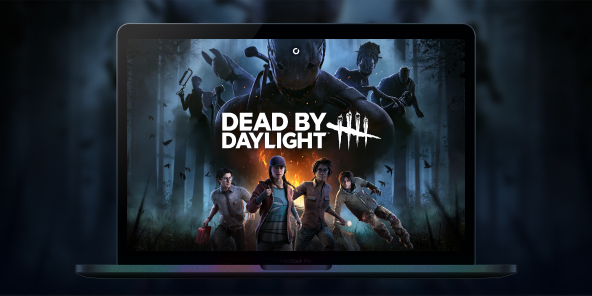
Dead by Daylight is the benchmark for asymmetrical horror: one Killer versus four Survivors, with intense matches where every decision matters. Since 2016, the game has built a worldwide fanbase, with build guides and iconic crossovers, and a meta that evolves with each update. To play Dead by Daylight on Mac, Shadow PC gives you the same experience as on Windows: install the game via Steam/Epic, access your account, enjoy cross-play, and play on macOS just like on a local PC.

Play Dead by Daylight on your Mac with Shadow PC
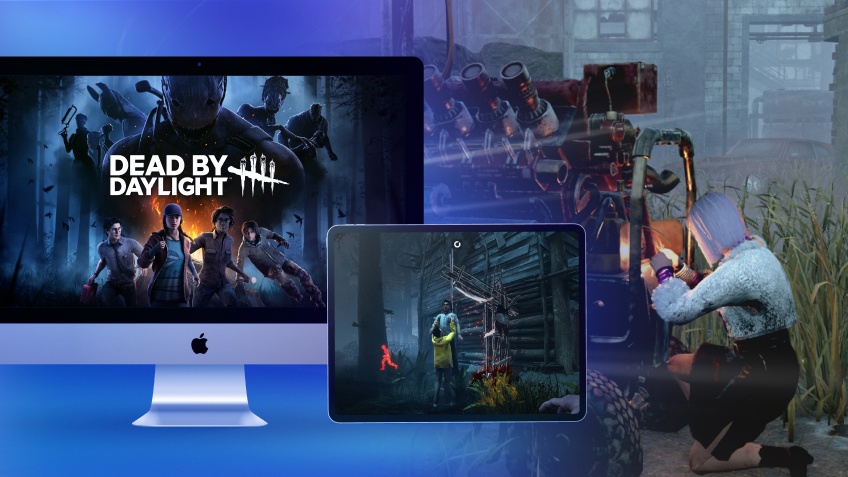
Shadow PC gives you the power of a Windows gaming PC… from the cloud. Open the app on your Mac, install Dead by Daylight via Steam or Epic, and jump straight into private or ranked matches no disk partitioning, no dual boot. Perfect for multiplayer: day one updates, in game cross play, voice chat, and Discord.
CPU AMD EPYC, 8 core (2,6 GHz); 12 GB di RAM; GPU NVIDIA Quadro RTX 4000 da 8 GB (GPU di classe GeForce GTX 1080, con ray tracing); SSD da 256 GB
CPU AMD EPYC, 8 core (3,25 GHz); 16 GB di RAM; GPU NVIDIA RTX 2000 Ada da 16 GB (GPU di classe GeForce RTX 4060); SSD da 512 GB
CPU AMD EPYC, 8 core (fino a 3,7 GHz); 28 GB di RAM; GPU NVIDIA RTX A4500 da 20 GB (GPU di classe GeForce RTX 3070 Ti); SSD da 512 GB
Dead by Daylight: where horror meets strategy
In every multiplayer match, one player takes on the role of the hunter while four others try to survive and escape. There’s no linear campaign: the appeal lies in fast paced matches, character progression, and a world that evolves with each update.
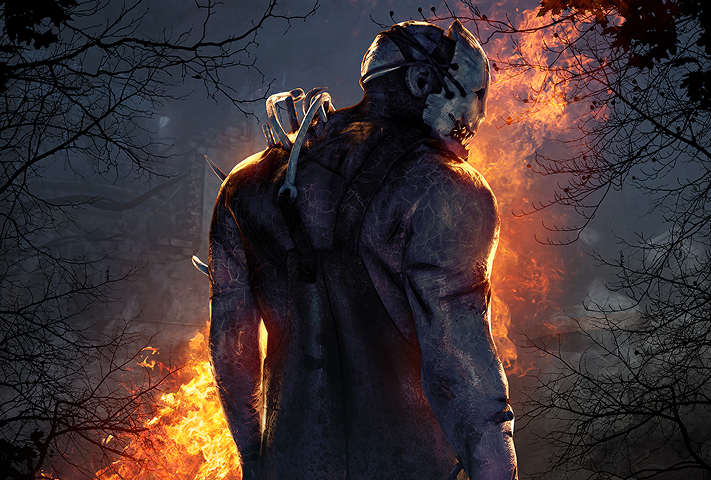
One player takes on the role of a Killer with a unique power (originals and licensed characters), while four others cooperate as Survivors with complementary perks to repair generators and escape.
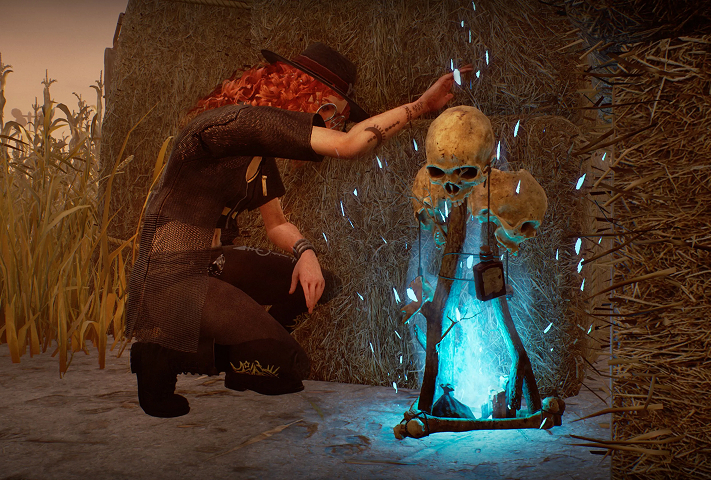
Trials take place on themed maps shaped by the Entity, featuring totems, fog, and environmental elements that influence every chase.
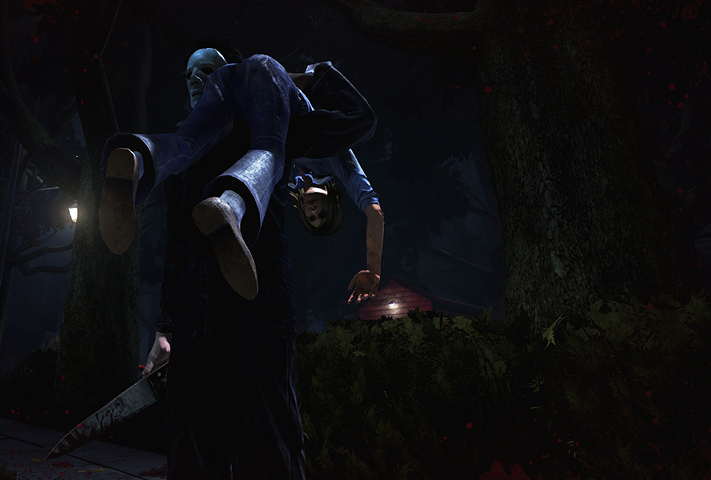
Chases are everything: mind games, pallets and windows, and managing the red stain. Perks, items, and generator pressure can turn a match around in seconds.
Licensed chapter adding Rick Grimes and Michonne as Survivors (with a legendary Daryl Dixon outfit) plus team-oriented, leadership-style perks playable on Mac via Shadow PC (Windows version). Release set/confirmed for July 29, 2025.
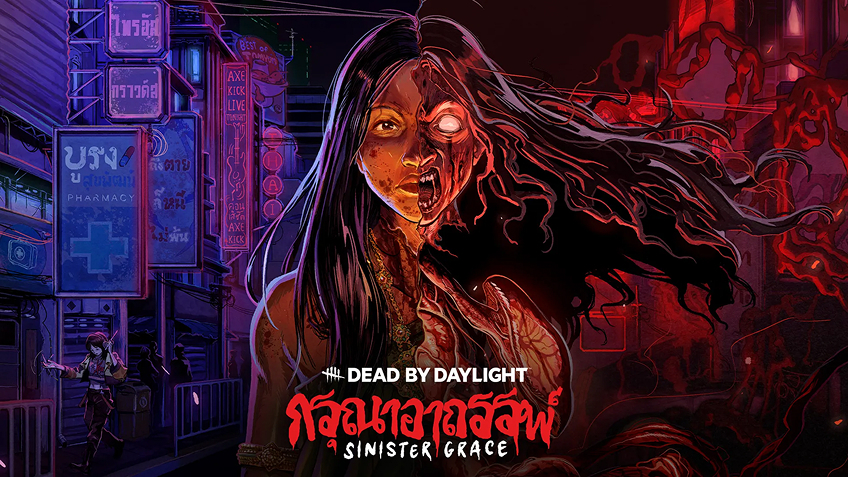
Original chapter inspired by Thai folklore. A metamorphic hunt with new Killer The Krasue and new Survivor Vee Boonyasak playable on Mac via Shadow PC.

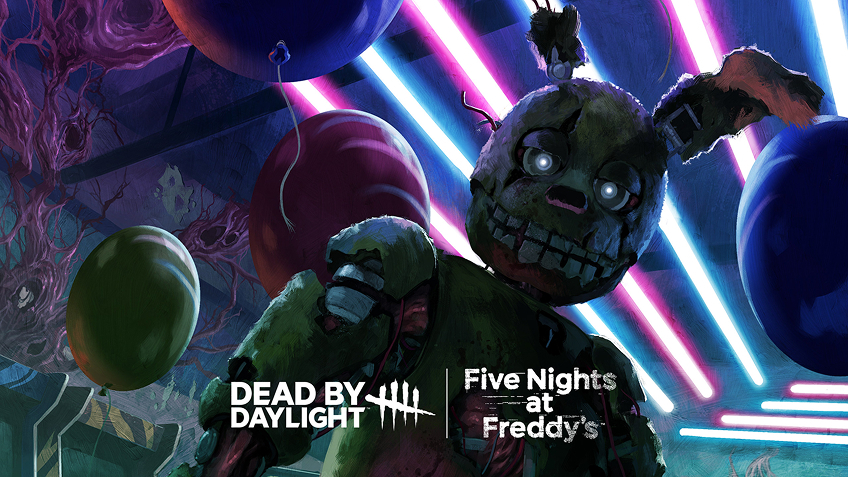
FNaF chapter introducing Springtrap as Killer, with security-room vibes doors, cameras, and tactical control, playable on Mac via Shadow PC.

Cross-play on Mac, powered by Shadow PC
Dead by Daylight supports cross-play across PC and consoles. With Shadow PC, your Mac runs the official Windows version, so you queue in the same cross-platform pool, keep your account, and play with friends wherever they are.

Turn your Mac or iPhone into a gaming PC in just a few clicks!
Whether you're on a Mac (with few games compatible with macOS), a Linux machine (where Windows emulation hurts performance), or an older PC (or one with an underpowered graphics card), Shadow gives you access in just a few clicks to a powerful gaming PC to install all your favorite games*!

Choose the plan that best fits your needs.


Launch Shadow, install Anno 117: Pax Romana, and start playing. It’s that simple!
Your gaming PC, anytime, anywhere
Connect to your high-performance Shadow PC and play Dead by Daylight along with all your favorite titles on any device**, whether it’s an iPhone, iPad, mobile tablet, Windows or Linux computer, Meta Quest, or just your web browser. Benefit from a smooth, dependable, and ultimate cloud gaming service wherever you go, and elevate your gaming sessions with the unmatched power of Shadow PC

FAQ
Shadow è un PC da gioco Windows completo interamente ospitato nel cloud. È l'unica macchina virtuale le cui prestazioni rivaleggiano con quelle di un PC locale. E a differenza dei servizi di cloud gaming, puoi installare ed eseguire qualsiasi gioco, app o software: non ci sono restrizioni sul catalogo.
Il tuo Shadow è una vera workstation Windows professionale. Installa tutto ciò di cui hai bisogno*: Adobe Suite, strumenti CAD, ambienti di sviluppo, ecc.
Sì, sia l’app Shadow che la versione browser funzionano con le versioni più recenti di macOS e sui computer compatibili.
Per ogni dispositivo di vostra scelta, potete scaricare gratuitamente il software client Shadow PC; vi permette nello specifico di testare la qualità di navigazione, impostare i parametri di qualità video fino alla risoluzione più alta come la 4k Per le esigenze di accesso rapido da un nuovo dispositivo o una postazione con limiti in termini di installazione di software, potete ora accedere direttamente al vostro PC Shadow da un browser. Nessuna installazione necessaria, è un'operazione semplice e rapida: accedete alla pagina pc.shadow.tech! Questa modalità di accesso è in particolare molto pratica per le demo o le formazioni dei vostri contenuti tramite un software esigente, direttamente dalla postazione dei vostri clienti o prospect: non è più necessario trasportare il vostro dispositivo, i vostri software e i vostri dati, potrete accedervi in totale semplicità.
Sì, con Shadow disponi di una velocità di download di 1 Gb/s sul tuo PC Shadow, anche se la tua connessione internet locale è lenta.
In breve: no. Forniamo una potenza sufficiente a soddisfare le vostre esigenze in base all'offerta scelta. Quanto alla latenza, la nostra tecnologia avanzata consente di utilizzare una connessione a bassa larghezza di banda (a partire da 15 Mb/s) con una latenza praticamente impercettibile. Naturalmente, la compressione può influenzare la qualità dell'immagine e, se la vostra connessione è troppo lenta, potreste notare una differenza rispetto all'immagine originale.
Sì, Shadow non limita la risoluzione e permette di utilizzare Windows, i vostri giochi e programmi in 4K UHD. Si noti che alcuni giochi potrebbero non supportare la risoluzione 4K o potrebbero subire cali di prestazioni a tale definizione. Inoltre, una risoluzione così alta richiede una maggiore larghezza di banda, dunque una connessione internet più veloce e stabile rispetto alle definizioni inferiori.
Sì, è possibile attivare un secondo schermo direttamente dal Menu Rapido del vostro PC Shadow.