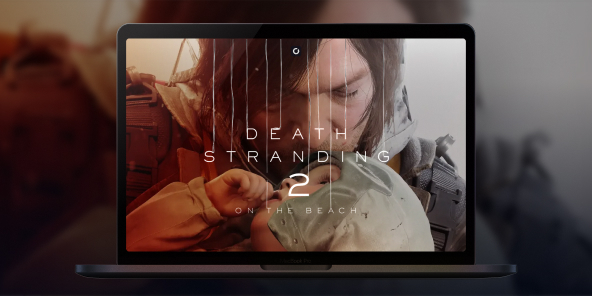
How to play Death Stranding: On the Beach on Mac?
Death Stranding 2: On the Beach is undoubtedly one of the most spectacular releases of early 2026, but unfortunately, no native macOS version has been announced yet. Are you dying to resume deliveries with Sam Porter Bridges on your MacBook? With Shadow PC, you can play Death Stranding 2 on any Mac right now! Enjoy all the power of a high-end gaming PC right in your browser or via the Shadow app.
Play Death Stranding 2 on Mac with Shadow PC
Shadow PC is a high-end Windows gaming PC in the cloud, instantly accessible from any Mac, including Intel models unsupported by native macOS versions. Buy Death Stranding 2 on Steam, install it on your Shadow, and play without worrying about your Mac’s hardware. Max settings, zero limits.
CPU AMD EPYC, 8 core (3,25 GHz); 16 GB di RAM; GPU NVIDIA RTX 2000 Ada da 16 GB (GPU di classe GeForce RTX 4060); SSD da 512 GB
CPU AMD EPYC, 8 core (fino a 3,7 GHz); 28 GB di RAM; GPU NVIDIA RTX A4500 da 20 GB (GPU di classe GeForce RTX 3070 Ti); SSD da 512 GB
Your journey starts on Mac
Death Stranding 2 unfolds through tension, distance, and the unknown. The game takes its time, then suddenly pushes you to adapt, survive, and keep moving forward.

Norman Reedus returns as Sam in a standalone sequel set eleven months after the first game. This time, the journey expands beyond America, opening new routes to Australia, with story elements also involving Mexico.
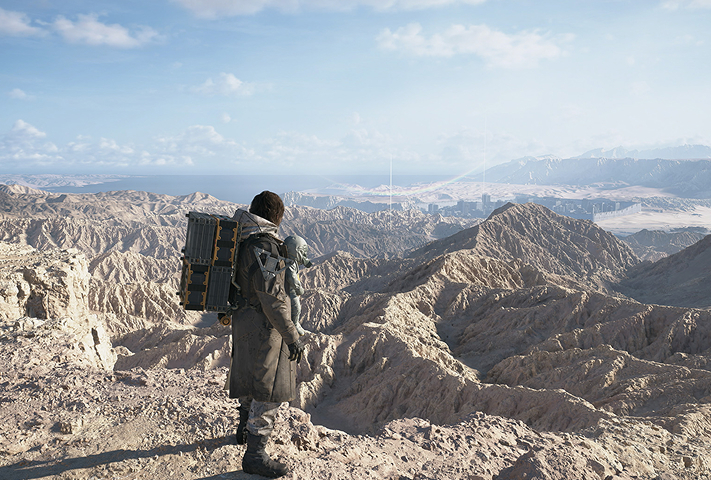
Day and night cycles, dynamic weather, Timefall, earthquakes, sandstorms, and wildfires turn every delivery into a real survival challenge. The world doesn’t just look impressive, it actively works against you.
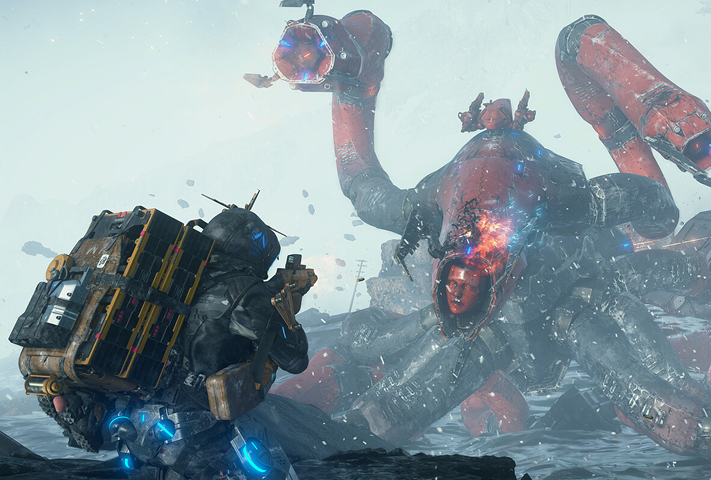
Face enemies head-on, avoid them, infiltrate areas, or customize Sam with APAS upgrades. Shape your own playstyle, balancing stealth, mobility, and combat.
Reconnect Australia and Mexico with Shadow
Death Stranding 2: On the Beach isn’t built around real-time co-op. Its Social Strand System works asynchronously: roads, structures, paths, and player-created elements appear as areas get connected. On PC, this system is even more powerful, as PS5 and PC players share the same servers. Important note: save transfers between PS5 and PC are not supported. With Shadow PC on Mac, you get full access to the PC version, with the same connected world.
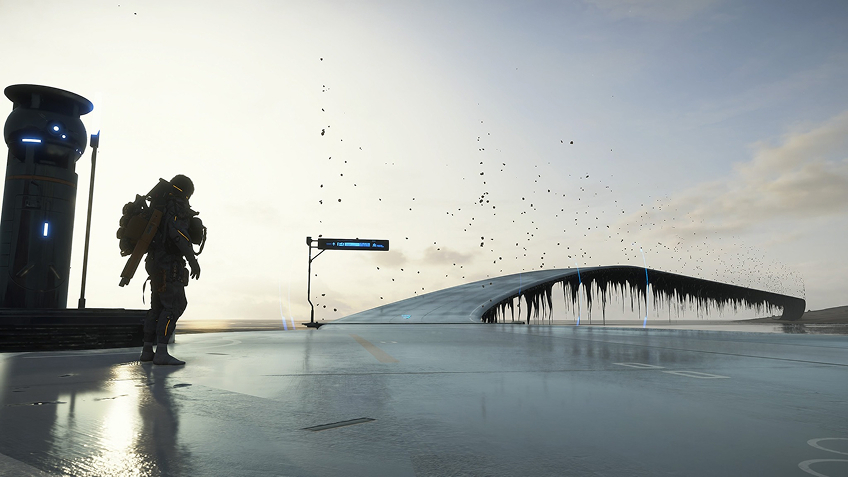
Tutorial: Play Death Stranding 2 with cloud gaming in 3 steps
Whether you’re on Mac (with limited macOS-compatible games), on Linux (where Windows emulation impacts performance), or using an older PC (with a low-end GPU), Shadow gives you instant access to a powerful gaming PC to run all your favorite games*.


Install the Shadow app on your Mac, or connect instantly from your browser via pc.shadow.tech

Launch your Shadow PC, install Death Stranding 2, and you’re ready to go. Enjoy the game in Ultra settings.
Your gaming PC, anytime, anywhere
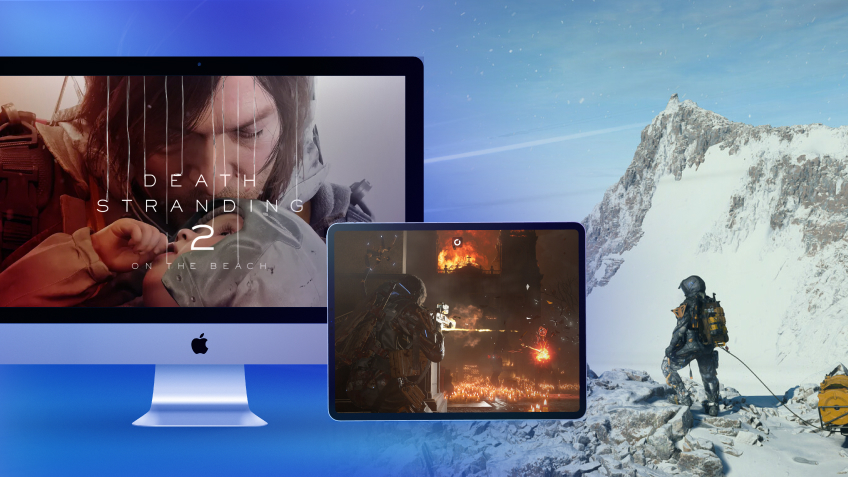
Access your Shadow PC and play Death Stranding 2, along with all your favorite games*, on any Apple device (including iPhone or Apple TV), or directly from your browser. Shadow’s cloud gaming technology turns your Mac into a high-performance gaming PC, available wherever you are.

FAQ
Shadow è un PC da gioco Windows completo interamente ospitato nel cloud. È l'unica macchina virtuale le cui prestazioni rivaleggiano con quelle di un PC locale. E a differenza dei servizi di cloud gaming, puoi installare ed eseguire qualsiasi gioco, app o software: non ci sono restrizioni sul catalogo.
Il tuo Shadow è una vera workstation Windows professionale. Installa tutto ciò di cui hai bisogno*: Adobe Suite, strumenti CAD, ambienti di sviluppo, ecc.
Sì, sia l’app Shadow che la versione browser funzionano con le versioni più recenti di macOS e sui computer compatibili.
Per ogni dispositivo di vostra scelta, potete scaricare gratuitamente il software client Shadow PC; vi permette nello specifico di testare la qualità di navigazione, impostare i parametri di qualità video fino alla risoluzione più alta come la 4k Per le esigenze di accesso rapido da un nuovo dispositivo o una postazione con limiti in termini di installazione di software, potete ora accedere direttamente al vostro PC Shadow da un browser. Nessuna installazione necessaria, è un'operazione semplice e rapida: accedete alla pagina pc.shadow.tech! Questa modalità di accesso è in particolare molto pratica per le demo o le formazioni dei vostri contenuti tramite un software esigente, direttamente dalla postazione dei vostri clienti o prospect: non è più necessario trasportare il vostro dispositivo, i vostri software e i vostri dati, potrete accedervi in totale semplicità.
Sì, con Shadow disponi di una velocità di download di 1 Gb/s sul tuo PC Shadow, anche se la tua connessione internet locale è lenta.
In breve: no. Forniamo una potenza sufficiente a soddisfare le vostre esigenze in base all'offerta scelta. Quanto alla latenza, la nostra tecnologia avanzata consente di utilizzare una connessione a bassa larghezza di banda (a partire da 15 Mb/s) con una latenza praticamente impercettibile. Naturalmente, la compressione può influenzare la qualità dell'immagine e, se la vostra connessione è troppo lenta, potreste notare una differenza rispetto all'immagine originale.
Sì, Shadow non limita la risoluzione e permette di utilizzare Windows, i vostri giochi e programmi in 4K UHD. Si noti che alcuni giochi potrebbero non supportare la risoluzione 4K o potrebbero subire cali di prestazioni a tale definizione. Inoltre, una risoluzione così alta richiede una maggiore larghezza di banda, dunque una connessione internet più veloce e stabile rispetto alle definizioni inferiori.
Sì, è possibile attivare un secondo schermo direttamente dal Menu Rapido del vostro PC Shadow.