How to Play Resident Evil 9 Requiem on Any PC or Mac
Resident Evil Requiem is coming out on February 27, 2026, and like most recent AAA games, it requires powerful hardware. But what if you don't have a gaming PC? With Shadow PC, you can play Resident Evil 9 on any computer, MacBook, old laptop, or classic desktop, without changing your hardware.

Play Resident Evil 9 on any computer with Shadow PC
Shadow PC is a high-performance Windows gaming PC in the cloud. That means: No graphics card required, no hardware upgrades, no compatibility issues. Just install Resident Evil Requiem from Steam or the Epic Games Store directly into your Shadow. Your device only streams the game: all the power is off-site.
CPU AMD EPYC, 8 core (3,25 GHz); 16 GB di RAM; GPU NVIDIA RTX 2000 Ada da 16 GB (GPU di classe GeForce RTX 4060); SSD da 512 GB
CPU AMD EPYC, 8 core (fino a 3,7 GHz); 28 GB di RAM; GPU NVIDIA RTX A4500 da 20 GB (GPU di classe GeForce RTX 3070 Ti); SSD da 512 GB
The nightmare begins again
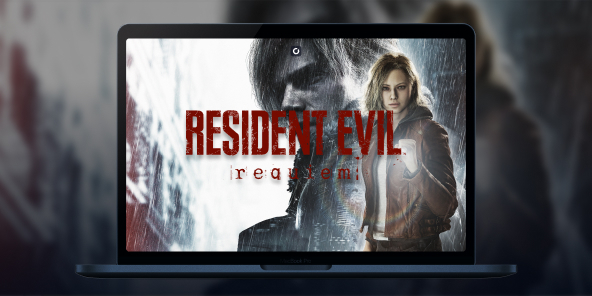
Thirty years after the fall of Raccoon City, horror resurfaces. Between psychological tension and brutal action, Resident Evil Requiem plunges the saga back into its darkest roots through two destinies linked by the past.
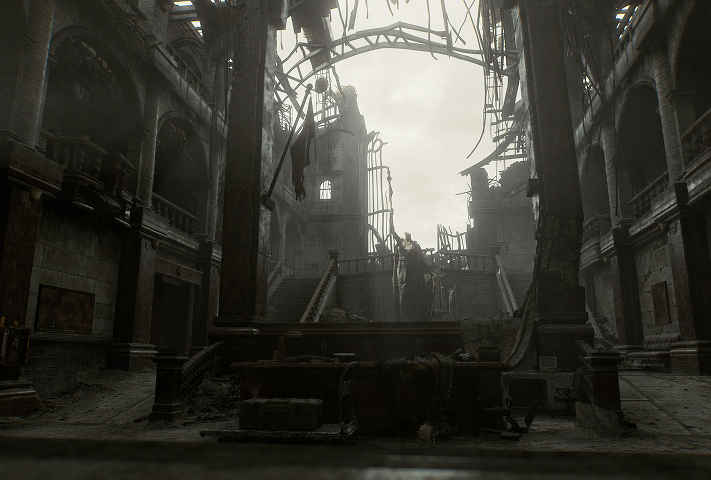
Set 30 years after the destruction of Raccoon City, Resident Evil Requiem brings the saga back to its roots. The shadow of Umbrella still looms large, and Leon S. Kennedy's past resurfaces.

Grace Ashcroft, an FBI analyst confronted with horror. Her gameplay is based on tension, resource management, and vulnerability. Leon S. Kennedy, an experienced agent and survivor of the initial incident. Two rhythms. One threat.
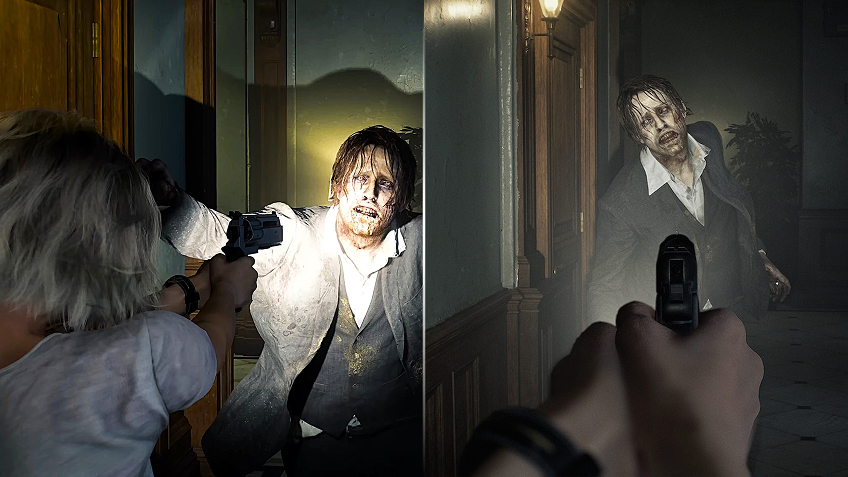
Resident Evil 9 lets you switch freely between first-person and third-person views. Total immersion in FPS and strategic vision in TPS.

No gaming PC? That's no longer a problem.
Resident Evil 9 Requiem requires a powerful configuration to run properly on PC. With high demands and significant system requirements, many gamers are wondering if they will be able to run Resident Evil 9 on their computers. Rather than investing in a new gaming PC or reducing graphics quality, using Shadow allows you to play Resident Evil 9 on any PC or Mac, even low-powered ones. All the necessary power is provided remotely: you launch the game as if you were on a high-end PC, without hardware constraints, complex installation, or worrying about configuration.
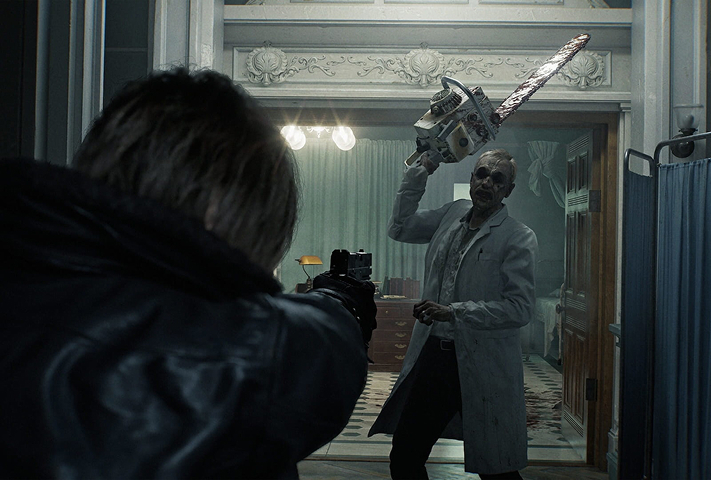
Turn your Mac or iPhone into a gaming PC in just a few clicks!
Whether you're on a Mac (with few games compatible with macOS), a Linux machine (where Windows emulation hurts performance), or an older PC (or one with an underpowered graphics card), Shadow gives you access in just a few clicks to a powerful gaming PC to install all your favorite games*!

Choose the plan that best fits your needs.


Launch Shadow, install Resident Evil Requiem, and start playing. It’s that simple!
Your gaming PC, anytime, anywhere
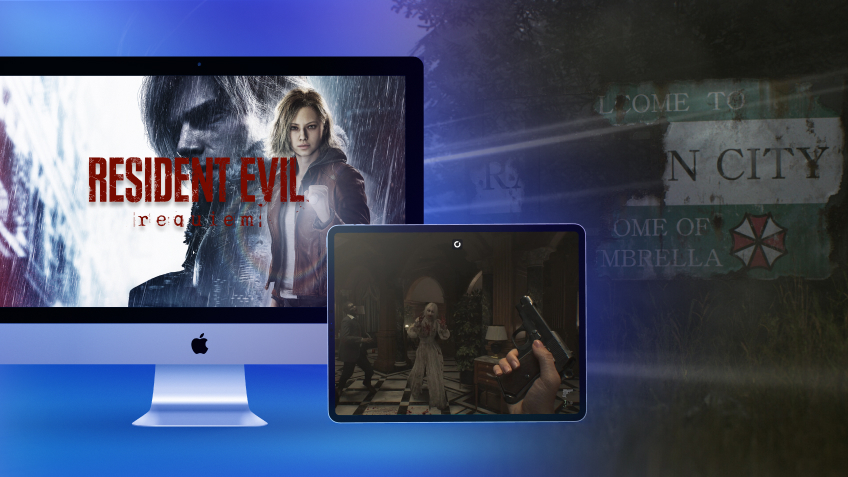
Log in to your Shadow PC and play Resident Evil Requiem along with all your favorite games on any Apple device (even iPhone or Apple TV), or directly from your web browser. Shadow's cloud gaming and streaming technologies turns your Mac into a powerful gaming PC, accessible from anywhere, anytime!

FAQ
If your computer does not meet the recommended system requirements, you may experience frame drops, performance issues, or reduced graphics quality. With Shadow PC, Resident Evil 9 runs on a high-end remote gaming PC. Your local machine does not need to be powerful, it simply acts as a screen. Even an entry-level laptop can run the game smoothly.
No native macOS version has been announced. However, you can install and play the Windows version of Resident Evil Requiem using Shadow PC on any Mac.
Resident Evil 9 Requiem requires a solid PC setup: a recent processor (such as an i5 / Ryzen 5), 16 GB of RAM, and a dedicated graphics card (GTX 1660 or equivalent minimum). A more powerful configuration is recommended to play at high settings.
If your PC does not meet these requirements, Shadow PC allows you to run Resident Evil 9 on a high-end remote gaming machine, without relying on your local hardware.
Shadow è un PC da gioco Windows completo interamente ospitato nel cloud. È l'unica macchina virtuale le cui prestazioni rivaleggiano con quelle di un PC locale. E a differenza dei servizi di cloud gaming, puoi installare ed eseguire qualsiasi gioco, app o software: non ci sono restrizioni sul catalogo.
Il tuo Shadow è una vera workstation Windows professionale. Installa tutto ciò di cui hai bisogno*: Adobe Suite, strumenti CAD, ambienti di sviluppo, ecc.
Sì, sia l’app Shadow che la versione browser funzionano con le versioni più recenti di macOS e sui computer compatibili.
Per ogni dispositivo di vostra scelta, potete scaricare gratuitamente il software client Shadow PC; vi permette nello specifico di testare la qualità di navigazione, impostare i parametri di qualità video fino alla risoluzione più alta come la 4k Per le esigenze di accesso rapido da un nuovo dispositivo o una postazione con limiti in termini di installazione di software, potete ora accedere direttamente al vostro PC Shadow da un browser. Nessuna installazione necessaria, è un'operazione semplice e rapida: accedete alla pagina pc.shadow.tech! Questa modalità di accesso è in particolare molto pratica per le demo o le formazioni dei vostri contenuti tramite un software esigente, direttamente dalla postazione dei vostri clienti o prospect: non è più necessario trasportare il vostro dispositivo, i vostri software e i vostri dati, potrete accedervi in totale semplicità.
Sì, con Shadow disponi di una velocità di download di 1 Gb/s sul tuo PC Shadow, anche se la tua connessione internet locale è lenta.
In breve: no. Forniamo una potenza sufficiente a soddisfare le vostre esigenze in base all'offerta scelta. Quanto alla latenza, la nostra tecnologia avanzata consente di utilizzare una connessione a bassa larghezza di banda (a partire da 15 Mb/s) con una latenza praticamente impercettibile. Naturalmente, la compressione può influenzare la qualità dell'immagine e, se la vostra connessione è troppo lenta, potreste notare una differenza rispetto all'immagine originale.
Sì, Shadow non limita la risoluzione e permette di utilizzare Windows, i vostri giochi e programmi in 4K UHD. Si noti che alcuni giochi potrebbero non supportare la risoluzione 4K o potrebbero subire cali di prestazioni a tale definizione. Inoltre, una risoluzione così alta richiede una maggiore larghezza di banda, dunque una connessione internet più veloce e stabile rispetto alle definizioni inferiori.
Sì, è possibile attivare un secondo schermo direttamente dal Menu Rapido del vostro PC Shadow.