How can I make the most of RTX in Crimson Desert?
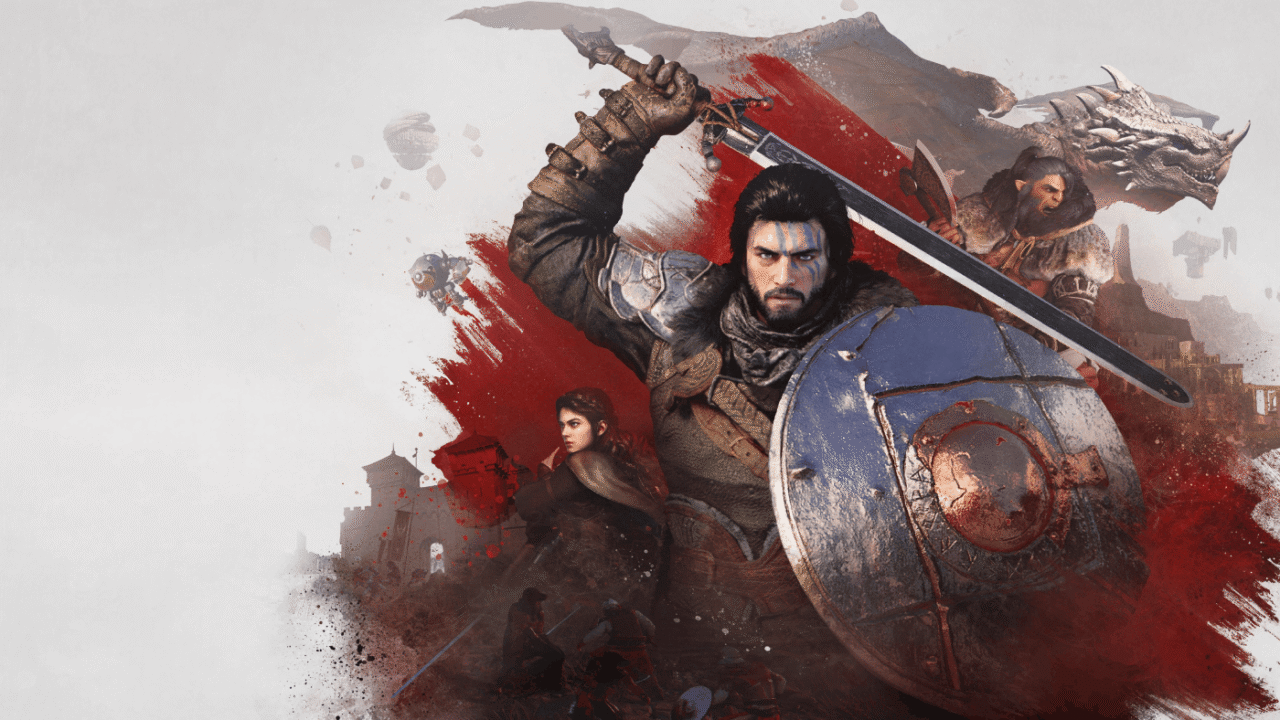
Thanks to its new graphics engine (BlackSpace Engine), Crimson Desert impresses with its level of realism. As a result, ray tracing is enabled by default, making the game very demanding for older machines or those that aren’t RTX-compatible. Shadow PC gives you access to a fully-fledged Windows gaming PC hosted in the cloud. Find out how to get the most out of Crimson Desert in RTX at maximum quality, without investing in a new graphics card!
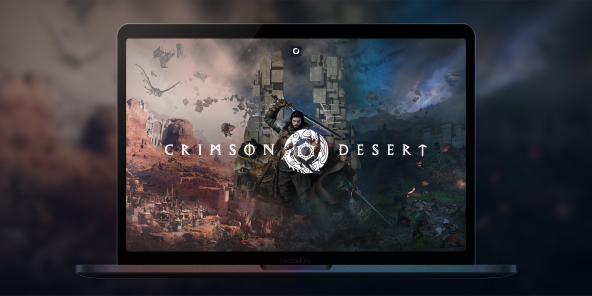
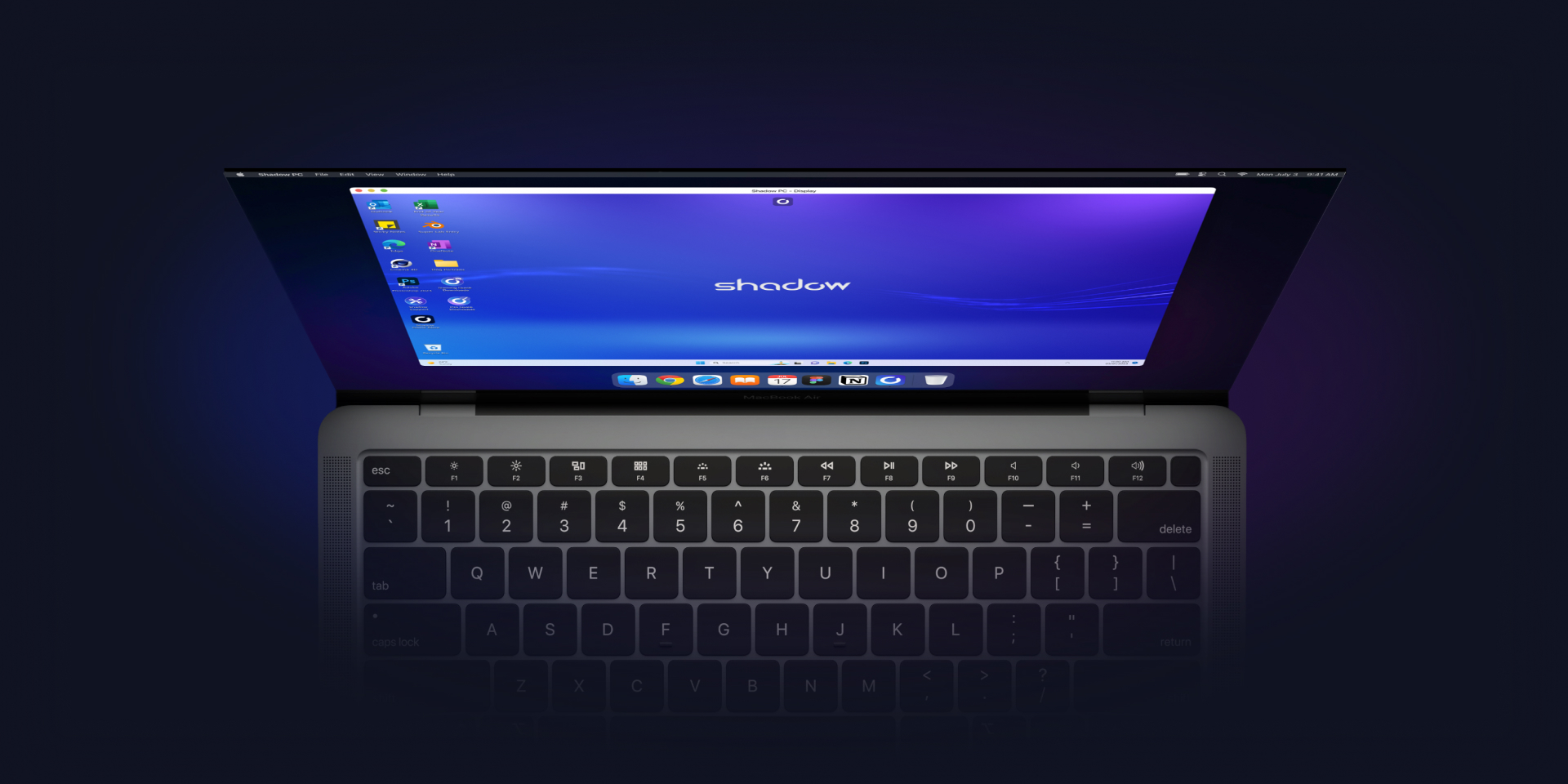
Play Crimson Desert in RTX with Shadow PC
Crimson Desert enables RTX by default, which significantly enhances the game’s graphics quality.
However, this results in a significantly reduced frame rate for graphics cards that do not support ray tracing. Rather than buying an overpriced graphics card, Shadow PC gives you remote access to a fully-fledged gaming PC in the cloud, with full RTX compatibility!
With Shadow PC, play Crimson Desert in RTX and Ultra settings from any computer or device (TV, smartphone, tablet, etc.)!
CPU AMD EPYC, 8 core (3,25 GHz); 16 GB di RAM; GPU NVIDIA RTX 2000 Ada da 16 GB (GPU di classe GeForce RTX 4060); SSD da 512 GB
CPU AMD EPYC, 8 core (fino a 3,7 GHz); 28 GB di RAM; GPU NVIDIA RTX A4500 da 20 GB (GPU di classe GeForce RTX 3070 Ti); SSD da 512 GB

Crimson Desert: Ray tracing throughout
Built on its own graphics engine, Crimson Desert is one of the most ambitious titles of recent years in terms of graphics and rendering. Making extensive use of ray tracing and physics simulation calculations, Crimson Desert requires a GPU with hardware-accelerated ray tracing to be fully enjoyed. The good news is that all Shadow models are RTX-compatible!
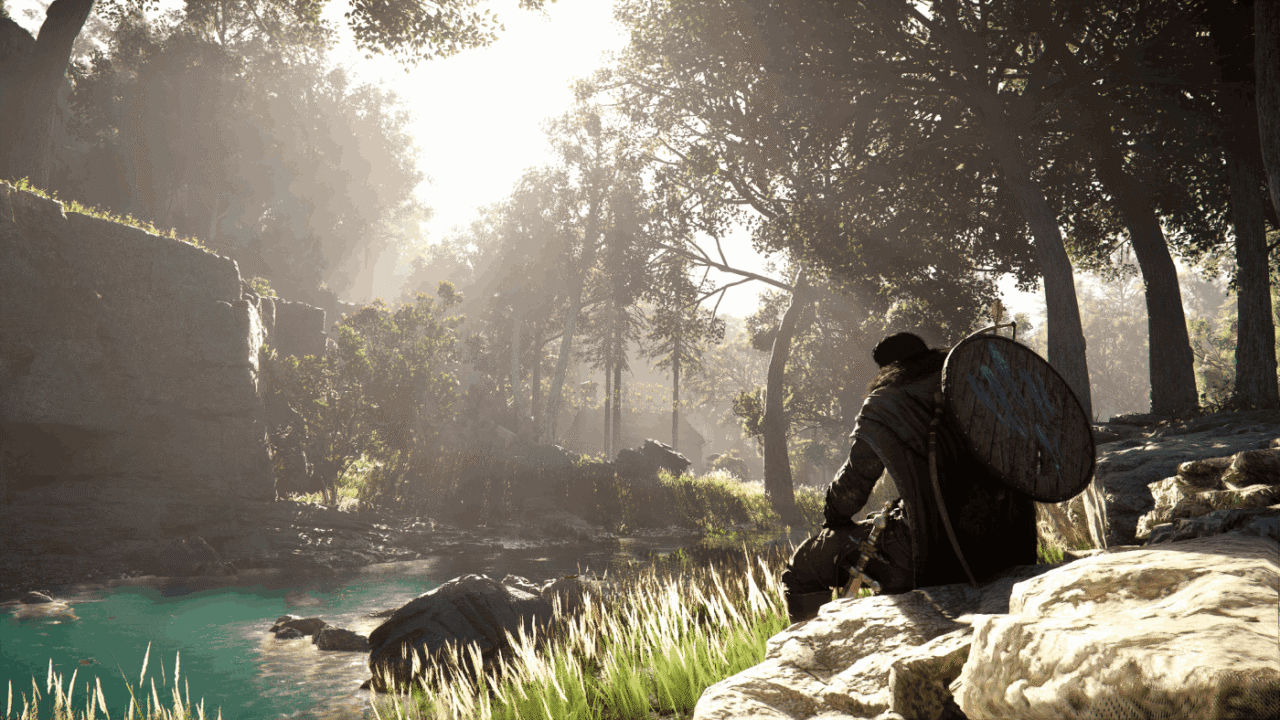
Immersion is a key concept in Crimson Desert. To enhance this, the game makes extensive use of ray-tracing techniques, delivering hyper-realistic lighting effects that bring the environments the player explores to life.
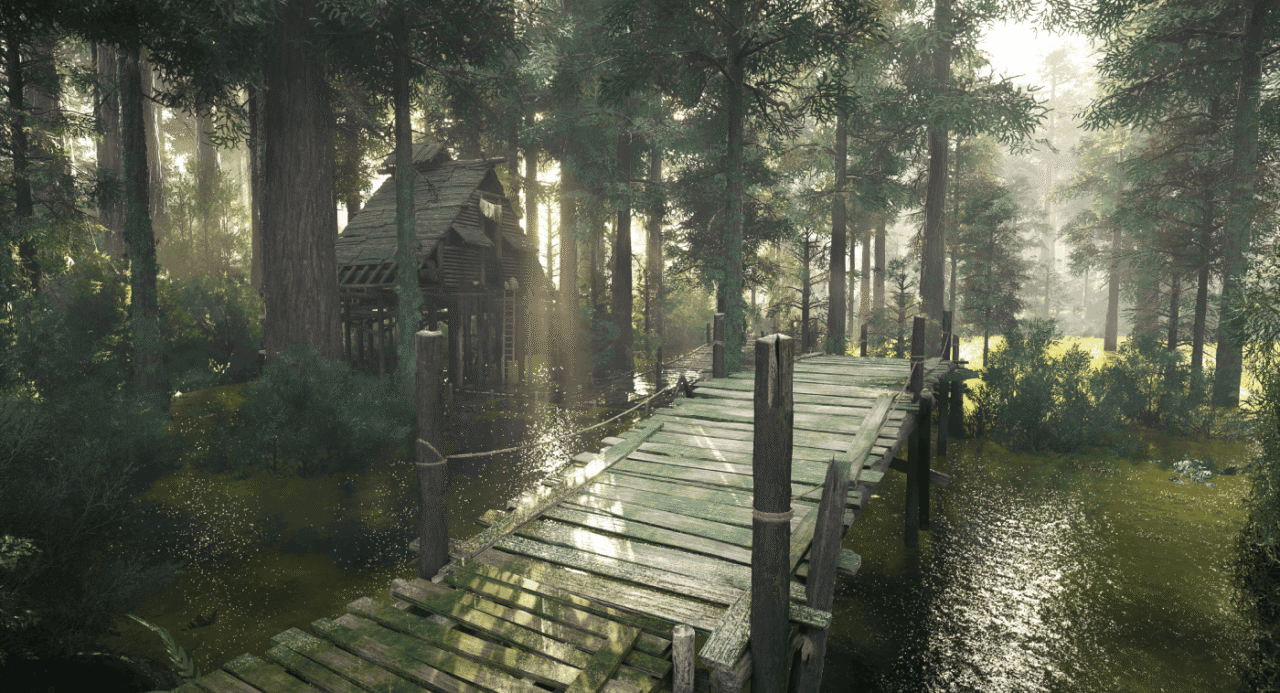
Another standout achievement by the developers at Pearl Abyss is the behaviour of the water. Using cutting-edge physical simulation models, they have managed to make the water’s behaviour physically accurate, taking immersion to new heights.
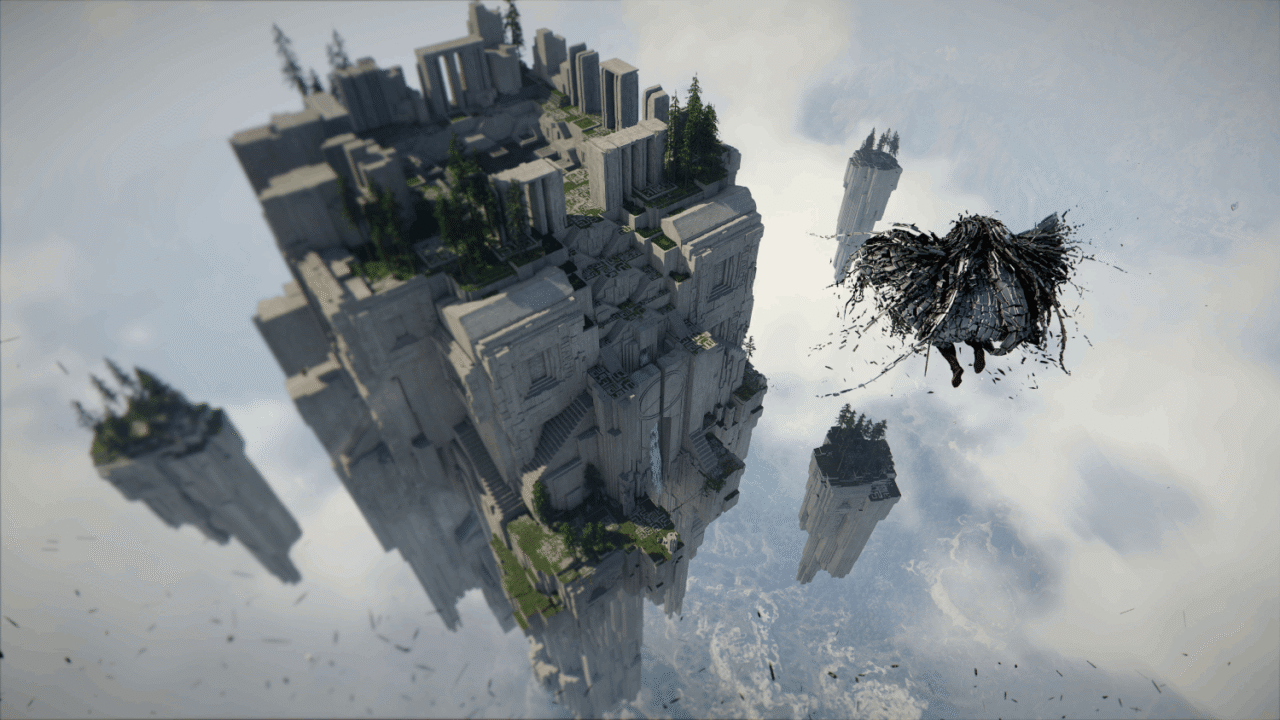
By continuing to leverage GPU acceleration, Crimson Desert offers – despite the sheer size of its map – a depth of field never seen before. As a result, you can observe your surroundings in detail from a bird’s-eye view, in a natural and realistic way.
BlackSpace Engine: pushing the boundaries of RTX
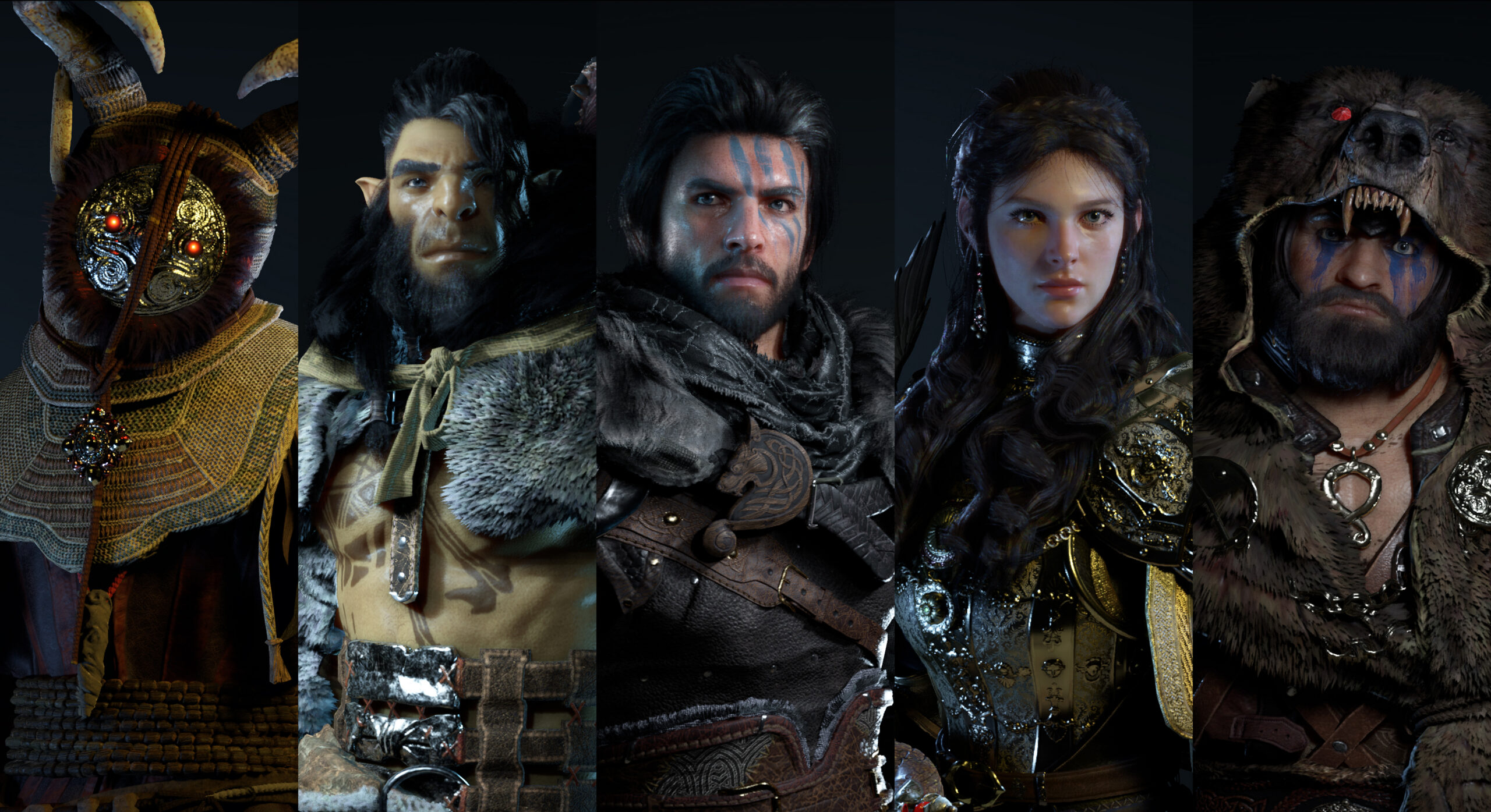
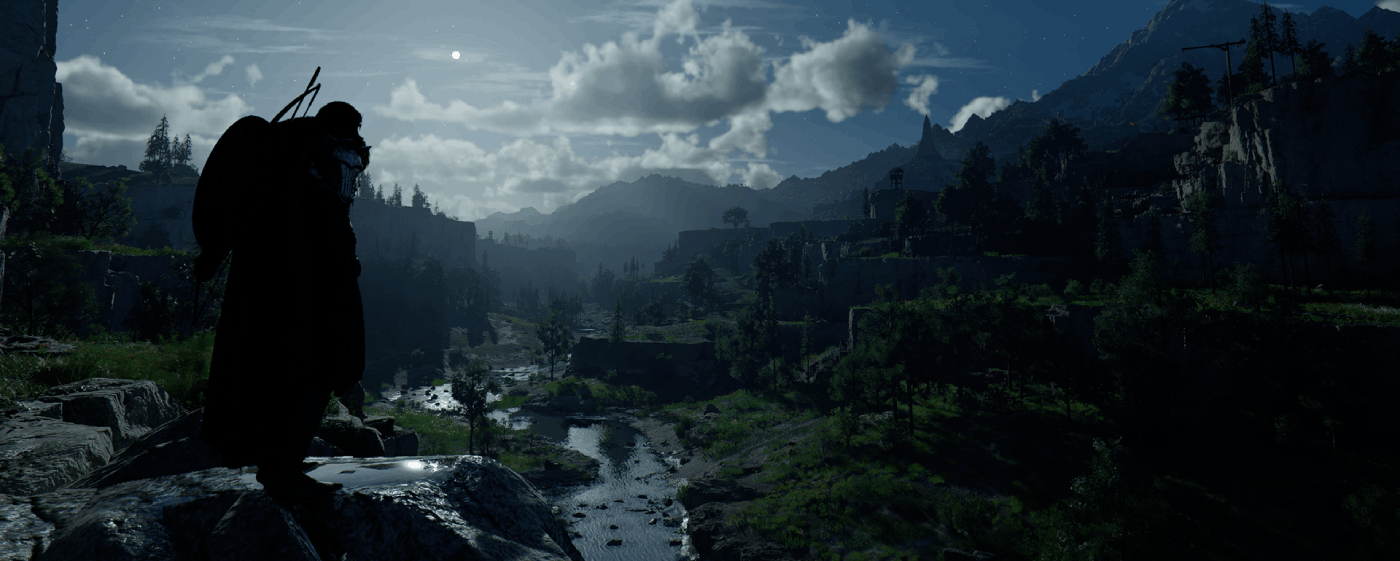
Crimson Desert impresses with its stunning graphics: mountains, cities, mists and coastlines look more realistic than ever thanks to the BlackSpace Engine. Its extensive use of ray tracing lends authenticity to the lighting effects, enhances immersion and creates an almost organic rendering of the day-night cycle: with Crimson Desert, Pearl Abyss is pushing the boundaries of graphics rendering and RTX effects!
Tutorial: Play Crimson Desert via cloud gaming in 3 steps
Want to explore the vastness of the continent of Pywel? Here's how to play Crimson Desert via cloud gaming on any device: PC, Mac, smartphone, or tablet:


Install the Shadow client on your Mac, or log in directly from your web browser via pc.shadow.tech.

Start up your Shadow PC and install Crimson Desert. That's it! Now you're ready to play in Ultra mode!

FAQ
Shadow è un PC da gioco Windows completo interamente ospitato nel cloud. È l'unica macchina virtuale le cui prestazioni rivaleggiano con quelle di un PC locale. E a differenza dei servizi di cloud gaming, puoi installare ed eseguire qualsiasi gioco, app o software: non ci sono restrizioni sul catalogo.
Il tuo Shadow è una vera workstation Windows professionale. Installa tutto ciò di cui hai bisogno*: Adobe Suite, strumenti CAD, ambienti di sviluppo, ecc.
Sì, sia l’app Shadow che la versione browser funzionano con le versioni più recenti di macOS e sui computer compatibili.
Per ogni dispositivo di vostra scelta, potete scaricare gratuitamente il software client Shadow PC; vi permette nello specifico di testare la qualità di navigazione, impostare i parametri di qualità video fino alla risoluzione più alta come la 4k Per le esigenze di accesso rapido da un nuovo dispositivo o una postazione con limiti in termini di installazione di software, potete ora accedere direttamente al vostro PC Shadow da un browser. Nessuna installazione necessaria, è un'operazione semplice e rapida: accedete alla pagina pc.shadow.tech! Questa modalità di accesso è in particolare molto pratica per le demo o le formazioni dei vostri contenuti tramite un software esigente, direttamente dalla postazione dei vostri clienti o prospect: non è più necessario trasportare il vostro dispositivo, i vostri software e i vostri dati, potrete accedervi in totale semplicità.
Sì, con Shadow disponi di una velocità di download di 1 Gb/s sul tuo PC Shadow, anche se la tua connessione internet locale è lenta.
In breve: no. Forniamo una potenza sufficiente a soddisfare le vostre esigenze in base all'offerta scelta. Quanto alla latenza, la nostra tecnologia avanzata consente di utilizzare una connessione a bassa larghezza di banda (a partire da 15 Mb/s) con una latenza praticamente impercettibile. Naturalmente, la compressione può influenzare la qualità dell'immagine e, se la vostra connessione è troppo lenta, potreste notare una differenza rispetto all'immagine originale.
Sì, Shadow non limita la risoluzione e permette di utilizzare Windows, i vostri giochi e programmi in 4K UHD. Si noti che alcuni giochi potrebbero non supportare la risoluzione 4K o potrebbero subire cali di prestazioni a tale definizione. Inoltre, una risoluzione così alta richiede una maggiore larghezza di banda, dunque una connessione internet più veloce e stabile rispetto alle definizioni inferiori.
Sì, è possibile attivare un secondo schermo direttamente dal Menu Rapido del vostro PC Shadow.