How to play Anno 117: Pax Romana on Mac?
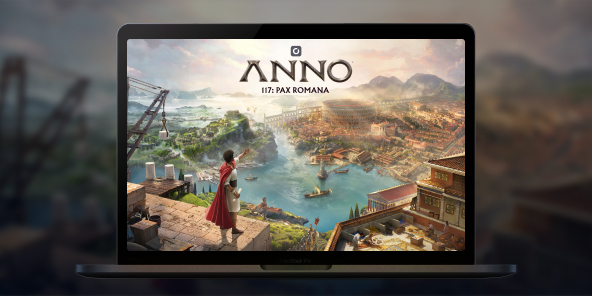
There is no announced native macOS version for Anno 117: Pax Romana, but you can play the full Windows edition on any Mac thanks to Shadow PC. Launch a Windows gaming PC in the cloud, install the game from your preferred store, and dive into the golden age of Rome. Begin your adventure in Latium or Albion for two different city-builder experiences.

Play Anno 117: Pax Romana on your Mac with Shadow PC
Shadow PC is a real Windows gaming PC in the cloud. Start your Shadow, log in to Steam / Ubisoft Connect / Epic, download Anno 117: Pax Romana, and enjoy all the features, DLCs, saves, and achievements, just like on a local PC. Fluid strategy sessions, even on a lightweight MacBook.
AMD EPYC CPU, 8 Kerne (3,25 GHz); 16 GB RAM; NVIDIA RTX 2000 Ada GPU, 16 GB (GPU der GeForce RTX 4060-Klasse); 512 GB SSD
AMD EPYC CPU, 8 Kerne (bis zu 3,7 GHz); 28 GB RAM; NVIDIA RTX A4500 GPU, 20 GB (GPU der GeForce RTX 3070 Ti-Klasse); 512-GB-SSD
Build your Pax Romana in your own way
In 117 AD, embody a Roman Governor and shape a living empire through building, trading, diplomacy, and (if you wish) warfare. Solo campaign and sandbox; online multiplayer up to 4 players.
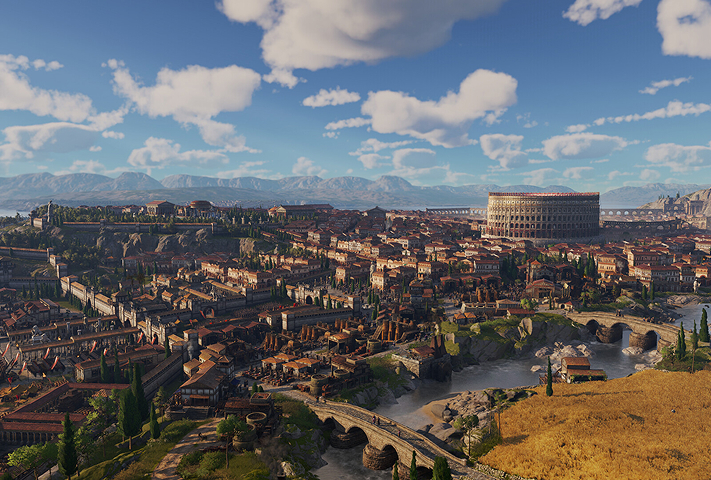
Start under the sun of Latium or in the mists of Albion. Each province has its climate, resources, cultures, and challenges, then expand to the other later in your game.

Preserve local traditions or enforce Romanization to unify your territory. Honor different gods and raise temples to unlock unique economic and civic bonuses.
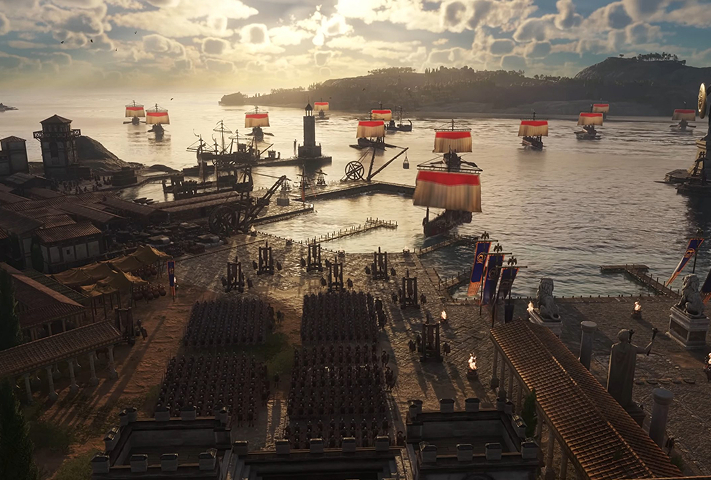
Raise and command land armies, infantry, archers, cavalry, siege with improved naval combat and modular ships. Warfare is optional; the decision is yours.

Starting in Latium or Albion completely changes your game
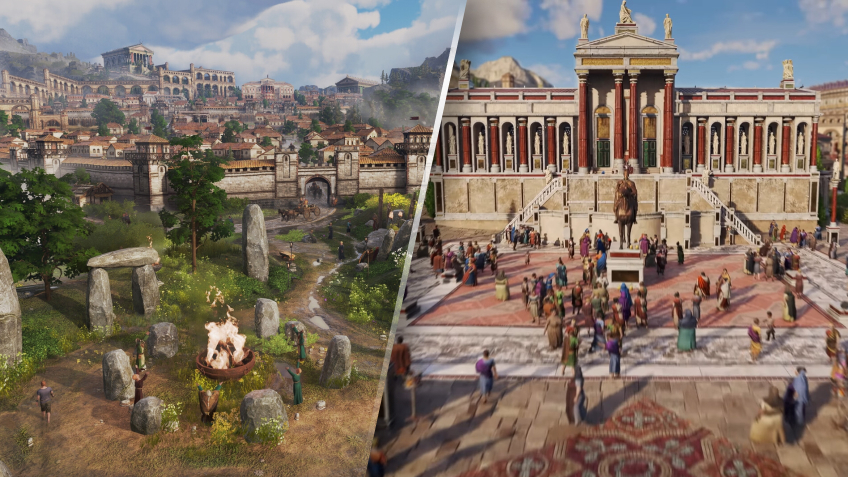
For the first time, your starting map is not fixed: choose Latium for Mediterranean production chains and classic Roman aesthetics, or Albion for a harsher, marshier frontier with Celtic accents and new constraints. This choice transforms your initial economy, city plans, and diplomatic posture—and you can later colonize/conquer the other province to expand your empire. On Mac via Shadow PC, you benefit from the same Windows features and saves, regardless of your starting location.
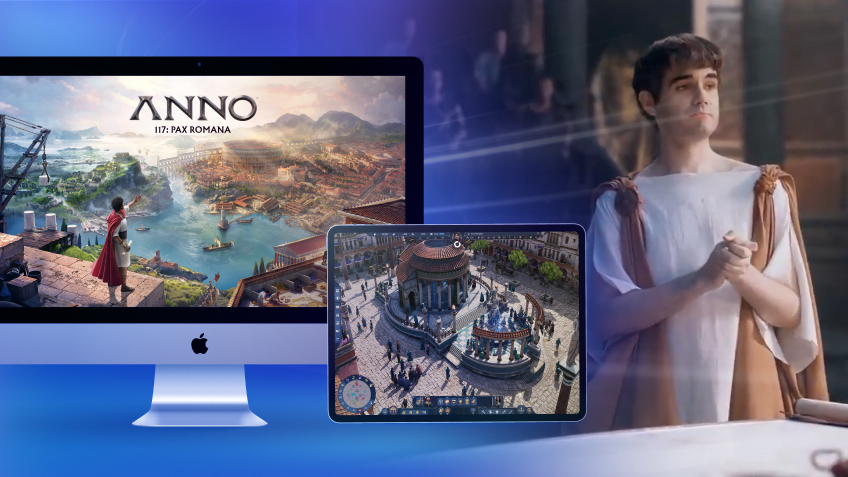
Turn your Mac or iPhone into a gaming PC in just a few clicks!
Whether you're on a Mac (with few games compatible with macOS), a Linux machine (where Windows emulation hurts performance), or an older PC (or one with an underpowered graphics card), Shadow gives you access in just a few clicks to a powerful gaming PC to install all your favorite games*!

Choose the plan that best fits your needs.


Launch Shadow, install Anno 117: Pax Romana, and start playing. It’s that simple!
Your gaming PC, anytime, anywhere
Connect to your high-performance Shadow PC and play Anno 117: Pax Romana along with all your favorite titles on any device**, whether it’s an iPhone, iPad, mobile tablet, Windows or Linux computer, Meta Quest, or just your web browser. Benefit from a smooth, dependable, and ultimate cloud gaming service wherever you go, and elevate your gaming sessions with the unmatched power of Shadow PC

FAQ
Yes, you can use Shadow PC to stream a full Windows PC to your Mac. Install the game via Steam, Ubisoft Connect, or Epic and play with all DLCs and updates.
1) Create your Shadow account and choose an offer.
2) Install the Shadow app on macOS (or use the web client via pc.shadow.tech).
3) Launch Shadow, install Anno 117: Pax Romana, and play on your MacBook.
The game offers online multiplayer (up to 4 players). Via Shadow PC, you access the same Windows features, voice chat, invites, and eventual cross-play if officially supported by the game.
Latium offers fertile biomes and a more classic economy; Albion is a misty frontier with different resources and culture. This choice influences your production chains, city plans, and early-game diplomacy.
Shadow ist ein kompletter Windows-Gaming-PC, der vollständig in der Cloud gehostet wird. Es ist die einzige virtuelle Maschine, deren Leistung mit der eines lokalen PCs mithalten kann. Und im Gegensatz zu Cloud-Gaming-Diensten können Sie jedes Spiel, jede App und jede Software installieren und ausführen: Es gibt keinen eingeschränkten Katalog.
Ihr Shadow ist eine echte professionelle Windows-Arbeitsstation. Installieren Sie alles, was Sie benötigen*: Adobe Suite, CAD-Programme, Entwicklungsumgebungen, usw.
kompatibel-mit-allen-macs
Für jedes Endgerät Ihrer Wahl steht die Shadow PC Clientsoftware kostenlos zum Download zur Verfügung; Diese ermöglicht Ihnen insbesondere das Testen der Navigationsqualität und die Anpassung Ihrer Einstellungen für Videoqualität bis hin zur höchsten Auflösung von 4k. Für den schnellen Zugriff von einem neuen Endgerät oder einem Arbeitsplatz mit beschränkten Möglichkeiten zur Softwareinstallation können Sie jetzt direkt über einen Browser auf Ihren Shadow PC zugreifen. Und zwar ganz schnell und einfach, es ist keine Installation erforderlich: Besuchen Sie die Seite pc.shadow.tech! Dieser Zugriffsmodus ist besonders praktisch, wenn Sie Ihre Inhalte über eine anspruchsvolle Software direkt vom Rechner Ihrer Kunden und Interessenten aus vorführen oder schulen wollen: Sie müssen nun Ihr Endgerät, Ihre Software und Ihre Daten nicht mit sich herumtragen, sondern können ganz einfach ortsunabhängig darauf zugreifen.
Ja, mit Shadow erhalten Sie Downloadgeschwindigkeiten von 1 Gbit/s auf Ihren Shadow-PC, selbst wenn Ihre lokale Internetverbindung langsam ist.
Kurz gesagt: Nein. Wir stellen ausreichend Leistung bereit, um Ihre Anforderungen je nach gewähltem Angebot zu erfüllen. Hinsichtlich der Latenz ermöglicht unsere fortschrittliche Technologie eine Nutzung bereits ab einer geringen Bandbreite (ab 15 Mb/s) und sorgt dabei für eine kaum wahrnehmbare Verzögerung. Natürlich kann die Kompression die Bildqualität beeinflussen, und falls Ihre Verbindung zu langsam ist, könnten Sie im Vergleich zum Originalbild Unterschiede feststellen.
Ja, Shadow begrenzt die Auflösung nicht und ermöglicht es Ihnen, Windows sowie Ihre Spiele und Programme in 4K UHD auszuführen. Beachten Sie bitte, dass einige Spiele möglicherweise kein 4K unterstützen oder dabei geringere Leistungen aufweisen können. Zudem benötigt diese hohe Auflösung eine höhere Bandbreite, weshalb eine stabile und schnellere Internetverbindung als bei niedrigeren Auflösungen erforderlich ist.
Ja, Sie können direkt über das Schnellmenü Ihres Shadow-PCs einen zweiten Bildschirm aktivieren.