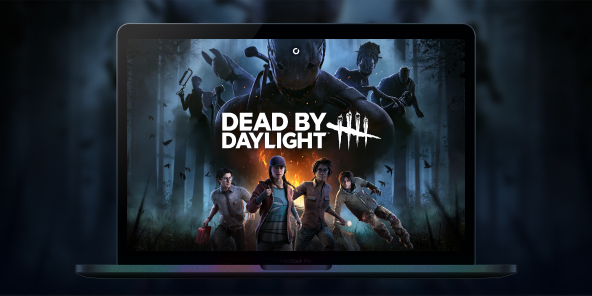
How to play Dead by Daylight on Mac?
Dead by Daylight is the benchmark for asymmetrical horror: one Killer versus four Survivors, with intense matches where every decision matters. Since 2016, the game has built a worldwide fanbase, with build guides and iconic crossovers, and a meta that evolves with each update. To play Dead by Daylight on Mac, Shadow PC gives you the same experience as on Windows: install the game via Steam/Epic, access your account, enjoy cross-play, and play on macOS just like on a local PC.

Play Dead by Daylight on your Mac with Shadow PC
Shadow PC gives you the power of a Windows gaming PC… from the cloud. Open the app on your Mac, install Dead by Daylight via Steam or Epic, and jump straight into private or ranked matches no disk partitioning, no dual boot. Perfect for multiplayer: day one updates, in game cross play, voice chat, and Discord.
AMD EPYC CPU, 8 Kerne (3,25 GHz); 16 GB RAM; NVIDIA RTX 2000 Ada GPU, 16 GB (GPU der GeForce RTX 4060-Klasse); 512 GB SSD
AMD EPYC CPU, 8 Kerne (bis zu 3,7 GHz); 28 GB RAM; NVIDIA RTX A4500 GPU, 20 GB (GPU der GeForce RTX 3070 Ti-Klasse); 512-GB-SSD
Dead by Daylight: where horror meets strategy
In every multiplayer match, one player takes on the role of the hunter while four others try to survive and escape. There’s no linear campaign: the appeal lies in fast paced matches, character progression, and a world that evolves with each update.
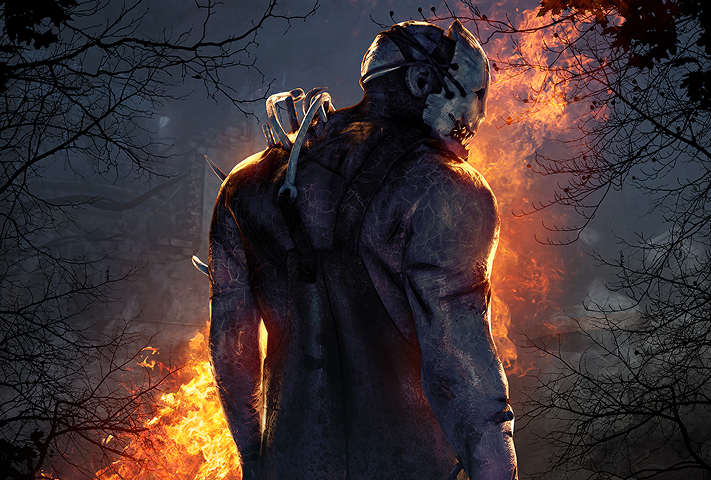
One player takes on the role of a Killer with a unique power (originals and licensed characters), while four others cooperate as Survivors with complementary perks to repair generators and escape.
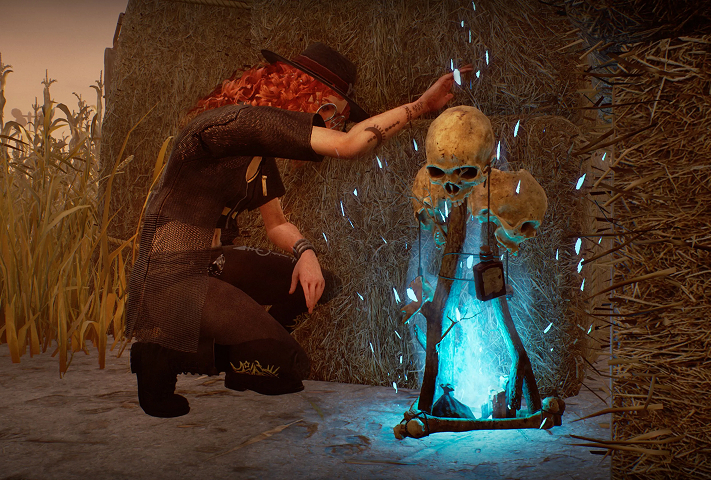
Trials take place on themed maps shaped by the Entity, featuring totems, fog, and environmental elements that influence every chase.
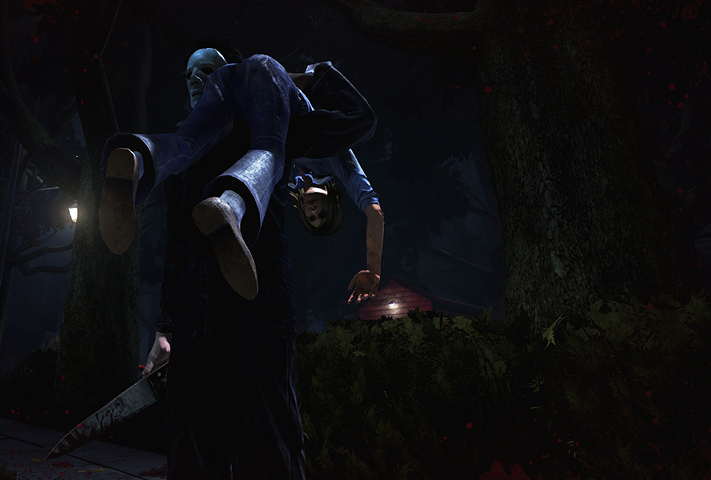
Chases are everything: mind games, pallets and windows, and managing the red stain. Perks, items, and generator pressure can turn a match around in seconds.
Licensed chapter adding Rick Grimes and Michonne as Survivors (with a legendary Daryl Dixon outfit) plus team-oriented, leadership-style perks playable on Mac via Shadow PC (Windows version). Release set/confirmed for July 29, 2025.
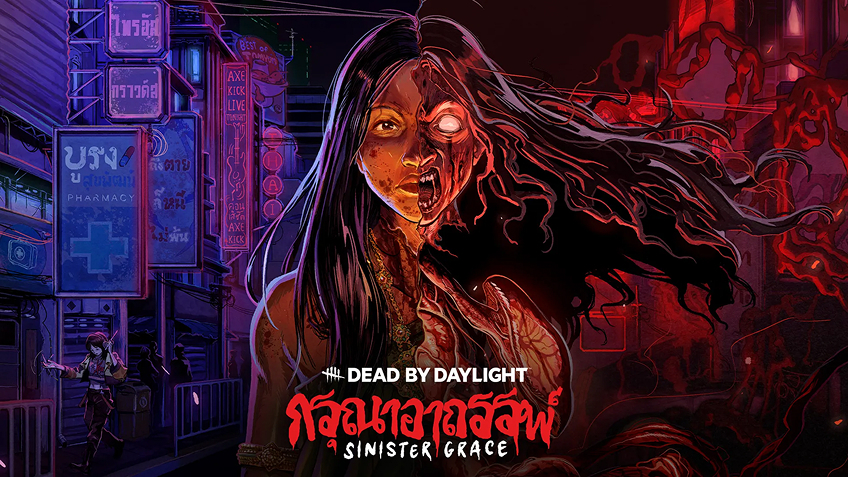
Original chapter inspired by Thai folklore. A metamorphic hunt with new Killer The Krasue and new Survivor Vee Boonyasak playable on Mac via Shadow PC.

FNaF chapter introducing Springtrap as Killer, with security-room vibes doors, cameras, and tactical control, playable on Mac via Shadow PC.


Cross-play on Mac, powered by Shadow PC
Dead by Daylight supports cross-play across PC and consoles. With Shadow PC, your Mac runs the official Windows version, so you queue in the same cross-platform pool, keep your account, and play with friends wherever they are.

Turn your Mac or iPhone into a gaming PC in just a few clicks!
Whether you're on a Mac (with few games compatible with macOS), a Linux machine (where Windows emulation hurts performance), or an older PC (or one with an underpowered graphics card), Shadow gives you access in just a few clicks to a powerful gaming PC to install all your favorite games*!

Choose the plan that best fits your needs.


Launch Shadow, install Anno 117: Pax Romana, and start playing. It’s that simple!
Your gaming PC, anytime, anywhere
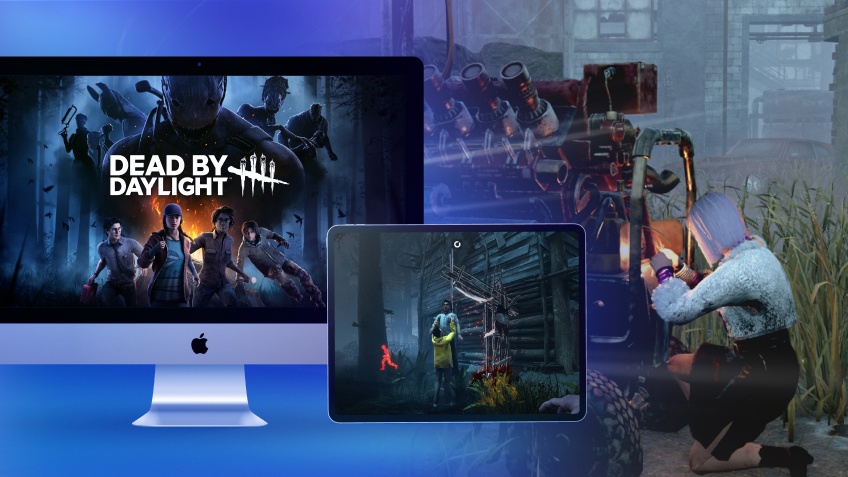
Connect to your high-performance Shadow PC and play Dead by Daylight along with all your favorite titles on any device**, whether it’s an iPhone, iPad, mobile tablet, Windows or Linux computer, Meta Quest, or just your web browser. Benefit from a smooth, dependable, and ultimate cloud gaming service wherever you go, and elevate your gaming sessions with the unmatched power of Shadow PC

FAQ
Shadow ist ein kompletter Windows-Gaming-PC, der vollständig in der Cloud gehostet wird. Es ist die einzige virtuelle Maschine, deren Leistung mit der eines lokalen PCs mithalten kann. Und im Gegensatz zu Cloud-Gaming-Diensten können Sie jedes Spiel, jede App und jede Software installieren und ausführen: Es gibt keinen eingeschränkten Katalog.
Ihr Shadow ist eine echte professionelle Windows-Arbeitsstation. Installieren Sie alles, was Sie benötigen*: Adobe Suite, CAD-Programme, Entwicklungsumgebungen, usw.
kompatibel-mit-allen-macs
Für jedes Endgerät Ihrer Wahl steht die Shadow PC Clientsoftware kostenlos zum Download zur Verfügung; Diese ermöglicht Ihnen insbesondere das Testen der Navigationsqualität und die Anpassung Ihrer Einstellungen für Videoqualität bis hin zur höchsten Auflösung von 4k. Für den schnellen Zugriff von einem neuen Endgerät oder einem Arbeitsplatz mit beschränkten Möglichkeiten zur Softwareinstallation können Sie jetzt direkt über einen Browser auf Ihren Shadow PC zugreifen. Und zwar ganz schnell und einfach, es ist keine Installation erforderlich: Besuchen Sie die Seite pc.shadow.tech! Dieser Zugriffsmodus ist besonders praktisch, wenn Sie Ihre Inhalte über eine anspruchsvolle Software direkt vom Rechner Ihrer Kunden und Interessenten aus vorführen oder schulen wollen: Sie müssen nun Ihr Endgerät, Ihre Software und Ihre Daten nicht mit sich herumtragen, sondern können ganz einfach ortsunabhängig darauf zugreifen.
Ja, mit Shadow erhalten Sie Downloadgeschwindigkeiten von 1 Gbit/s auf Ihren Shadow-PC, selbst wenn Ihre lokale Internetverbindung langsam ist.
Kurz gesagt: Nein. Wir stellen ausreichend Leistung bereit, um Ihre Anforderungen je nach gewähltem Angebot zu erfüllen. Hinsichtlich der Latenz ermöglicht unsere fortschrittliche Technologie eine Nutzung bereits ab einer geringen Bandbreite (ab 15 Mb/s) und sorgt dabei für eine kaum wahrnehmbare Verzögerung. Natürlich kann die Kompression die Bildqualität beeinflussen, und falls Ihre Verbindung zu langsam ist, könnten Sie im Vergleich zum Originalbild Unterschiede feststellen.
Ja, Shadow begrenzt die Auflösung nicht und ermöglicht es Ihnen, Windows sowie Ihre Spiele und Programme in 4K UHD auszuführen. Beachten Sie bitte, dass einige Spiele möglicherweise kein 4K unterstützen oder dabei geringere Leistungen aufweisen können. Zudem benötigt diese hohe Auflösung eine höhere Bandbreite, weshalb eine stabile und schnellere Internetverbindung als bei niedrigeren Auflösungen erforderlich ist.
Ja, Sie können direkt über das Schnellmenü Ihres Shadow-PCs einen zweiten Bildschirm aktivieren.