How to Play Overwatch on Mac (M1, M2, M3, M4 & Intel)
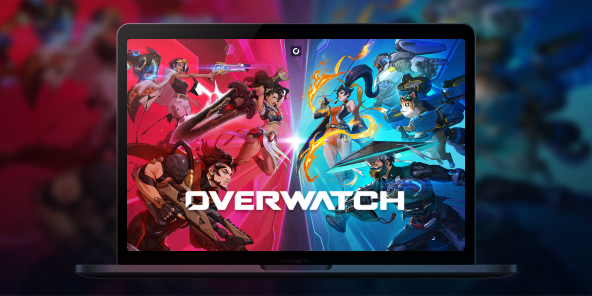
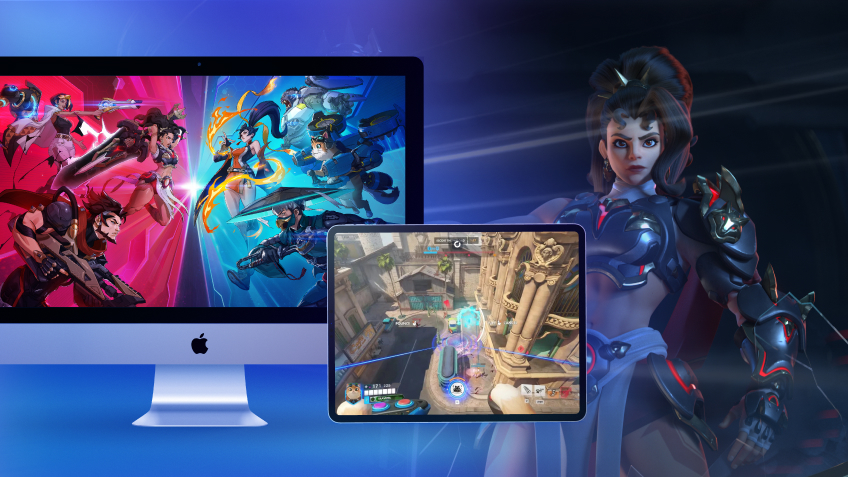
With its massive "Reign of Talon" update, Overwatch has undergone a major overhaul (even dropping the "2" from its name!) and introduced 5 spectacular new heroes. Unfortunately, Blizzard’s famous competitive FPS has never received a native macOS version. So, what’s the workaround? The answer is Shadow PC. Forget about Boot Camp or unstable emulators: discover how to play Overwatch on your Mac at max settings and team up with your friends, all thanks to cloud gaming.

Overwatch on Mac: Turn Your MacBook Into a Gaming PC
Itching to test out Jetpack Cat’s or Domina’s new gameplay, but the Battle.net launcher stubbornly tells you the game isn’t supported on your system? Don't go buying a new computer just yet.
With Shadow PC, you get remote access to a highly powerful Windows PC hosted in the cloud. In just a few clicks, you can install Battle.net and launch Overwatch on your iMac, Mac mini, or MacBook (whether it’s running an Intel chip or Apple Silicon M1, M2, M3, or M4). Experience flawless performance and maxed-out graphics without turning your machine into a space heater!
AMD EPYC CPU, 8 Kerne (3,25 GHz); 16 GB RAM; NVIDIA RTX 2000 Ada GPU, 16 GB (GPU der GeForce RTX 4060-Klasse); 512 GB SSD
AMD EPYC CPU, 8 Kerne (bis zu 3,7 GHz); 28 GB RAM; NVIDIA RTX A4500 GPU, 20 GB (GPU der GeForce RTX 3070 Ti-Klasse); 512-GB-SSD
Squad Up: Enjoy Overwatch Cross-Play on Mac
Overwatch is built around teamwork, and owning a Mac shouldn't leave you isolated. Because Shadow PC gives you access to a native Windows environment, you're running the actual PC version of the game.
That means you get 100% full cross-play. Instantly group up with your friends, whether they play on a Windows PC, PS5, Xbox, or are also playing on a Mac via Shadow! In-game voice chat and your Battle.net friends list work perfectly. You’ll never be the only one in your friend group left out again.
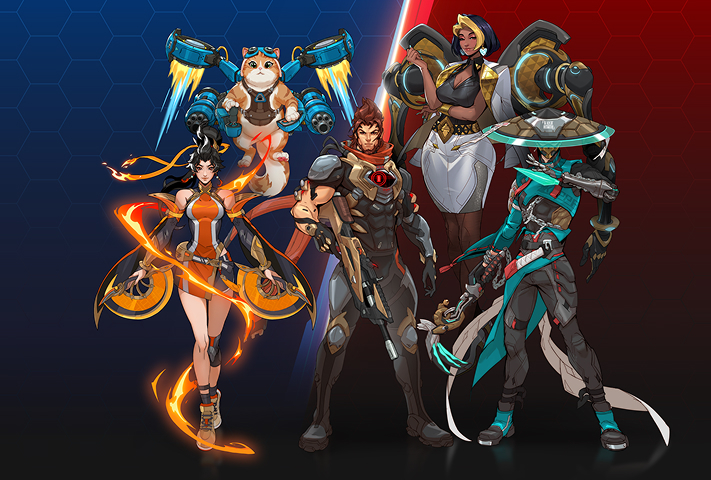
Season 1 of "Reign of Talon" marks a historic turning point with the arrival of 5 heroes all at once. Block incoming fire with the tank Domina, scorch the battlefield with Anran, deploy Emre's explosives, heal your allies with Mizuki, and take to the skies with the highly anticipated Jetpack Cat. Shadow PC guarantees the framerates you need to master their new abilities from day one.
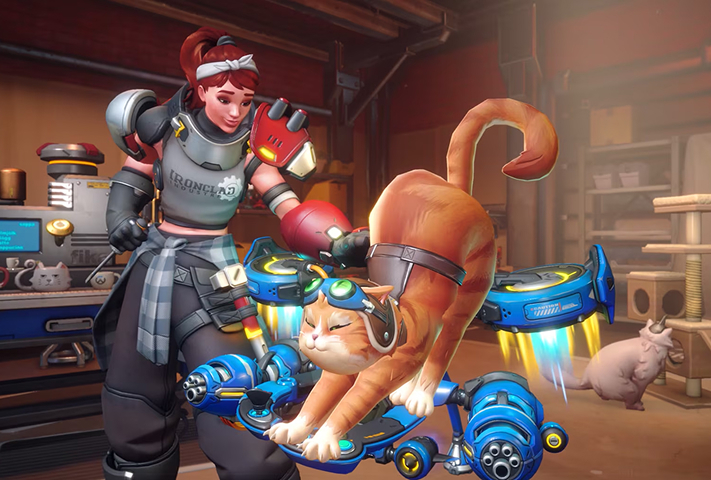
Competitive gameplay is evolving. With the introduction of sub-roles (Bruisers, Initiators, Tacticians...), the meta has never been this strategic. To react in a split second, you need minimal latency. Shadow’s network infrastructure ensures an optimal ping to Blizzard’s servers; a vital requirement for climbing the ranks in competitive play.
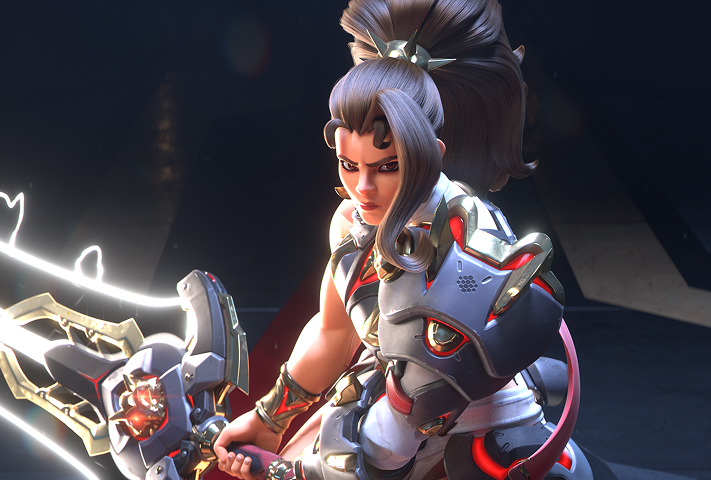
Immerse yourself in Overwatch's new major story arc. Participate in in-game events with your friends, choose your allegiance between Overwatch and the fearsome Talon organization, and unlock exclusive rewards throughout the year.
Why Choose Cloud Gaming for a Multiplayer FPS?
In a fast-paced competitive FPS like Overwatch, playing at 30 frames per second with frame drops just isn't an option. Software emulation solutions (like Parallels Desktop or CrossOver) often fall short for multiplayer games, largely due to anti-cheat systems.
Shadow PC bypasses this issue entirely by providing a real, remote Windows PC. Depending on the plan you choose (like the Power offer), you can run the game in 1440p or 4K, and take full advantage of the 120Hz displays on newer MacBook Pros for a true esports-grade experience.
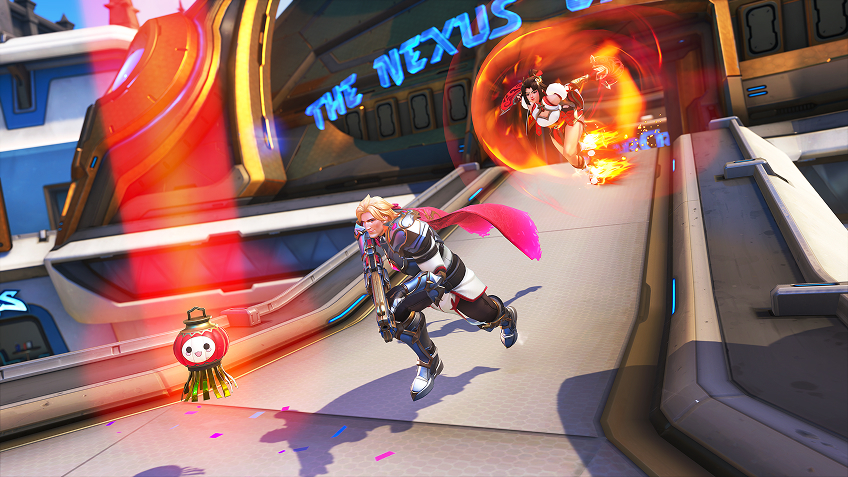
Tutorial: Install Overwatch on macOS in 3 steps
Ready to join the squad and take on the Reaper? Here's how to launch Overwatch (2) on your Apple device (Mac, iPhone, iPad, Apple TV, etc.):

Go to shadow.tech and select the PC configuration that suits your needs.

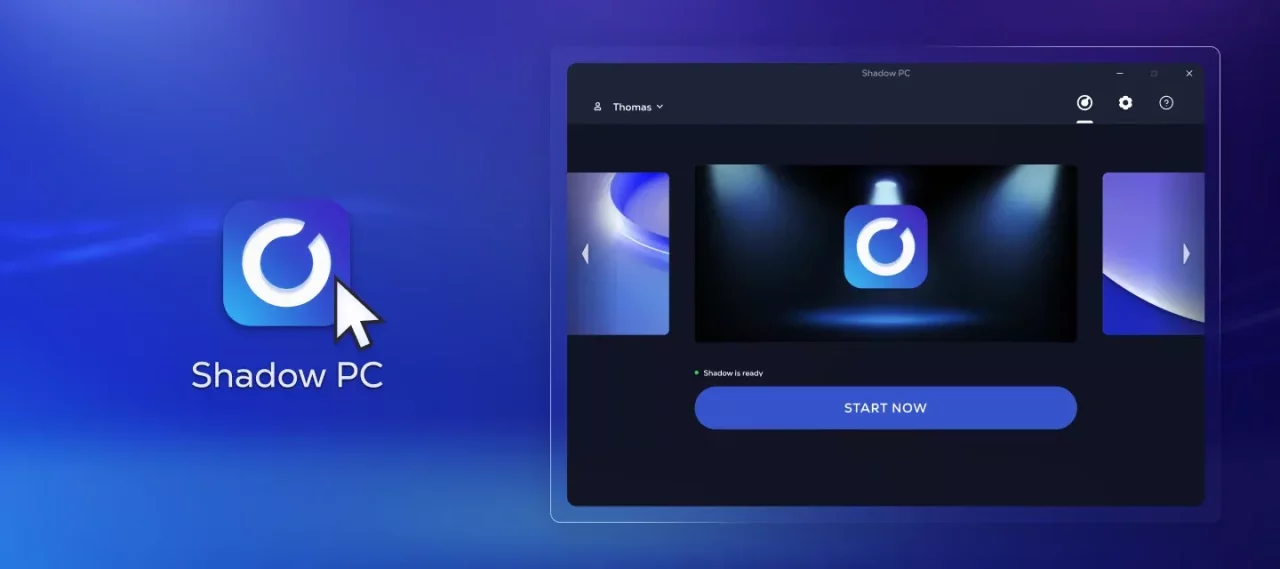
Install the Shadow client on your Mac, or log in directly from your web browser via pc.shadow.tech.

Start up your Shadow PC, download Battle.net, log in to your Blizzard account, and install Overwatch. Then you're ready to start playing!
Your Gaming PC: Anytime, Anywhere
Log in to your Shadow PC to play Overwatch and all your favorite games* on any Apple device, even your iPhone or Apple TV, or directly from your web browser. Shadow’s cloud gaming and streaming technology transforms your Mac into a powerful gaming PC that you can access wherever and whenever you want!

FAQ
Shadow ist ein kompletter Windows-Gaming-PC, der vollständig in der Cloud gehostet wird. Es ist die einzige virtuelle Maschine, deren Leistung mit der eines lokalen PCs mithalten kann. Und im Gegensatz zu Cloud-Gaming-Diensten können Sie jedes Spiel, jede App und jede Software installieren und ausführen: Es gibt keinen eingeschränkten Katalog.
Ihr Shadow ist eine echte professionelle Windows-Arbeitsstation. Installieren Sie alles, was Sie benötigen*: Adobe Suite, CAD-Programme, Entwicklungsumgebungen, usw.
kompatibel-mit-allen-macs
Für jedes Endgerät Ihrer Wahl steht die Shadow PC Clientsoftware kostenlos zum Download zur Verfügung; Diese ermöglicht Ihnen insbesondere das Testen der Navigationsqualität und die Anpassung Ihrer Einstellungen für Videoqualität bis hin zur höchsten Auflösung von 4k. Für den schnellen Zugriff von einem neuen Endgerät oder einem Arbeitsplatz mit beschränkten Möglichkeiten zur Softwareinstallation können Sie jetzt direkt über einen Browser auf Ihren Shadow PC zugreifen. Und zwar ganz schnell und einfach, es ist keine Installation erforderlich: Besuchen Sie die Seite pc.shadow.tech! Dieser Zugriffsmodus ist besonders praktisch, wenn Sie Ihre Inhalte über eine anspruchsvolle Software direkt vom Rechner Ihrer Kunden und Interessenten aus vorführen oder schulen wollen: Sie müssen nun Ihr Endgerät, Ihre Software und Ihre Daten nicht mit sich herumtragen, sondern können ganz einfach ortsunabhängig darauf zugreifen.
Ja, mit Shadow erhalten Sie Downloadgeschwindigkeiten von 1 Gbit/s auf Ihren Shadow-PC, selbst wenn Ihre lokale Internetverbindung langsam ist.
Kurz gesagt: Nein. Wir stellen ausreichend Leistung bereit, um Ihre Anforderungen je nach gewähltem Angebot zu erfüllen. Hinsichtlich der Latenz ermöglicht unsere fortschrittliche Technologie eine Nutzung bereits ab einer geringen Bandbreite (ab 15 Mb/s) und sorgt dabei für eine kaum wahrnehmbare Verzögerung. Natürlich kann die Kompression die Bildqualität beeinflussen, und falls Ihre Verbindung zu langsam ist, könnten Sie im Vergleich zum Originalbild Unterschiede feststellen.
Ja, Shadow begrenzt die Auflösung nicht und ermöglicht es Ihnen, Windows sowie Ihre Spiele und Programme in 4K UHD auszuführen. Beachten Sie bitte, dass einige Spiele möglicherweise kein 4K unterstützen oder dabei geringere Leistungen aufweisen können. Zudem benötigt diese hohe Auflösung eine höhere Bandbreite, weshalb eine stabile und schnellere Internetverbindung als bei niedrigeren Auflösungen erforderlich ist.
Ja, Sie können direkt über das Schnellmenü Ihres Shadow-PCs einen zweiten Bildschirm aktivieren.