How to play Nioh 3 on your old Mac?
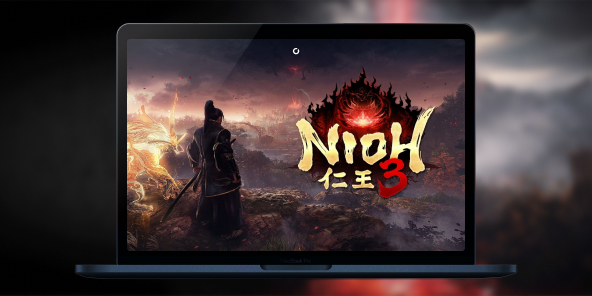
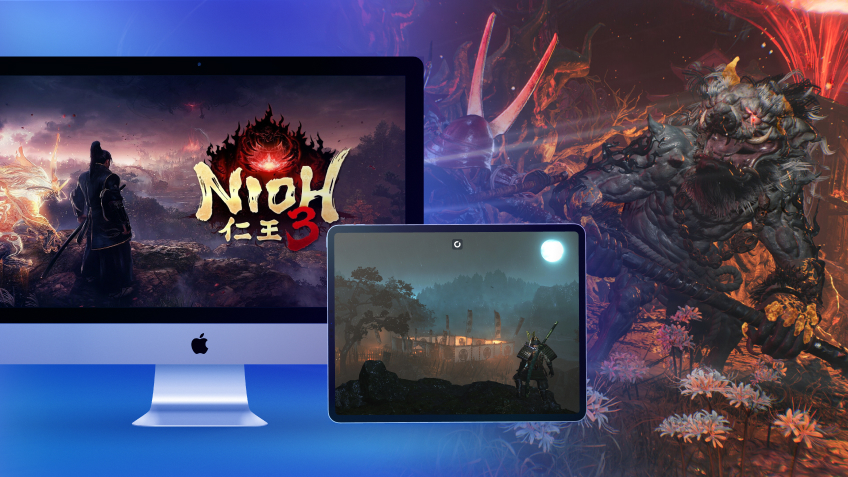
Slash, parry, survive. Nioh 3 is available on PS5 and Windows PC, and thanks to Shadow PC, Nioh 3 is playable on Mac. Install the Steam version, play Nioh 3 on macOS and face the yokai from day one, without waiting for a macOS port.

Your Mac, your dojo: Nioh 3 on macOS with Shadow PC
Shadow PC is a Windows gaming PC hosted in the cloud. Launch Shadow PC on your Mac (Intel or Apple Silicon), open Steam, install Nioh 3, and enjoy stable performance, smooth frame rates, and fast updates, all on macOS, without partitions or external graphics cards. Online co-op is as easy as on a local PC: invitations, chat, progress, it's all there.
AMD EPYC CPU, 8 cores (3.25 GHz); 16 GB RAM; NVIDIA RTX 2000 Ada GPU, 16 GB (GeForce RTX 4060–class GPU); 512 GB SSD
AMD EPYC CPU, 8 cores (up to 3.7 GHz); 28 GB RAM; NVIDIA RTX A4500 GPU, 20 GB (GeForce RTX 3070 Ti–class GPU); 512 GB SSD
The blade, the rhythm, the legend
Team Ninja refines its formula: a combat system that rewards precision, interconnected open-field spaces, and co-op designed to overcome difficulty spikes with three players.
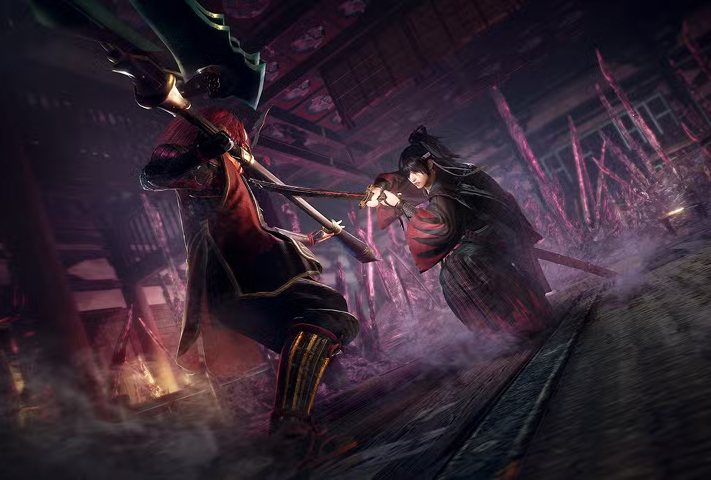
Every encounter is an exchange: observe, manage your Ki, change your stance, punish at the right moment. Between the rigor of the Samurai and the agility of the Ninja, your hands set the tempo. One mistake costs everything; one perfect deflection turns the arena upside down.
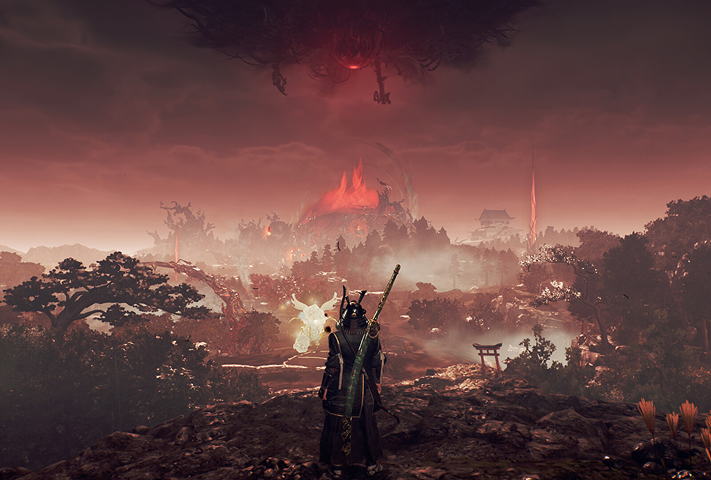
From misty villages to ravaged fortresses, areas open up and overlap. Shortcuts, optional objectives, risky detours: you choose your path and return to haunt your failures to earn new rewards.
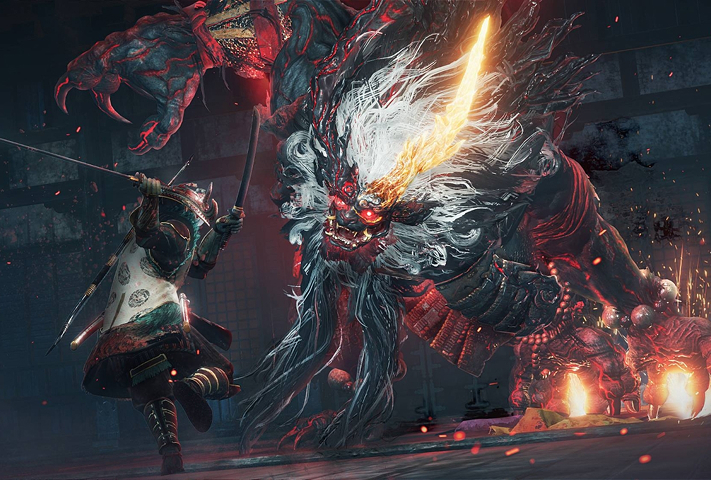
Progress is a loop: try, fail, understand, master. The Arts become ingrained in your reflexes, your arts proficiency climbs, and your build becomes more refined until the boss that terrified you becomes a sparring partner.

Forge your legend with awesome weapons and builds
Nioh 3 loves bold choices: nimble katanas, brutal axes, versatile naginatas... Each weapon type shapes your timing, parries, and openings. Fine-tune your build to perfection... even on Mac! Thanks to Shadow PC-style cloud gaming, enjoy all the subtleties of Nioh 3 directly on your Mac and refine your builds from any of your devices, from your smartphone to your Mac, your old computer, or your TV!
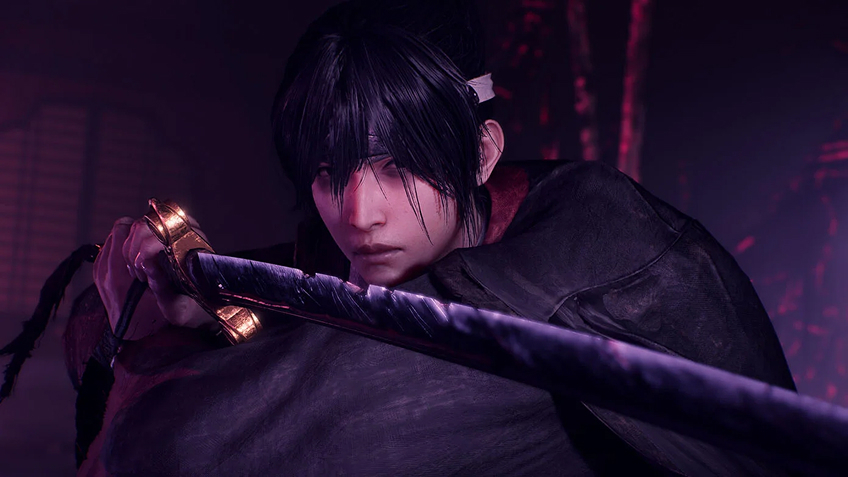
Turn your Mac or iPhone into a gaming PC in just a few clicks!
Whether you're on a Mac (with few games compatible with macOS), a Linux machine (where Windows emulation hurts performance), or an older PC (or one with an underpowered graphics card), Shadow gives you access in just a few clicks to a powerful gaming PC to install all your favorite games*!

Choose the plan that best fits your needs.


Launch Shadow, install Nioh 3, and start playing. It’s that simple!
Your gaming PC, anytime, anywhere
Log in to your Shadow PC and play Nioh 3 along with all your favorite games on any Apple device (even iPhone or Apple TV), or directly from your web browser. Shadow's cloud gaming and streaming technologies turns your Mac into a powerful gaming PC, accessible from anywhere, anytime!

FAQ
Shadow is a complete Windows gaming PC fully hosted in the cloud. It’s the only virtual machine whose performance rivals that of a local PC. And unlike cloud-gaming services, you can install and run any game, app, or software: there’s no restricted catalog.
Your Shadow is a true professional Windows workstation. Install everything you need*: Adobe Suite, CAD tools, development IDEs, etc.
Yes, both the Shadow app and the browser version work on most recent versions of macOS and computers.
For each device of your choosing, you can download the Shadow PC software client for free; in particular, this will allow you to test the browsing quality and adjust your video quality settings to the highest resolution, such as 4k. When you need to quickly access your environment and files via a new device or a workstation that's limited in terms of software installation, you can now directly access your Shadow PC via a browser. No installation required, it's quick and easy: Just head to the pc.shadow.tech web page! This access mode comes particularly in handy when you're giving a client a demo or delivering training via a demanding software directly on your clients or prospects' device: No need to lug around your own hardware, with your software and data, as Shadow PC gives you easy and instant access to it, at any tie and anywhere.
Yes, with Shadow you get 1 Gb/s download speeds to your Shadow PC, even if your local internet connection is slow.
In short: no. We provide enough power to meet your needs based on your chosen plan. Regarding latency, our advanced technology enables smooth usage even at low bandwidth (starting at 15 Mb/s), delivering virtually imperceptible latency. Of course, compression can impact image quality, and if your connection is too weak, you may notice a difference compared to the original image.
Yes, Shadow does not limit the resolution, allowing you to run Windows, your games, and software in 4K UHD. Please note that some games may not support 4K or may experience reduced performance at this resolution. Additionally, higher resolutions require more bandwidth, meaning you'll need a faster and more stable internet connection compared to lower resolutions.
Yes, you can activate a second screen directly on the Quick Menu.