How to play Anno 117: Pax Romana on Mac?
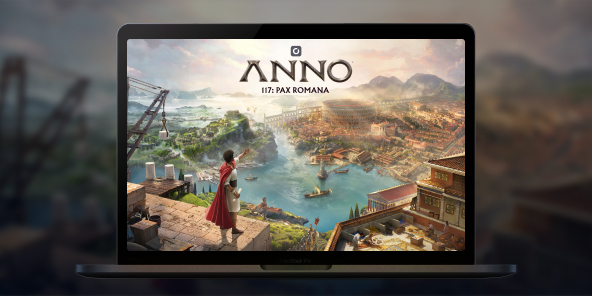
There is no announced native macOS version for Anno 117: Pax Romana, but you can play the full Windows edition on any Mac thanks to Shadow PC. Launch a Windows gaming PC in the cloud, install the game from your preferred store, and dive into the golden age of Rome. Begin your adventure in Latium or Albion for two different city-builder experiences.

Play Anno 117: Pax Romana on your Mac with Shadow PC
Shadow PC is a real Windows gaming PC in the cloud. Start your Shadow, log in to Steam / Ubisoft Connect / Epic, download Anno 117: Pax Romana, and enjoy all the features, DLCs, saves, and achievements, just like on a local PC. Fluid strategy sessions, even on a lightweight MacBook.
CPU AMD EPYC, 8 core (3,25 GHz); 16 GB di RAM; GPU NVIDIA RTX 2000 Ada da 16 GB (GPU di classe GeForce RTX 4060); SSD da 512 GB
CPU AMD EPYC, 8 core (fino a 3,7 GHz); 28 GB di RAM; GPU NVIDIA RTX A4500 da 20 GB (GPU di classe GeForce RTX 3070 Ti); SSD da 512 GB
Build your Pax Romana in your own way
In 117 AD, embody a Roman Governor and shape a living empire through building, trading, diplomacy, and (if you wish) warfare. Solo campaign and sandbox; online multiplayer up to 4 players.
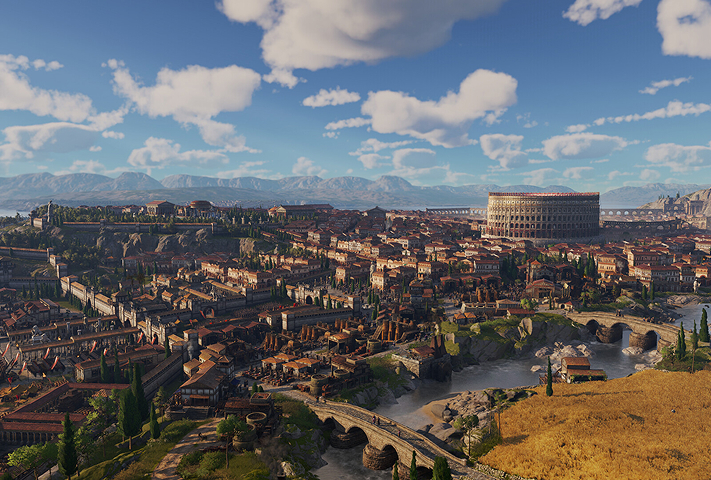
Start under the sun of Latium or in the mists of Albion. Each province has its climate, resources, cultures, and challenges, then expand to the other later in your game.

Preserve local traditions or enforce Romanization to unify your territory. Honor different gods and raise temples to unlock unique economic and civic bonuses.
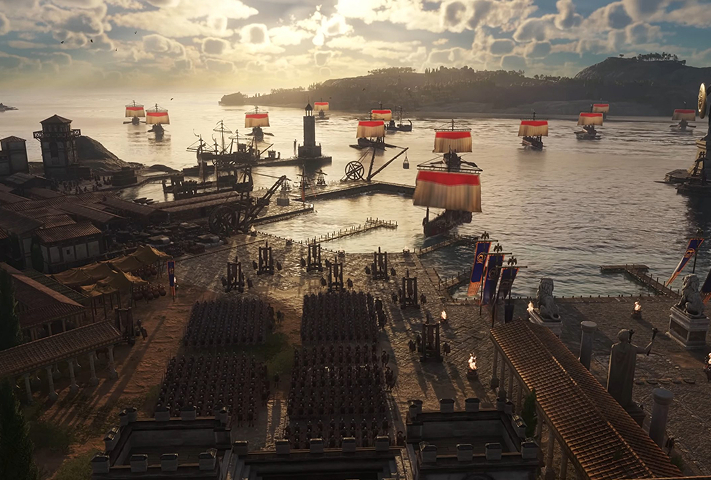
Raise and command land armies, infantry, archers, cavalry, siege with improved naval combat and modular ships. Warfare is optional; the decision is yours.

Starting in Latium or Albion completely changes your game
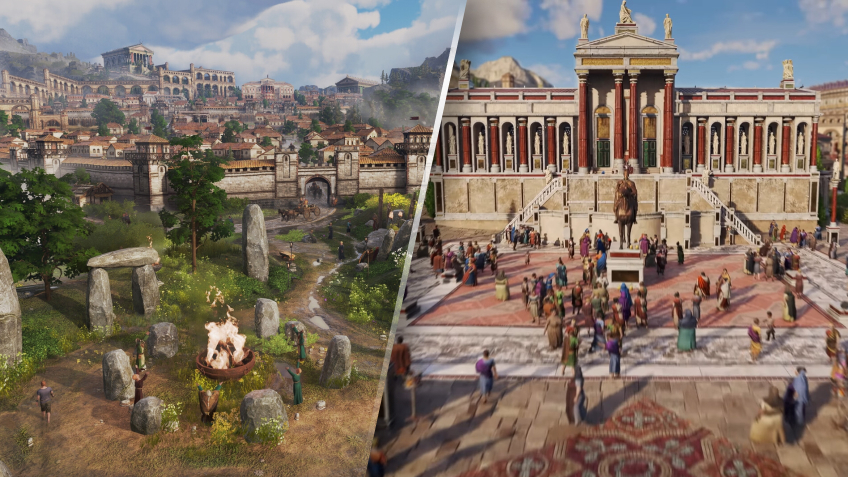
For the first time, your starting map is not fixed: choose Latium for Mediterranean production chains and classic Roman aesthetics, or Albion for a harsher, marshier frontier with Celtic accents and new constraints. This choice transforms your initial economy, city plans, and diplomatic posture—and you can later colonize/conquer the other province to expand your empire. On Mac via Shadow PC, you benefit from the same Windows features and saves, regardless of your starting location.
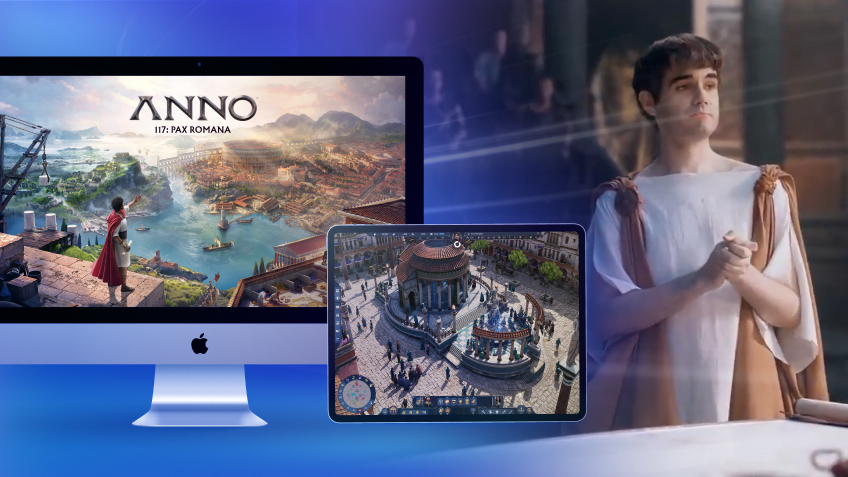
Turn your Mac or iPhone into a gaming PC in just a few clicks!
Whether you're on a Mac (with few games compatible with macOS), a Linux machine (where Windows emulation hurts performance), or an older PC (or one with an underpowered graphics card), Shadow gives you access in just a few clicks to a powerful gaming PC to install all your favorite games*!

Choose the plan that best fits your needs.


Launch Shadow, install Anno 117: Pax Romana, and start playing. It’s that simple!
Your gaming PC, anytime, anywhere
Connect to your high-performance Shadow PC and play Anno 117: Pax Romana along with all your favorite titles on any device**, whether it’s an iPhone, iPad, mobile tablet, Windows or Linux computer, Meta Quest, or just your web browser. Benefit from a smooth, dependable, and ultimate cloud gaming service wherever you go, and elevate your gaming sessions with the unmatched power of Shadow PC

FAQ
Yes, you can use Shadow PC to stream a full Windows PC to your Mac. Install the game via Steam, Ubisoft Connect, or Epic and play with all DLCs and updates.
1) Create your Shadow account and choose an offer.
2) Install the Shadow app on macOS (or use the web client via pc.shadow.tech).
3) Launch Shadow, install Anno 117: Pax Romana, and play on your MacBook.
The game offers online multiplayer (up to 4 players). Via Shadow PC, you access the same Windows features, voice chat, invites, and eventual cross-play if officially supported by the game.
Latium offers fertile biomes and a more classic economy; Albion is a misty frontier with different resources and culture. This choice influences your production chains, city plans, and early-game diplomacy.
Shadow è un PC da gioco Windows completo interamente ospitato nel cloud. È l'unica macchina virtuale le cui prestazioni rivaleggiano con quelle di un PC locale. E a differenza dei servizi di cloud gaming, puoi installare ed eseguire qualsiasi gioco, app o software: non ci sono restrizioni sul catalogo.
Il tuo Shadow è una vera workstation Windows professionale. Installa tutto ciò di cui hai bisogno*: Adobe Suite, strumenti CAD, ambienti di sviluppo, ecc.
Sì, sia l’app Shadow che la versione browser funzionano con le versioni più recenti di macOS e sui computer compatibili.
Per ogni dispositivo di vostra scelta, potete scaricare gratuitamente il software client Shadow PC; vi permette nello specifico di testare la qualità di navigazione, impostare i parametri di qualità video fino alla risoluzione più alta come la 4k Per le esigenze di accesso rapido da un nuovo dispositivo o una postazione con limiti in termini di installazione di software, potete ora accedere direttamente al vostro PC Shadow da un browser. Nessuna installazione necessaria, è un'operazione semplice e rapida: accedete alla pagina pc.shadow.tech! Questa modalità di accesso è in particolare molto pratica per le demo o le formazioni dei vostri contenuti tramite un software esigente, direttamente dalla postazione dei vostri clienti o prospect: non è più necessario trasportare il vostro dispositivo, i vostri software e i vostri dati, potrete accedervi in totale semplicità.
Sì, con Shadow disponi di una velocità di download di 1 Gb/s sul tuo PC Shadow, anche se la tua connessione internet locale è lenta.
In breve: no. Forniamo una potenza sufficiente a soddisfare le vostre esigenze in base all'offerta scelta. Quanto alla latenza, la nostra tecnologia avanzata consente di utilizzare una connessione a bassa larghezza di banda (a partire da 15 Mb/s) con una latenza praticamente impercettibile. Naturalmente, la compressione può influenzare la qualità dell'immagine e, se la vostra connessione è troppo lenta, potreste notare una differenza rispetto all'immagine originale.
Sì, Shadow non limita la risoluzione e permette di utilizzare Windows, i vostri giochi e programmi in 4K UHD. Si noti che alcuni giochi potrebbero non supportare la risoluzione 4K o potrebbero subire cali di prestazioni a tale definizione. Inoltre, una risoluzione così alta richiede una maggiore larghezza di banda, dunque una connessione internet più veloce e stabile rispetto alle definizioni inferiori.
Sì, è possibile attivare un secondo schermo direttamente dal Menu Rapido del vostro PC Shadow.