How to play Marathon on Mac?
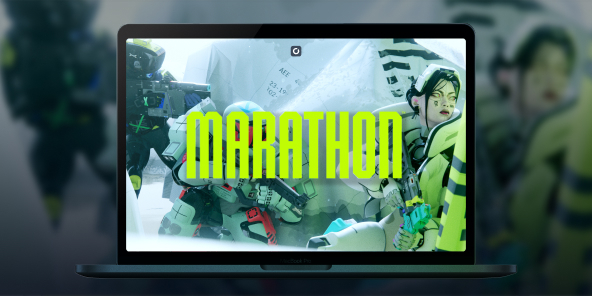
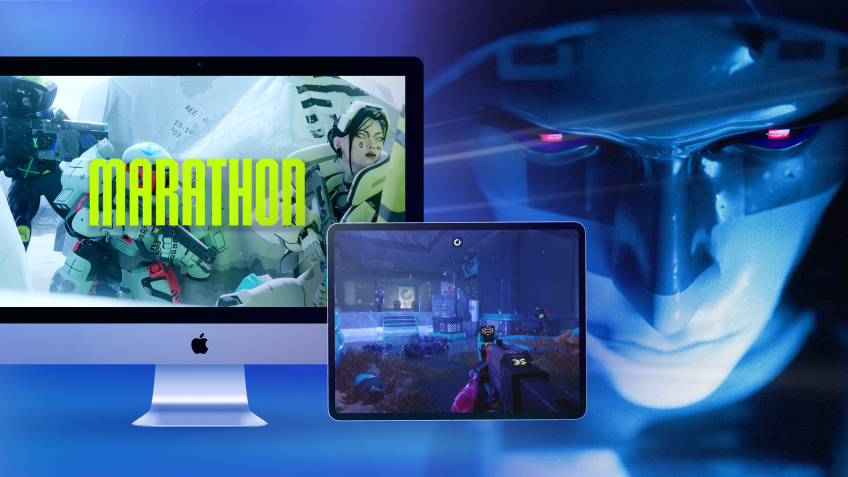
There's something poetic here: Marathon, Bungie's very first franchise, was born as a Mac exclusive in 1994. In 2026, the series returns as a full-scale PvPvE extraction shooter, but without a native macOS version. With Shadow PC, you can play Marathon on any Mac or MacBook from day one, with the full power of a high-end Windows PC in the cloud. Drop into Tau Ceti IV, choose your Runner Shell, and fight your way to extraction, all from your Apple device.

Play Marathon on your Mac with Shadow PC
Shadow PC gives you a complete Windows gaming PC in the cloud, so you can install Marathon directly from Steam, just like any PC player. Whether you're coordinating a three-Runner squad through Dire Marsh or going solo as a Rook with nothing to lose, Shadow delivers the low latency and consistent frame rate that a competitive extraction shooter demands. No Windows machine required, not a single gigabyte used on your Mac.
CPU AMD EPYC, 8 core (3,25 GHz); 16 GB di RAM; GPU NVIDIA RTX 2000 Ada da 16 GB (GPU di classe GeForce RTX 4060); SSD da 512 GB
CPU AMD EPYC, 8 core (fino a 3,7 GHz); 28 GB di RAM; GPU NVIDIA RTX A4500 da 20 GB (GPU di classe GeForce RTX 3070 Ti); SSD da 512 GB
Marathon: the colony is lost. The loot is yours.
Set in 2893 on the abandoned colony of Tau Ceti IV, Marathon is a PvPvE extraction FPS from the creators of Halo and Destiny. Drop in, scavenge, fight rival crews and AI factions, then extract or lose everything.
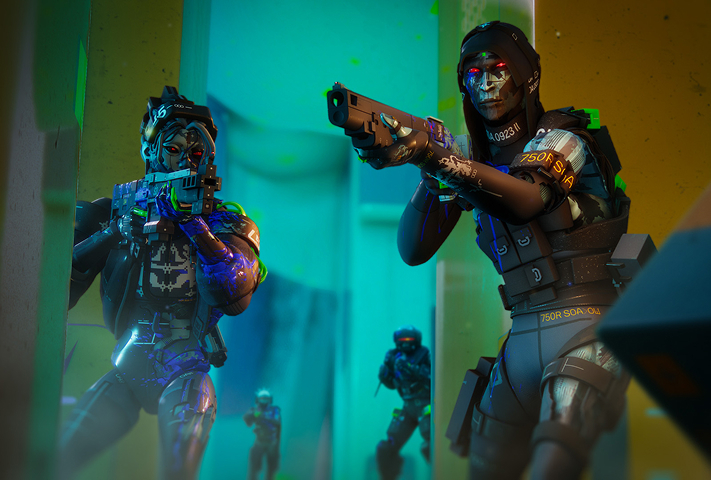
Pick from seven bio-synthetic mercenary classes at launch, Destroyer, Vandal, Assassin, Recon, Thief, Triage, or Rook, each with unique Prime and Tactical abilities. Layer in moddable weapons, body implants, and Core upgrades to build your exact playstyle.
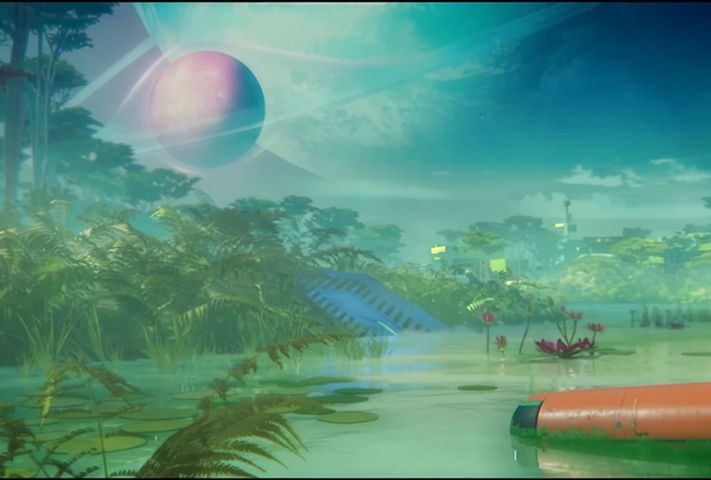
Tau Ceti IV launches with three ground zones, Perimeter for beginners learning the basics, the hazard-filled Dire Marsh where a high-gear dropship mid-run draws every Runner in the area, and the brutally vertical Outpost where PvP encounters are near-unavoidable.
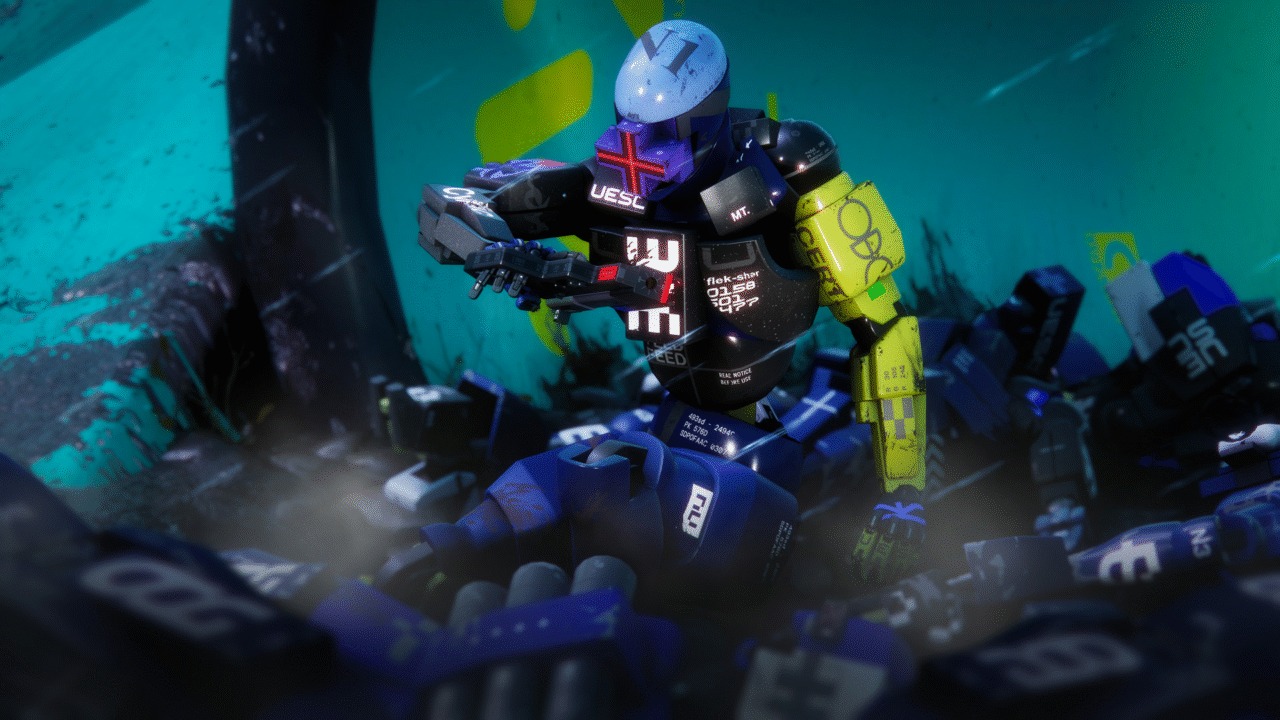
The Heat System replaces traditional stamina: sprinting, double-jumping, and sliding all generate heat, and overheating slows your Runner at the worst possible moment. Manage your movements, manage your contracts, manage your squad, and extract before someone else extracts you first.
Proximity Chat and live alliances directly on your Mac
Marathon's Proximity Chat system lets you negotiate real-time truces with rival crews to take down powerful common enemies, then betray them the moment it's convenient. Playing via Shadow PC on your Mac, you're running the full Windows version, which means you're in the same lobbies as PC, PS5, and Xbox Series players, with complete cross-play and cross-save supported from day one. Your Runner progression, your loot, your Vault, all of it follows you seamlessly across devices and sessions.
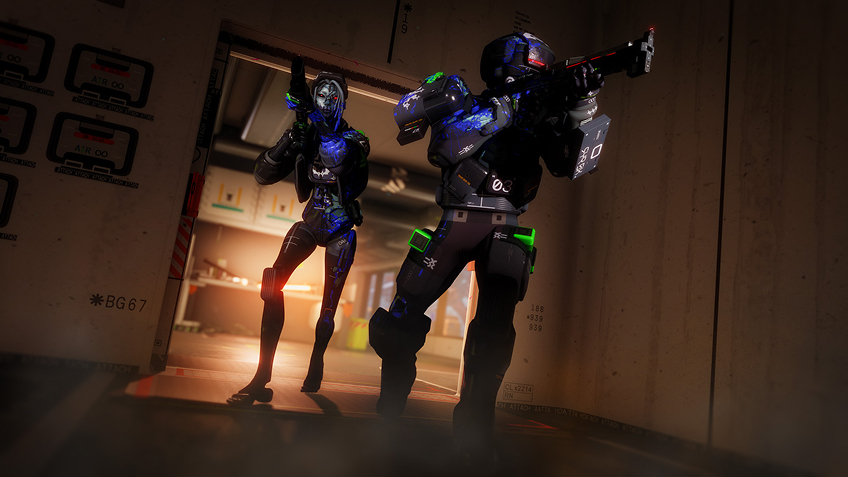
Turn your Mac or iPhone into a gaming PC in just a few clicks!
Whether you're on a Mac (with few games compatible with macOS), a Linux machine (where Windows emulation hurts performance), or an older PC (or one with an underpowered graphics card), Shadow gives you access in just a few clicks to a powerful gaming PC to install all your favorite games*!

Choose the plan that best fits your needs.


Launch Shadow, install Marathon, and start playing. It’s that simple!
Your gaming PC, anytime, anywhere
Log in to your Shadow PC and play Marathon along with all your favorite games on any Apple device (even iPhone or Apple TV), or directly from your web browser. Shadow's cloud gaming and streaming technologies turns your Mac into a powerful gaming PC, accessible from anywhere, anytime!

FAQ
Marathon has no native macOS version at launch. With Shadow PC, you can play the full Windows version of Marathon on any Mac or MacBook, including Apple Silicon M1, M2, and M3, without using local storage or needing to meet any hardware requirements.
Three steps: sign up on shadow.tech and pick your plan, install the Shadow app on your Mac or connect directly at pc.shadow.tech, then launch Shadow, install Marathon from Steam, and start your first run. That's all it takes.
Yes. Shadow PC runs the full Windows PC version of Marathon, putting you in the same cross-play pool as PC, PS5, and Xbox Series players. Cross-save is fully supported, your Runner, your Vault, and your faction progression carry over across every session.
Your Mac hardware doesn't matter, Shadow PC handles all the computing on its servers. You just need a stable broadband connection and the Shadow app. Shadow's infrastructure runs the game; your Mac just displays it.
Yes. Marathon launches March 5, 2026 on PC and is immediately available via Shadow, no waiting for a port that may never come.
Shadow è un PC da gioco Windows completo interamente ospitato nel cloud. È l'unica macchina virtuale le cui prestazioni rivaleggiano con quelle di un PC locale. E a differenza dei servizi di cloud gaming, puoi installare ed eseguire qualsiasi gioco, app o software: non ci sono restrizioni sul catalogo.
Il tuo Shadow è una vera workstation Windows professionale. Installa tutto ciò di cui hai bisogno*: Adobe Suite, strumenti CAD, ambienti di sviluppo, ecc.
Sì, sia l’app Shadow che la versione browser funzionano con le versioni più recenti di macOS e sui computer compatibili.
Per ogni dispositivo di vostra scelta, potete scaricare gratuitamente il software client Shadow PC; vi permette nello specifico di testare la qualità di navigazione, impostare i parametri di qualità video fino alla risoluzione più alta come la 4k Per le esigenze di accesso rapido da un nuovo dispositivo o una postazione con limiti in termini di installazione di software, potete ora accedere direttamente al vostro PC Shadow da un browser. Nessuna installazione necessaria, è un'operazione semplice e rapida: accedete alla pagina pc.shadow.tech! Questa modalità di accesso è in particolare molto pratica per le demo o le formazioni dei vostri contenuti tramite un software esigente, direttamente dalla postazione dei vostri clienti o prospect: non è più necessario trasportare il vostro dispositivo, i vostri software e i vostri dati, potrete accedervi in totale semplicità.
Sì, con Shadow disponi di una velocità di download di 1 Gb/s sul tuo PC Shadow, anche se la tua connessione internet locale è lenta.
In breve: no. Forniamo una potenza sufficiente a soddisfare le vostre esigenze in base all'offerta scelta. Quanto alla latenza, la nostra tecnologia avanzata consente di utilizzare una connessione a bassa larghezza di banda (a partire da 15 Mb/s) con una latenza praticamente impercettibile. Naturalmente, la compressione può influenzare la qualità dell'immagine e, se la vostra connessione è troppo lenta, potreste notare una differenza rispetto all'immagine originale.
Sì, Shadow non limita la risoluzione e permette di utilizzare Windows, i vostri giochi e programmi in 4K UHD. Si noti che alcuni giochi potrebbero non supportare la risoluzione 4K o potrebbero subire cali di prestazioni a tale definizione. Inoltre, una risoluzione così alta richiede una maggiore larghezza di banda, dunque una connessione internet più veloce e stabile rispetto alle definizioni inferiori.
Sì, è possibile attivare un secondo schermo direttamente dal Menu Rapido del vostro PC Shadow.