How to Play Overwatch on Mac (M1, M2, M3, M4 & Intel)
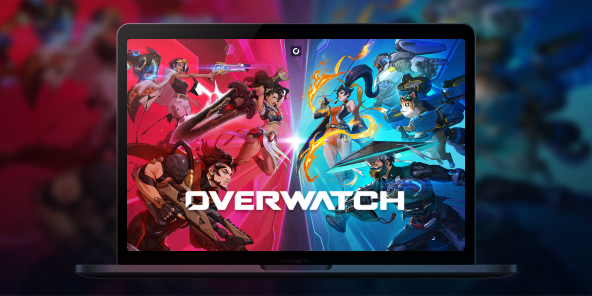
With its massive "Reign of Talon" update, Overwatch has undergone a major overhaul (even dropping the "2" from its name!) and introduced 5 spectacular new heroes. Unfortunately, Blizzard’s famous competitive FPS has never received a native macOS version. So, what’s the workaround? The answer is Shadow PC. Forget about Boot Camp or unstable emulators: discover how to play Overwatch on your Mac at max settings and team up with your friends, all thanks to cloud gaming.

Overwatch on Mac: Turn Your MacBook Into a Gaming PC
Itching to test out Jetpack Cat’s or Domina’s new gameplay, but the Battle.net launcher stubbornly tells you the game isn’t supported on your system? Don't go buying a new computer just yet.
With Shadow PC, you get remote access to a highly powerful Windows PC hosted in the cloud. In just a few clicks, you can install Battle.net and launch Overwatch on your iMac, Mac mini, or MacBook (whether it’s running an Intel chip or Apple Silicon M1, M2, M3, or M4). Experience flawless performance and maxed-out graphics without turning your machine into a space heater!
CPU AMD EPYC, 8 core (3,25 GHz); 16 GB di RAM; GPU NVIDIA RTX 2000 Ada da 16 GB (GPU di classe GeForce RTX 4060); SSD da 512 GB
CPU AMD EPYC, 8 core (fino a 3,7 GHz); 28 GB di RAM; GPU NVIDIA RTX A4500 da 20 GB (GPU di classe GeForce RTX 3070 Ti); SSD da 512 GB
Squad Up: Enjoy Overwatch Cross-Play on Mac
Overwatch is built around teamwork, and owning a Mac shouldn't leave you isolated. Because Shadow PC gives you access to a native Windows environment, you're running the actual PC version of the game.
That means you get 100% full cross-play. Instantly group up with your friends, whether they play on a Windows PC, PS5, Xbox, or are also playing on a Mac via Shadow! In-game voice chat and your Battle.net friends list work perfectly. You’ll never be the only one in your friend group left out again.
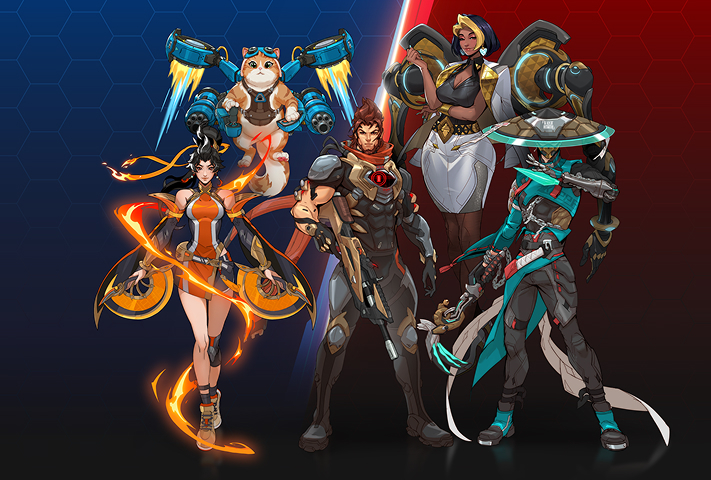
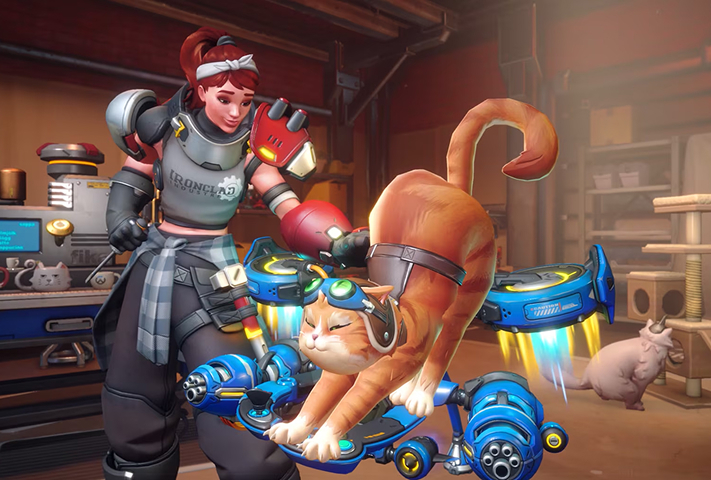
Season 1 of "Reign of Talon" marks a historic turning point with the arrival of 5 heroes all at once. Block incoming fire with the tank Domina, scorch the battlefield with Anran, deploy Emre's explosives, heal your allies with Mizuki, and take to the skies with the highly anticipated Jetpack Cat. Shadow PC guarantees the framerates you need to master their new abilities from day one.
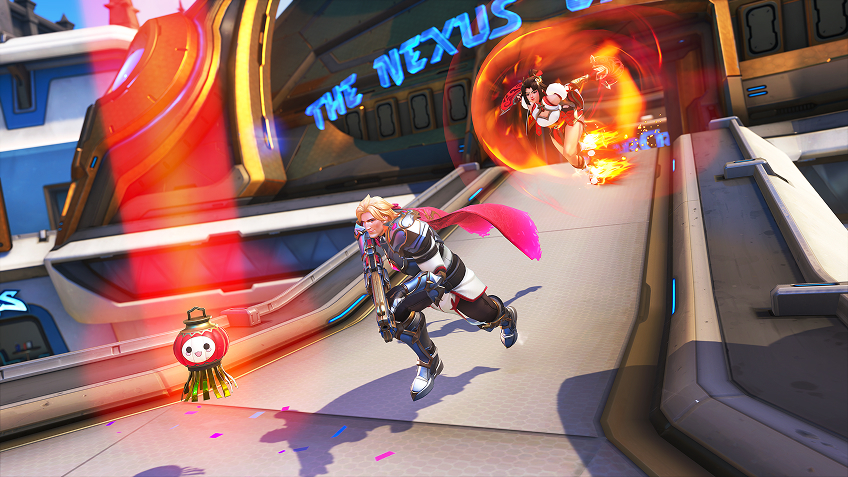
Competitive gameplay is evolving. With the introduction of sub-roles (Bruisers, Initiators, Tacticians...), the meta has never been this strategic. To react in a split second, you need minimal latency. Shadow’s network infrastructure ensures an optimal ping to Blizzard’s servers; a vital requirement for climbing the ranks in competitive play.
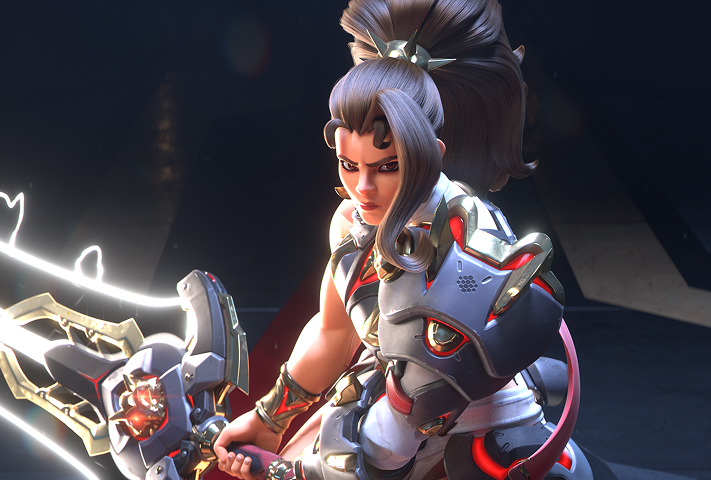
Immerse yourself in Overwatch's new major story arc. Participate in in-game events with your friends, choose your allegiance between Overwatch and the fearsome Talon organization, and unlock exclusive rewards throughout the year.
Why Choose Cloud Gaming for a Multiplayer FPS?
In a fast-paced competitive FPS like Overwatch, playing at 30 frames per second with frame drops just isn't an option. Software emulation solutions (like Parallels Desktop or CrossOver) often fall short for multiplayer games, largely due to anti-cheat systems.
Shadow PC bypasses this issue entirely by providing a real, remote Windows PC. Depending on the plan you choose (like the Power offer), you can run the game in 1440p or 4K, and take full advantage of the 120Hz displays on newer MacBook Pros for a true esports-grade experience.
Tutorial: Install Overwatch on macOS in 3 steps
Ready to join the squad and take on the Reaper? Here's how to launch Overwatch (2) on your Apple device (Mac, iPhone, iPad, Apple TV, etc.):

Go to shadow.tech and select the PC configuration that suits your needs.

Install the Shadow client on your Mac, or log in directly from your web browser via pc.shadow.tech.

Start up your Shadow PC, download Battle.net, log in to your Blizzard account, and install Overwatch. Then you're ready to start playing!
Your Gaming PC: Anytime, Anywhere
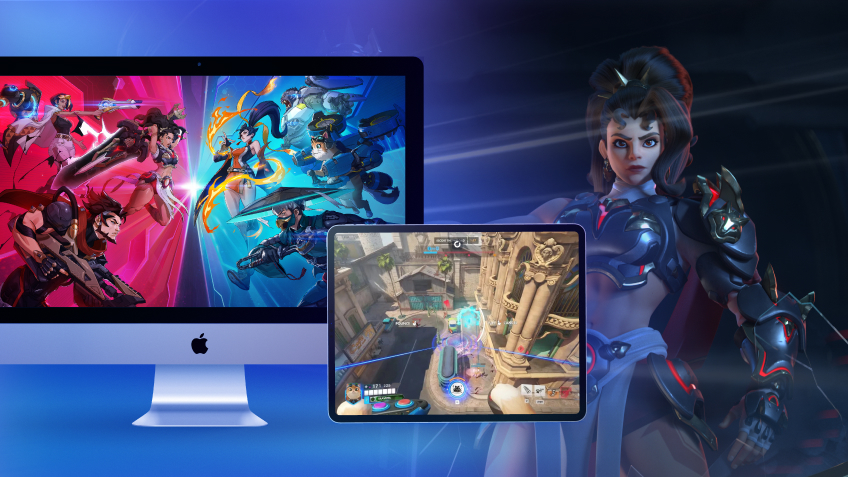
Log in to your Shadow PC to play Overwatch and all your favorite games* on any Apple device, even your iPhone or Apple TV, or directly from your web browser. Shadow’s cloud gaming and streaming technology transforms your Mac into a powerful gaming PC that you can access wherever and whenever you want!

FAQ
Shadow è un PC da gioco Windows completo interamente ospitato nel cloud. È l'unica macchina virtuale le cui prestazioni rivaleggiano con quelle di un PC locale. E a differenza dei servizi di cloud gaming, puoi installare ed eseguire qualsiasi gioco, app o software: non ci sono restrizioni sul catalogo.
Il tuo Shadow è una vera workstation Windows professionale. Installa tutto ciò di cui hai bisogno*: Adobe Suite, strumenti CAD, ambienti di sviluppo, ecc.
Sì, sia l’app Shadow che la versione browser funzionano con le versioni più recenti di macOS e sui computer compatibili.
Per ogni dispositivo di vostra scelta, potete scaricare gratuitamente il software client Shadow PC; vi permette nello specifico di testare la qualità di navigazione, impostare i parametri di qualità video fino alla risoluzione più alta come la 4k Per le esigenze di accesso rapido da un nuovo dispositivo o una postazione con limiti in termini di installazione di software, potete ora accedere direttamente al vostro PC Shadow da un browser. Nessuna installazione necessaria, è un'operazione semplice e rapida: accedete alla pagina pc.shadow.tech! Questa modalità di accesso è in particolare molto pratica per le demo o le formazioni dei vostri contenuti tramite un software esigente, direttamente dalla postazione dei vostri clienti o prospect: non è più necessario trasportare il vostro dispositivo, i vostri software e i vostri dati, potrete accedervi in totale semplicità.
Sì, con Shadow disponi di una velocità di download di 1 Gb/s sul tuo PC Shadow, anche se la tua connessione internet locale è lenta.
In breve: no. Forniamo una potenza sufficiente a soddisfare le vostre esigenze in base all'offerta scelta. Quanto alla latenza, la nostra tecnologia avanzata consente di utilizzare una connessione a bassa larghezza di banda (a partire da 15 Mb/s) con una latenza praticamente impercettibile. Naturalmente, la compressione può influenzare la qualità dell'immagine e, se la vostra connessione è troppo lenta, potreste notare una differenza rispetto all'immagine originale.
Sì, Shadow non limita la risoluzione e permette di utilizzare Windows, i vostri giochi e programmi in 4K UHD. Si noti che alcuni giochi potrebbero non supportare la risoluzione 4K o potrebbero subire cali di prestazioni a tale definizione. Inoltre, una risoluzione così alta richiede una maggiore larghezza di banda, dunque una connessione internet più veloce e stabile rispetto alle definizioni inferiori.
Sì, è possibile attivare un secondo schermo direttamente dal Menu Rapido del vostro PC Shadow.