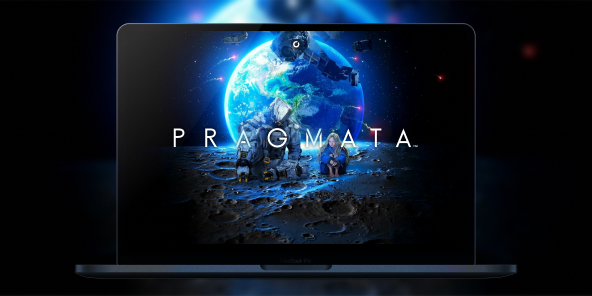
How to play Pragmata on Mac with Max Settings?
The wait is finally over: Capcom's new sci-fi masterpiece has arrived. While there is no native macOS version, Shadow PC allows you to dive into the lunar adventure of Hugh and Diana today on your Mac!
Conquer "The Cradle" with the power of Cloud Gaming
Pragmata uses the RE Engine to display ultra-detailed textures. Shadow PC makes this power accessible on your MacBook or iMac. It's a full Windows gaming PC in the cloud, allowing you to activate Ray Tracing and play without compromise on macOS.
Neo
 Perfect for 1080/1440p gaming with RTX
 Stream on your devices up to 1440p+
 Install your games & mods from Steam, Epic, Battle.net...*Multi screen and ultrawide supportNVIDIA RTX and DLSS compatibility
Power
 Up to 50% more GPU power
 28GB RAM / 20GB VRAM for better gaming performanceStream to any device up to 5K+Install your games & mods from Steam, Epic...Multiple & Ultrawide monitors supportNVIDIA RTX and DLSS compatibility
A unique Sci-Fi adventure signed by Capcom
Pragmata blends high-octane action with emotional storytelling. Don't let the lack of a native Mac version stop you, thanks to the power of the cloud.

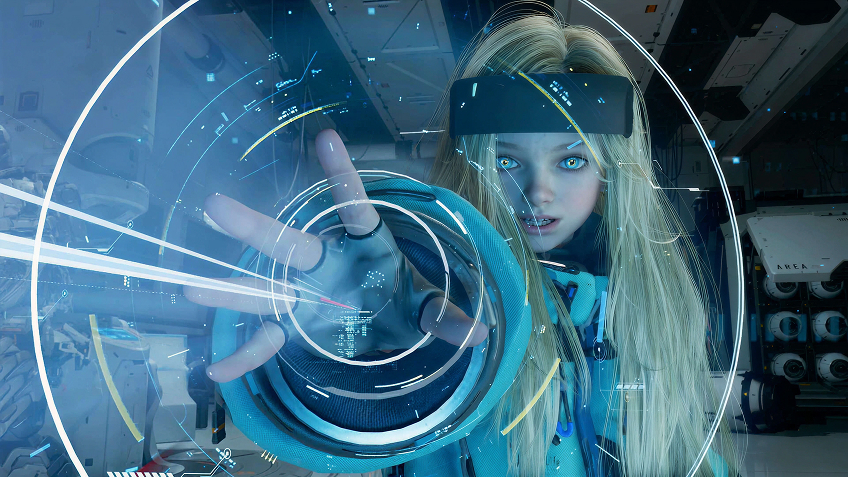
Play as Hugh Williams, a security specialist, supported by Diana, an android capable of hacking the most complex lunar systems.
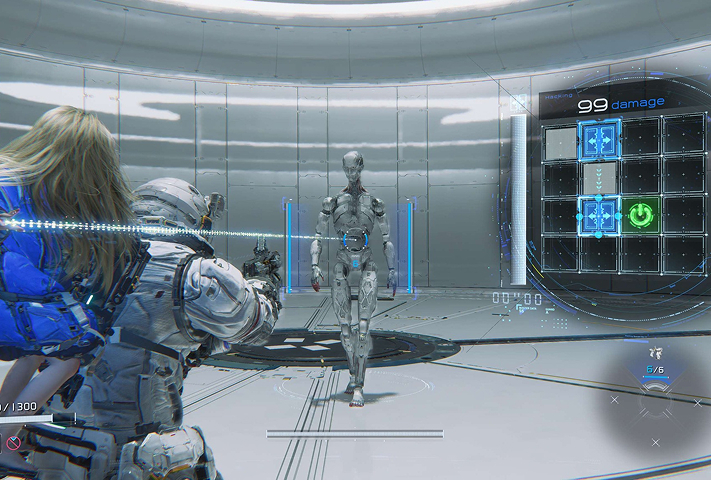
Control two characters at once: manage intense combat with Hugh while solving real-time hacking puzzles with Diana.
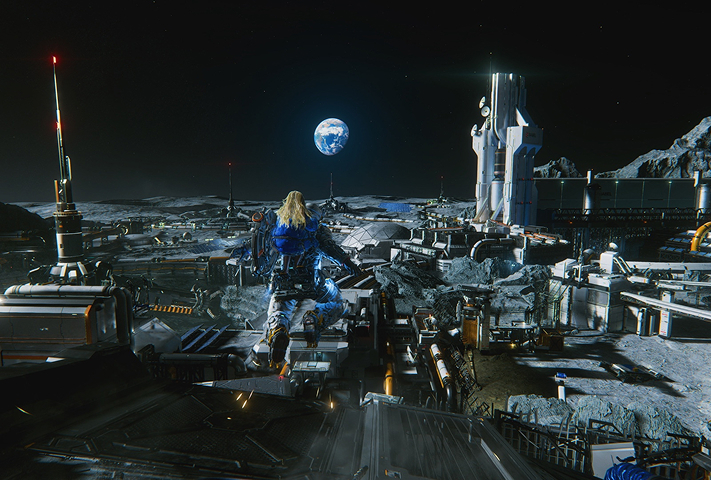
Explore surreal environments where Lunar materials recreate pieces of human civilization, all under the threat of the rogue AI IDUS.

Ray Tracing and RE Engine: Beauty without the slowdowns.
The game uses ray tracing to create stunning lunar environments, but these effects are resource-intensive. Shadow PC eliminates this hurdle by handling the processing on its servers. Your Mac receives a flawless video stream, allowing you to enjoy every detail of Lunafilament without any latency.
Tutorial: how to play Pragmata in cloud gaming on Mac in 3 steps
Whether you're on a MacBook or an old iMac, Shadow gives you access to a powerful gaming PC to enjoy Pragmata at max settings!

Visit shadow.tech and select the Shadow PC plan that matches your performance ambitions.

Install the Shadow client on your Mac, or connect directly via your web browser at pc.shadow.tech

Launch your Shadow PC, install Pragmata on Steam. That's it! Now go save Diana on the Moon!
Your gaming PC, anytime, anywhere
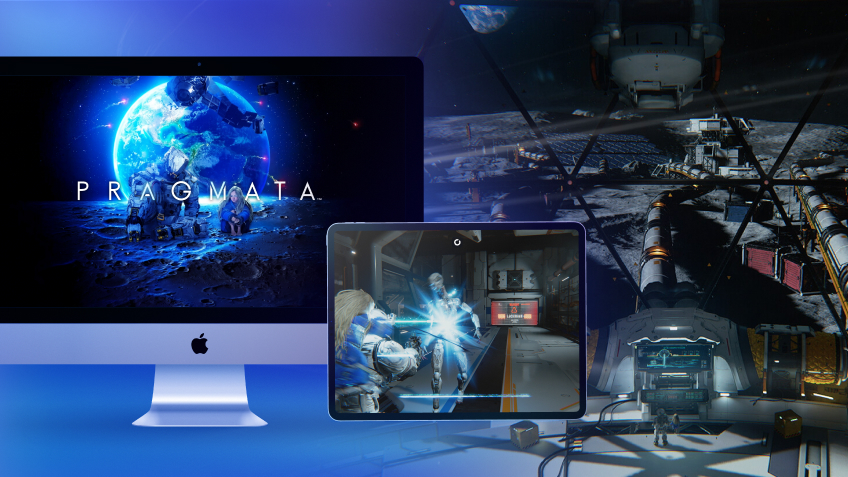
Log in to your Shadow PC and play Pragmata along with all your favorite games on any Apple device (iPhone, iPad, Mac), or directly from your web browser. Shadow transforms your screens into a high-performance gaming PC!

FAQ
Shadow is a complete Windows gaming PC fully hosted in the cloud. It’s the only virtual machine whose performance rivals that of a local PC. And unlike cloud-gaming services, you can install and run any game, app, or software: there’s no restricted catalog.
Your Shadow is a true professional Windows workstation. Install everything you need*: Adobe Suite, CAD tools, development IDEs, etc.
Yes, both the Shadow app and the browser version work on most recent versions of macOS and computers.
For each device of your choosing, you can download the Shadow PC software client for free; in particular, this will allow you to test the browsing quality and adjust your video quality settings to the highest resolution, such as 4k. When you need to quickly access your environment and files via a new device or a workstation that's limited in terms of software installation, you can now directly access your Shadow PC via a browser. No installation required, it's quick and easy: Just head to the pc.shadow.tech web page! This access mode comes particularly in handy when you're giving a client a demo or delivering training via a demanding software directly on your clients or prospects' device: No need to lug around your own hardware, with your software and data, as Shadow PC gives you easy and instant access to it, at any tie and anywhere.
Yes, with Shadow you get 1 Gb/s download speeds to your Shadow PC, even if your local internet connection is slow.
In short: no. We provide enough power to meet your needs based on your chosen plan. Regarding latency, our advanced technology enables smooth usage even at low bandwidth (starting at 15 Mb/s), delivering virtually imperceptible latency. Of course, compression can impact image quality, and if your connection is too weak, you may notice a difference compared to the original image.
Yes, Shadow does not limit the resolution, allowing you to run Windows, your games, and software in 4K UHD. Please note that some games may not support 4K or may experience reduced performance at this resolution. Additionally, higher resolutions require more bandwidth, meaning you'll need a faster and more stable internet connection compared to lower resolutions.
Yes, you can activate a second screen directly on the Quick Menu.