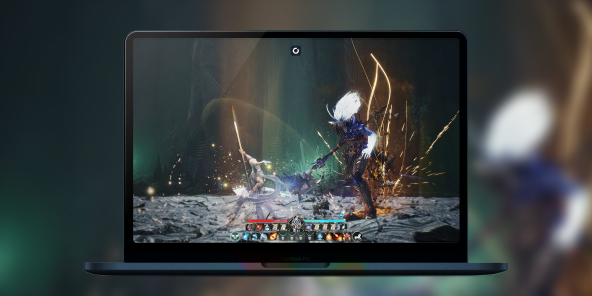
How to mod Baldur’s Gate 3 on Mac?
Although Baldur’s Gate 3 is available natively on macOS, ambitious players often hit an “invisible wall” when it comes to the game’s vast mod ecosystem. With Shadow PC, enjoy the ultimate modded Baldur’s Gate 3 experience on Mac. By streaming a high-end Windows environment to your MacBook or iMac, you get unrestricted access to the entire PC modding ecosystem without worrying about macOS compatibility or file limitations.
Unleash the full power of BG3 modding on your Mac
Shadow PC gives you a Windows gaming PC in the cloud, offering a local-like experience with the high-performance hardware required for a heavily modded campaign.
Instead of being restricted to the limited selection of "Mac-approved" mods in the built-in manager, you can install the Windows version of the game and use professional tools like the BG3 Mod Manager and Nexus Mods like a true PC expert. Whether you're running a load order of over 100 mods or simply want the freedom of a script-driven campaign, Shadow PC ensures your Mac isn't left behind.
Neo Lite
pro Monat

 Perfekt für Gaming in 1080/1440p mit RTX
 Streamen Sie auf Ihren Geräten bis zu 1440p+Installieren Sie Ihre Spiele und Mods über Steam, Epic, Battle.net...*Multi-Screen- und Ultrawide-UnterstützungKompatibel mit NVIDIA RTX und DLSS
Power Lite
pro Monat
Bis zu 50 % mehr GPU-Leistung
 28 GB RAM / 20 GB VRAM für bessere Gaming-LeistungStreaming auf jedem Gerät bis zu 5K+Installieren Sie Ihre Spiele und Mods über Steam, Epic...*Unterstützung für mehrere und Ultrawide-MonitoreKompatibel mit NVIDIA RTX und DLSS
Neo
In den ersten sechs Monaten, danach 32,99€.
Perfekt für Gaming in 1080/1440p mit RTXStreamen Sie auf Ihren Geräten bis zu 1440p+Installieren Sie Ihre Spiele und Mods über Steam, Epic, Battle.net...*Multi-Screen- und Ultrawide-UnterstützungKompatibel mit NVIDIA RTX und DLSS
Power
In den ersten sechs Monaten, danach 49,99€.
Bis zu 50 % mehr GPU-Leistung28 GB RAM / 20 GB VRAM für bessere Gaming-LeistungStreaming auf jedem Gerät bis zu 5K+Installieren Sie Ihre Spiele und Mods über Steam, Epic...*Unterstützung für mehrere und Ultrawide-MonitoreKompatibel mit NVIDIA RTX und DLSSForge your own destiny in the Forgotten Realms
Baldur's Gate 3 is a colossal RPG based on the D&D 5e ruleset, where every decision ripples through a 100+ hour narrative.
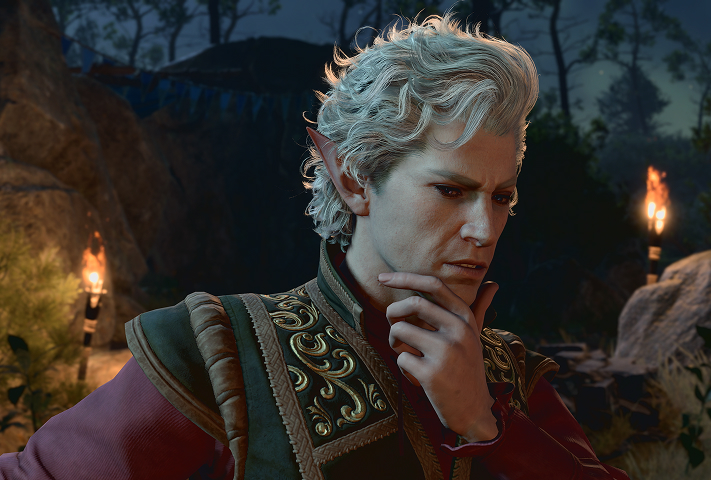
Dive into one of the most detailed character creators, further enhanced by cosmetic mods. Use mods to make your hero stand out, or the No Romance Limit mod to navigate complex relationships without constraints.
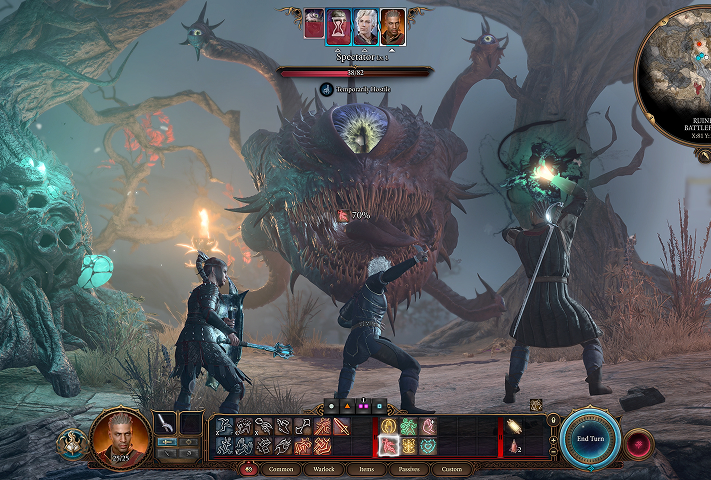
Push past the limits of the vanilla game. The UnlockLevelCurve mod allows your party to reach level 20, enabling high-level multiclassing and spell slots that create a "new game" feel on your subsequent playthroughs.
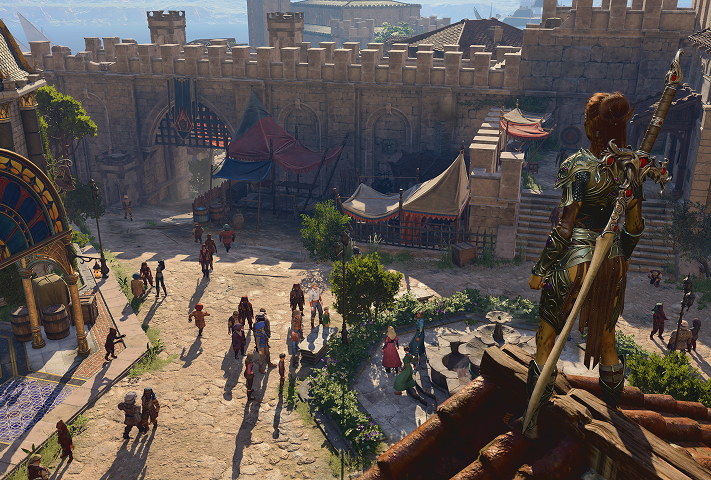
Eliminate the frustrations of long journeys with utility tools. Bags Bags Bags and Carry Weight Increased solve inventory management issues, while Camp Event Notifications ensures you never miss a crucial dialogue hidden behind long rest mechanics.
The advantage of Script Extender and Native Plugins
The true secret to BG3 modding lies in Norbyte's Script Extender and the Native Mod Loader, tools often unavailable or unstable on the native Mac port.
These foundations enable "impossible" features such as:
• WASD Movement & Native Camera : Transform BG3 into a third-person RPG with full camera control, making exploration vastly more immersive.
• Full Achievement Support : Even with a heavily modded game, the Achievement Enabler lets you continue unlocking your Steam/GOG achievements.
• Multiplayer Synchronization : Manage your mod alignment for crash-free co-op sessions using the PC mod manager.
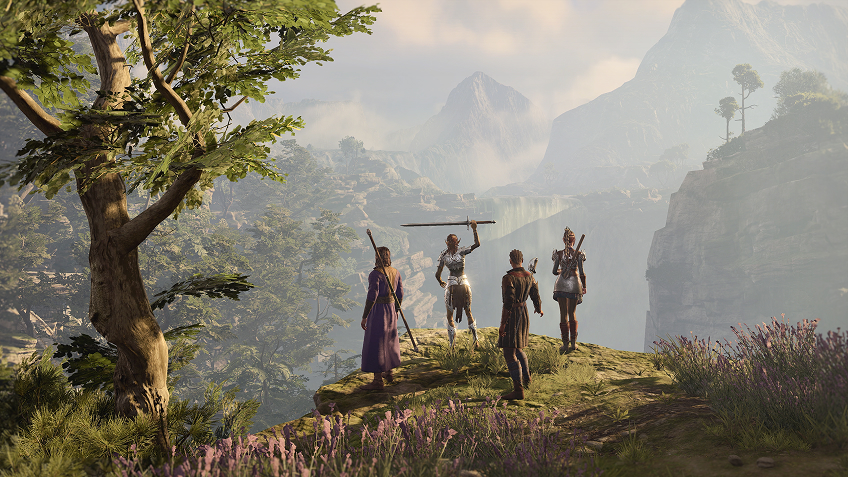
Top 5 most installed mods for Baldur's Gate 3
Master your campaign with community favorites using professional tools like the BG3 Mod Manager and Nexus Mods. With over a million mod installations within 24 hours of the official support launch, the community has set essential standards. Here are the top five most acclaimed mods that radically transform the experience:
Tutorial: Play Baldur's Gate 3 via cloud gaming in 3 steps
Whether you're on a Mac (without a native macOS version), on Linux, or on an older computer, Shadow gives you access to a powerful gaming PC in just a few clicks so you can enjoy your favorite games at maximum graphics settings!

Head over to shadow.tech and select the PC configuration that fits your performance needs.

Install the Shadow client on your Mac, or connect directly from your web browser via pc.shadow.tech

Boot up your Shadow PC and install Baldur's Gate 3. That's it! All that's left is to play on Ultra settings!
Your adventure, your gaming PC, whenever you want, wherever you are
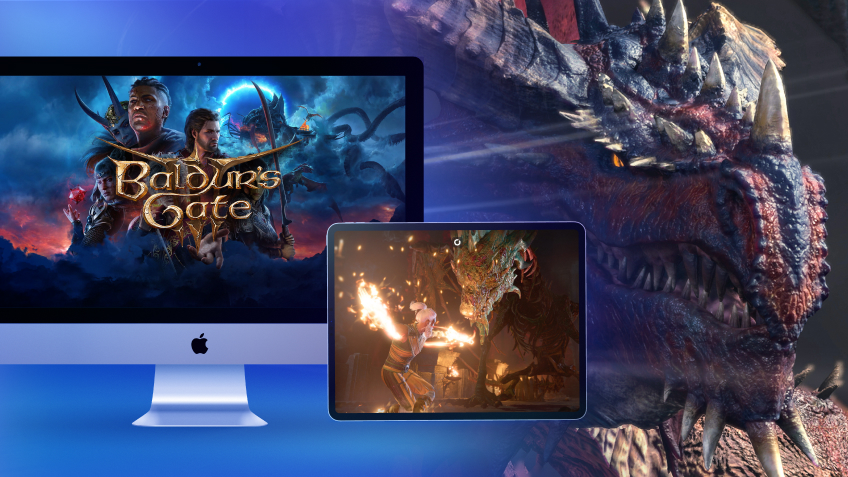
Start your modded quest on your Mac, then pick up exactly where you left off on your iPad or even your iPhone thanks to the cloud. Your mod configuration remains identical regardless of the screen you use, because your Shadow Windows environment is persistent. Enjoy flawless fluidity and up to 4K resolution on any Apple or Android device.

FAQ
Shadow ist ein kompletter Windows-Gaming-PC, der vollständig in der Cloud gehostet wird. Es ist die einzige virtuelle Maschine, deren Leistung mit der eines lokalen PCs mithalten kann. Und im Gegensatz zu Cloud-Gaming-Diensten können Sie jedes Spiel, jede App und jede Software installieren und ausführen: Es gibt keinen eingeschränkten Katalog.
Ihr Shadow ist eine echte professionelle Windows-Arbeitsstation. Installieren Sie alles, was Sie benötigen*: Adobe Suite, CAD-Programme, Entwicklungsumgebungen, usw.
kompatibel-mit-allen-macs
Für jedes Endgerät Ihrer Wahl steht die Shadow PC Clientsoftware kostenlos zum Download zur Verfügung; Diese ermöglicht Ihnen insbesondere das Testen der Navigationsqualität und die Anpassung Ihrer Einstellungen für Videoqualität bis hin zur höchsten Auflösung von 4k. Für den schnellen Zugriff von einem neuen Endgerät oder einem Arbeitsplatz mit beschränkten Möglichkeiten zur Softwareinstallation können Sie jetzt direkt über einen Browser auf Ihren Shadow PC zugreifen. Und zwar ganz schnell und einfach, es ist keine Installation erforderlich: Besuchen Sie die Seite pc.shadow.tech! Dieser Zugriffsmodus ist besonders praktisch, wenn Sie Ihre Inhalte über eine anspruchsvolle Software direkt vom Rechner Ihrer Kunden und Interessenten aus vorführen oder schulen wollen: Sie müssen nun Ihr Endgerät, Ihre Software und Ihre Daten nicht mit sich herumtragen, sondern können ganz einfach ortsunabhängig darauf zugreifen.
Ja, mit Shadow erhalten Sie Downloadgeschwindigkeiten von 1 Gbit/s auf Ihren Shadow-PC, selbst wenn Ihre lokale Internetverbindung langsam ist.
Kurz gesagt: Nein. Wir stellen ausreichend Leistung bereit, um Ihre Anforderungen je nach gewähltem Angebot zu erfüllen. Hinsichtlich der Latenz ermöglicht unsere fortschrittliche Technologie eine Nutzung bereits ab einer geringen Bandbreite (ab 15 Mb/s) und sorgt dabei für eine kaum wahrnehmbare Verzögerung. Natürlich kann die Kompression die Bildqualität beeinflussen, und falls Ihre Verbindung zu langsam ist, könnten Sie im Vergleich zum Originalbild Unterschiede feststellen.
Ja, Shadow begrenzt die Auflösung nicht und ermöglicht es Ihnen, Windows sowie Ihre Spiele und Programme in 4K UHD auszuführen. Beachten Sie bitte, dass einige Spiele möglicherweise kein 4K unterstützen oder dabei geringere Leistungen aufweisen können. Zudem benötigt diese hohe Auflösung eine höhere Bandbreite, weshalb eine stabile und schnellere Internetverbindung als bei niedrigeren Auflösungen erforderlich ist.
Ja, Sie können direkt über das Schnellmenü Ihres Shadow-PCs einen zweiten Bildschirm aktivieren.