How to mod Baldur’s Gate 3 on Mac?
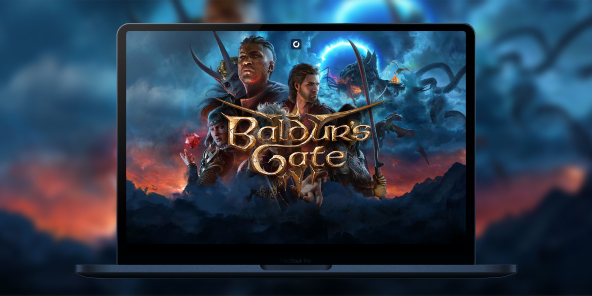
Although Baldur’s Gate 3 is available natively on macOS, ambitious players often hit an “invisible wall” when it comes to the game’s vast mod ecosystem. With Shadow PC, enjoy the ultimate modded Baldur’s Gate 3 experience on Mac. By streaming a high-end Windows environment to your MacBook or iMac, you get unrestricted access to the entire PC modding ecosystem without worrying about macOS compatibility or file limitations.
Unleash the full power of BG3 modding on your Mac
Shadow PC gives you a Windows gaming PC in the cloud, offering a local-like experience with the high-performance hardware required for a heavily modded campaign.
Instead of being restricted to the limited selection of "Mac-approved" mods in the built-in manager, you can install the Windows version of the game and use professional tools like the BG3 Mod Manager and Nexus Mods like a true PC expert. Whether you're running a load order of over 100 mods or simply want the freedom of a script-driven campaign, Shadow PC ensures your Mac isn't left behind.
Neo Lite
per month

 Perfect for occasional gaming in 1440p with RTX
 Up to 120 hours of play per month, sessions up to 4hStream to any device in 1440pInstall your games & mods from Steam, Epic, Battle.net...*Upgrade to Shadow PC anytime as you play more
Power Lite
per month
Up to 50% more GPU power than Neo28GB RAM / 20GB VRAM for better in-game performanceUp to 120 hours of play per month, sessions up to 4hStream to any device in 1440pInstall your games & mods from Steam, Epic, Battle.net...*Upgrade to Shadow PC anytime as you play more
Neo
For the first six months, 45,99$ after.
Perfect for 1080/1440p gaming with RTXStream to any device up to 1440p+Install your games & mods from Steam, Epic, Battle.net...*Multi screen and ultrawide supportNVIDIA RTX and DLSS compatibility
Power
For the first six months, 63,99$ after.
Up to 50% more GPU power
 28GB RAM / 20GB VRAM for better gaming performanceStream to any device up to 5K+Install your games & mods from Steam, Epic, Battle.net...*Multi screen and ultrawide supportNVIDIA RTX and DLSS compatibility
Forge your own destiny in the Forgotten Realms
Baldur's Gate 3 is a colossal RPG based on the D&D 5e ruleset, where every decision ripples through a 100+ hour narrative.
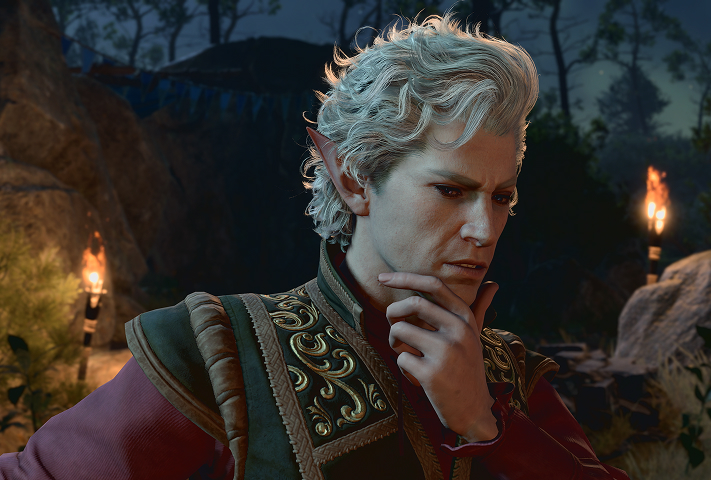
Dive into one of the most detailed character creators, further enhanced by cosmetic mods. Use mods to make your hero stand out, or the No Romance Limit mod to navigate complex relationships without constraints.
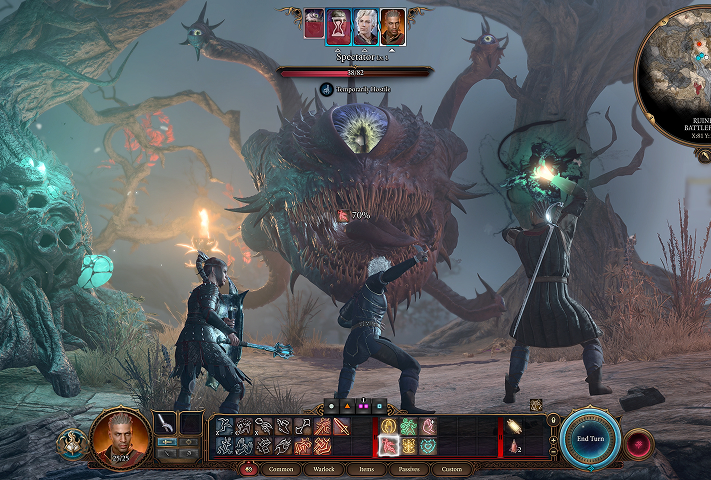
Push past the limits of the vanilla game. The UnlockLevelCurve mod allows your party to reach level 20, enabling high-level multiclassing and spell slots that create a "new game" feel on your subsequent playthroughs.
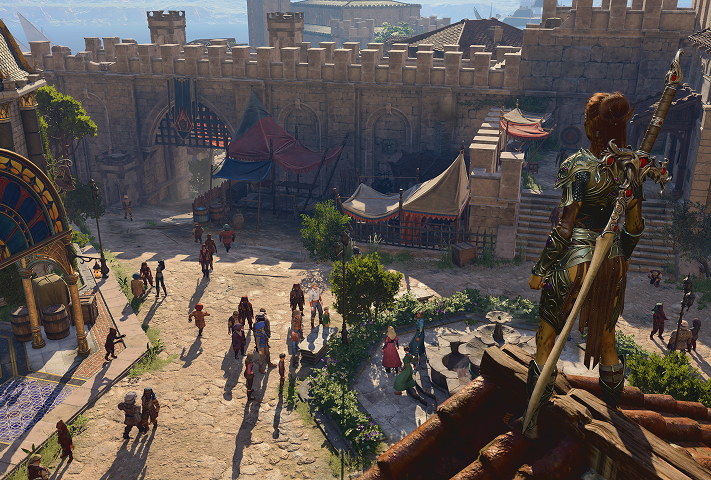
Eliminate the frustrations of long journeys with utility tools. Bags Bags Bags and Carry Weight Increased solve inventory management issues, while Camp Event Notifications ensures you never miss a crucial dialogue hidden behind long rest mechanics.
The advantage of Script Extender and Native Plugins
The true secret to BG3 modding lies in Norbyte's Script Extender and the Native Mod Loader, tools often unavailable or unstable on the native Mac port.
These foundations enable "impossible" features such as:
• WASD Movement & Native Camera : Transform BG3 into a third-person RPG with full camera control, making exploration vastly more immersive.
• Full Achievement Support : Even with a heavily modded game, the Achievement Enabler lets you continue unlocking your Steam/GOG achievements.
• Multiplayer Synchronization : Manage your mod alignment for crash-free co-op sessions using the PC mod manager.
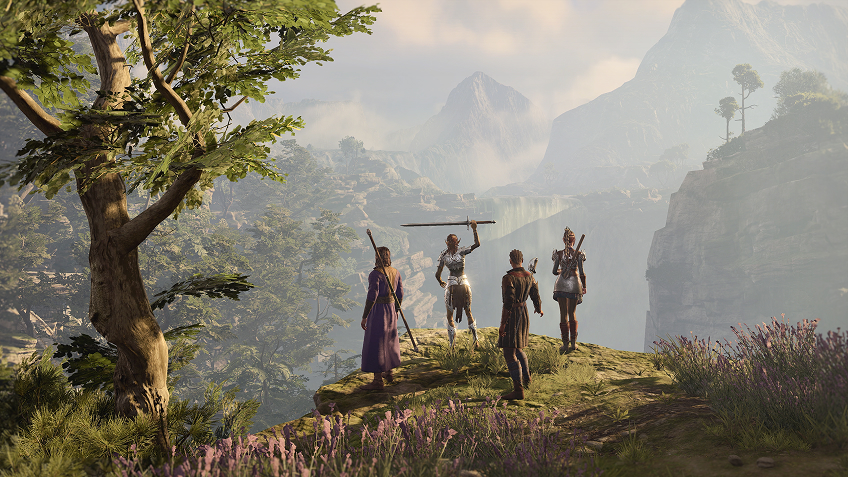
Top 5 most installed mods for Baldur's Gate 3
Master your campaign with community favorites using professional tools like the BG3 Mod Manager and Nexus Mods. With over a million mod installations within 24 hours of the official support launch, the community has set essential standards. Here are the top five most acclaimed mods that radically transform the experience:
Tutorial: Play Baldur's Gate 3 via cloud gaming in 3 steps
Whether you're on a Mac (without a native macOS version), on Linux, or on an older computer, Shadow gives you access to a powerful gaming PC in just a few clicks so you can enjoy your favorite games at maximum graphics settings!

Head over to shadow.tech and select the PC configuration that fits your performance needs.

Install the Shadow client on your Mac, or connect directly from your web browser via pc.shadow.tech

Boot up your Shadow PC and install Baldur's Gate 3. That's it! All that's left is to play on Ultra settings!
Your adventure, your gaming PC, whenever you want, wherever you are
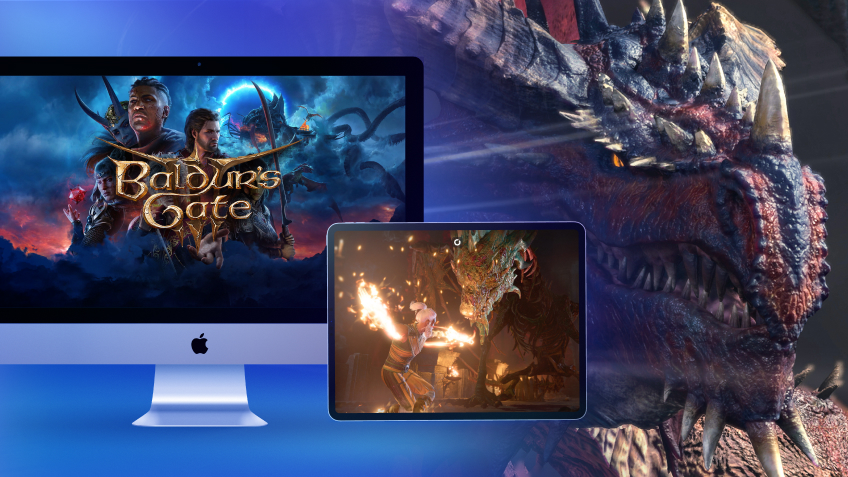
Start your modded quest on your Mac, then pick up exactly where you left off on your iPad or even your iPhone thanks to the cloud. Your mod configuration remains identical regardless of the screen you use, because your Shadow Windows environment is persistent. Enjoy flawless fluidity and up to 4K resolution on any Apple or Android device.

FAQ
Shadow is a complete Windows gaming PC fully hosted in the cloud. It’s the only virtual machine whose performance rivals that of a local PC. And unlike cloud-gaming services, you can install and run any game, app, or software: there’s no restricted catalog.
Your Shadow is a true professional Windows workstation. Install everything you need*: Adobe Suite, CAD tools, development IDEs, etc.
Yes, both the Shadow app and the browser version work on most recent versions of macOS and computers.
For each device of your choosing, you can download the Shadow PC software client for free; in particular, this will allow you to test the browsing quality and adjust your video quality settings to the highest resolution, such as 4k. When you need to quickly access your environment and files via a new device or a workstation that's limited in terms of software installation, you can now directly access your Shadow PC via a browser. No installation required, it's quick and easy: Just head to the pc.shadow.tech web page! This access mode comes particularly in handy when you're giving a client a demo or delivering training via a demanding software directly on your clients or prospects' device: No need to lug around your own hardware, with your software and data, as Shadow PC gives you easy and instant access to it, at any tie and anywhere.
Yes, with Shadow you get 1 Gb/s download speeds to your Shadow PC, even if your local internet connection is slow.
In short: no. We provide enough power to meet your needs based on your chosen plan. Regarding latency, our advanced technology enables smooth usage even at low bandwidth (starting at 15 Mb/s), delivering virtually imperceptible latency. Of course, compression can impact image quality, and if your connection is too weak, you may notice a difference compared to the original image.
Yes, Shadow does not limit the resolution, allowing you to run Windows, your games, and software in 4K UHD. Please note that some games may not support 4K or may experience reduced performance at this resolution. Additionally, higher resolutions require more bandwidth, meaning you'll need a faster and more stable internet connection compared to lower resolutions.
Yes, you can activate a second screen directly on the Quick Menu.