
Play PCVR without a gaming PC
Your Quest connects to a real Windows PC in the cloud - dedicated RTX GPU, full SteamVR access, wireless via Virtual Desktop. Set up in minutes, play tonight.
Try Shadow PC- Full SteamVR library
- Wireless via Virtual Desktop
- Dedicated RTX GPU
The headset was never the problem.
The PC was.
Half the VR catalog has always lived on PC. The flagship shooters, the big sims, the modded worlds. What kept them out of reach was never your Quest. It was the tower you were supposed to build to run them. Shadow replaces that tower with a real Windows PC in the cloud: a dedicated RTX GPU running SteamVR, streamed wirelessly to your headset through Virtual Desktop. No tower. No expensive rig. Just your full PCVR library, available 24/7, wherever you are.
A real PC behind your headset
The difference isn't subtle: you stop borrowing a catalog and start running your own machine.
Steam and every launcher you own. If it runs on Windows, you can install it.
Say goodbye to mobile-quality visuals and choppy framerates.
Virtual Desktop streams over your Wi-Fi. No cable across the living room.
Discover hundreds of SteamVR games & experiences.
How to play PCVR on Quest 3
No tinkering ritual — the method below is the official one, kept up to date.
-
Start your Shadow
Subscribe and boot a full Windows 11 PC from any device. It's yours from the first minute. -
Install the essentials
On your Shadow: Steam, SteamVR, Virtual Desktop Streamer. On your Quest: the Virtual Desktop app. -
Put the headset on
Open Virtual Desktop, connect to your Shadow, launch SteamVR. Your library loads around you.

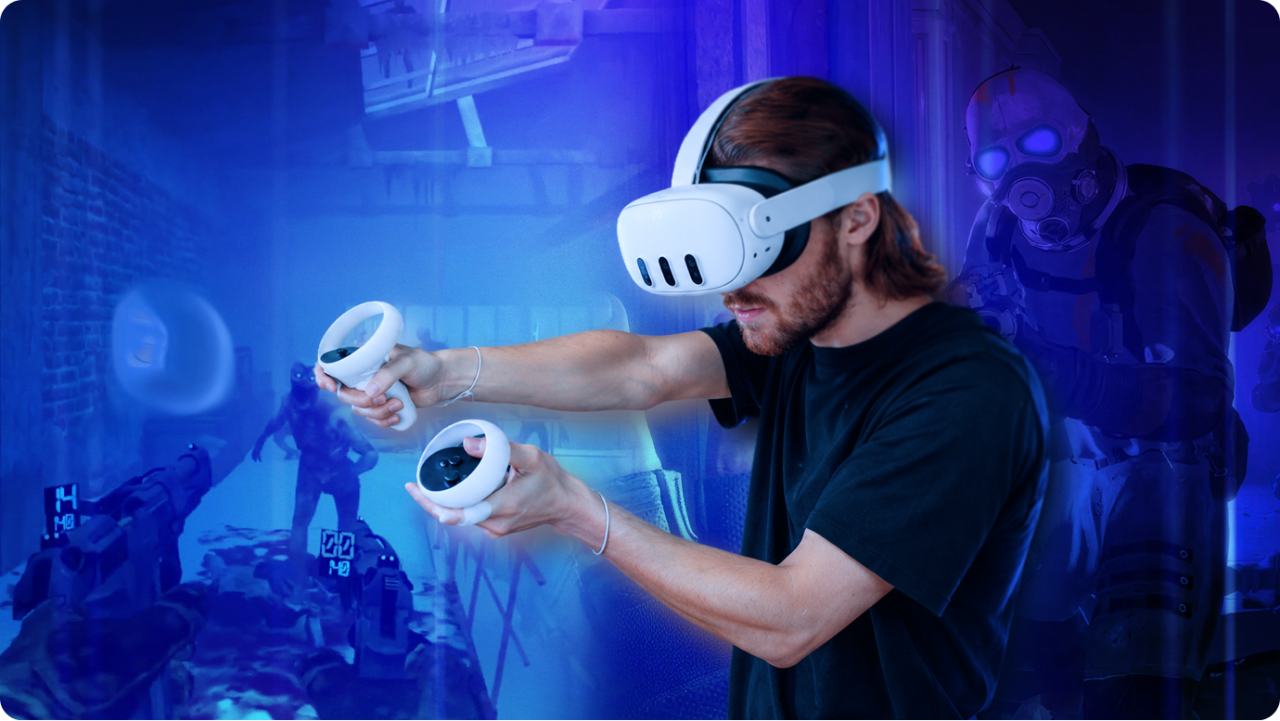
What VR cloud gaming actually runs
Put a headset on with a game-streaming service and you'll watch flat games on a giant virtual screen. Real VR cloud gaming is different: a full Windows PC runs SteamVR in the cloud, and the world renders around you — not in front of you.
| Shadow PC | Game-streaming services | Standalone headset alone | |
|---|---|---|---|
| SteamVR games | Your full library | Flat games on a virtual screen | Store catalog only |
| Mods & community content | |||
| Your launchers, your saves | It’s your PC | Closed catalog | Partial |
| VR-ready power | Dedicated RTX GPU | — | Mobile chipset |
The games your headset couldn't touch
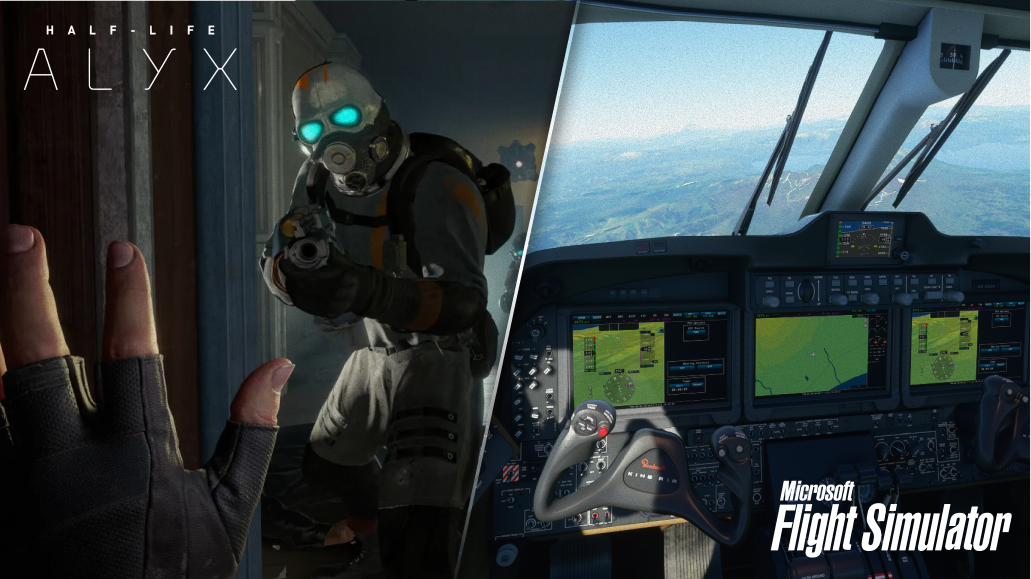
Half-Life: Alyx will never run on a standalone chipset. Neither will Microsoft Flight Simulator in VR, or Skyrim VR under a hundred mods. These games need a real PC, so Shadow gives your headset one. You browse SteamVR from the couch, pick the title your hardware always refused, and play it wirelessly. Your mods stay put. So do your saves — next session, you pick up mid-flight.
What you need at home
Chances are you own most of this already.
Gear
- Headset: Meta Quest 2, 3 or Pro
- On the headset: Virtual Desktop (Meta Store)
- Subscription: A Shadow PC (Neo or Power)
Network & devices
- Wi-Fi: 5 GHz or 6 GHz — headset ideally alone on the band
- VR stream: around 30 Mbps
- To start a session: Any device: PC, Mac, phone or TV
Which Shadow for your VR setup?
Neo handles most PCVR sessions with headroom to spare; Power adds RAM and GPU muscle for flight and racing sims in VR. Pricing sits on the cards below — monthly, cancel anytime.

Neo Lite
per month

 Real PCVR power, wireless on your headset, at the lightest price.
 Up to 120 hours of playtime per month, sessions up to 4hStream to any device in 1440pInstall your games & mods from Steam, Epic, Battle.net...*Upgrade to Shadow PC anytime as you play more
Power Lite
per month
Up to 50% more GPU power than NeoMore GPU power for heavier PCVR titles, wireless on your headset.Up to 120 hours of playtime per month, sessions up to 4hStream to any device in 1440pInstall your games & mods from Steam, Epic, Battle.net...*Upgrade to Shadow PC anytime as you play more
Neo
per month

 Perfect for most of your PCVR library, wireless on your headset.
 Stream on your devices up to 1440p+Install your games & mods from Steam, Epic, Battle.net...*Multi screen and ultrawide supportNVIDIA RTX and DLSS compatibility
Power
per month
Up to 50% more GPU power
 For the most demanding VR and your heavily-modded worlds.Stream to any device up to 5K+Install your games & mods from Steam, Epic...*Multiple & Ultrawide monitors supportNVIDIA RTX and DLSS compatibility
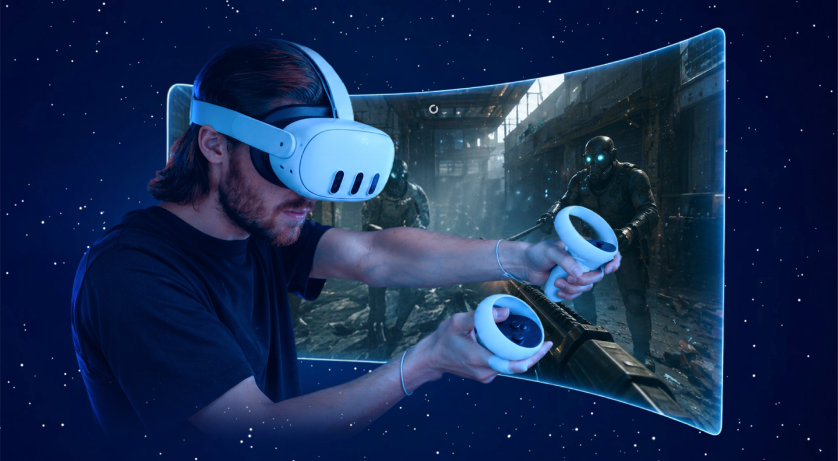

The PC your headset was missing
No tower to buy, no upgrades to plan. Subscribe, set up Virtual Desktop, and play PCVR tonight.
Frequently asked questions
Yes. Shadow PC runs SteamVR on a real Windows PC in the cloud, and your Quest connects to it wirelessly through Virtual Desktop. You get full PCVR — dedicated RTX GPU included — without owning a gaming PC. All you bring is the headset and a solid internet connection.
Meta Quest 2, 3 and Pro, through the Virtual Desktop app from the Meta Store — the method Shadow's experts recommend and document. Other PC-compatible headsets can connect with their own streaming tools, but Quest via Virtual Desktop is the tested, supported path in the official guide.
Free options stream from a PC you already own, with Steam Link or Virtual Desktop pointed at your local machine. If there's no gaming PC in the house, a cloud PC replaces the purchase: you rent the hardware monthly instead of buying it, and cancel anytime.
Most don't. Game-streaming services on a headset display flat games on a big virtual screen — the game itself isn't in VR. Actual PCVR titles like Half-Life: Alyx need a real Windows PC running SteamVR. That's what Shadow provides, streamed wirelessly to your Quest.
VR on Shadow runs on a documented method: the official guide covers Virtual Desktop, SteamVR and the recommended settings for each offer, and it's kept up to date. For hands-on help, the official Discord (40,000+ members) trades working setups daily. VR sits outside standard support's scope, so guide and community are the route.
A good network makes the difference. Shadow recommends a dedicated 5 GHz or 6 GHz Wi-Fi band for your headset, and documents the exact Virtual Desktop settings per offer. VR streaming is demanding: an unstable connection will show. On a solid one, you play.