How can I make the most of RTX in Crimson Desert?
Thanks to its new graphics engine (BlackSpace Engine), Crimson Desert impresses with its level of realism. As a result, ray tracing is enabled by default, making the game very demanding for older machines or those that aren’t RTX-compatible. Shadow PC gives you access to a fully-fledged Windows gaming PC hosted in the cloud. Find out how to get the most out of Crimson Desert in RTX at maximum quality, without investing in a new graphics card!
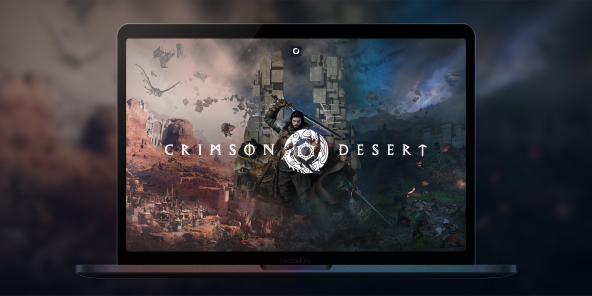
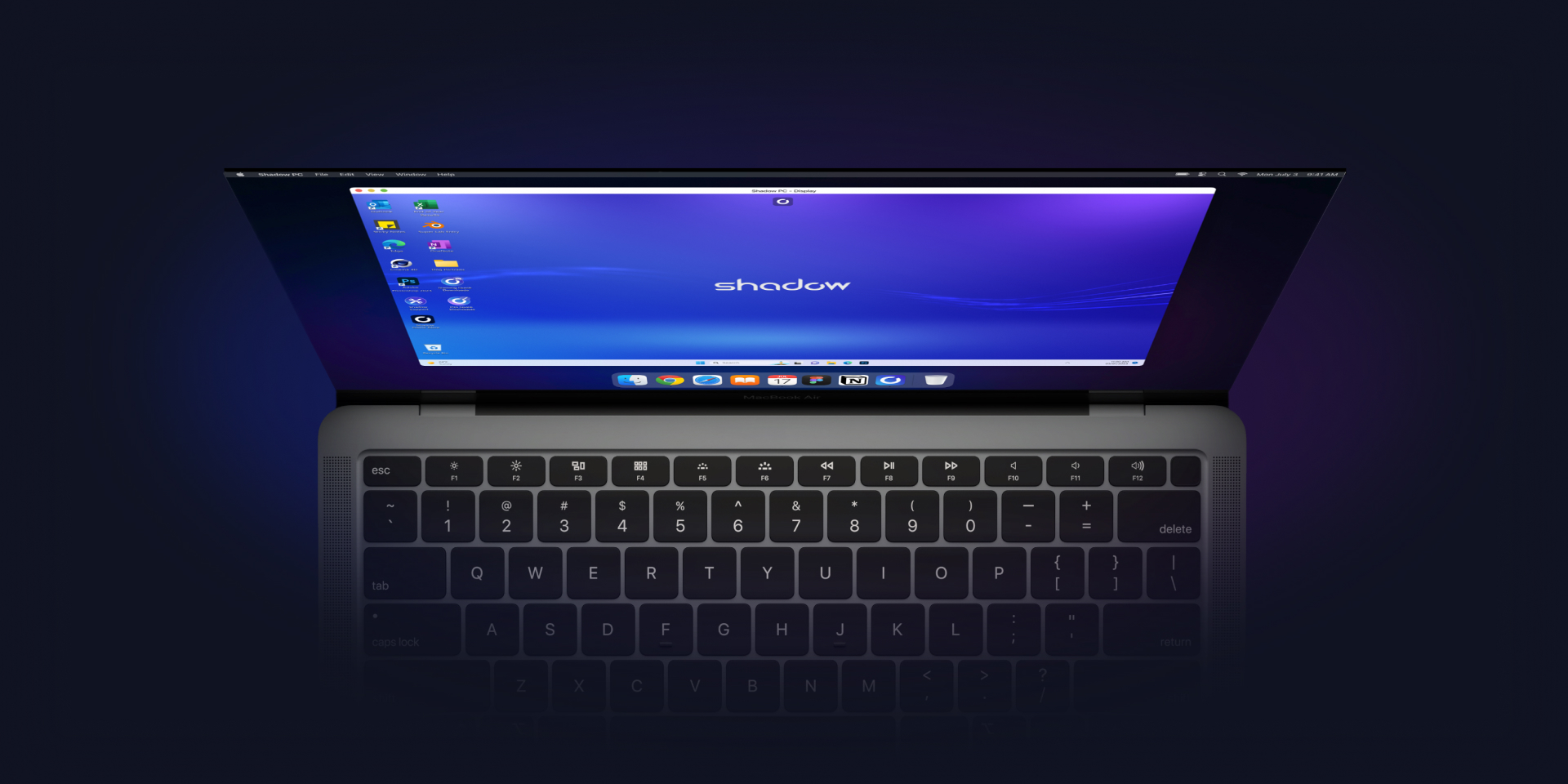
Play Crimson Desert in RTX with Shadow PC
Crimson Desert enables RTX by default, which significantly enhances the game’s graphics quality.
However, this results in a significantly reduced frame rate for graphics cards that do not support ray tracing. Rather than buying an overpriced graphics card, Shadow PC gives you remote access to a fully-fledged gaming PC in the cloud, with full RTX compatibility!
With Shadow PC, play Crimson Desert in RTX and Ultra settings from any computer or device (TV, smartphone, tablet, etc.)!
AMD EPYC CPU, 8 cores (3.25 GHz); 16 GB RAM; NVIDIA RTX 2000 Ada GPU, 16 GB (GeForce RTX 4060–class GPU); 512 GB SSD
AMD EPYC CPU, 8 cores (up to 3.7 GHz); 28 GB RAM; NVIDIA RTX A4500 GPU, 20 GB (GeForce RTX 3070 Ti–class GPU); 512 GB SSD

Crimson Desert: Ray tracing throughout
Built on its own graphics engine, Crimson Desert is one of the most ambitious titles of recent years in terms of graphics and rendering. Making extensive use of ray tracing and physics simulation calculations, Crimson Desert requires a GPU with hardware-accelerated ray tracing to be fully enjoyed. The good news is that all Shadow models are RTX-compatible!
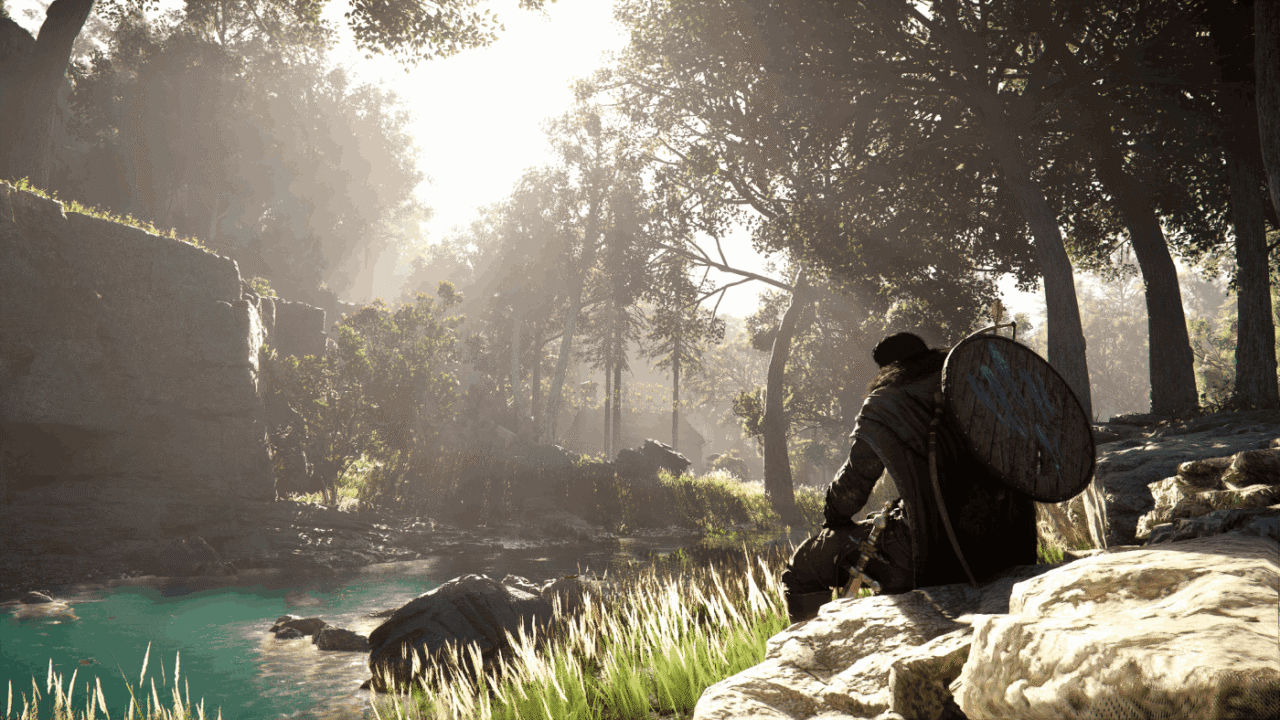
Immersion is a key concept in Crimson Desert. To enhance this, the game makes extensive use of ray-tracing techniques, delivering hyper-realistic lighting effects that bring the environments the player explores to life.
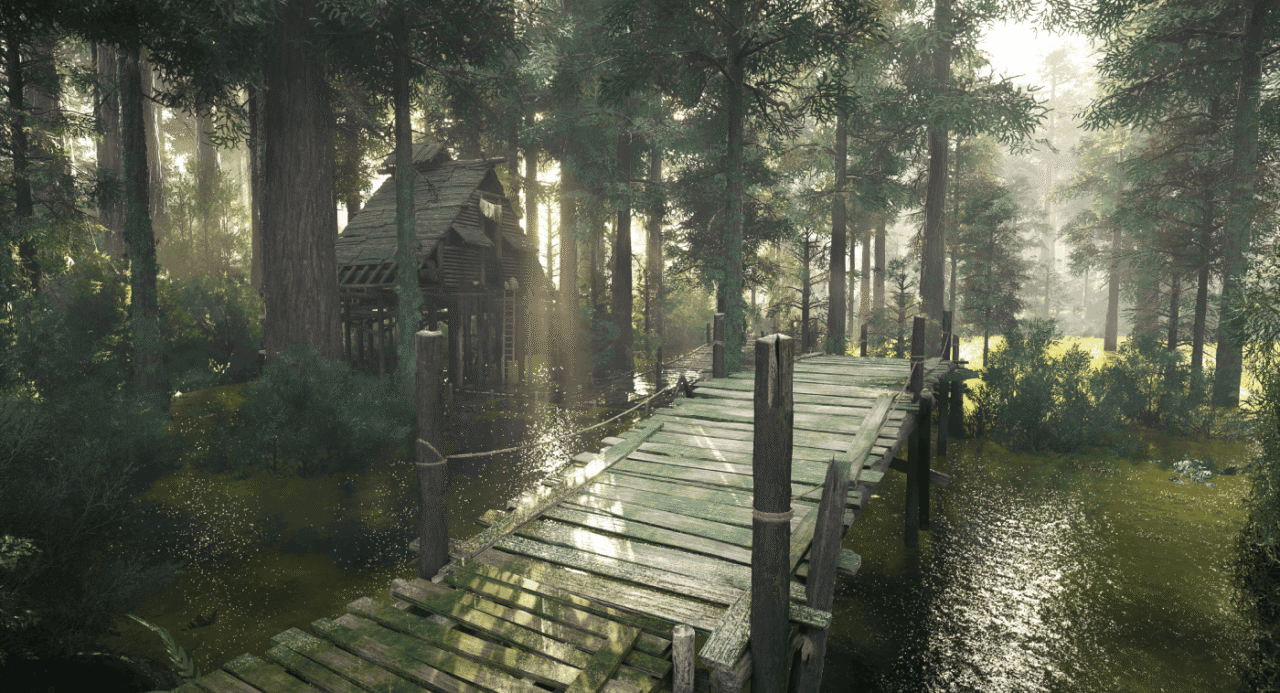
Another standout achievement by the developers at Pearl Abyss is the behaviour of the water. Using cutting-edge physical simulation models, they have managed to make the water’s behaviour physically accurate, taking immersion to new heights.
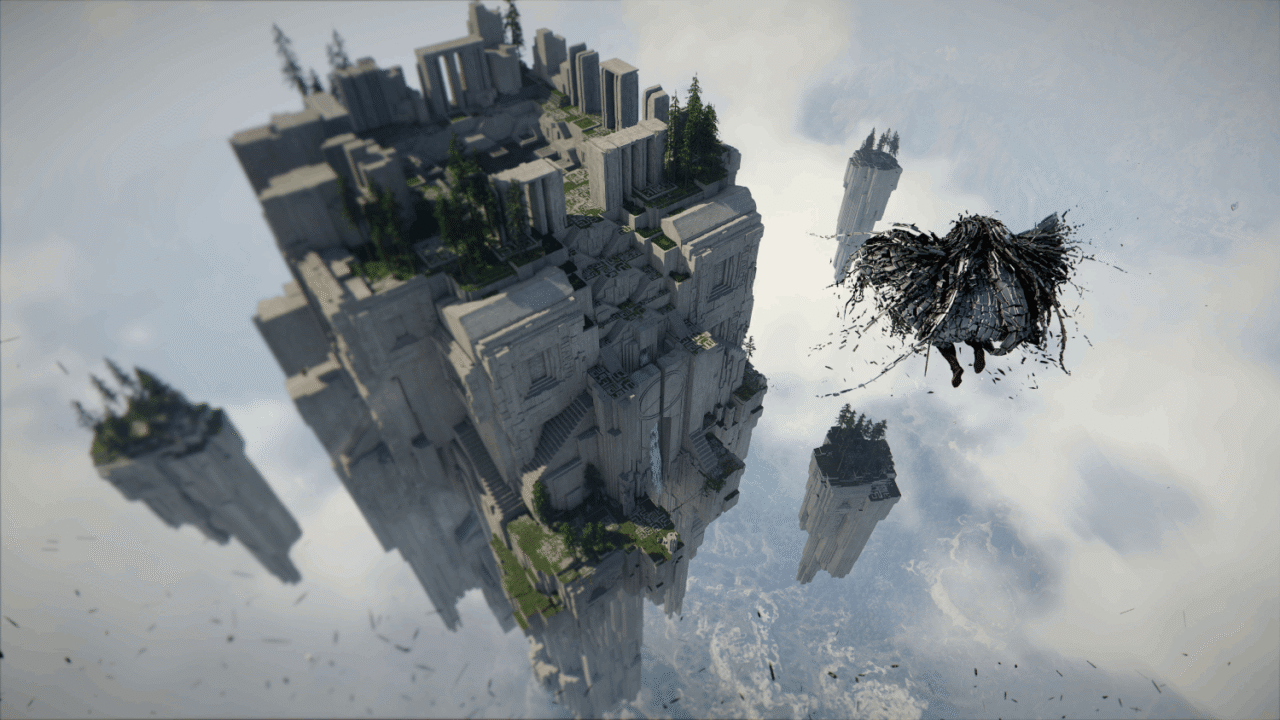
By continuing to leverage GPU acceleration, Crimson Desert offers – despite the sheer size of its map – a depth of field never seen before. As a result, you can observe your surroundings in detail from a bird’s-eye view, in a natural and realistic way.
BlackSpace Engine: pushing the boundaries of RTX
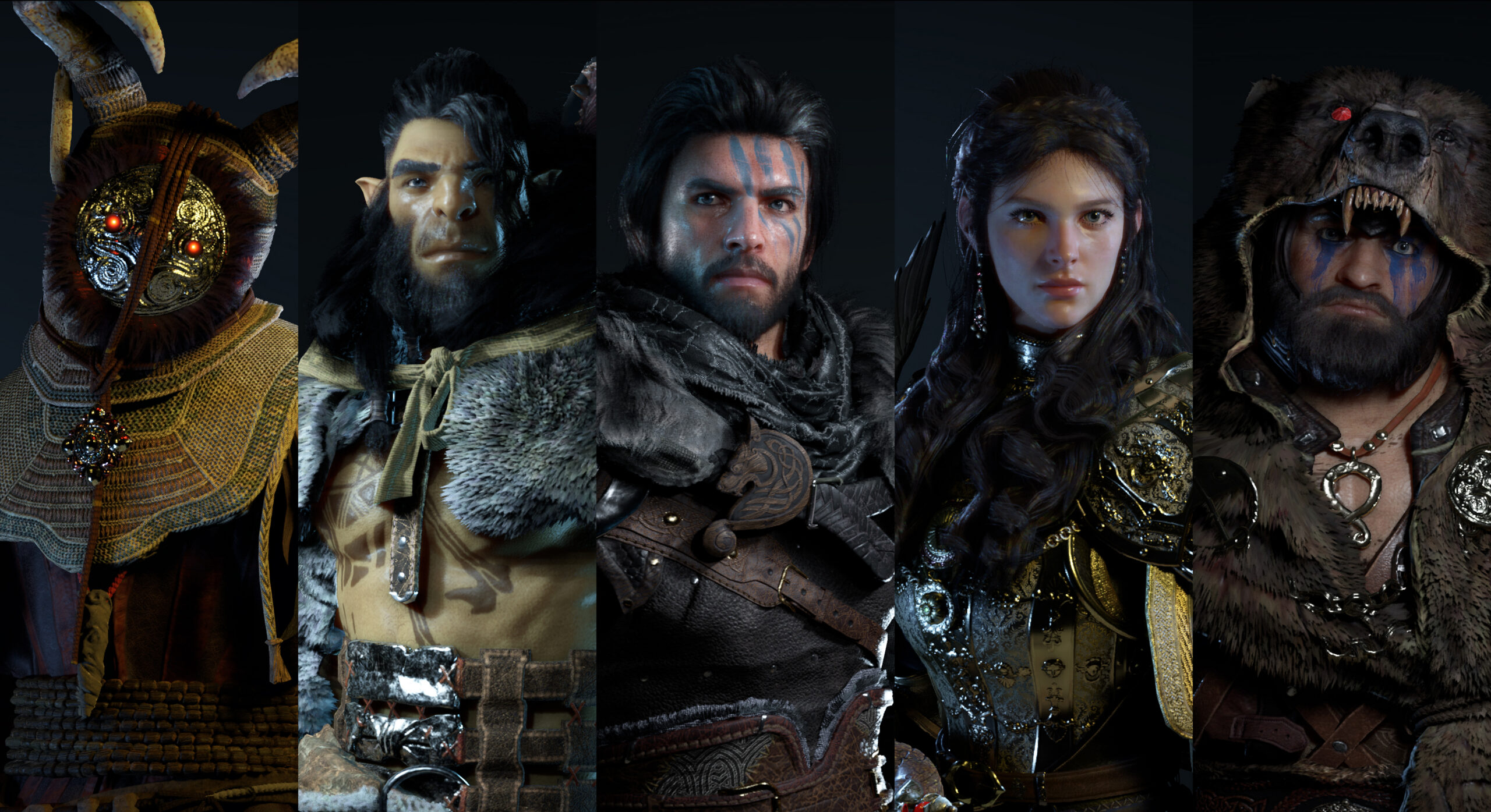
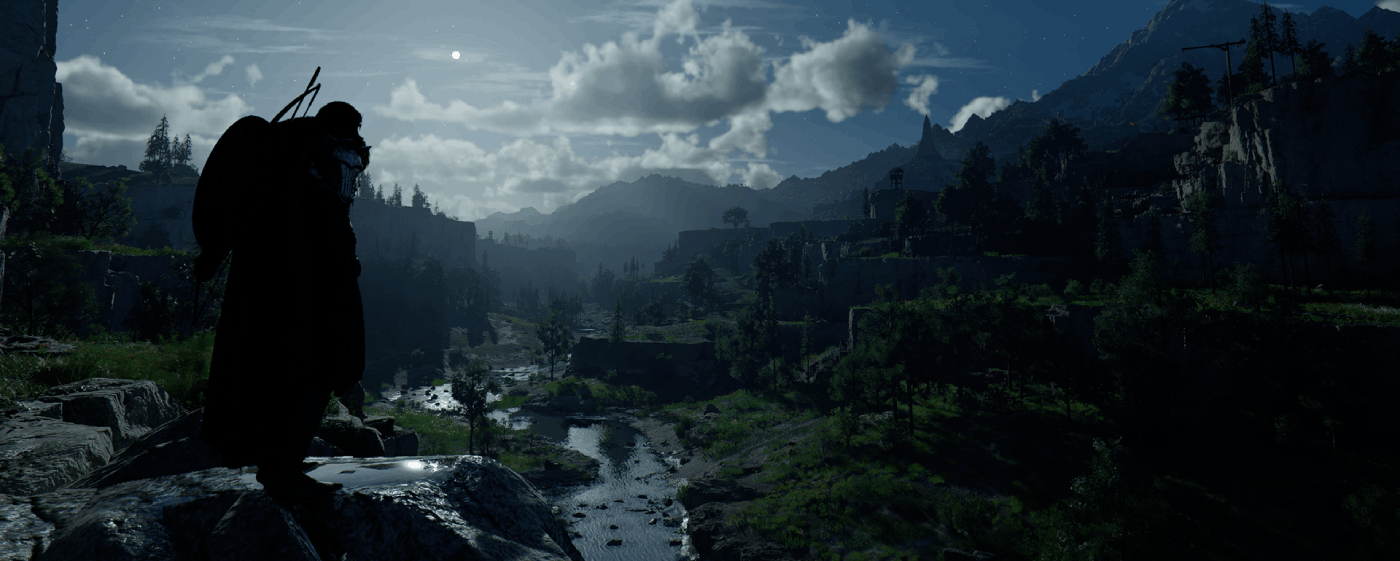
Crimson Desert impresses with its stunning graphics: mountains, cities, mists and coastlines look more realistic than ever thanks to the BlackSpace Engine. Its extensive use of ray tracing lends authenticity to the lighting effects, enhances immersion and creates an almost organic rendering of the day-night cycle: with Crimson Desert, Pearl Abyss is pushing the boundaries of graphics rendering and RTX effects!
Tutorial: Play Crimson Desert via cloud gaming in 3 steps
Want to explore the vastness of the continent of Pywel? Here's how to play Crimson Desert via cloud gaming on any device: PC, Mac, smartphone, or tablet:


Install the Shadow client on your Mac, or log in directly from your web browser via pc.shadow.tech.

Start up your Shadow PC and install Crimson Desert. That's it! Now you're ready to play in Ultra mode!

FAQ
Shadow is a complete Windows gaming PC fully hosted in the cloud. It’s the only virtual machine whose performance rivals that of a local PC. And unlike cloud-gaming services, you can install and run any game, app, or software: there’s no restricted catalog.
Your Shadow is a true professional Windows workstation. Install everything you need*: Adobe Suite, CAD tools, development IDEs, etc.
Yes, both the Shadow app and the browser version work on most recent versions of macOS and computers.
For each device of your choosing, you can download the Shadow PC software client for free; in particular, this will allow you to test the browsing quality and adjust your video quality settings to the highest resolution, such as 4k. When you need to quickly access your environment and files via a new device or a workstation that's limited in terms of software installation, you can now directly access your Shadow PC via a browser. No installation required, it's quick and easy: Just head to the pc.shadow.tech web page! This access mode comes particularly in handy when you're giving a client a demo or delivering training via a demanding software directly on your clients or prospects' device: No need to lug around your own hardware, with your software and data, as Shadow PC gives you easy and instant access to it, at any tie and anywhere.
Yes, with Shadow you get 1 Gb/s download speeds to your Shadow PC, even if your local internet connection is slow.
In short: no. We provide enough power to meet your needs based on your chosen plan. Regarding latency, our advanced technology enables smooth usage even at low bandwidth (starting at 15 Mb/s), delivering virtually imperceptible latency. Of course, compression can impact image quality, and if your connection is too weak, you may notice a difference compared to the original image.
Yes, Shadow does not limit the resolution, allowing you to run Windows, your games, and software in 4K UHD. Please note that some games may not support 4K or may experience reduced performance at this resolution. Additionally, higher resolutions require more bandwidth, meaning you'll need a faster and more stable internet connection compared to lower resolutions.
Yes, you can activate a second screen directly on the Quick Menu.