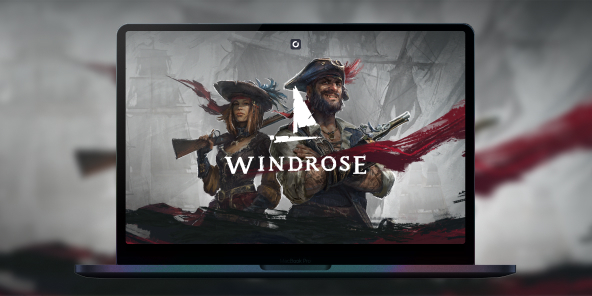
How to Play Windrose on Mac?
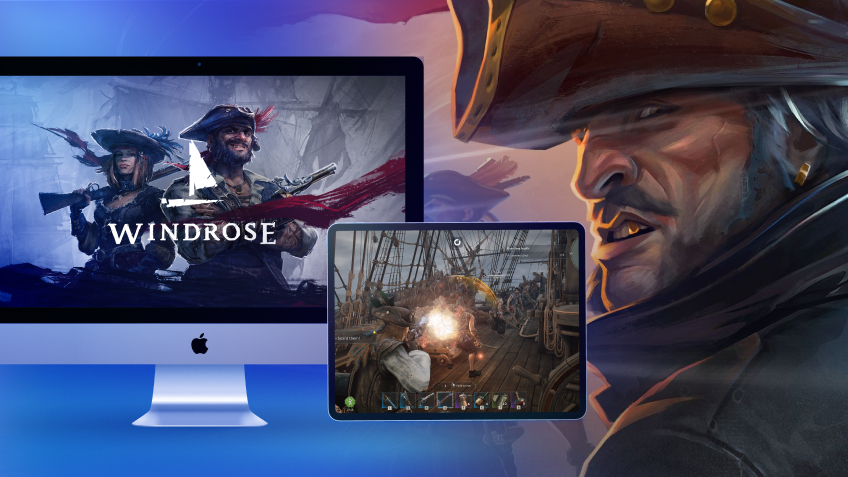
Windrose is the must-play hit of April 2026, blending survival, piracy, and challenging combat. While the game is currently a PC exclusive on Steam and the Epic Games Store, you don't have to miss out on the adventure. With Shadow PC, you can fly the black flag on your MacBook or iMac today, no native macOS version required.
Master the Archipelago of Windrose Directly on Your Mac
Windrose is currently a PC-exclusive title, but Shadow PC removes that barrier. It's a full Windows gaming PC hosted in the cloud, allowing you to install the official Steam version on any Mac. Experience the Unreal Engine in 4K resolution without any hardware compromises.
Neo Lite
per month

 Perfect for occasional gaming in 1440p with RTX
 Up to 120 hours of play per month, sessions up to 4hStream to any device in 1440pInstall your games & mods from Steam, Epic, Battle.net...*Upgrade to Shadow PC anytime as you play more
Power Lite
per month
Up to 50% more GPU power than Neo28GB RAM / 20GB VRAM for better in-game performanceUp to 120 hours of play per month, sessions up to 4hStream to any device in 1440pInstall your games & mods from Steam, Epic, Battle.net...*Upgrade to Shadow PC anytime as you play more
Neo
For the first six months, 32,99€ after.
Perfect for 1080/1440p gaming with RTXStream to any device up to 1440p+Install your games & mods from Steam, Epic, Battle.net...*Multi screen and ultrawide supportNVIDIA RTX and DLSS compatibility
Power
For the first six months, 49,99€ after.
Up to 50% more GPU power
 28GB RAM / 20GB VRAM for better gaming performanceStream to any device up to 5K+Install your games & mods from Steam, Epic, Battle.net...*Multi screen and ultrawide supportNVIDIA RTX and DLSS compatibility
The Most Complete Pirate Experience of 2026
Windrose merges naval navigation, boarding actions, and hardcore survival. Don't let your Mac hardware limit your ambitions thanks to the robust power of the cloud.

Play as a captain betrayed by Blackbeard. Explore a procedural archipelago of over 30 islands, manage your reputation with factions, and hunt for the broken Charon’s Obol artifact.
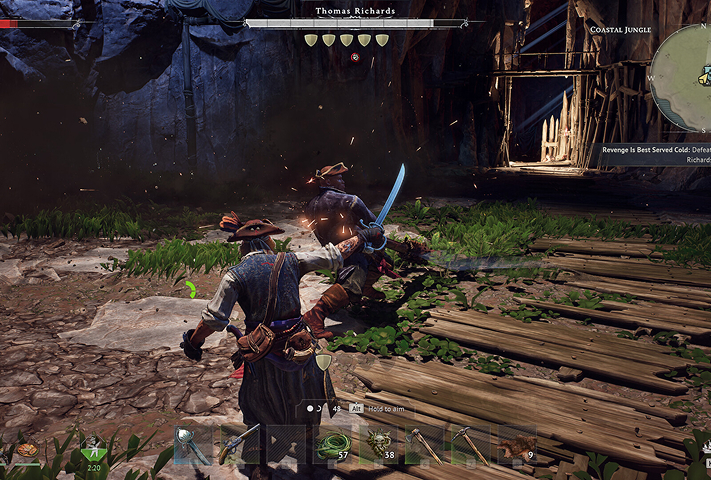
Gather resources like clay and copper in the Coastal Jungle. Master a demanding soulslite combat system based on parrying and dodging to defeat lethal bosses like Thomas Richards.
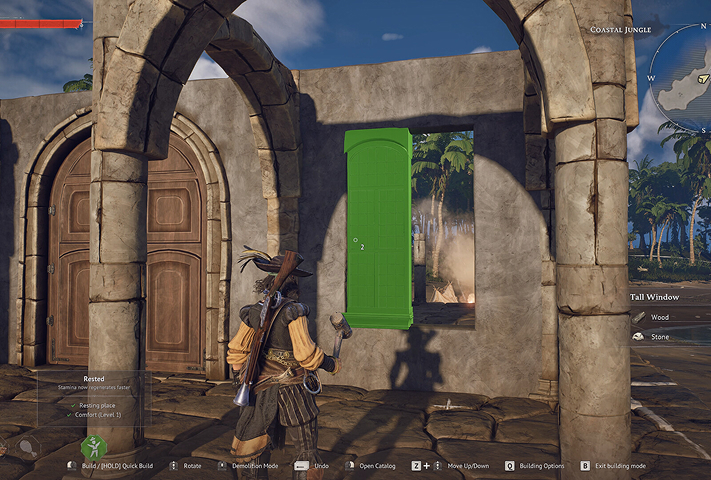
Build your fortified Pirate Castle and manage your fleet. Recruit NPC workers to automate your production and upgrade your hull and cannons to dominate the high seas.
Co-op & Dedicated Servers: Strength in Numbers
Multiplayer is the heart of Windrose, supporting up to 8 players. Shadow PC ensures total fluidity for your co-op sessions. Enjoy full controller support and 1 Gbps speeds to coordinate your broadsides without any latency.
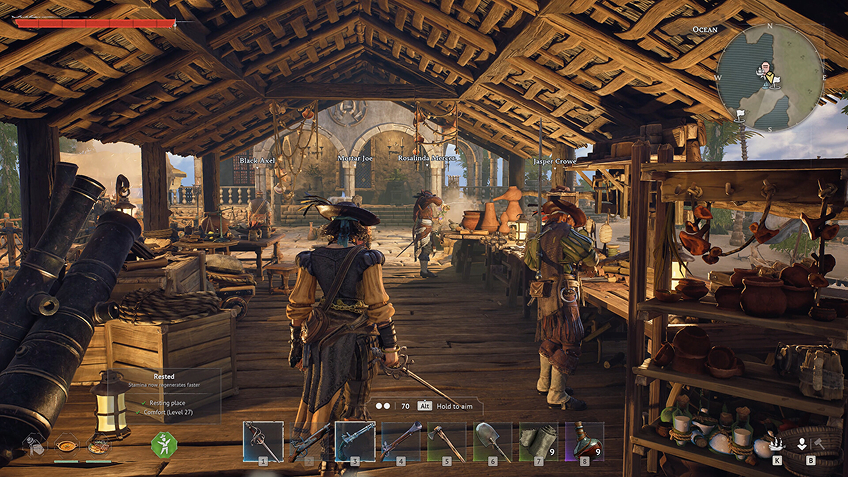

Tutorial: Play Windrose on Mac via Cloud Gaming in 3 Easy Steps
Since Windrose lacks a native macOS version, Shadow gives you instant access to a powerful gaming PC in just a few clicks. Install your favorite titles and enjoy maximum performance on any Mac!



Launch your Shadow PC, install Windrose via Steam. That's it! You're ready to sail the high seas in Ultra mode!
Your Gaming PC, Anytime, Anywhere
Log in to your Shadow PC and play Windrose and all your favorite games* on any Apple device (even an iPhone or Apple TV), or directly from your web browser. Shadow’s cloud gaming and streaming technologies turn your Mac into a powerful gaming PC, accessible anywhere, anytime!

FAQ
Shadow is a complete Windows gaming PC fully hosted in the cloud. It’s the only virtual machine whose performance rivals that of a local PC. And unlike cloud-gaming services, you can install and run any game, app, or software: there’s no restricted catalog.
Your Shadow is a true professional Windows workstation. Install everything you need*: Adobe Suite, CAD tools, development IDEs, etc.
Yes, both the Shadow app and the browser version work on most recent versions of macOS and computers.
For each device of your choosing, you can download the Shadow PC software client for free; in particular, this will allow you to test the browsing quality and adjust your video quality settings to the highest resolution, such as 4k. When you need to quickly access your environment and files via a new device or a workstation that's limited in terms of software installation, you can now directly access your Shadow PC via a browser. No installation required, it's quick and easy: Just head to the pc.shadow.tech web page! This access mode comes particularly in handy when you're giving a client a demo or delivering training via a demanding software directly on your clients or prospects' device: No need to lug around your own hardware, with your software and data, as Shadow PC gives you easy and instant access to it, at any tie and anywhere.
Yes, with Shadow you get 1 Gb/s download speeds to your Shadow PC, even if your local internet connection is slow.
In short: no. We provide enough power to meet your needs based on your chosen plan. Regarding latency, our advanced technology enables smooth usage even at low bandwidth (starting at 15 Mb/s), delivering virtually imperceptible latency. Of course, compression can impact image quality, and if your connection is too weak, you may notice a difference compared to the original image.
Yes, Shadow does not limit the resolution, allowing you to run Windows, your games, and software in 4K UHD. Please note that some games may not support 4K or may experience reduced performance at this resolution. Additionally, higher resolutions require more bandwidth, meaning you'll need a faster and more stable internet connection compared to lower resolutions.
Yes, you can activate a second screen directly on the Quick Menu.