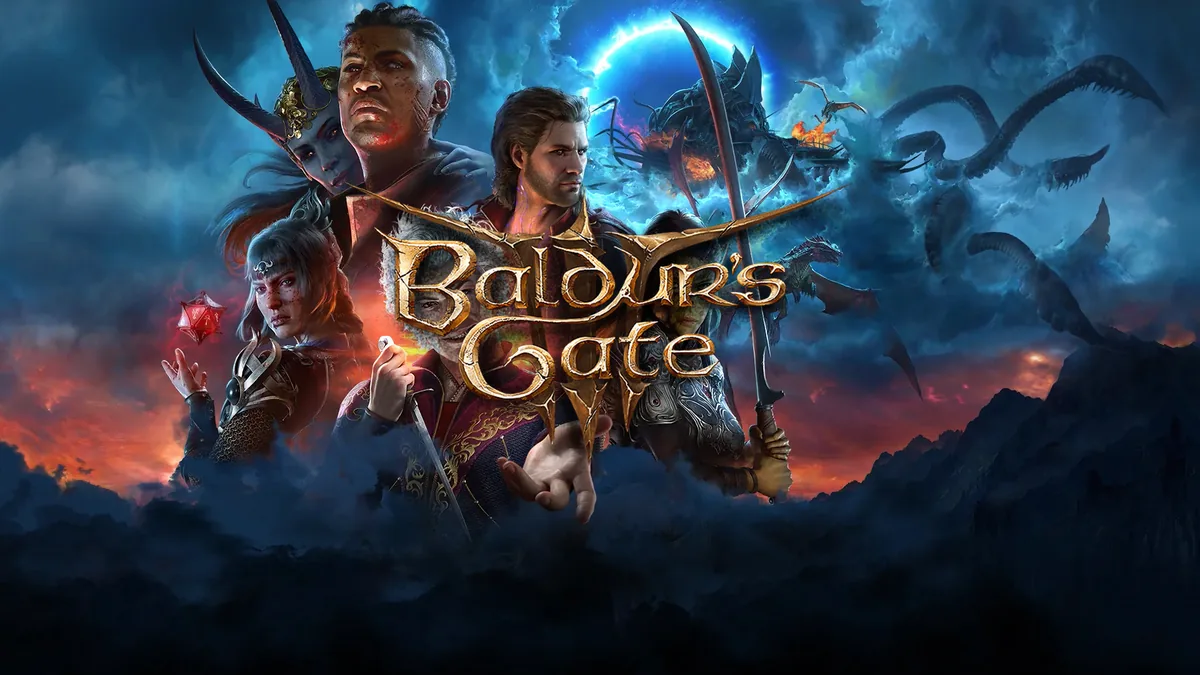
Baldur's Gate 3 on Mac, with every mod
The Mac version needs Apple silicon and only loads the mods Larian approves or plain .pak files. Shadow PC runs the Windows version in the cloud, so any Mac gets the Script Extender, BG3 Mod Manager and Nexus Mods.
1 in 5 Baldur's Gate 3 sessions on Shadow PC start from a MacSee the rankingBaldur's Gate 3 on your Mac
Yes, Baldur's Gate 3 has a native Mac version. Larian asks for an Apple M1 chip or later, macOS 14.7.1 and 150 GB on an SSD. Intel Macs can't install it, an 8 GB Mac runs it on low to medium settings, and the Mac version only loads Larian's in-game selection of mods and plain .pak files.
To get the Windows version with the Script Extender, play it on a Shadow PC and stream it to your Mac. Pick your Mac below.
The Mac version needsApple M1 or latermacOS 14.7.1150 GB on an SSD
Intel Mac
Any Intel model
- Chip
- Intel
- Memory
- Any
- Mac version
- Can't install. The Mac version needs Apple silicon. An Intel Mac can't install it, whatever its graphics.
- On Shadow PC
- The Windows version runs on your Shadow PC and streams to your Intel Mac, with every PC mod.
On Shadow PC, more than 1 in 4 Baldur's Gate 3 sessions from a Mac start on an Intel model.
The Script Extender on Mac: official on Windows only
Norbyte's Script Extender adds Lua scripting to Baldur's Gate 3, and a large share of Nexus mods depend on it: Mod Configuration Menu, 5e Spells, dialogue and camera tweaks. The official release is a Windows file, so the Mac version can't load it.
A community project, bg3se-macos, rebuilds the Script Extender for macOS. It's unofficial and only supports the Steam copy, and you build it from source with Apple's developer tools. Its author reports most Script Extender mods working on Apple silicon.
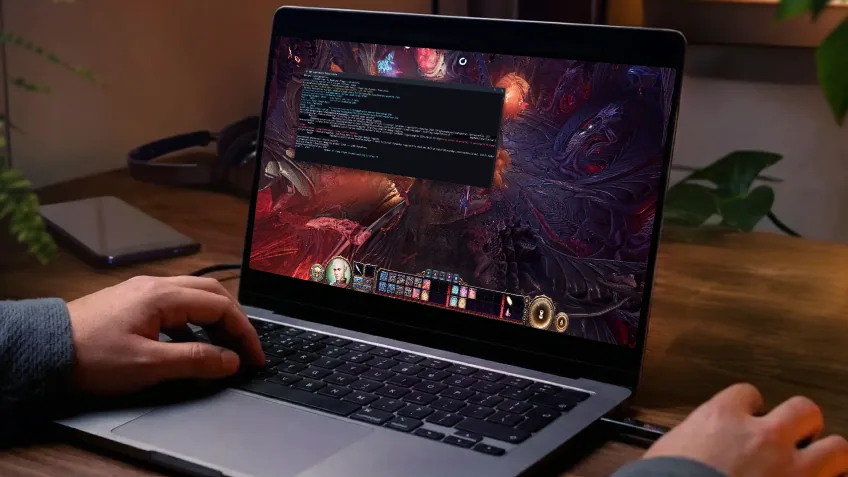
On a Shadow PC, you skip the workaround. BG3 Mod Manager downloads the official Script Extender in one click, and it updates itself each time you launch the game.
Mods that need Script Extender
What each mod adds, and what it needs to run. On a Shadow PC, you install every one of them the same way as on a Windows PC.
| Name | Comments | Needs | Mac version | Shadow PC |
|---|---|---|---|---|
| Mod Configuration Menu | An in-game settings menu for your other mods, so you change their options without editing files. | Script Extender | Won't load | Works |
| 5e Spells | Adds spells from the D&D 5e rules that the base game left out. | Script Extender, for part of its spells | Won't load | Works |
| WASD Movement | Move your character with the keyboard instead of click-to-move. | Native Mod Loader | Won't load | Works |
| Native Camera Tweaks | Unlocks camera pitch, zoom and distance, down to an over-the-shoulder view. | Native Mod Loader | Won't load | Works |
| True Third-Person Camera | Turns exploration into a third-person view that follows your character. | Native Mod LoaderScript ExtenderMod Configuration Menu | Won't load | Works |
| Better Dialogue Controls | Keyboard and controller shortcuts for dialogue choices. | Script Extender | Won't load | Works |
Requirements from each mod's Nexus Mods page, checked on November 26, 2026. Mod authors update their files after each hotfix.
BG3 Mod Manager on Mac: run the Windows app
BG3 Mod Manager is the tool most PC players use to import Nexus mods, sort the load order and export it to the game. It's a Windows app, with no macOS build.
With the Mac version, you have two options: the in-game mod manager, which only lists mods made with Larian's Toolkit that pass its testing, or .pak files copied into your Mods folder by hand or with a community Mac manager. Mods that need the Script Extender or Native Mod Loader won't load either way.
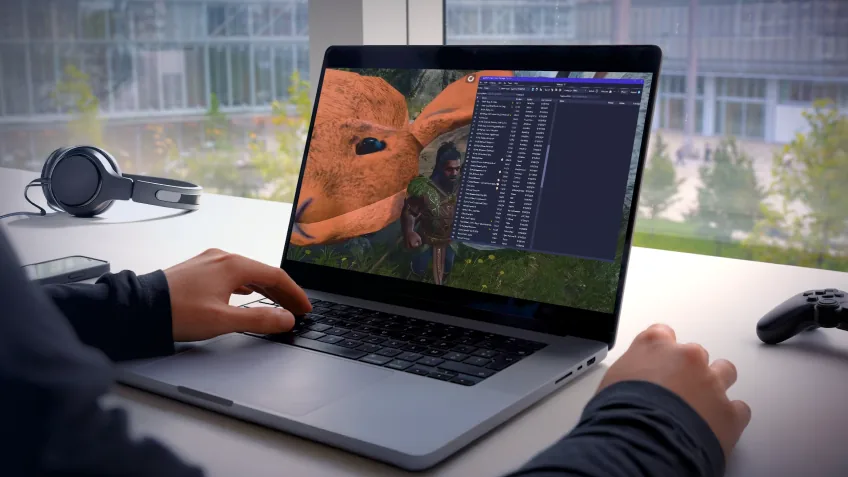
On a Shadow PC, BG3 Mod Manager and Vortex work exactly as they do on a Windows PC. Your load order stays on your Shadow PC between sessions, whichever Mac you connect from.
Every way to mod BG3 on Mac
Mac support, Script Extender and mod tools, checked on November 26, 2026.
| Option | Shadow PC | Mac version | Mac version + bg3se-macos | GeForce NOW |
|---|---|---|---|---|
| Intel Mac | Yes | No: Not supported | No: Not supported | Yes |
| 8 GB Mac | Yes: Full settings, streamed | Partly: Low to medium settings | Partly: Low to medium settings | Yes: Streamed |
| Script Extender | Yes: Official version | No: No official version | Partly: Unofficial rebuild, built from source | No |
| Native Mod Loader mods (WASD, camera) | Yes | No | No | No |
| BG3 Mod Manager | Yes | No: Windows app only | No: Windows app only | No |
| Mods | Yes: Every PC mod, Nexus included | Partly: In-game selection and .pak files | Partly: .pak files and most Script Extender mods | Partly: Curated mod.io selection |
| Space on your Mac | Yes: None | Partly: 150 GB on an SSD | Partly: 150 GB on an SSD | Yes: None |
| Crossplay with friends | Yes | Yes | Yes | Yes |
Checked on November 26, 2026, from Larian's specs on Steam, the bg3se-macos project page and NVIDIA's announcement.
From your Mac, in 3 steps
Step 1 of 3
Pick your Shadow PC
Power or Power Lite for a long mod list: 20 GB of video memory and 28 GB of RAM.
Step 2 of 3
Install the Shadow app on your Mac
It runs on macOS 10.15 or later, Intel or Apple silicon. Download the Shadow app. Rather not install anything? Open pc.shadow.tech in Chrome.
Step 3 of 3
Install the game and your mods
Download Baldur's Gate 3 from Steam or GOG, then BG3 Mod Manager and the Script Extender. Your mods stay installed between sessions.
Pick your Shadow PC for mods
Every Shadow PC has a dedicated NVIDIA RTX graphics card and SSD storage you can expand up to 5 TB, so the game's 150 GB and your mods never take up space on your Mac. Power and Power Lite bring 20 GB of video memory and 28 GB of RAM for long mod lists. No commitment.

Neo Lite
per month

 Perfect for occasional gaming in 1440p with RTX

 Up to 120 hours of playtime per month, sessions up to 4hStream to any device in 1440pInstall your games & mods from Steam, Epic, Battle.net...*Upgrade to Shadow PC anytime as you play more

Power Lite
per month
Up to 50% more GPU power than Neo28GB RAM / 20GB VRAM for better in-game performanceUp to 120 hours of playtime per month, sessions up to 4hStream to any device in 1440pInstall your games & mods from Steam, Epic, Battle.net...*Upgrade to Shadow PC anytime as you play more
Neo
With the 1-year plan, for life.
Perfect for 1080/1440p gaming with RTXStream to any device up to 1440p+Install your games & mods from Steam, Epic, Battle.net...*Multi screen and ultrawide supportNVIDIA RTX and DLSS compatibility
Power
With the 1-year plan, for life.
Up to 50% more GPU power
 28GB RAM / 20GB VRAM for better gaming performanceStream to any device up to 5K+Install your games & mods from Steam, Epic, Battle.net...*Multi screen and ultrawide supportNVIDIA RTX and DLSS compatibility
More ways to play Baldur's Gate 3
Where to play Baldur's Gate 3
Every screen that runs the game, from PS5 to an Android phone, and how they compare.
Read morePlay on Mac
The Windows games your Mac can't run, on a Shadow PC.
Read more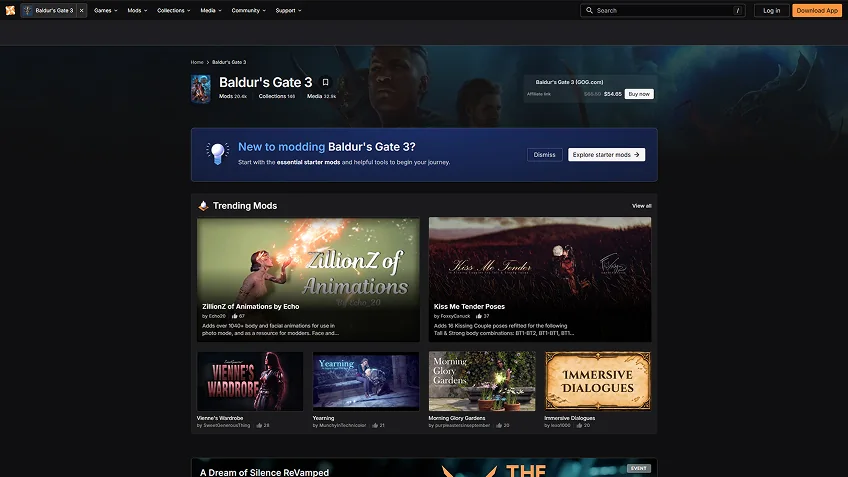
Mods on Shadow PC
Install mods on a Windows PC in the cloud, for Baldur's Gate 3 and other heavily modded games.
Read more
FAQ
Not with the Mac version: Larian requires an Apple M1 chip or later and macOS 14.7.1. On an Intel Mac, play the Windows version on a Shadow PC instead. The Shadow app runs on macOS 10.15 or later, on Intel and Apple silicon, and your Mac only displays the picture, so its graphics chip doesn't matter. You need a connection of at least 15 Mbit/s.
Larian's minimum is an Apple M1 chip, 8 GB of memory, macOS 14.7.1 and 150 GB on an SSD. At that level the game runs on low to medium settings, and split-screen won't hold up. For high or ultra settings, Larian recommends an M1 Pro or better with 16 GB of memory and the latest macOS.
Not the official one: Norbyte's Script Extender only exists for Windows. A community rebuild, bg3se-macos, works with the Steam copy on Apple silicon, but it's unofficial and you build it from source. On a Shadow PC, you run the Windows version, so the official Script Extender installs in one click from BG3 Mod Manager.
No, BG3 Mod Manager is a Windows app. On the Mac version, you install mods from the in-game mod manager or copy .pak files into your Mods folder, and mods that need the Script Extender won't load. From a Mac connected to a Shadow PC, you use BG3 Mod Manager, Vortex and Nexus mods the same way as on a Windows PC.
Yes. Baldur's Gate 3 has cross-save between PC, Mac, PS5 and Xbox Series through your free Larian account, so a campaign started on the Mac version continues on the Windows version. A save made with mods needs the same mods, in the same version, to load.
Not if you own it on Steam or GOG. On both stores, one purchase covers the Mac and Windows versions: sign in on your Shadow PC and download Baldur's Gate 3 from your library. A copy bought on PlayStation or Xbox doesn't carry over.