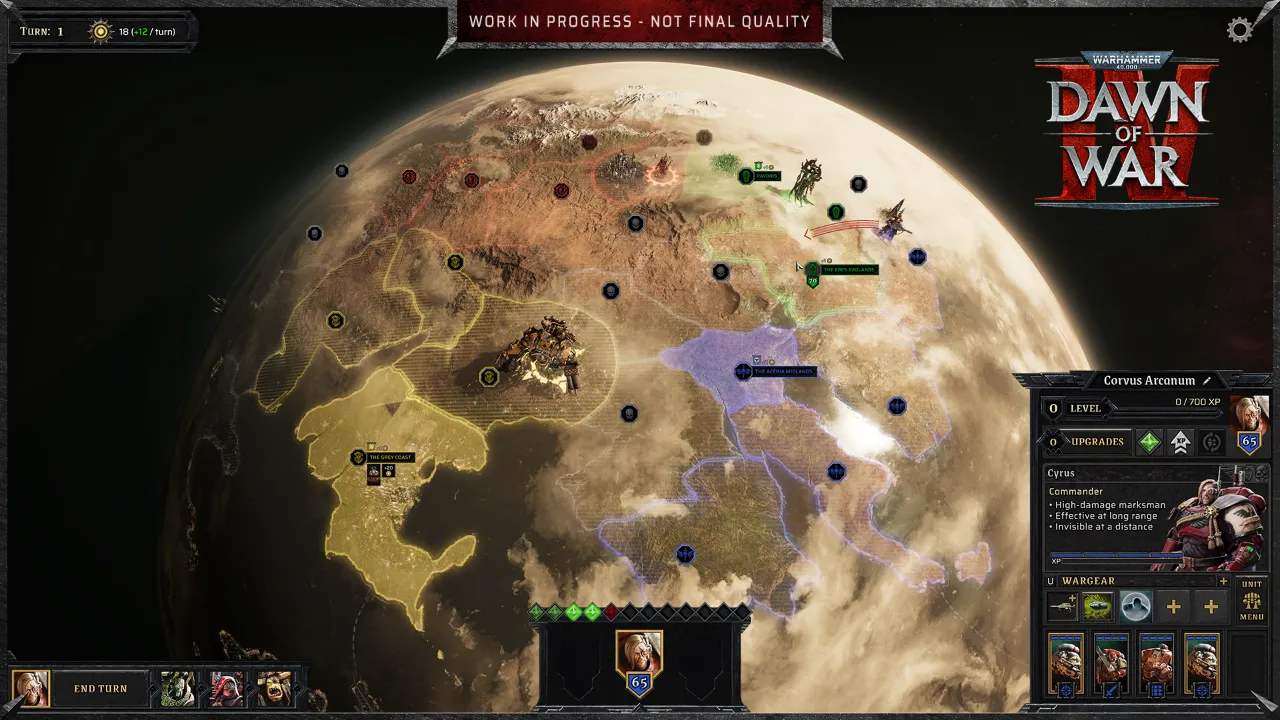
Co-op
Four campaigns to play together
One campaign per faction, with branching choices along the way. Invite a friend online and fight through the missions side by side.
70+campaign missions
Dawn of War IV is a Windows 11 game with no Mac version. Shadow PC runs it on a real PC in the cloud, and you play from your MacBook or iMac, from December 3.


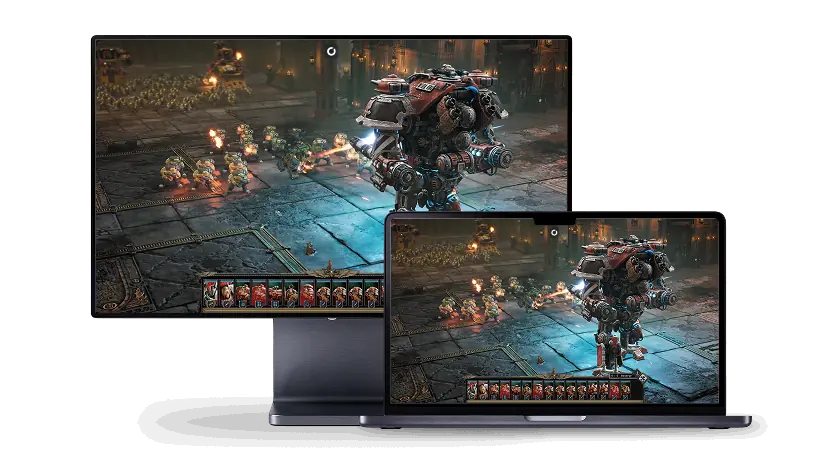
Dawn of War IV comes out on December 3, 2026, on PC only. Steam lists Windows and nothing for macOS. Earlier games in the series did come to Mac: Feral Interactive ported Dawn of War II and Dawn of War III. For the fourth game, no Mac version has been announced.
Shadow PC gives your Mac the PC this game needs. It's a full Windows 11 PC in the cloud with a dedicated NVIDIA RTX graphics card. Open the Shadow app on your Mac, install Steam, and lead your Space Marines, Orks, Necrons or Adeptus Mechanicus with the keyboard and mouse you already use every day.
Dawn of War IV asks for Windows 11, 64-bit, even in its minimum spec. Boot Camp, the usual way to run Windows on a Mac, only exists on Intel Macs, and Apple doesn't support Windows 11 there. Apple silicon Macs have no Boot Camp.
Your Shadow PC already runs Windows 11. There's nothing to partition and no need to restart your Mac into another system every time you want to play a few missions of the campaign. Open the Shadow app and you land on your Windows desktop, with Steam and your saves, while macOS stays untouched.
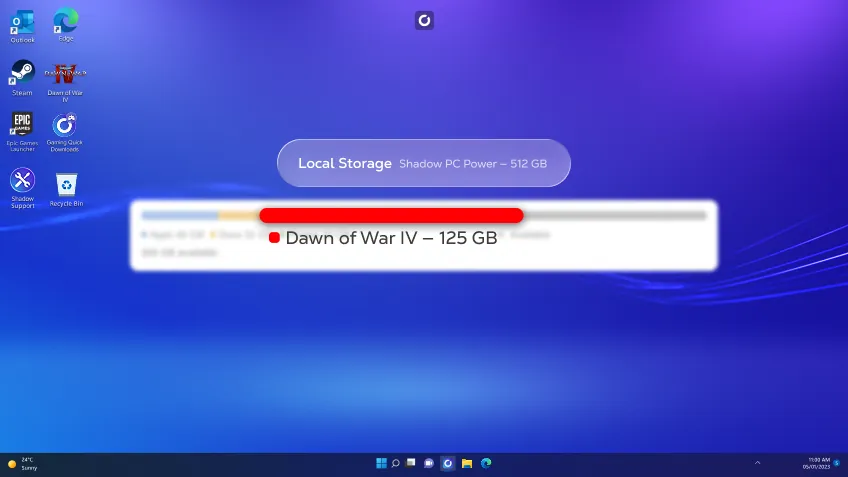
Steam lists 125 GB of storage for Dawn of War IV. The minimum spec is a GTX 1660 with 16 GB of RAM. The recommended one goes up to an RTX 3060 Ti and 32 GB of RAM.
Each Shadow PC has a dedicated RTX card. Power and Power Lite come with 28 GB of RAM and 20 GB of video memory, more than double the 8 GB of an RTX 3060 Ti. Shadow PC comes with 512 GB of SSD and Shadow PC Lite with 256 GB, both expandable to 5 TB. Your Shadow PC downloads at up to 1 Gb/s on its own connection, so the game can be installed long before launch night, even if your internet at home is slow.
If your friends play on PC, you can join their games. You run the same Steam version, so you show up in their friends list and their lobbies like any other PC player, in co-op or in 3v3. Your other strategy games, like Age of Empires IV or Civilization VI, run on it the same way.
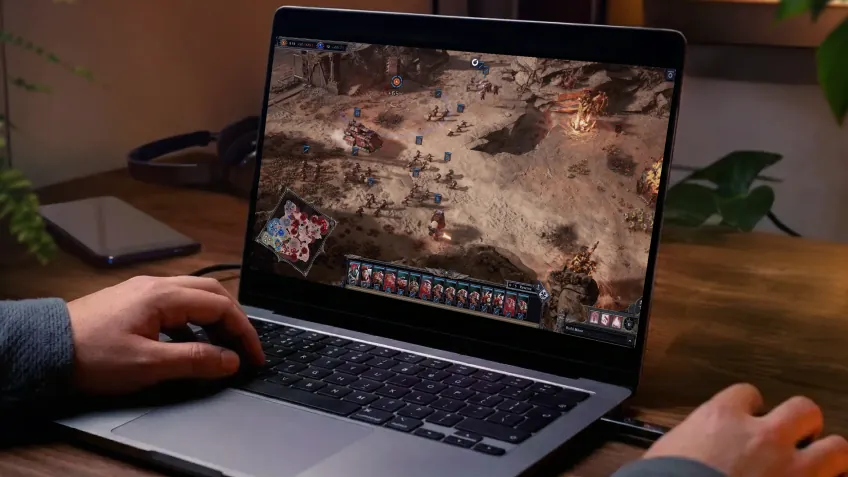
The game is built for mouse and keyboard. Use a mouse with your Mac for precise orders, set your hotkeys in the game's menus, and play as you would on a desktop PC at home. A 15 Mbit/s connection is enough to stream your Shadow PC.
There are four ways to try a Windows game on a Mac, and what works depends on the chip inside yours. To check, open the Apple menu and choose About This Mac: it says Chip for Apple silicon, Processor for Intel.
| Mac with Apple siliconM1, M2, M3, M4 and later | Mac with an Intel chipOlder MacBook, iMac and Mac mini models | |
|---|---|---|
| Shadow PCA Windows 11 PC in the cloud, in the Shadow app | Apple silicon Mac Works, on an NVIDIA RTX card |
Intel Mac Works, on an NVIDIA RTX card |
| A Mac version of the gameDownloaded from Steam for macOS | Apple silicon Mac Doesn't exist |
Intel Mac Doesn't exist |
| Boot CampWindows installed next to macOS | Apple silicon Mac Not available on these Macs |
Intel Mac No Windows 11, which the game requires |
| CrossOverA paid app that runs some Windows games | Apple silicon Mac No guarantee, runs on your Mac's graphics chip |
Intel Mac No guarantee, runs on your Mac's graphics chip |
Of these four options, Shadow PC is the only one that runs the Windows 11 version from Steam on an RTX card, whatever your Mac. See how Shadow PC works on Mac.
Dawn of War IV gives you four ways to play, and three of them are made for playing with other people. Pick a faction among the four available at launch, then take it into the campaign, Last Stand or online matches.
One campaign per faction, with branching choices along the way. Invite a friend online and fight through the missions side by side.
70+campaign missions
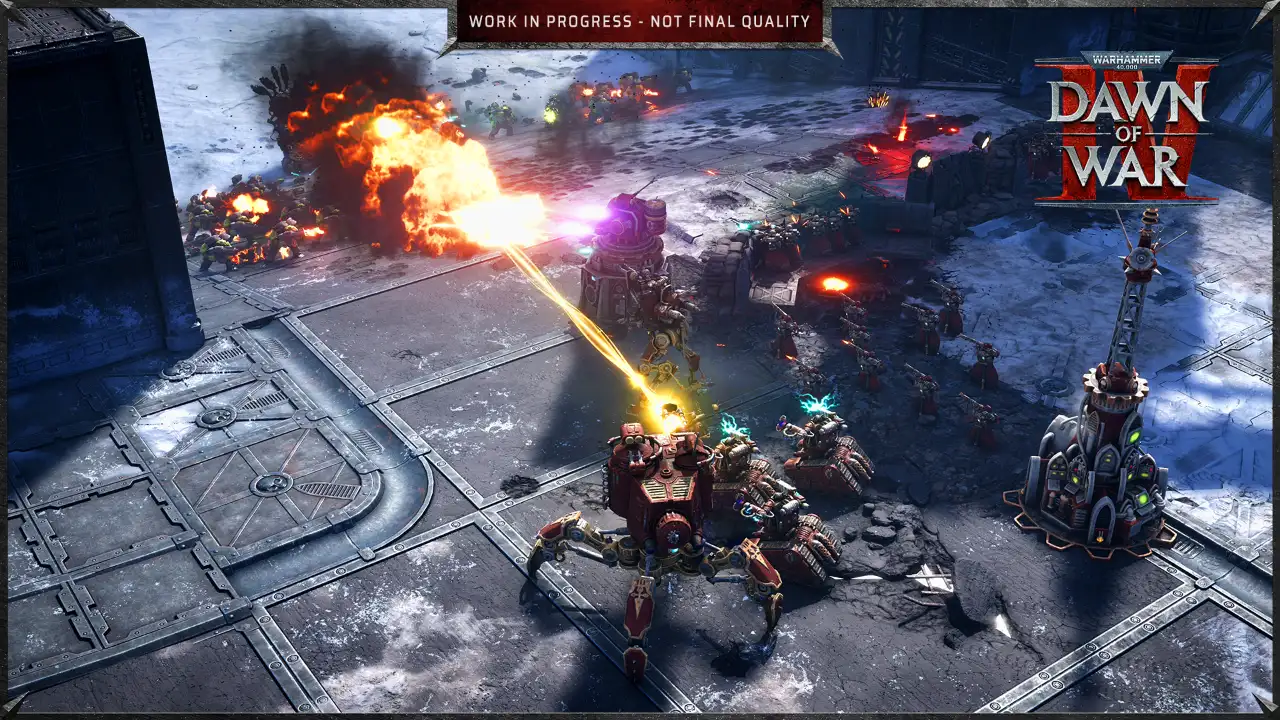
Back from Dawn of War II. You and two allies team up as Commanders and hold out against 20 waves of enemies.
3players in co-op
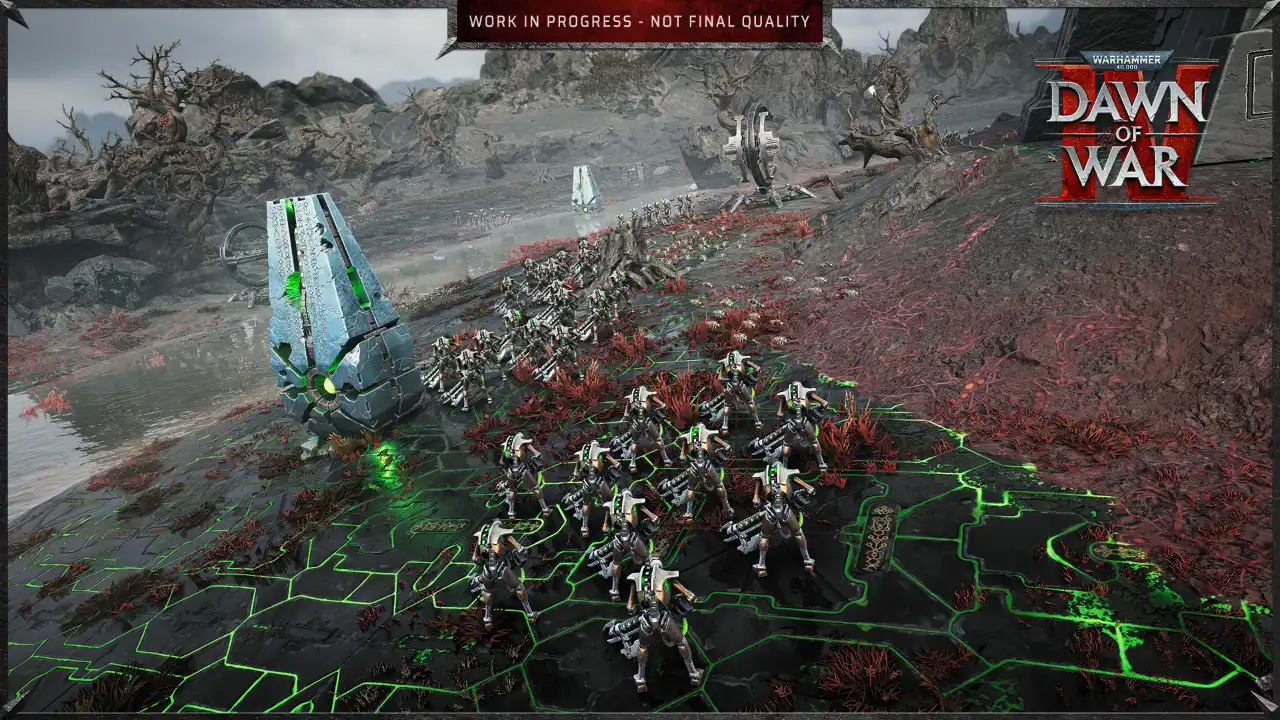
Face other PC players online in 1v1, 2v2 or 3v3, across 30 maps, with your Mac as your command post.
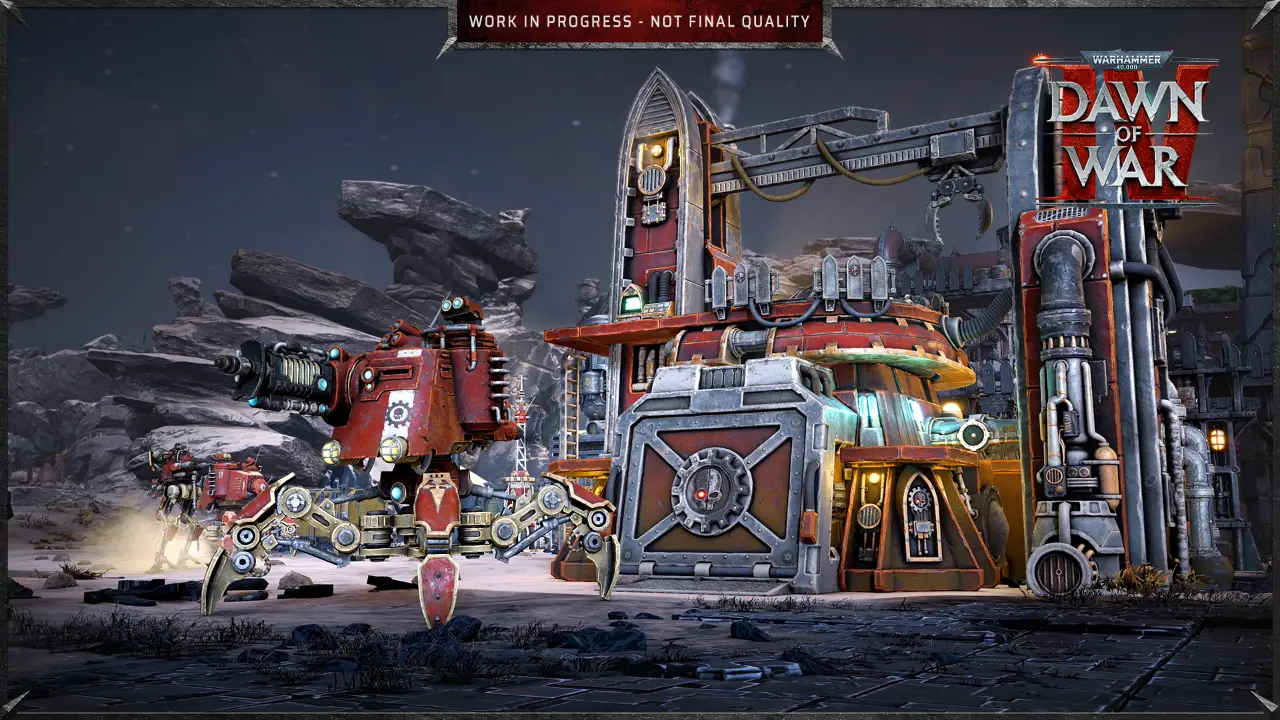
Battles against the AI, to learn a faction before you take it online.
Factions at launch
Space MarinesOrksNecronsAdeptus MechanicusNew to the seriesCommander Edition owners can play from November 30, everyone else from December 3. Four steps from your Mac are enough to be in the first battle on day one.
Today
Pick your offer on this page, then install the Shadow app on your Mac.
You are hereBefore launch
Install Steam on your Shadow PC and pre-order the game, from $59.99 or €59.99.
November 30
Commander Edition owners start three days ahead of everyone else.
Live nowDecember 3
The 125 GB download runs at up to 1 Gb/s on your Shadow PC, whatever your home connection.
Out now
Every Shadow PC runs Windows 11 with a dedicated NVIDIA RTX graphics card. Power and Power Lite come with 20 GB of video memory and 28 GB of RAM. Neo is made for 1080p and 1440p gaming. No commitment.


 Perfect for occasional gaming in 1440p with RTX

 Up to 120 hours of playtime per month, sessions up to 4hStream to any device in 1440pInstall your games & mods from Steam, Epic, Battle.net...*Upgrade to Shadow PC anytime as you play more
 Up to 50% more GPU power than Neo28GB RAM / 20GB VRAM for better in-game performanceUp to 120 hours of playtime per month, sessions up to 4hStream to any device in 1440pInstall your games & mods from Steam, Epic, Battle.net...*Upgrade to Shadow PC anytime as you play more
 Perfect for 1080/1440p gaming with RTXStream to any device up to 1440p+Install your games & mods from Steam, Epic, Battle.net...*Multi screen and ultrawide supportNVIDIA RTX and DLSS compatibility
 Up to 50% more GPU power

 28GB RAM / 20GB VRAM for better gaming performanceStream to any device up to 5K+Install your games & mods from Steam, Epic, Battle.net...*Multi screen and ultrawide supportNVIDIA RTX and DLSS compatibility
Not natively. Dawn of War IV is a Windows game, and Steam lists no macOS version. Unlike Dawn of War II and III, which Feral Interactive brought to Mac, no Mac port has been announced. With Shadow PC, the game runs on a Windows 11 PC in the cloud and streams to your Mac through the Shadow app for macOS. It works on MacBook Air, MacBook Pro, iMac and Mac mini.
The game requires Windows 11, which Apple doesn't support in Boot Camp. Boot Camp also only exists on Intel Macs, so Macs with Apple silicon can't use it. CrossOver runs some Windows games on macOS, but there's no guarantee for a new Windows 11 game, and it relies on your Mac's own graphics chip. Shadow PC runs the Windows version from Steam on a real PC with an NVIDIA RTX card.
On December 3, 2026, on PC through Steam. The Commander Edition gives access three days earlier, from November 30. The release was first planned for September 17, 2026, then moved to give the team more time for optimization and polish.
Steam lists Windows 11 64-bit for both specs. Minimum: Intel Core i5-10600K or AMD Ryzen 5 2600X, 16 GB of RAM, GeForce GTX 1660 or Radeon RX 5700. Recommended: Intel Core i7-12700 or AMD Ryzen 5 7600X, 32 GB of RAM, GeForce RTX 3060 Ti or Radeon RX 9060 8 GB. Both ask for 125 GB of storage. On Shadow PC, Power and Power Lite give you 20 GB of video memory and 28 GB of RAM, with Windows 11 already installed.
Yes. Your Shadow PC is a Windows PC, so you play the same Steam version as your friends, in the same lobbies. The campaigns can be played in co-op online, Last Stand puts three players together against 20 waves of enemies, and multiplayer goes from 1v1 to 3v3. You can also switch to a Windows laptop or a TV, but only one device can use your Shadow PC at a time.
Yes. Shadow PC is a PC, not a game catalog. Dawn of War IV costs $59.99 or €59.99 on Steam, and the Commander Edition $89.99 or €89.99. If you already pre-ordered it, sign in to Steam on your Shadow PC and download it there.
Power and Power Lite are the best fit: both have 20 GB of video memory and 28 GB of RAM. With Power, you stream up to 5K and get 210 hours a month, with sessions of up to 6 hours. The Lite version streams in 1440p, with 120 hours a month and sessions of up to 4 hours. Neo is made for 1080p and 1440p gaming. Every offer has a dedicated NVIDIA RTX graphics card, needs a connection of at least 15 Mbit/s and comes with no commitment.