Apple TV gaming: play real PC games
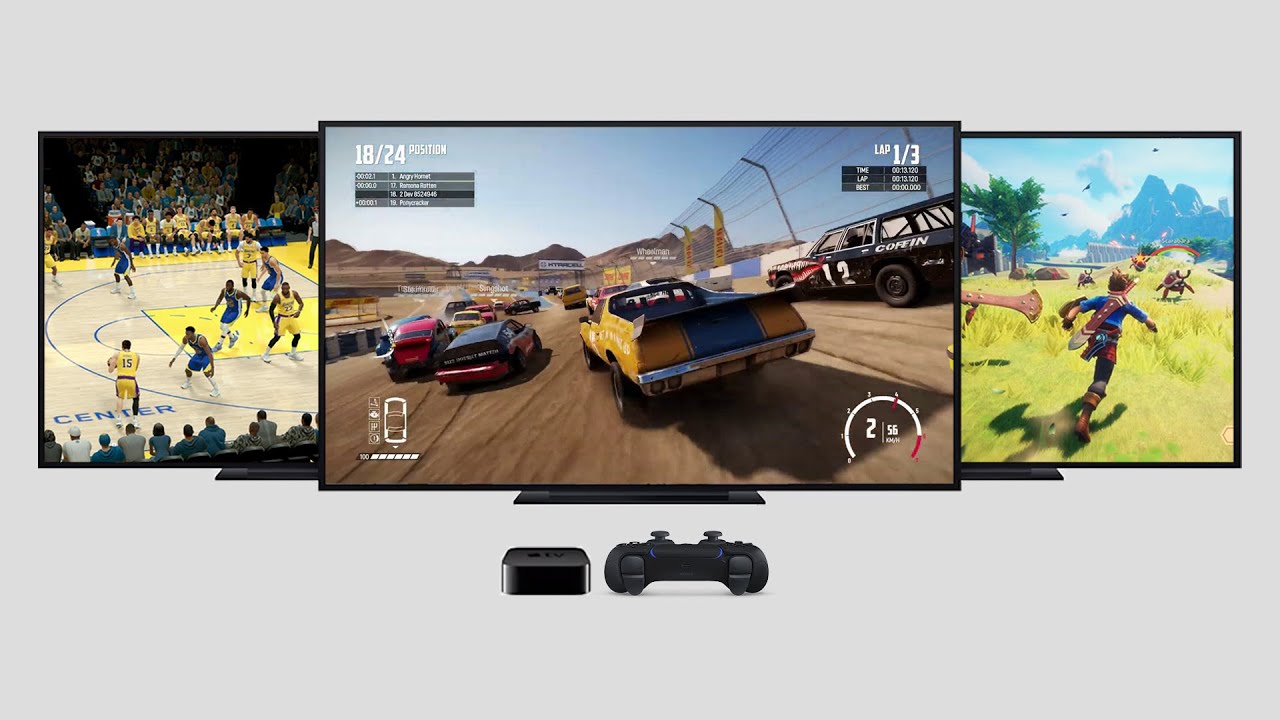
You can play PC games on an Apple TV today. Not mobile ports: your own Steam, Epic and GOG library, running on a full Windows PC in the cloud. Shadow PC has a native tvOS app, from tvOS 14 up. That matters more than it sounds, because no other cloud gaming service has one. GeForce Now, Xbox Cloud Gaming, Amazon Luna and Boosteroid all ship on other TV platforms and skip Apple's. Install the app, pair a controller, and the box under your TV becomes a gaming PC.
What an Apple TV can actually run
Apple TV runs games. Arcade titles, App Store games, family evenings on a controller. What it does not run is a modern PC game, and the reason is structural rather than commercial.
A tvOS app is capped at 4 GB of install size and 500 KB of persistent storage. A current AAA game weighs thirty to forty times that. Apple's own Games app has not landed on tvOS either, and its porting toolkit skips the platform.
So the box has the silicon and it has the screen. It has no way to hold the games. Unless the game never lands on it at all.
Cloud gaming on Apple TV, service by service
No tvOS app. NVIDIA's 2026 platform releases went to Linux and Amazon Fire TV. Apple TV was not on the list.
No tvOS app either, although Microsoft ships one for Fire TV and for LG and Samsung sets.

Both run on Fire TV, LG or Android TV. Neither has an Apple TV app.
Companion apps and community clients exist, and they do work. They also need a second device, and nobody supports them.
Four ways to play on an Apple TV, one real PC
| Shadow PC | Cloud gaming services | Console remote play | Native tvOS games | |
|---|---|---|---|---|
| Native Apple TV app |
Shadow PC
Available
|
Cloud gaming services
Not available
|
Console remote play
Available
|
Native tvOS games
Available
|
| What you play |
Shadow PC
Your whole PC library
|
Cloud gaming services
A service catalog
|
Console remote play
Your console library
|
Native tvOS games
tvOS and Arcade titles
|
| Machine needed at home |
Shadow PC
None
|
Cloud gaming services
None
|
Console remote play
Your console, powered on
|
Native tvOS games
None
|
| Install size limit |
Shadow PC
None, it is a PC
|
Cloud gaming services
None
|
Console remote play
None
|
Native tvOS games
4 GB per app
|
| Your launchers, mods and saves |
Shadow PC
Available
|
Cloud gaming services
Not available
|
Console remote play
Not available
|
Native tvOS games
Not available
|
| Same machine on your other screens |
Shadow PC
Available
|
Cloud gaming services
Not available
|
Console remote play
Not available
|
Native tvOS games
Not available
|
Cloud gaming services: GeForce Now, Xbox Cloud Gaming, Amazon Luna, Boosteroid. Console remote play: PXPlay, OneCast and similar apps.
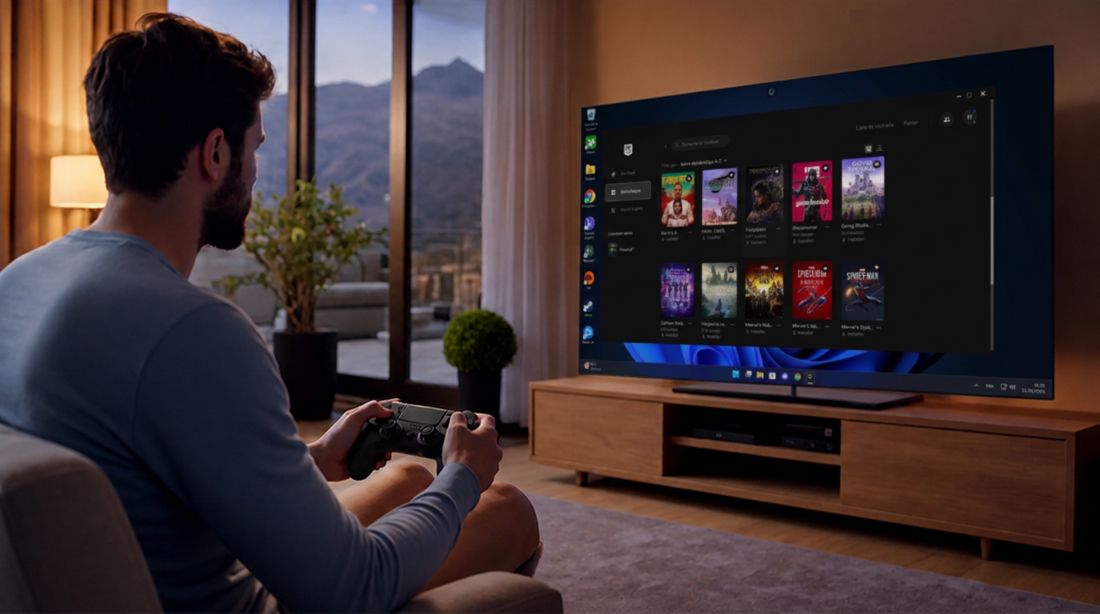
A Windows PC, on the box you already own
Shadow PC is not a catalog. It is a Windows machine with your name on it, running in a datacenter on a dedicated NVIDIA RTX-class GPU.
Install Steam, Epic, GOG, Battle.net, whichever launcher you live in. Keep your saves, your mods, your settings. Pull an 80 GB game down the datacenter's 1 Gbps line while you cook dinner. Around thirty titles with strict anti-cheat systems will not run, and the current list lives in our help center.
Close the app on the Apple TV. Open it on your Mac tomorrow. Same desktop, same downloads, right where you left them.
Playing from the sofa
A controller pairs with the Apple TV itself, over Bluetooth, the way it would for any tvOS game. Xbox pads, PlayStation pads, most third-party ones.
No controller in the house tonight? The Shadow mobile app turns your phone into one. And when Windows asks for a cursor or a password, Companion mode makes that same phone a trackpad and a keyboard.
Nothing to buy before you start. We covered every input in its own guide.

Pick the plan for your living room
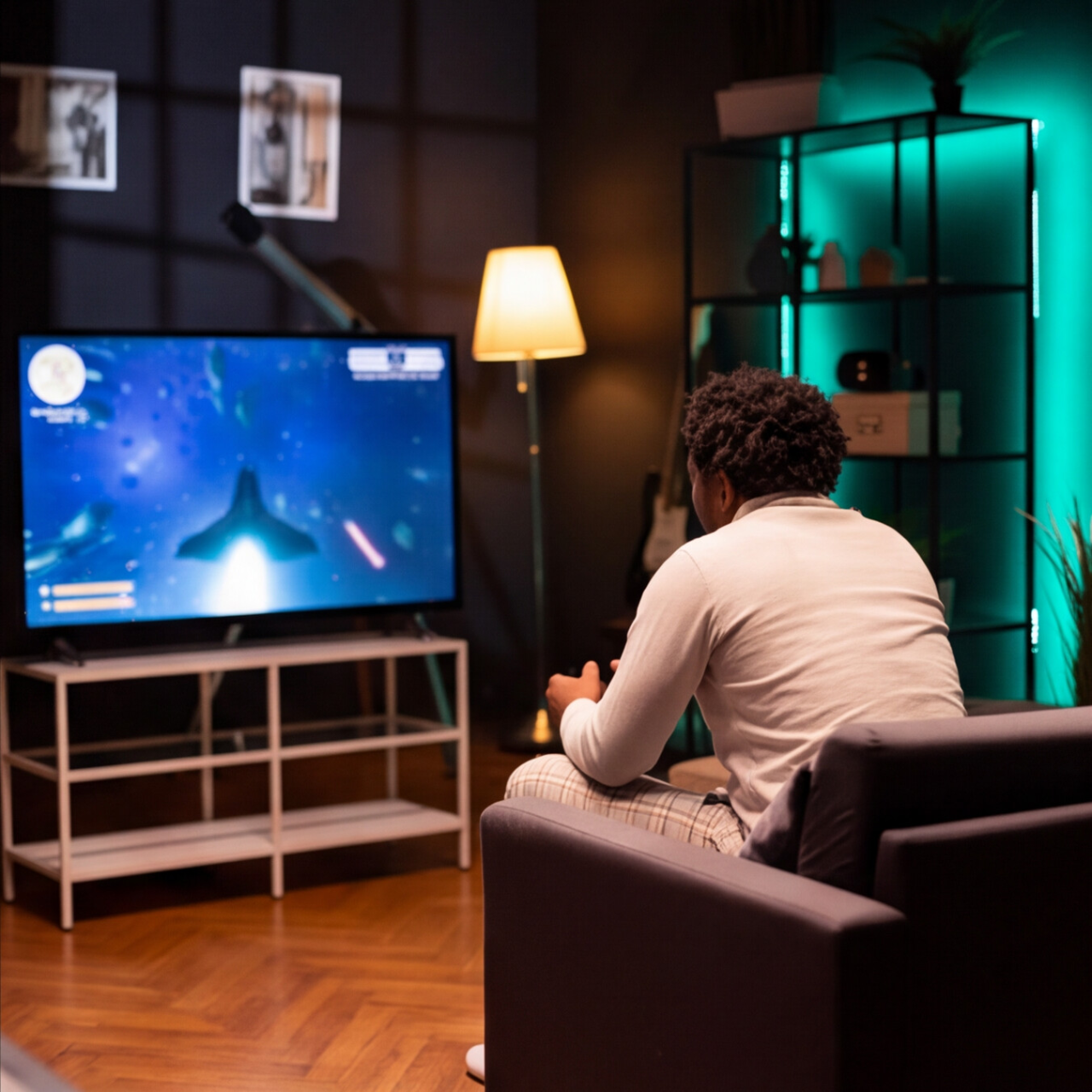
Both plans run your full PC library on your Apple TV. Power adds the headroom for 4K sets and the heaviest evenings.
Neo Lite
per month

 Perfect for occasional gaming in 1440p with RTX
 Up to 120 hours of playtime per month, sessions up to 4hStream to any device in 1440pInstall your games & mods from Steam, Epic, Battle.net...*Upgrade to Shadow PC anytime as you play more
Power Lite
per month
Up to 50% more GPU power than Neo28GB RAM / 20GB VRAM for better in-game performanceUp to 120 hours of playtime per month, sessions up to 4hStream to any device in 1440pInstall your games & mods from Steam, Epic, Battle.net...*Upgrade to Shadow PC anytime as you play more
Neo
For the first six months, 32,99€ after.
Perfect for 1080/1440p gaming with RTXStream to any device up to 1440p+Install your games & mods from Steam, Epic, Battle.net...*Multi screen and ultrawide supportNVIDIA RTX and DLSS compatibility
Power
For the first six months, 49,99€ after.
Up to 50% more GPU power
 28GB RAM / 20GB VRAM for better gaming performanceStream to any device up to 5K+Install your games & mods from Steam, Epic, Battle.net...*Multi screen and ultrawide supportNVIDIA RTX and DLSS compatibility
Neo Pro
For the first six months, 39,99€ after.
Real-time 3D and rendering at the best priceStream on your devices up to 1440p+Install your software & CUDA/RTX workflows...*Priority access & Longer sessionsEasy users & subscriptions management
Power Pro
For the first six months, 54,99€ after.
Up to 50% more GPU power28GB RAM / 20GB VRAM for 3D and gamingStream to any device up to 4K+Install your software & CUDA/RTX workflows...*Priority access & Longer sessionsEasy users & subscriptions management
Expert Pro
For the first six months, 74,99€ after.
41GB RAM / 24GB VRAM for heavy-duty AI & 3DCPU [email protected] for multi-threaded tasksStream to any device up to 4K+Install your software & CUDA/RTX workflows...*Priority access & Longer sessionsEasy users & subscriptions managementKeep going
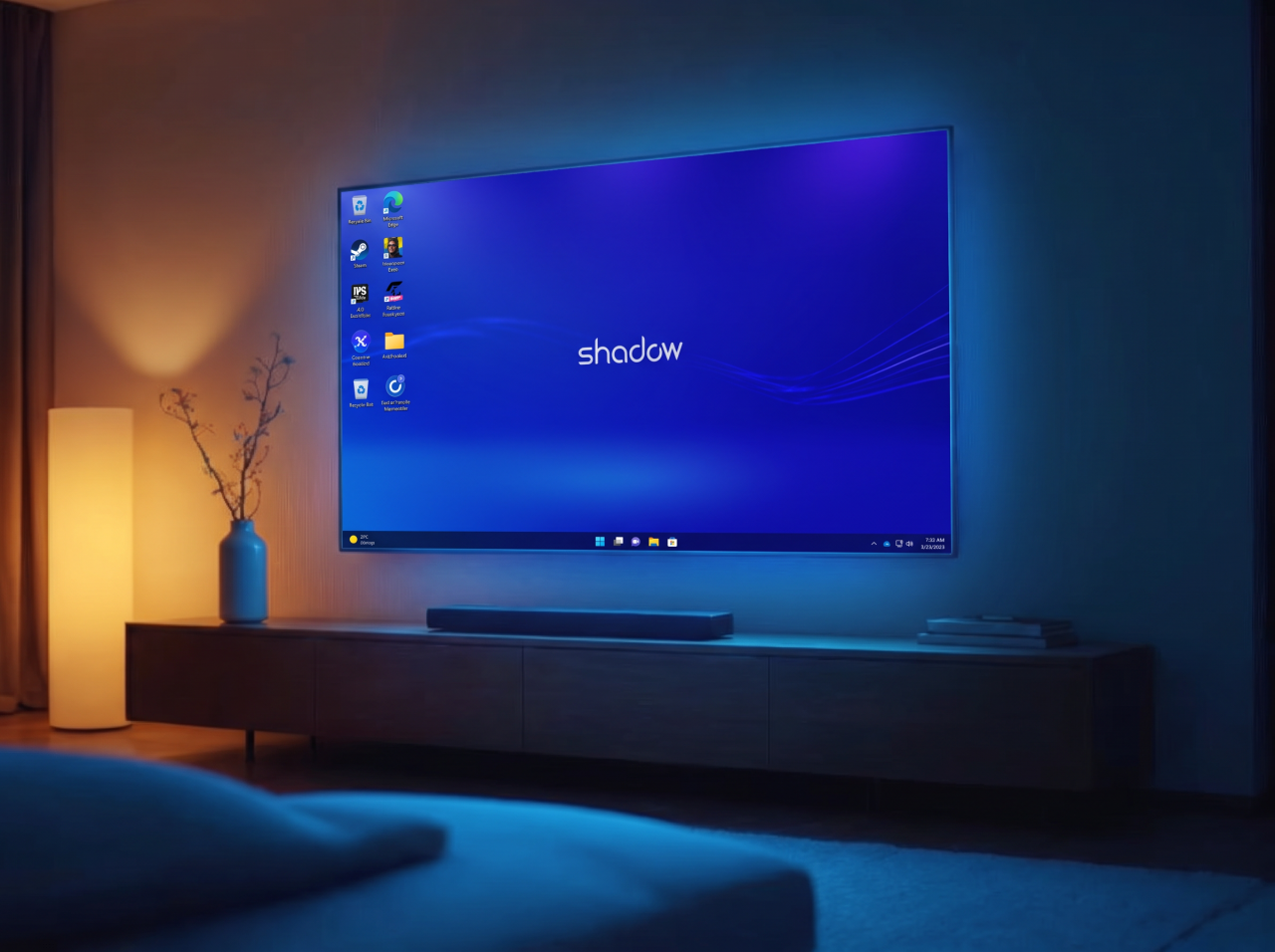
Every way to drive a PC from three metres away: controller, phone as trackpad, phone as gamepad.
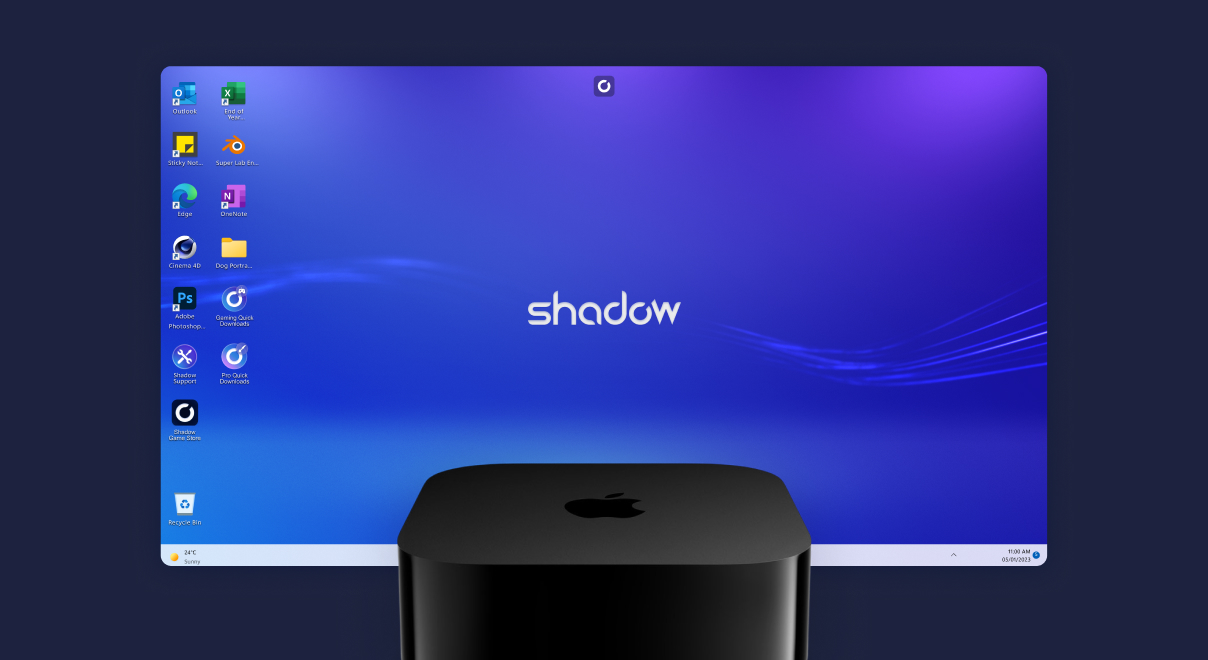
Settings, controllers and tips for Shadow PC on tvOS, in one guide.
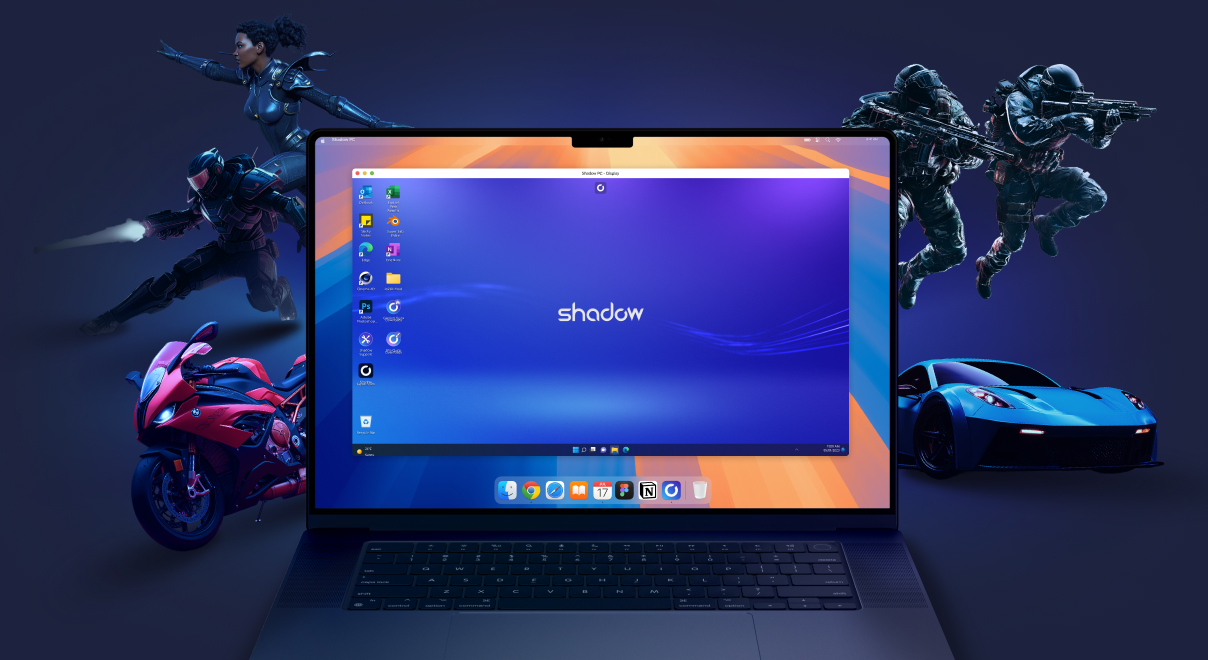
The same Shadow PC turns your Mac into a gaming rig. Same library, same saves.
The box under your TV is enough
Install the app, pair a controller, and your PC library is on the big screen tonight.
Frequently asked questions
Yes. Install the Shadow PC app on an Apple TV running tvOS 14 or later, sign in, and your Windows PC in the cloud appears on the TV. Your Steam, Epic, GOG and Battle.net libraries run there, on a dedicated RTX-class GPU. Nothing installs on the Apple TV itself, so the 4 GB app limit never comes into play.
No. NVIDIA has no tvOS app for GeForce Now; its 2026 platform releases went to Linux and Amazon Fire TV. On Apple TV, Shadow PC is currently the only cloud gaming app you can install directly, and it gives you a full Windows machine rather than a catalog.
No. Microsoft ships Xbox Cloud Gaming on Fire TV and on LG and Samsung televisions, but not on tvOS. Getting it onto an Apple TV means going through a browser or a second device.
Any Apple TV running tvOS 14 or later. A wired Ethernet connection is best; 5 GHz Wi-Fi works well. Full requirements live in our help center.
Bluetooth controllers pair with the Apple TV itself: Xbox pads, PlayStation pads and most third-party gamepads. If you don't have one, the Shadow mobile app turns your phone into a controller, and Companion mode turns it into a trackpad and keyboard.
No, and that is what separates this from Steam Link, PXPlay or OneCast. Those stream from a machine you already own and keep powered on. Shadow PC is the machine, and it lives in a datacenter.