What is the best way to play Meccha Chameleon on Mac?
Meccha Chameleon only runs on Windows. Here's how to play it on Mac with a real RTX gaming PC in the cloud, no emulator required.
So, what is the best PC to play
Meccha Chameleon on Mac?
Honestly, the one you already have, streamed from a real PC. Meccha Chameleon is the hide-and-seek game every streamer is clipping right now, and it only runs on Windows. An emulator can limp it along, badly, on some Macs. Shadow PC skips that entirely: a real Windows 11 PC, your own Steam account, your own Steam library, running in the cloud. Meccha Chameleon, on the Mac you already own.
Why Shadow PC is the best PC to play Meccha Chameleon
1. Real multiplayer lobbies, without the emulator gamble
Meccha Chameleon is built around public lobbies and squads of friends, and Windows-only multiplayer games are exactly what emulators handle worst: dropped lobbies, matchmaking errors, painted textures that lag half a second behind. Shadow PC runs a real, dedicated NVIDIA RTX GPU on genuine Windows 11, so Steam, Epic Online Services matchmaking, and voice chat all behave exactly like on a native PC. Nothing to configure, nothing to gamble on.
2. Every brushstroke, crisp enough to give you away
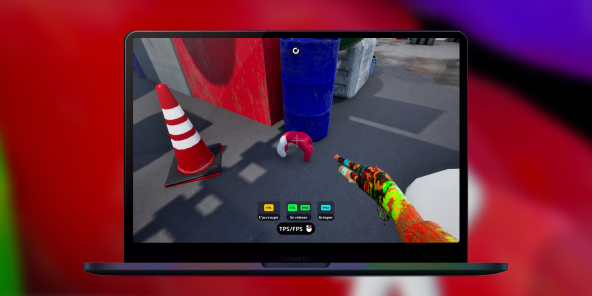
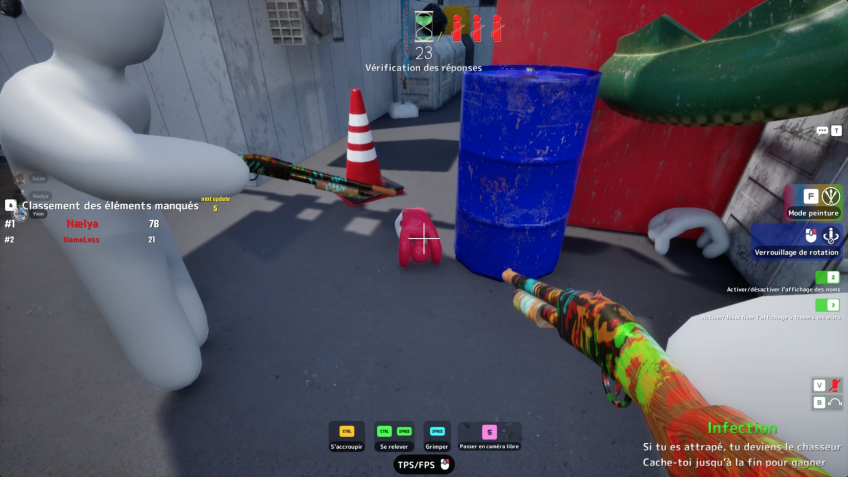
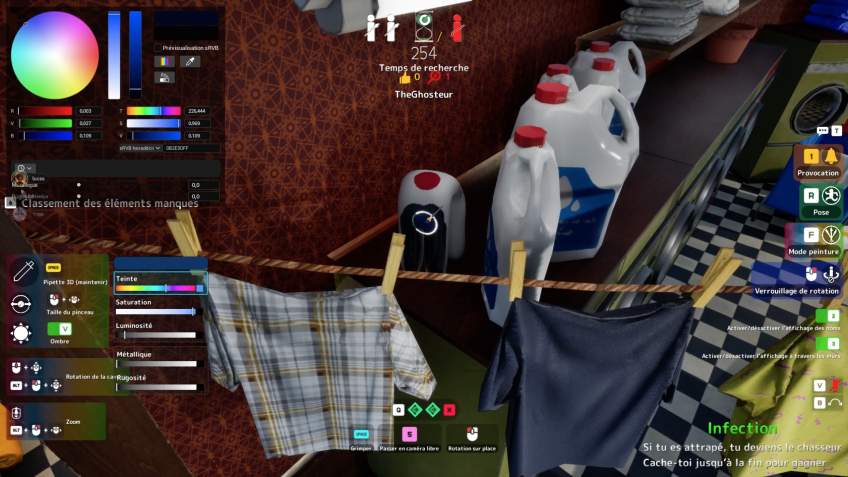
Meccha Chameleon lives and dies on tiny visual details: a shadow that's too sharp, a pattern that doesn't quite line up, a chameleon holding still half a second too long. Shadow PC streams straight from a real RTX-powered Windows PC to your Mac's native resolution and refresh rate, so every paint stroke, every wall texture, every giveaway pixel renders exactly as the developers intended. No compression blur to hide behind.
3. Built for the Mac you already have
No CrossOver bottle to configure. No Windows partition. No driver hunting. Shadow PC ships ready and stays current, GPU drivers and Windows updates handled on our side. Plug in your mouse and keyboard, or pair a controller for couch play. Wi-Fi 6 or Ethernet recommended. Meccha Chameleon runs like it was made for your Mac, because Shadow PC turns your Mac into the PC that runs it.
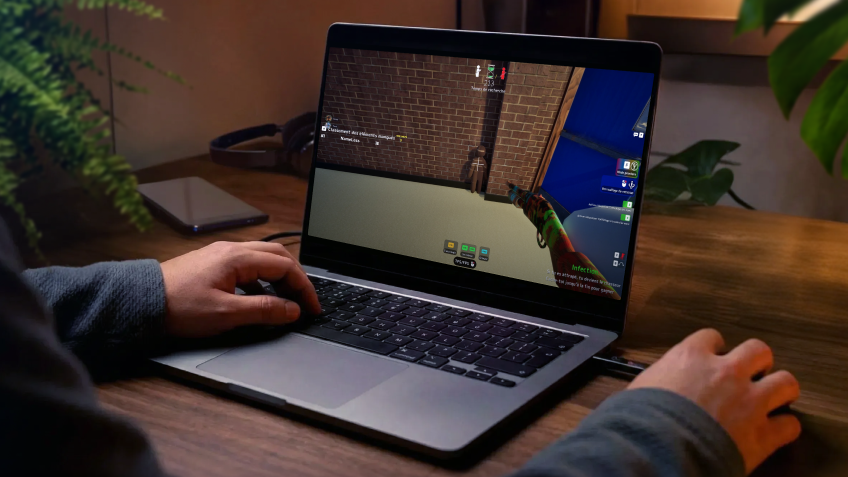
Shadow PC versus other ways to play Meccha Chameleon on Mac
| Shadow PC | Emulators (CrossOver, Parallels) | Other cloud gaming services | |
|---|---|---|---|
| Set up in minutes |
Shadow PC
|
Emulators (CrossOver, Parallels)
Hours of trial and error
|
Other cloud gaming services
Some setup time
|
| Reliable online multiplayer |
Shadow PC
|
Emulators (CrossOver, Parallels)
Depends on the emulator
|
Other cloud gaming services
|
| Full Steam library, not just one game |
Shadow PC
|
Emulators (CrossOver, Parallels)
|
Other cloud gaming services
Limited to the service's game list
|
| No upgrade cycle for future releases |
Shadow PC
|
Emulators (CrossOver, Parallels)
|
Other cloud gaming services
|
| Zero upfront hardware cost |
Shadow PC
|
Emulators (CrossOver, Parallels)
|
Other cloud gaming services
|
| Play from any device you already own |
Shadow PC
|
Emulators (CrossOver, Parallels)
|
Other cloud gaming services
|

Neo is the Shadow PC built for Meccha Chameleon
Meccha Chameleon is light on hardware. We recommend Neo. It gives you a dedicated NVIDIA RTX GPU and 16 GB of RAM, more than enough to paint walls and hunt friends at smooth frame rates, streaming to any Mac, laptop or TV you already own. If your Steam library also includes heavier, more demanding titles, Power gives you extra headroom for those.

Neo Lite
per month

 Perfect for occasional gaming in 1440p with RTX
 Up to 120 hours of play per month, sessions up to 4hStream to any device in 1440pInstall your games & mods from Steam, Epic, Battle.net...*Upgrade to Shadow PC anytime as you play more
Power Lite
per month
Up to 50% more GPU power than Neo28GB RAM / 20GB VRAM for better in-game performanceUp to 120 hours of play per month, sessions up to 4hStream to any device in 1440pInstall your games & mods from Steam, Epic, Battle.net...*Upgrade to Shadow PC anytime as you play more
Neo
For the first six months, 45,99$ after.
Perfect for 1080/1440p gaming with RTXStream to any device up to 1440p+Install your games & mods from Steam, Epic, Battle.net...*Multi screen and ultrawide supportNVIDIA RTX and DLSS compatibility
Power
For the first six months, 63,99$ after.
Up to 50% more GPU power
 28GB RAM / 20GB VRAM for better gaming performanceStream to any device up to 5K+Install your games & mods from Steam, Epic, Battle.net...*Multi screen and ultrawide supportNVIDIA RTX and DLSS compatibility
Getting started in 3 easy steps
Whether you're on a MacBook Air, an iMac, a Mac mini, or an older Intel Mac, Shadow PC gives you the best PC for Meccha Chameleon in three clicks. No hardware to buy, no emulator to configure.

Go to shadow.tech and select the PC configuration that matches your performance needs.

Install the Shadow PC client on your Mac, or connect directly from your browser via pc.shadow.tech.

Start your Shadow PC, install Steam, grab Meccha Chameleon, and jump into a lobby.
Meccha Chameleon in short
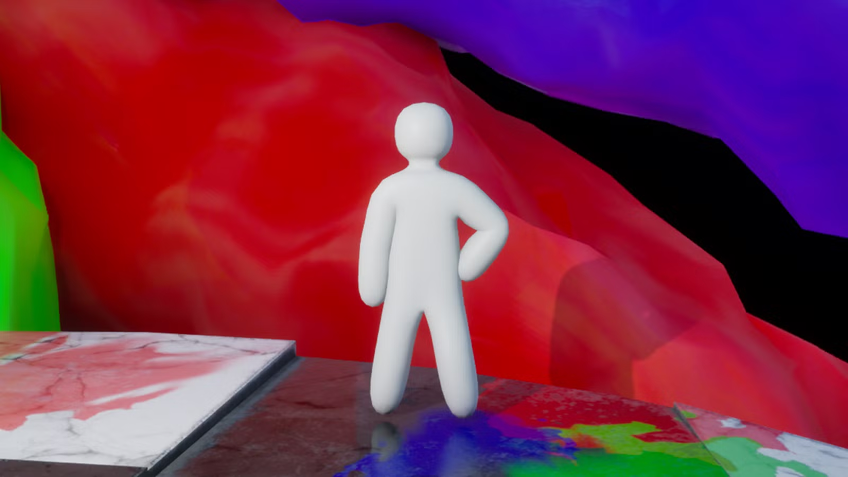
Meccha Chameleon is a multiplayer hide-and-seek party game from Japanese indie developers lemorion_1224 and Haganeiro, built in two months and released June 10, 2026 on Steam. Hiders paint themselves into walls, crates and signs; seekers hunt them down before time runs out. No marketing budget, no dedicated anti-cheat, just streamer clips and word of mouth: over 15 million copies sold and a peak of 340,000 concurrent players within weeks.

FAQ
Shadow PC is a complete Windows 11 gaming PC hosted in the cloud, with its own dedicated GPU. You install and run any game, app or software, with no restricted catalog.
Your Shadow is a true professional Windows workstation. Install everything you need*: Adobe Suite, CAD tools, development IDEs, etc.
Yes. The Shadow app runs on macOS 10.15 or later, on Intel and Apple Silicon Macs (M1 to M4). You can also access your Shadow PC from any browser at pc.shadow.tech.
For each device of your choosing, you can download the Shadow PC software client for free; in particular, this will allow you to test the browsing quality and adjust your video quality settings to the highest resolution, such as 4k. When you need to quickly access your environment and files via a new device or a workstation that's limited in terms of software installation, you can now directly access your Shadow PC via a browser. No installation required, it's quick and easy: Just head to the pc.shadow.tech web page! This access mode comes particularly in handy when you're giving a client a demo or delivering training via a demanding software directly on your clients or prospects' device: No need to lug around your own hardware, with your software and data, as Shadow PC gives you easy and instant access to it, at any tie and anywhere.
Yes. Shadow PC downloads at up to 1 Gb/s to your virtual PC, even if your local connection is slow. Large game installs take minutes.
No. Streaming latency is virtually imperceptible, and on a stable 50 Mb/s connection the result matches a local PC.
Yes. Shadow PC streams up to 4K UHD, higher on Power. Some games may not support 4K natively.
No. Meccha Chameleon doesn't use a dedicated anti-cheat system such as Easy Anti-Cheat, BattlEye or VAC, so it runs on Shadow PC exactly as it would on a native Windows PC.