What is the best PC to play Onimusha: Way of the Sword on Mac?
Onimusha: Way of the Sword has no Mac version. Here is how to play Capcom's new samurai action game on your Mac anyway, from day one.
So, what is the best PC to play
Onimusha: Way of the Sword on Mac?
Honestly, the one you don't have to install Windows on. Onimusha: Way of the Sword brings Capcom's samurai saga back after twenty years, and it ships for Windows only, no Mac version in sight. A PC that runs it well costs well over a thousand dollars, and you would still be stuck dual booting. Or you skip all that and stream a real gaming PC straight to your Mac. Shadow PC gives you Windows 11, your own Steam or Epic copy, your own save file, on the screen you already own.
Why Shadow PC is the best PC to play Onimusha: Way of the Sword
1. Onimusha: Way of the Sword, ready day one on your Mac
Onimusha: Way of the Sword ships exclusively for Windows, and Capcom has no Mac version planned. Wine or CrossOver will not save you either: RE Engine titles protected by Denuvo are notoriously rocky on compatibility layers, especially in the first weeks after launch. Shadow PC skips that gamble entirely. It is a real Windows 11 machine, so Musashi's fight against the Genma starts on your Mac the same day it starts everywhere else, September 4.
2. Edo-era Kyoto, in full ray-traced 4K
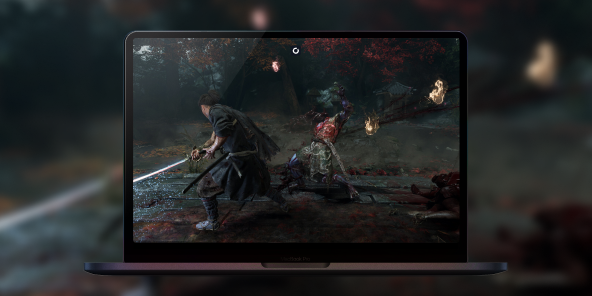
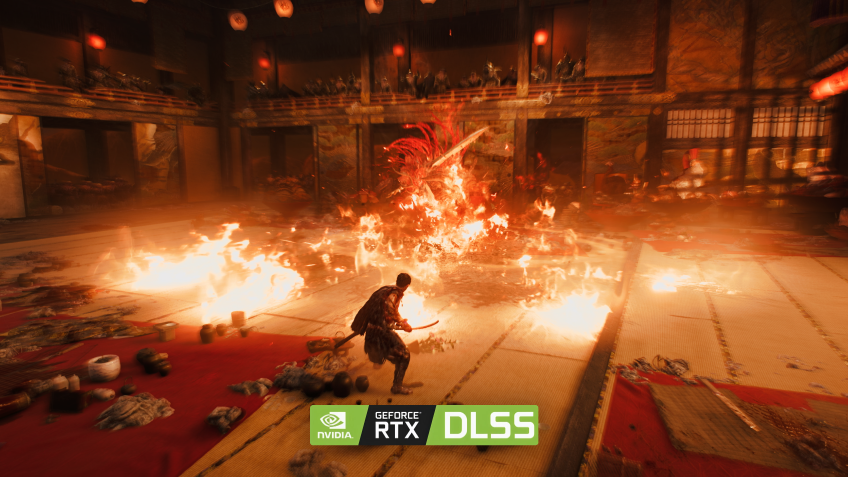
Shadow PC streams from a real RTX-powered Windows PC straight to your Mac, ray tracing on, DLSS engaged, every shader active. The client renders at your display's native resolution and refresh rate, so the rain-slicked temple stone, the Oni Gauntlet's glow, and every reflection off Musashi's blade land as sharp as Capcom's RE Engine intended. The full vision, native to the Mac screen you already own.
3. Built for the Mac you already have
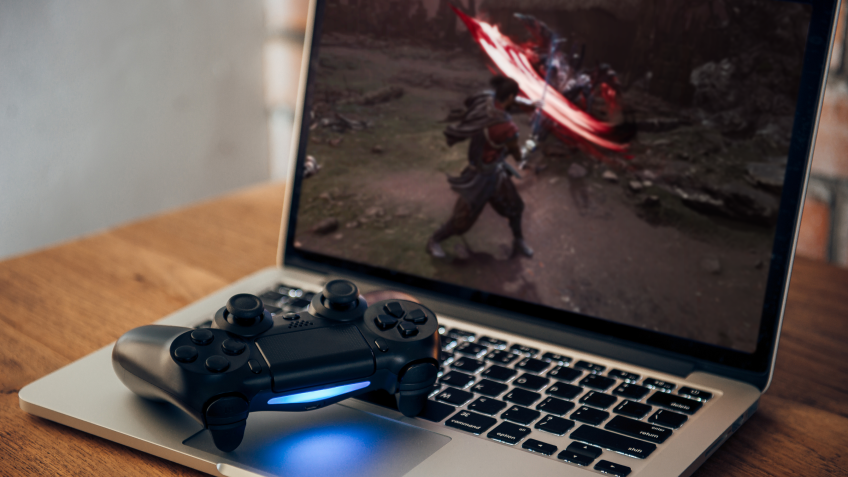
No Boot Camp, no dual boot, no Windows install. Shadow PC ships ready and stays current: GPU drivers, Windows updates, Steam and Epic Games Store, all kept fresh on our side. Plug in your mouse and keyboard, or pair a PlayStation, Xbox or Switch Pro controller for Musashi's parries and Issen counters. Wi-Fi 6 or Ethernet recommended. Onimusha: Way of the Sword runs the way Capcom built it, on the Mac you already own, thanks to Shadow PC.
Shadow PC versus other ways to play Onimusha: Way of the Sword on Mac
| Shadow PC | Wine or CrossOver | Other cloud gaming | |
|---|---|---|---|
| Set up in 5 minutes |
Shadow PC
|
Wine or CrossOver
Hours of setup, no guarantee
|
Other cloud gaming
Some setup time
|
| Runs day one, September 4 |
Shadow PC
|
Wine or CrossOver
Denuvo often blocks it at launch
|
Other cloud gaming
Depends on the catalog
|
| Ray tracing and DLSS on |
Shadow PC
|
Wine or CrossOver
Rarely stable
|
Other cloud gaming
Depends on the plan
|
| Your own Steam or Epic copy, kept |
Shadow PC
|
Wine or CrossOver
|
Other cloud gaming
Session-based, no library of your own
|
| One PC for every other Windows app too |
Shadow PC
|
Wine or CrossOver
Games only, if that
|
Other cloud gaming
Games only
|
| Play from the Mac you already own |
Shadow PC
|
Wine or CrossOver
|
Other cloud gaming
|

Power is the Shadow PC built for Onimusha: Way of the Sword
To take on the Genma at full detail, ray tracing on and every shadow rendered, we recommend Power. It gives you the headroom to run Onimusha: Way of the Sword maxed out, with room to spare for whatever Capcom ships next, streaming to the Mac, iPad or living-room screen you already own.

Neo Lite
per month

 Perfect for occasional gaming in 1440p with RTX
 Up to 120 hours of play per month, sessions up to 4hStream to any device in 1440pInstall your games & mods from Steam, Epic, Battle.net...*Upgrade to Shadow PC anytime as you play more
Power Lite
per month
Up to 50% more GPU power than Neo28GB RAM / 20GB VRAM for better in-game performanceUp to 120 hours of play per month, sessions up to 4hStream to any device in 1440pInstall your games & mods from Steam, Epic, Battle.net...*Upgrade to Shadow PC anytime as you play more
Neo
For the first six months, 45,99$ after.
Perfect for 1080/1440p gaming with RTXStream to any device up to 1440p+Install your games & mods from Steam, Epic, Battle.net...*Multi screen and ultrawide supportNVIDIA RTX and DLSS compatibility
Power
For the first six months, 63,99$ after.
Up to 50% more GPU power
 28GB RAM / 20GB VRAM for better gaming performanceStream to any device up to 5K+Install your games & mods from Steam, Epic, Battle.net...*Multi screen and ultrawide supportNVIDIA RTX and DLSS compatibility
Getting started in 3 easy steps
Whether you are on a MacBook Air, an iMac, a Mac mini or an M-series MacBook Pro, Shadow PC gives you the best PC for Onimusha: Way of the Sword in three clicks. No hardware to buy, no dual boot to configure, no Windows to install.

Go to shadow.tech and select the PC configuration that matches your performance needs.

Install the Shadow app on your Mac, or connect straight from your browser via pc.shadow.tech.

Start your Shadow PC, install Steam or Epic Games Store, and grab Onimusha: Way of the Sword the moment it unlocks, September 4.
Onimusha: Way of the Sword in short
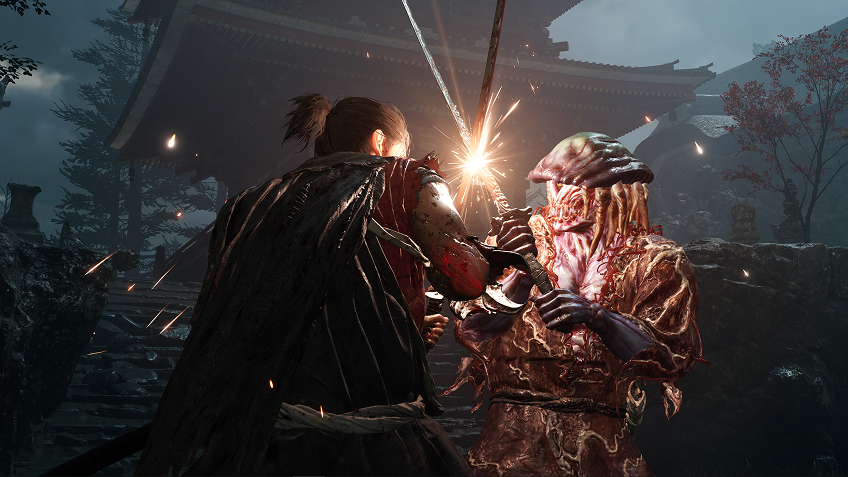
Onimusha: Way of the Sword is Capcom's first mainline return to the series in twenty years, releasing September 4, 2026 on PC, PS5, Xbox Series X/S and Nintendo Switch 2. Miyamoto Musashi wields the Oni Gauntlet against the demonic Genma across an Edo-era Kyoto twisted by Malice. Parries, deflects, the precision Issen counter and soul absorption drive the combat, a single-player story built on Capcom's RE Engine.

FAQ
Shadow PC is a complete Windows 11 gaming PC hosted in the cloud, with its own dedicated GPU. You install and run any game, app or software, with no restricted catalog.
Your Shadow is a true professional Windows workstation. Install everything you need*: Adobe Suite, CAD tools, development IDEs, etc.
Yes, both the Shadow app and the browser version work on most recent versions of macOS and computers.
For each device of your choosing, you can download the Shadow PC software client for free; in particular, this will allow you to test the browsing quality and adjust your video quality settings to the highest resolution, such as 4k. When you need to quickly access your environment and files via a new device or a workstation that's limited in terms of software installation, you can now directly access your Shadow PC via a browser. No installation required, it's quick and easy: Just head to the pc.shadow.tech web page! This access mode comes particularly in handy when you're giving a client a demo or delivering training via a demanding software directly on your clients or prospects' device: No need to lug around your own hardware, with your software and data, as Shadow PC gives you easy and instant access to it, at any tie and anywhere.
Yes, with Shadow you get 1 Gb/s download speeds to your Shadow PC, even if your local internet connection is slow.
No. Streaming latency is virtually imperceptible, and on a stable 50 Mb/s connection the result matches a local PC.
Yes, Shadow does not limit the resolution, allowing you to run Windows, your games, and software in 4K UHD. Please note that some games may not support 4K or may experience reduced performance at this resolution. Additionally, higher resolutions require more bandwidth, meaning you'll need a faster and more stable internet connection compared to lower resolutions.