Play Project Zomboid with your mods, on the PC you already have
Build 42 asks for a dedicated graphics card and more RAM, and Steam is gone from Chromebooks. Shadow PC runs the Windows version in the cloud, with your Workshop mods.
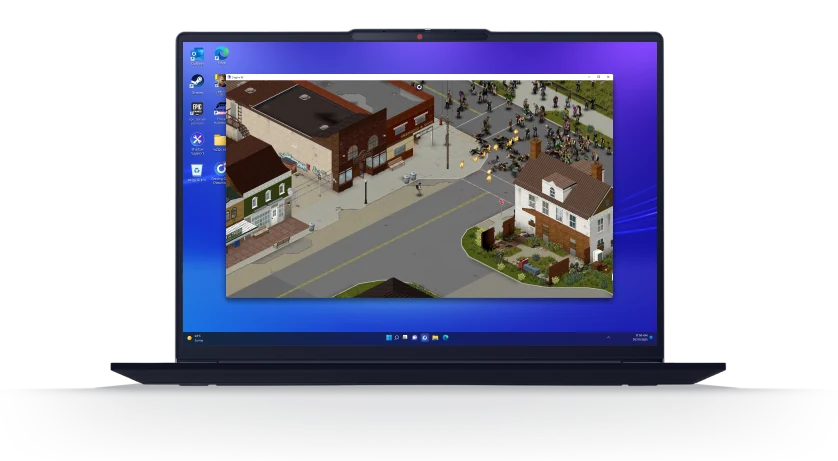


Project Zomboid mods after Build 42
Build 42 went stable on July 29, 2026. Knox Country got bigger, animals and crafting arrived, and most Build 41 mods stopped working. Modders are updating them one at a time, so most players are starting their mod lists over.
On Windows, the game asks for a dedicated graphics card with 4 GB of video memory, and Build 42 uses more RAM than Build 41 did. Steam no longer runs on Chromebooks either: Google shut it down in January 2026.
Shadow PC is a full Windows PC in the cloud. Install Steam, subscribe to your mods in the Workshop and play the modded game from a laptop with no graphics card, a Chromebook (in Chrome at pc.shadow.tech, or with the Shadow app from Google Play), a TV or the Shadow app on your phone. Your saves and mods follow you from one screen to the next. It's a PC, so you can open the game folder, use the Mods menu and edit the config files.
1. Rebuild your mod list for Build 42
On your Shadow PC, mods work the way they do on any PC. Subscribe in the Steam Workshop, open Mods from the main menu, tick what you want and set the load order. The files stay on your Shadow PC between sessions, and your Shadow PC downloads them at 1 Gbit/s, so a big pack like Authentic Z (close to 900 MB) is there in seconds.
Check each mod's Workshop page before you add it. A Build 41 mod won't load in Build 42 unless its author has updated it.
Not ready to leave your old run behind? In Steam, open the game's Properties, then Game Versions & Betas, and pick legacy41. Your Build 41 save and its mods keep working.
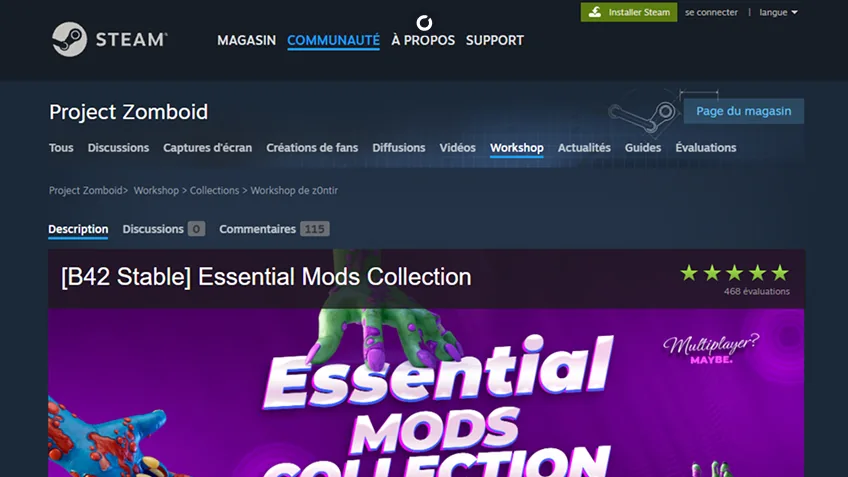
Start your list with six Build 42 mods
Each author says the mod supports Build 42.20 or later. Mods update often, so check the Workshop page before you subscribe.
Common Sense [B42.20+]
Build 42.20+Pry doors and windows open with a crowbar, see your ammo count and clip a flashlight to your belt.
Has Been Read
Build 42.20+Marks the books, magazines and tapes you've already read, so you stop picking them up twice.
Better Sorting
Build 42.20+Clearer item categories for the base game and for more than 200 other mods.
Proximity Inventory
Build 42.20+Shows everything in the containers around you in one panel.
Authentic Z
Build 42.20+Over 150 outfits that match where zombies spawn. Plan for close to 900 MB.
More Builds
Build 42.20+Furniture and structures for your base, with a search bar in the build menu.
Checked on November 26, 2026. Mods change with each update of the game: read the Workshop page before you subscribe.
2. Give a long mod list the memory it needs
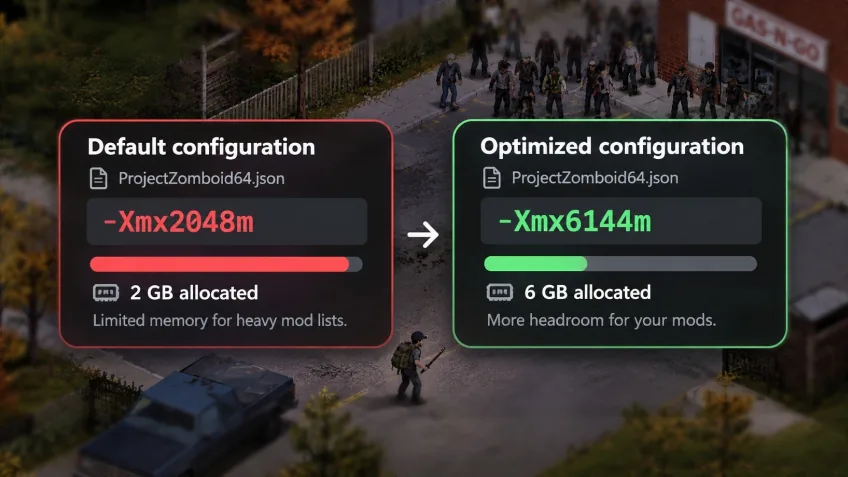
Out of the box, Project Zomboid on Windows reserves about 2 GB of memory for itself. Add a long mod list and a couple of map mods to Build 42's bigger world, and that memory fills up until the game stutters or crashes during a long session.
The fix is in the game folder. Open ProjectZomboid64.json, raise the -Xmx value (for example from 2048m to 6144m), save, and launch. On a PC with 8 GB of RAM there isn't much room to do that. Power and Power Lite give you 28 GB of RAM and 20 GB of video memory, enough to raise that limit for a heavy list.
Your laptop doesn't need a graphics card for any of this: the game runs on the Shadow PC and your screen shows the stream.
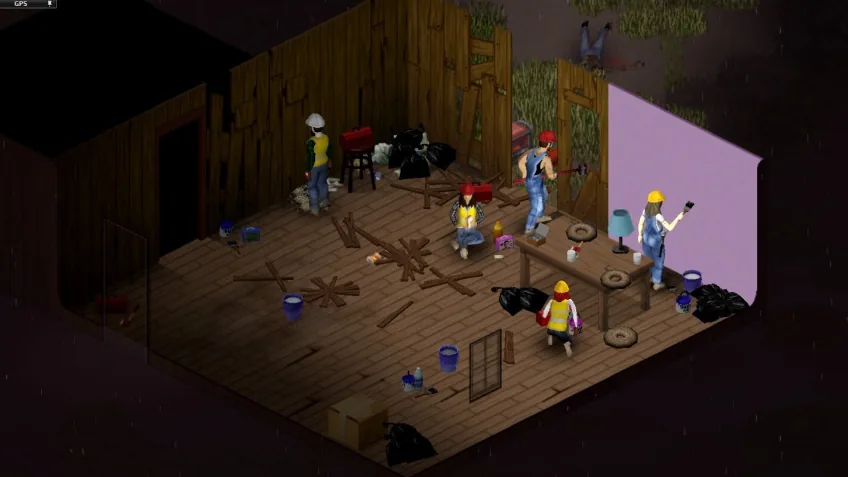
3. Host a modded game for your group
Multiplayer in Build 42 is strict about mods. Everyone needs the same mods, in the same load order, on the same game branch. If one player is on an older version or is missing a mod, they can't connect.
Host from your Shadow PC and you set the list: the mods you enable are the ones your friends need to subscribe to, in the same order, before they join from their own PCs like they would with any other host.
Good to know: your Shadow PC shuts down after 30 minutes without activity, and when your session ends, so your game is open while you play. For a world that stays up around the clock, your group needs a dedicated server.
See how our players play Zomboid
From October 26 to November 24, 2026.
Most played
17th
game on Shadow PC from October 26 to November 24, out of 1,286 games played.
Long runs
109 min
for an average Project Zomboid session on Shadow PC.
No graphics card
2 in 3
sessions played from a computer come from one without a gaming graphics card.
Build 42
9th
most played game on Shadow PC in August 2026, the month after Build 42 went stable.

Pick your Shadow PC for Zomboid
Every Shadow PC has a dedicated NVIDIA RTX graphics card and SSD storage you can expand up to 5 TB. Neo handles a classic run with a few mods. Power and Power Lite bring 28 GB of RAM and 20 GB of video memory for the longest mod lists. No commitment.

Neo Lite
per month

 Perfect for occasional gaming in 1440p with RTX

 Up to 120 hours of playtime per month, sessions up to 4hStream to any device in 1440pInstall your games & mods from Steam, Epic, Battle.net...*Upgrade to Shadow PC anytime as you play more

Power Lite
per month
Up to 50% more GPU power than Neo28GB RAM / 20GB VRAM for better in-game performanceUp to 120 hours of playtime per month, sessions up to 4hStream to any device in 1440pInstall your games & mods from Steam, Epic, Battle.net...*Upgrade to Shadow PC anytime as you play more
Neo
With the 1-year plan, for life.
Perfect for 1080/1440p gaming with RTXStream to any device up to 1440p+Install your games & mods from Steam, Epic, Battle.net...*Multi screen and ultrawide supportNVIDIA RTX and DLSS compatibility
Power
With the 1-year plan, for life.
Up to 50% more GPU power
 28GB RAM / 20GB VRAM for better gaming performanceStream to any device up to 5K+Install your games & mods from Steam, Epic, Battle.net...*Multi screen and ultrawide supportNVIDIA RTX and DLSS compatibility
Back in Knox Country in 3 steps
Your Steam account, your mod list and a 15 Mbit/s connection.


It runs on Windows, macOS, Android, iOS, Linux, Android TV and Apple TV, or in Chrome and Edge at pc.shadow.tech.

Sign in to Steam on your Shadow PC, install Project Zomboid, then subscribe to your mods in the Workshop.
Get to know Project Zomboid
Project Zomboid is an open-world zombie survival game from The Indie Stone. You're in Knox Country, Kentucky, in 1993. The question is how long you last. You scavenge, cook, build, farm, read skill books and keep your character healthy for as long as you can, alone, in split screen or online. It's been in early access on Steam since November 8, 2013. Build 42, its biggest update yet, went stable on July 29, 2026, and the Steam Workshop is full of mods for it.

FAQ
Yes. Build 42 has its own mod manager: subscribe to mods in the Steam Workshop, open Mods from the main menu, enable them and set the load order, then start a new game or load a save. Only mods updated for Build 42 load. On Shadow PC, it works the same way, because your Shadow PC runs Windows.
Most of them don't. Build 42 changed how mods are built, so a Build 41 mod needs an update from its author. Some interface mods work on both, and their Workshop page says so. To keep a Build 41 run going, switch Project Zomboid to the legacy41 branch in Steam (Properties, then Game Versions & Betas). Build 41 saves don't load in Build 42.
In Build 42, the host and the players need the same mods, in the same load order, on the same game branch. Check that your group runs the same version of Project Zomboid, that each mod has a Build 42 version, and that no one has an extra mod enabled. On a dedicated server, the Workshop IDs and Mod IDs in the server settings have to match what players have.
On Windows, open ProjectZomboid64.json in the game folder and raise the -Xmx value in vmArgs, for example from 2048m to 4096m or 6144m. Back up the file first, since a Steam update can overwrite it. Leave enough RAM for Windows: on an 8 GB PC, stay close to the default. On Shadow PC, you edit the same file, since your Shadow PC runs Windows.
Not with Steam anymore: Google ended Steam for Chromebook in January 2026. With Shadow PC, Project Zomboid runs on a Windows PC in the cloud. On your Chromebook, open pc.shadow.tech in Chrome or use the Shadow app from Google Play. You need a connection of at least 15 Mbit/s, ideally over Ethernet or 5 GHz Wi-Fi.
Not on your own PC: on Windows, Steam lists a dedicated graphics card with 4 GB of video memory and 8 GB of RAM as the minimum. With Shadow PC, the game runs on a dedicated NVIDIA RTX card in the cloud, and your laptop only displays the picture. Integrated graphics are fine on your side.
No. Shadow PC is a Windows PC that runs the games you own. Sign in to Steam or GOG on your Shadow PC and install Project Zomboid from your library. Your Workshop subscriptions follow your Steam account.
Neo handles 1080p and 1440p with 210 hours a month and sessions of up to 6 hours. Power adds 28 GB of RAM and 20 GB of video memory, useful for long mod lists. Power Lite has the same RAM and video memory, with 120 hours a month and sessions of up to 4 hours. Every offer comes with no commitment.