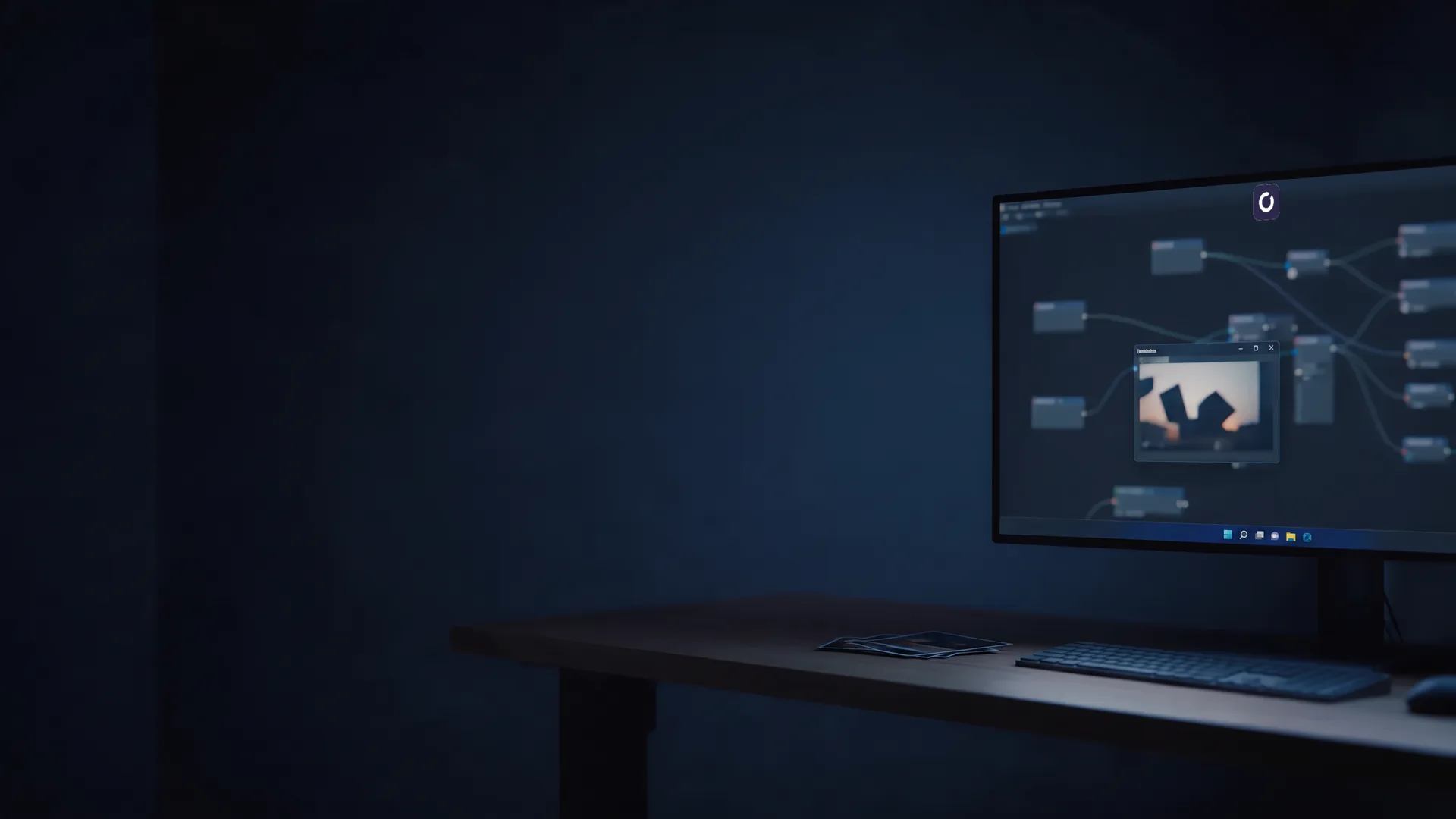
ComfyUI in the cloud, on a full Windows PC
A Windows PC in the cloud with a dedicated RTX GPU, on the Mac or laptop you already have.
See the offers- ComfyUI Desktop, native
- Dedicated NVIDIA RTX GPU
- Models and workflows kept
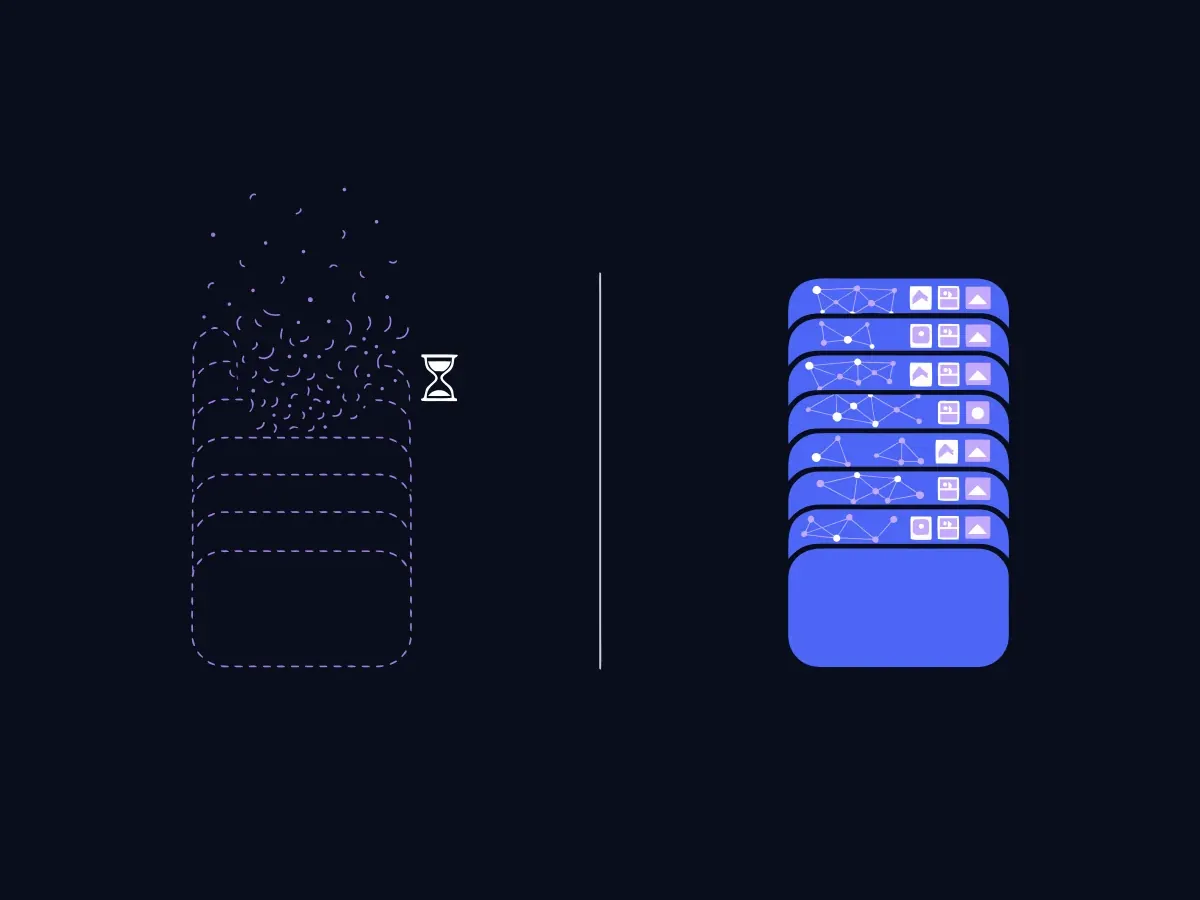
Checkpoints in the models folder. Custom nodes from the Manager. A workflow you left halfway on Sunday, back on screen on Wednesday with every node where you put it. ComfyUI installs on a Shadow PC the way it installs on any Windows machine, through the desktop app, the portable build, Pinokio or StabilityMatrix, and none of it is purged or downloaded again at the next session.
That is what sets it apart from a hosted ComfyUI service. Those rent you ComfyUI. A Shadow PC is a whole Windows PC: Photoshop next to your node graph, Topaz for the upscale, your games once the batch is done.
What a hosted ComfyUI leaves out
Read the fine print on hosted ComfyUI offers. At one of the biggest, each workflow stops after thirty minutes, or after an hour on the top plan. Entry tiers elsewhere include 10 GB of storage and clear inactive files after ninety days, some after 48 hours. None of them gives you a computer: ComfyUI runs there, and nothing else does.
A Shadow PC is the whole machine: Windows 11, a dedicated RTX GPU, storage that expands to 5 TB, and the software you would install on any Windows PC, from Photoshop to Topaz or Upscayl. Your checkpoints, LoRAs and node tree stay on the drive from one session to the next.
One limit: the PC shuts down after a period of inactivity and at the end of a session, so a render left running alone is cut short. The Always On option, a paid add-on of the Pro range, keeps the PC running.
The Windows PC every ComfyUI tutorial assumes you have
-
Start from the machine you already have. One visitor in six on our AI pages is on a Mac. A Mac, a thin laptop, a Chromebook, a tablet or a browser is enough: what opens is a Windows 11 desktop with a dedicated RTX GPU behind it, the machine every install guide takes for granted and most readers do not own.
-
Install in one click, or the long way. Pinokio and StabilityMatrix set up ComfyUI, its Python environment and its dependencies without you opening a terminal. If you would rather do it yourself, the desktop app and the portable build work too. No driver hunt, no CUDA archaeology, no broken virtual environment.
-
Pull your models and start. Tell the model manager what you want, or drop your own files in the folders. The Shadow PC downloads at 1 Gb/s, whatever your home connection. From there it is your machine, and your files stay where you left them.
From first render to final upscale
It is a normal Windows PC, so the software you would install at home installs here. These are the tools that fit each step.
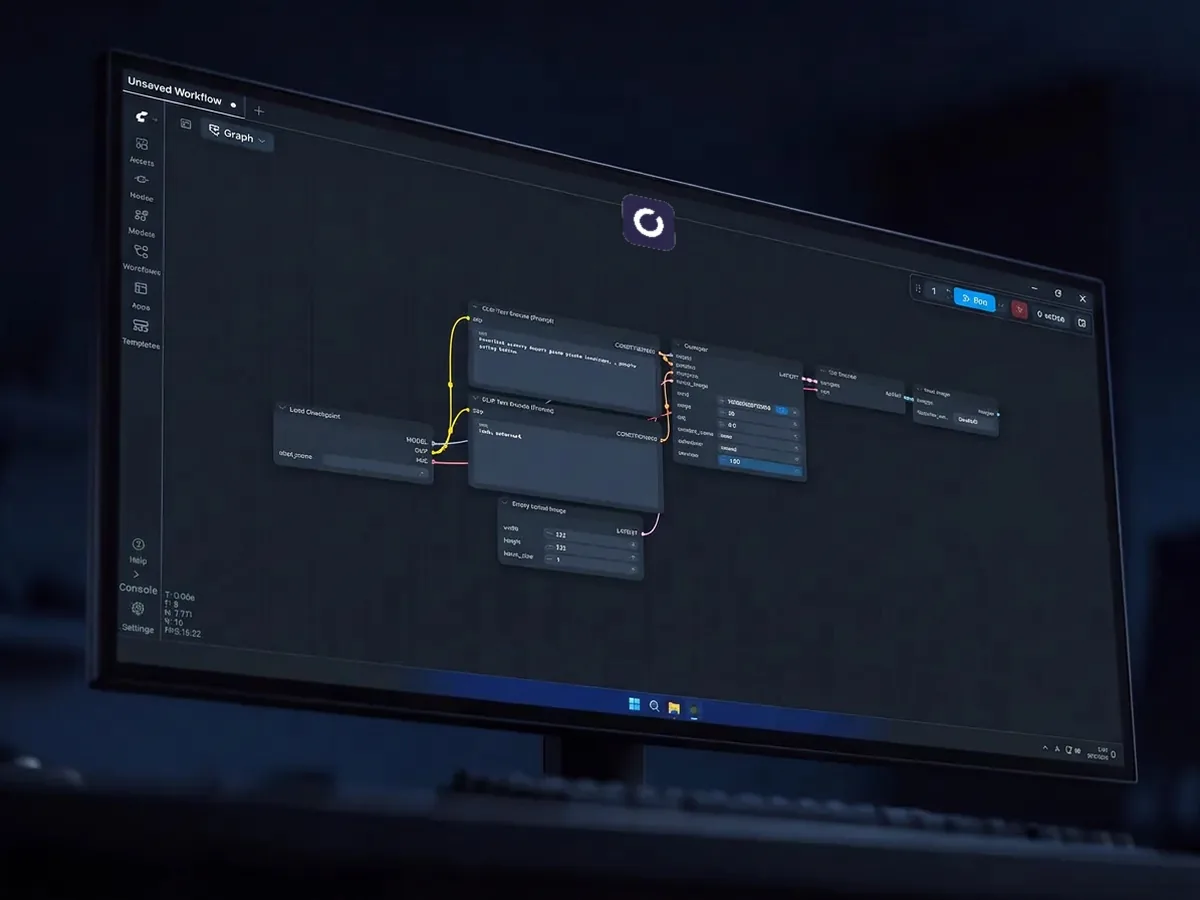
ComfyUI for node graphs and full control, Automatic1111 or Forge if you prefer a web UI, InvokeAI for a canvas. SDXL, FLUX, Qwen-Image, SD 3.5 and whatever lands next month, because new models drop into the same folder.
Inpainting, outpainting, ControlNet, IP-Adapter, LoRA stacks. The heavy node packs that hosted services support only in part install here like any other software, as long as they run on Windows. And when a detail needs a brush rather than a mask, Photoshop is on the same desktop.
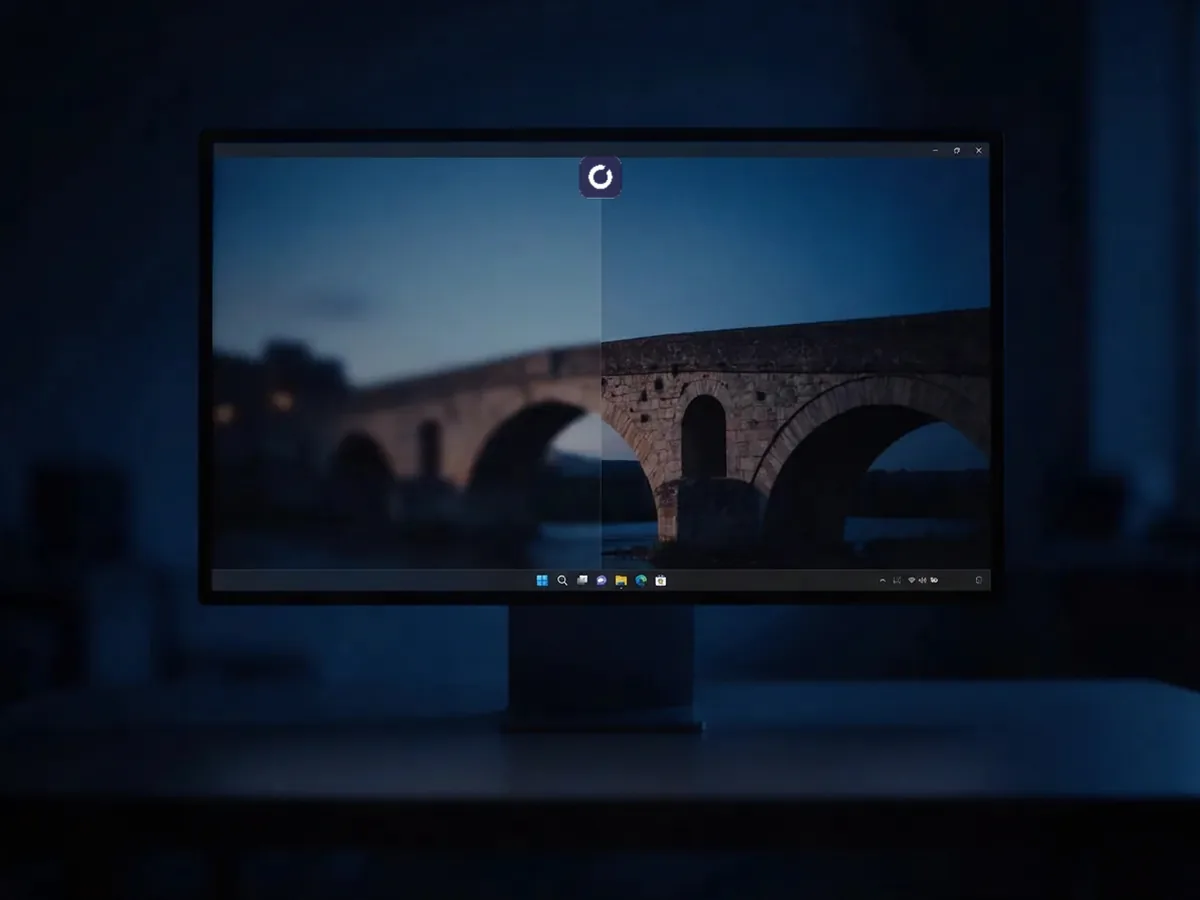
Upscayl for one-click work, Topaz for the demanding passes, or an upscaling node in your existing graph. This is where a dedicated GPU stops being a luxury: an upscale pass on a large batch is exactly the job that makes a laptop fan scream for an hour.
What 20 GB of VRAM actually covers
Every hardware thread in this field comes back to the same question: will this model fit? Stable Diffusion 1.5 runs on almost anything. SDXL is where modest cards start to strain. FLUX.1 Dev at full precision does not fit in 20 GB as it is, so ComfyUI offloads part of it to system RAM and slows down, which is why most people run FP8 or other quantised builds. The newer and larger FLUX.2 Dev and Qwen-Image also exceed 20 GB at full precision, and they run quantised too.
Shadow PC Power Lite, Power and Power Pro carry 20 GB of dedicated VRAM and 28 GB of RAM, and the offers page rates Power at up to 50% more GPU power than Neo. In practice that puts SDXL and its refiners in comfortable territory, and FLUX within reach at the quantisations the community actually uses. The table below gives the detail, model by model.
| On 20 GB (Power Lite, Power, Power Pro) | Minimum VRAM | Recommended VRAM | |
|---|---|---|---|
| Stable Diffusion 1.5 |
On 20 GB (Power Lite, Power, Power Pro)
Comfortable
|
Minimum VRAM
6 GB
|
Recommended VRAM
8 GB
|
| SDXL Base |
On 20 GB (Power Lite, Power, Power Pro)
Comfortable
|
Minimum VRAM
8 GB
|
Recommended VRAM
12 GB
|
| SDXL Turbo |
On 20 GB (Power Lite, Power, Power Pro)
Comfortable
|
Minimum VRAM
10 GB
|
Recommended VRAM
16 GB
|
| FLUX.1 Schnell |
On 20 GB (Power Lite, Power, Power Pro)
Comfortable
|
Minimum VRAM
8 GB
|
Recommended VRAM
12 GB
|
| FLUX.1 Dev FP8 |
On 20 GB (Power Lite, Power, Power Pro)
Comfortable
|
Minimum VRAM
8 GB
|
Recommended VRAM
12 GB
|
| FLUX.1 Dev, full precision |
On 20 GB (Power Lite, Power, Power Pro)
Tight: runs with RAM offloading, FP8 advised
|
Minimum VRAM
16 GB
|
Recommended VRAM
24 GB
|
Minimum and recommended VRAM from the ComfyUI Wiki GPU guide, last updated June 2025. 20 GB of dedicated VRAM and 28 GB of RAM on Power Lite, Power and Power Pro, as printed on the Shadow PC offers page. Actual usage depends on resolution, batch size and the nodes in your workflow. FLUX.2 and Qwen-Image are not in this source: at full precision they exceed 20 GB and run quantised.

Your prompts and your images stay yours
Shadow is GDPR compliant. Your content is never used by Shadow to train models. We do not have access to your prompts. No history is stored on our end.
That is worth spelling out on this subject in particular, because generation is where people paste reference photos, client briefs and unreleased work. On a hosted service, your prompt and your input image pass through someone else's pipeline by design. Here they go into an application you installed on your Shadow PC, and the output lands in a folder you chose.

Three ways to run ComfyUI in the cloud
Pick by what you are doing. Making one image today? A hosted ComfyUI wins: nothing to install, a curated library, a first output within minutes. Running a single heavy batch and never coming back? Rent a GPU by the hour and accept that the meter runs while the models download. Building a setup you come back to, with other software around it? That is where a Windows PC by the month pulls ahead, because it is the only one of the three that is a whole computer.
| Shadow PC | Hosted ComfyUI | GPU by the hour | |
|---|---|---|---|
| First image today |
Shadow PC
Install ComfyUI once
|
Hosted ComfyUI
Within minutes
|
GPU by the hour
Setup, then model downloads
|
| Checkpoints, LoRAs and nodes stay installed |
Shadow PC
Available
|
Hosted ComfyUI
Capped storage on entry plans, more on higher plans
|
GPU by the hour
Only with a paid volume
|
| Any custom node |
Shadow PC
Available
|
Hosted ComfyUI
Popular packs, not every one
|
GPU by the hour
Available
|
| Import your own models |
Shadow PC
Available
|
Hosted ComfyUI
Depends on the plan
|
GPU by the hour
Available
|
| Long unattended renders |
Shadow PC
With the paid Always On option, Pro range
|
Hosted ComfyUI
Runs capped at 30 min to 1 h on some offers
|
GPU by the hour
Available
|
| Other software next to ComfyUI |
Shadow PC
Available
|
Hosted ComfyUI
Not available
|
GPU by the hour
Rarely
|
| Billing |
Shadow PC
Monthly, fixed
|
Hosted ComfyUI
Credits, subscription or per hour
|
GPU by the hour
Per hour, metered
|
| Full Windows desktop, for your other apps and games |
Shadow PC
Available
|
Hosted ComfyUI
Not available
|
GPU by the hour
Containers and command line
|
Hosted ComfyUI and GPU by the hour describe the limits published on the product pages of the main offers, read on 22 September 2026. Limits vary from one offer to another.
Which Shadow PC for image generation
20 GB of dedicated VRAM and 28 GB of RAM: that pairing decides whether SDXL and FLUX feel comfortable or painful, and it is what Power Lite, Power and Power Pro print. Power Lite is the lightest way in, with 4-hour sessions and 120 hours a month. The Always On option, a paid add-on of the Pro range, keeps the PC running for batches that must finish without you.

Neo
For the first six months, 45,99$ after.

 Your assistants and light local models, next to your games
 ChatGPT, Claude and Gemini as desktop appsOllama and LM Studio for your local modelsYour models and prompts stay on your diskYour games installed on the same PC
Power
For the first six months, 63,99$ after.
Image generation and the bigger local models
 No API meter runningComfyUI, Stable Diffusion and FLUXBigger local models in Ollama or LM StudioRoom for your checkpoints and your workflowsYour games installed on the same PC
Neo Pro
For the first six months, 52,99$ after.
Everyday AI on a PC that can stay on with the Always On optionYour assistants and local models, always at handThe Always On option keeps it running while you are awayPriority access & Longer sessionsYour models and prompts stay on your disk
Power Pro
For the first six months, 73,99$ after.
Heavy models and ComfyUI rendersYour games installed on the same PCThe fastest local models of the rangeComfyUI renders without the waitThe Always On option for agents and long jobsPriority access & Longer sessionsQuestions about running ComfyUI in the cloud
ComfyUI is free and open source, and it stays free on a Shadow PC. What you pay for is the machine it runs on, the same way you would pay for a graphics card. There is no per image charge, no credit pack and no generation quota: once the model is on your drive, you generate as much as the hardware and your monthly hours allow. The fair use allowance is 120 hours a month on Shadow PC Lite and 210 hours on Shadow PC and Shadow PC Pro.
By default, ComfyUI saves workflows in its user/default/workflows folder and models in its models folder, with one subfolder per type (checkpoints, loras, vae). On a Shadow PC those folders sit on your own drive, expandable to 5 TB, and nothing is cleared between sessions or purged for inactivity. Entry-level hosted plans cap that storage and clear inactive files. A Shadow PC keeps them for as long as you keep the PC.
The same way you would on any PC. The ComfyUI Manager installs models and nodes from inside the interface, and you can also download from Hugging Face or Civitai in the browser, or copy files in from your own storage. A Shadow PC downloads at 1 Gb/s, so a multi gigabyte checkpoint arrives quickly. If you want several front ends to share one library, point a model manager like StabilityMatrix at your folders.
Stable Diffusion 1.5 is undemanding and runs on modest hardware. SDXL is where cards start to strain, and you want real headroom once you add a refiner and a long batch. FLUX.1 Dev at full precision needs more than 20 GB, which is why most people run FP8 or other quantised builds, and why guides exist for fitting it into 12 GB. Shadow PC Power Lite, Power and Power Pro carry 20 GB of dedicated VRAM and 28 GB of RAM: SDXL runs comfortably, and FLUX does at the quantisations in common use.
Almost any. If a node pack runs on Windows with an NVIDIA GPU, the ComfyUI Manager installs it here the way it would on your own PC, heavy dependencies included. The exceptions are packs written for Linux only, or tied to a specific CUDA version. Hosted ComfyUI services support the popular custom nodes but not all of them, and importing your own model depends on the plan. Here the only filter is Windows itself.
Technically yes, and we would rather be straight about the constraint. Video models are heavier than image models, and the current generation of them recommends more VRAM than the 20 GB of Power and Power Pro. Long renders also run into the PC shutting down after inactivity and at the end of a session, which interrupts anything left unattended. Short clips may run with lighter models, but Shadow has not tested them, and a long batch is not what this machine is sized for today.
No. Your content is never used by Shadow to train models. We do not have access to your prompts. No history is stored on our end. Shadow is GDPR compliant. The generation happens inside an application you installed on your own Windows desktop, and the images land in a folder on your drive. Unless you add a node that calls an online service, the whole pipeline stays on your Shadow PC.
Set it up once, find it there tomorrow
A dedicated RTX GPU, a full Windows desktop and a drive that keeps your models. Install ComfyUI, then the rest of your toolkit right next to it.