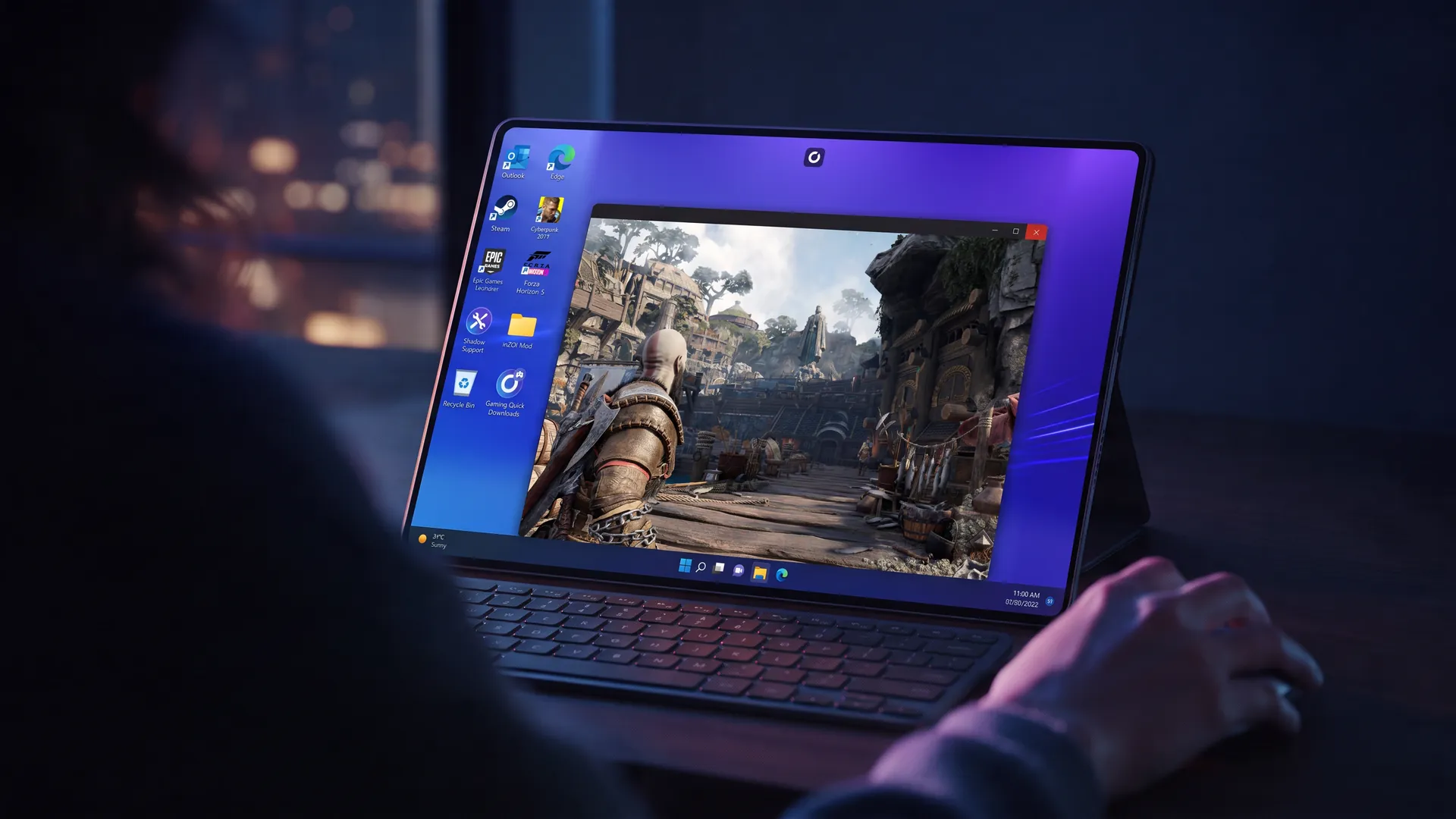
Windows on iPad, for the games you own
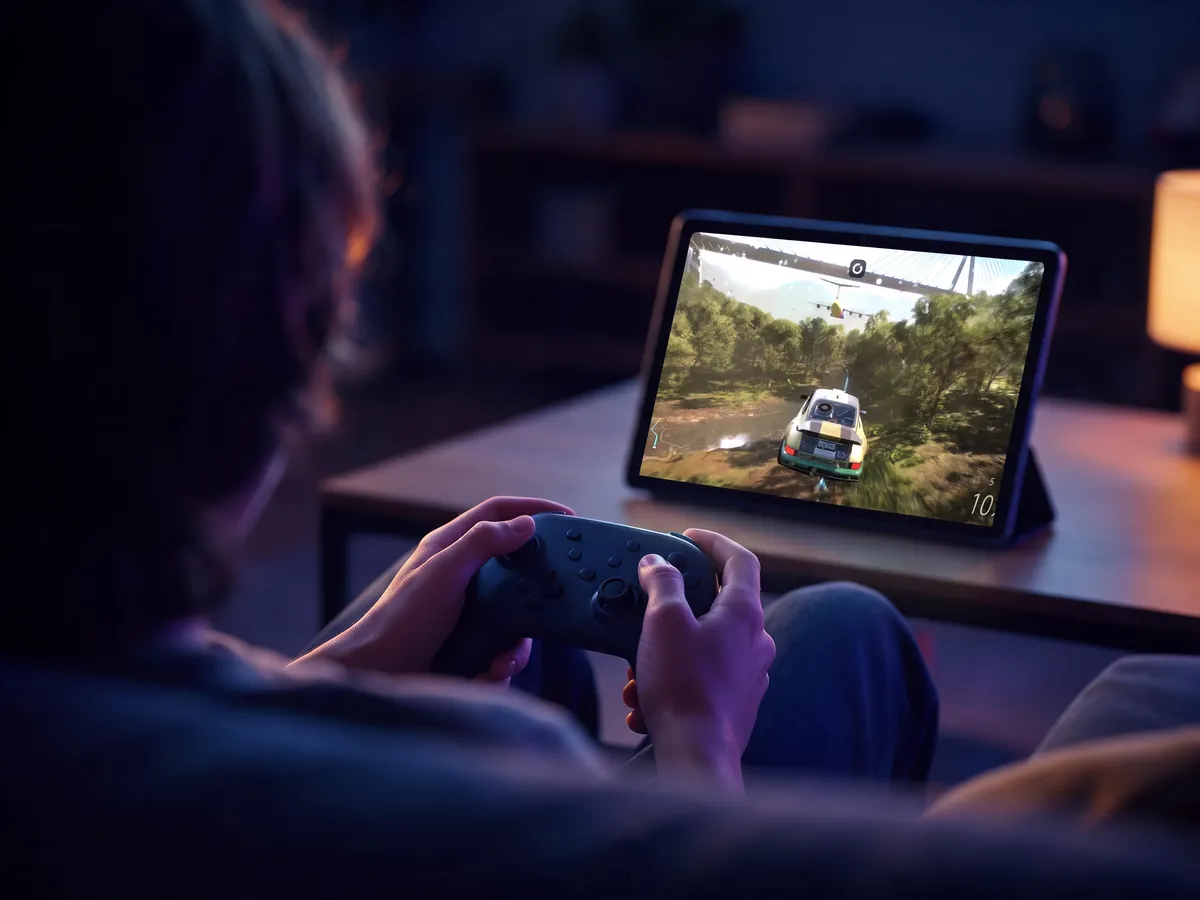
A full Windows 11 PC on your iPad, with your launchers, games and apps. Pair a keyboard and mouse, or a controller, and it behaves like a desktop.
- Native iPad app
- Keyboard, mouse and controllers
- No emulator, no PC at home
You can't install Windows on an iPad. You can still use Windows on iPad, though, by streaming it from the cloud.
iPadOS won't boot another operating system, and emulators like UTM SE, the App Store version of UTM, only run old versions of Windows, slowly. Streaming is the practical route. A PC runs somewhere else and sends its screen to the tablet. Remote desktop tools and Steam Link do it from your own computer, which has to stay on at home. Shadow PC does it from a data center: a full Windows 11 PC with its own NVIDIA RTX graphics card, opened by a native iPad app. You install Steam, Epic Games, Battle.net and your apps on it as you would on a laptop.
Because it's real Windows, the apps are the real ones too. Blender or DaVinci Resolve open next to your games, in their full desktop versions, not as touch-friendly cousins.
Getting Windows on your iPad takes three steps
From the app to the keyboard or the controller, nothing complicated.
Chances are you already have everything
Any iPad on iPadOS 15 or later, with the free Shadow PC app from the App Store.
15 Mbps at the very least, 50 Mbps for 1080p. On a tablet, 5 GHz Wi-Fi works best.
A Bluetooth keyboard and mouse for Windows apps and strategy games, a controller for the rest, or just the touchscreen.
Three traps to sidestep
The browser. Shadow PC's browser version is built for Chromium browsers such as Chrome or Edge. On iPad, use the app instead, because it also gives you the virtual gamepad and the Trackpad and Touch modes that let you drive Windows comfortably.
Fingers only. Touch gets you through menus, but a spreadsheet or a strategy game calls for a real mouse. Any Bluetooth one will do: pair it in the iPad's settings and it works in Windows.
The crowded 2.4 GHz band. Switch to 5 GHz for a steadier picture, and if the sofa is a long way from the router, sit a little closer.
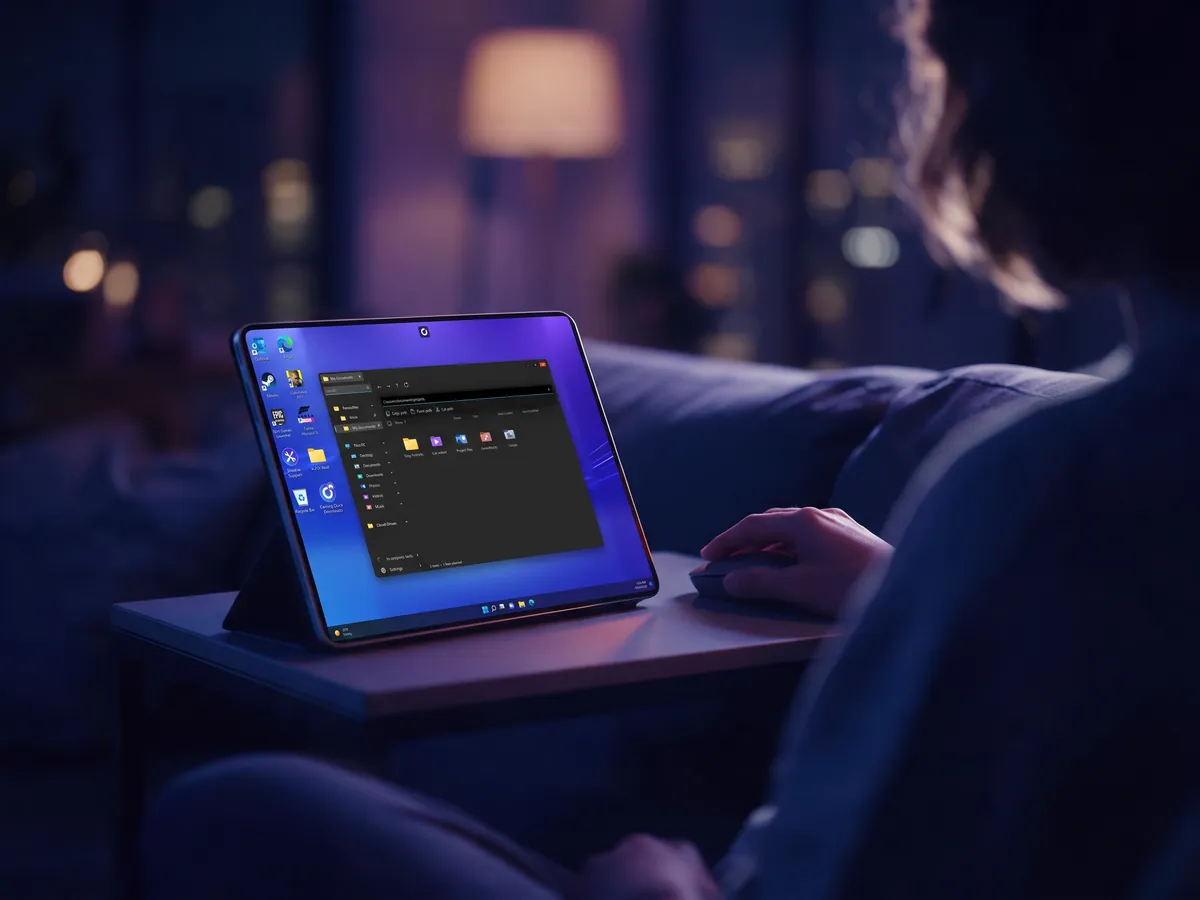
What tablet players already run here
On tablets, The Sims 4 is far ahead of everything else, followed by GTA roleplay and MMOs. Here are a few with their own page.
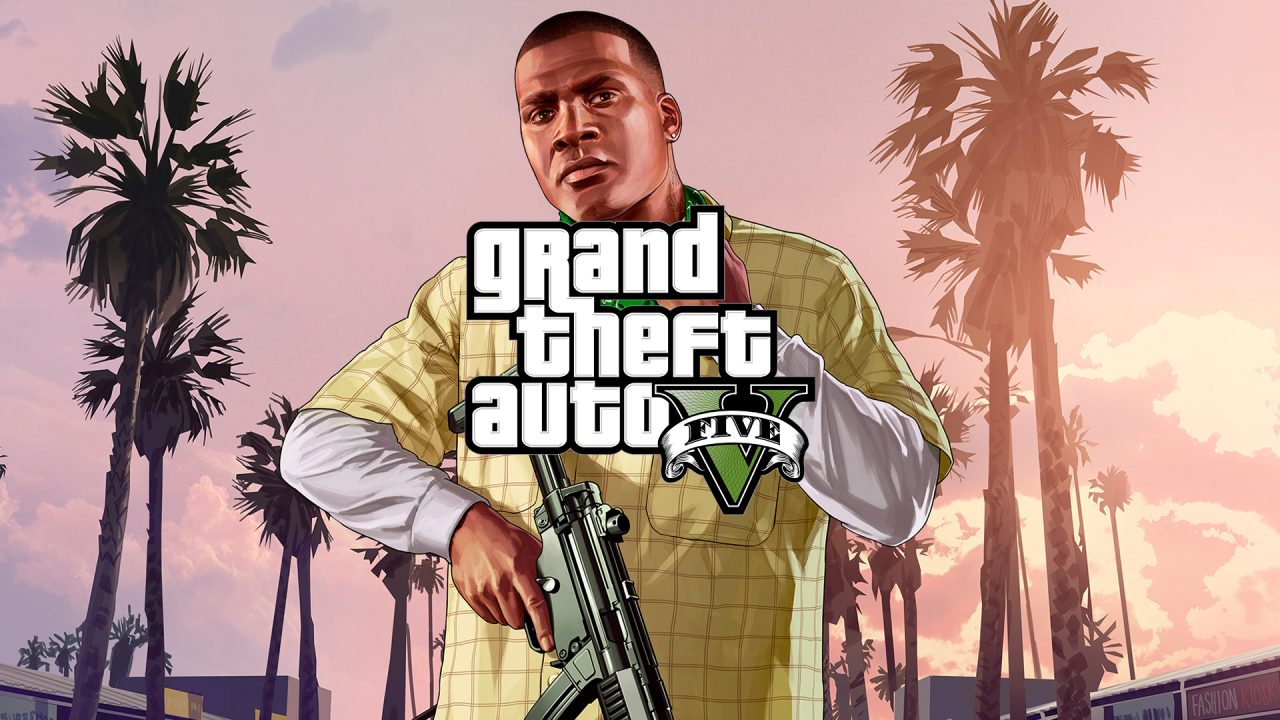
FiveM roleplay servers and your mods, from the sofa.

The full Windows client, with your UI add-ons right where you left them.
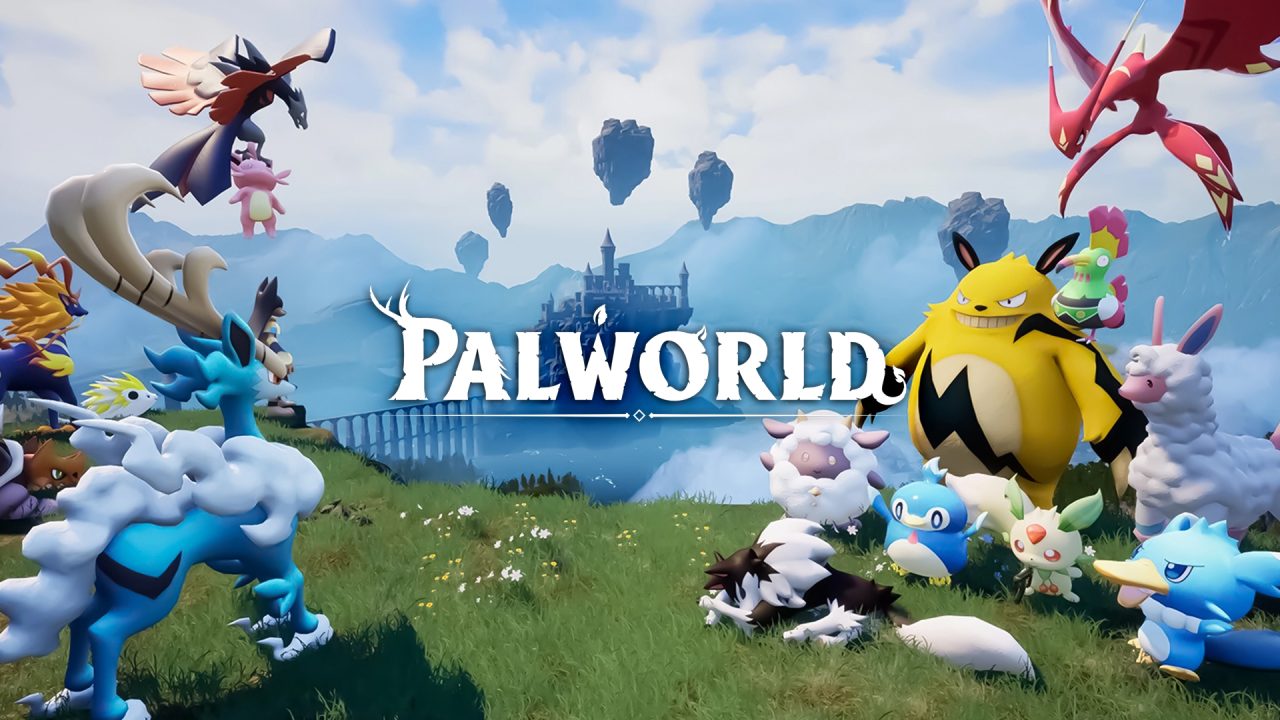
Your world and your server, controller in hand.

The crash physics run on the cloud PC. The tablet just shows you the wreck.
Android tablets play the same way
Galaxy Tab, Lenovo Tab or Redmi Pad: install Shadow PC from Google Play, sign in, and the same Windows desktop opens. Android 5.0 is the minimum, 8.0 recommended.
The tablet only displays the picture, so even an entry-level model can play recent PC games, and a Bluetooth keyboard and mouse or a controller work just as they do on iPad. Playing on a phone instead? Start with turning your phone into a PC gaming console, or read our PC games on Android guide.
Windows on iPad, four ways compared
| Shadow PC | Remote desktop to your PC | Steam Link | UTM SE emulation | |
|---|---|---|---|---|
| PC at home |
Shadow PC
None
|
Remote desktop to your PC
Required, switched on
|
Steam Link
Required, switched on
|
UTM SE emulation
None
|
| Windows apps |
Shadow PC
Yes
|
Remote desktop to your PC
Yes
|
Steam Link
Games only
|
UTM SE emulation
Old versions, slowly
|
| Recent PC games |
Shadow PC
Yes
|
Remote desktop to your PC
Not built for games
|
Steam Link
Yes
|
UTM SE emulation
No
|
| Where it runs |
Shadow PC
A cloud PC
|
Remote desktop to your PC
Your PC
|
Steam Link
Your PC
|
UTM SE emulation
The iPad's chip
|
| Away from home |
Shadow PC
Yes
|
Remote desktop to your PC
Depends on your home upload
|
Steam Link
Depends on your home upload
|
UTM SE emulation
Yes
|
Remote desktop: Windows App (formerly Microsoft Remote Desktop) and similar apps. UTM SE: the App Store version of the UTM emulator.
Questions about Windows on iPad
Not installed on the iPad itself, since iPadOS doesn't boot other systems. You can run it from the cloud: Shadow PC streams a full Windows 11 PC to its iPad app, and you use it with touch, a keyboard and mouse, or a controller.
Not on iPadOS. On Shadow PC you install the regular Windows version of Steam, download your games and play them through the Shadow PC app.
Yes. With Shadow PC the computer is in the cloud, so there's nothing to keep on at home. Steam Link, by contrast, needs your own gaming PC switched on.
Yes. Pair a Bluetooth keyboard and mouse with the iPad and they work in Windows. Without them, the app's Trackpad and Touch modes turn your fingers into the mouse.
That depends on your connection more than on the iPad. With at least 15 Mbps and a ping of 30 ms or less, ideally on 5 GHz Wi-Fi, the stream stays responsive. Moving closer to the router often helps more than a faster internet plan.
Yes, from Android 5.0 (8.0 recommended), with the same Shadow PC app from Google Play.
Close to it. A small number of games ship with anti-cheat that doesn't accept cloud PCs, and the compatibility page lists them.
Your iPad was one app away from Windows
See what the setup looks like, then bring a keyboard or a controller to the sofa.