Shadow PC, the GeForce Now alternative that gives you the whole PC
GeForce Now streams the games on its list. Shadow PC gives you a complete Windows PC with a dedicated RTX GPU. Updated October 2026.
See the offers- Any launcher, mod or app
- 210 hours a month on Shadow PC
- 1,000+ games launched this summer
The short answer. GeForce Now streams the games on its supported list, from your Steam, Epic or Ubisoft library, with 100 hours of play a month on its paid plans. Shadow PC is a complete Windows PC in the cloud: you install any launcher, mod or app yourself, your files stay on your drive, and the Shadow PC range includes 210 hours a month.
So the question is not which service streams better. It is whether what you want to do fits inside a list. If your games are on GeForce Now and you only play them, GeForce Now is a very good fit, and it has a free tier. If you mod, run tools next to the game, play something the list does not carry, or simply want a computer that is yours, you are looking for a GeForce Now alternative, and that alternative is a PC.
Compared on October 1, 2026, from NVIDIA's own FAQ and membership pages.
Shadow PC vs GeForce Now, side by side
Ten criteria that decide the choice. Where GeForce Now does it, GeForce Now gets the tick.
| Shadow PC | GeForce Now | |
|---|---|---|
| What you get |
Shadow PC
A complete Windows 11 PC
|
GeForce Now
Games streamed from a supported list
|
| Games you can play |
Shadow PC
Any game you install, except about 30 strict anti-cheat titles
|
GeForce Now
4,500+ supported games
|
| Play your Steam, Epic or Ubisoft library |
Shadow PC
Yes
|
GeForce Now
Yes
|
| Install mods and any launcher |
Shadow PC
Yes
|
GeForce Now
No
|
| Run your apps next to the game: voice chat, clips, streaming |
Shadow PC
Yes
|
GeForce Now
No
|
| Play time per month |
Shadow PC
210 h (Shadow PC), 120 h (Lite)
|
GeForce Now
100 h on paid plans, 15 h carry-over
|
| Your files between sessions |
Shadow PC
Stay on your drive, 256 GB to 5 TB
|
GeForce Now
Install-to-Play storage deleted if you cancel
|
| Free plan |
Shadow PC
No
|
GeForce Now
Yes
|
| Top-end hardware |
Shadow PC
Dedicated NVIDIA RTX, up to 5K at 240 Hz
|
GeForce Now
RTX 5080, up to 5K HDR at 120 fps
|
| Browser, TV and mobile |
Shadow PC
Yes
|
GeForce Now
Yes
|
GeForce Now data from NVIDIA's FAQ, membership and terms pages, checked on October 1, 2026. Shadow PC data from the Shadow PC offers page. No prices are shown: they vary by market and change often.
When GeForce Now is enough, and when you need the alternative
Choose GeForce Now if
- every game you play is on its supported list
- you want to try cloud gaming for free, or play a few hours now and then
- you want the highest frame rates on an RTX 5080 and nothing to install
Choose Shadow PC if
- you play a game or a launcher that GeForce Now does not carry
- you mod your games or play on FiveM servers
- you want to talk with friends, clip shorts or stream from the PC that runs your game
- you want your files to stay put, with 210 hours of play a month
Every launcher, every game you own
On GeForce Now you link your accounts, and the service shows the games from your library that it supports: NVIDIA counts more than 4,500. A game outside that list does not start, whoever made it.
On Shadow PC there is no list. You install Steam, Epic Games, Battle.net, EA app, Ubisoft Connect or GOG the way you would on any Windows PC, then the games you own. Our players launched more than 1,000 different games this summer, and none of them had to wait for anyone to add it. The one exception is about thirty titles whose strict anti-cheat refuses virtual machines: the help center keeps the list up to date.
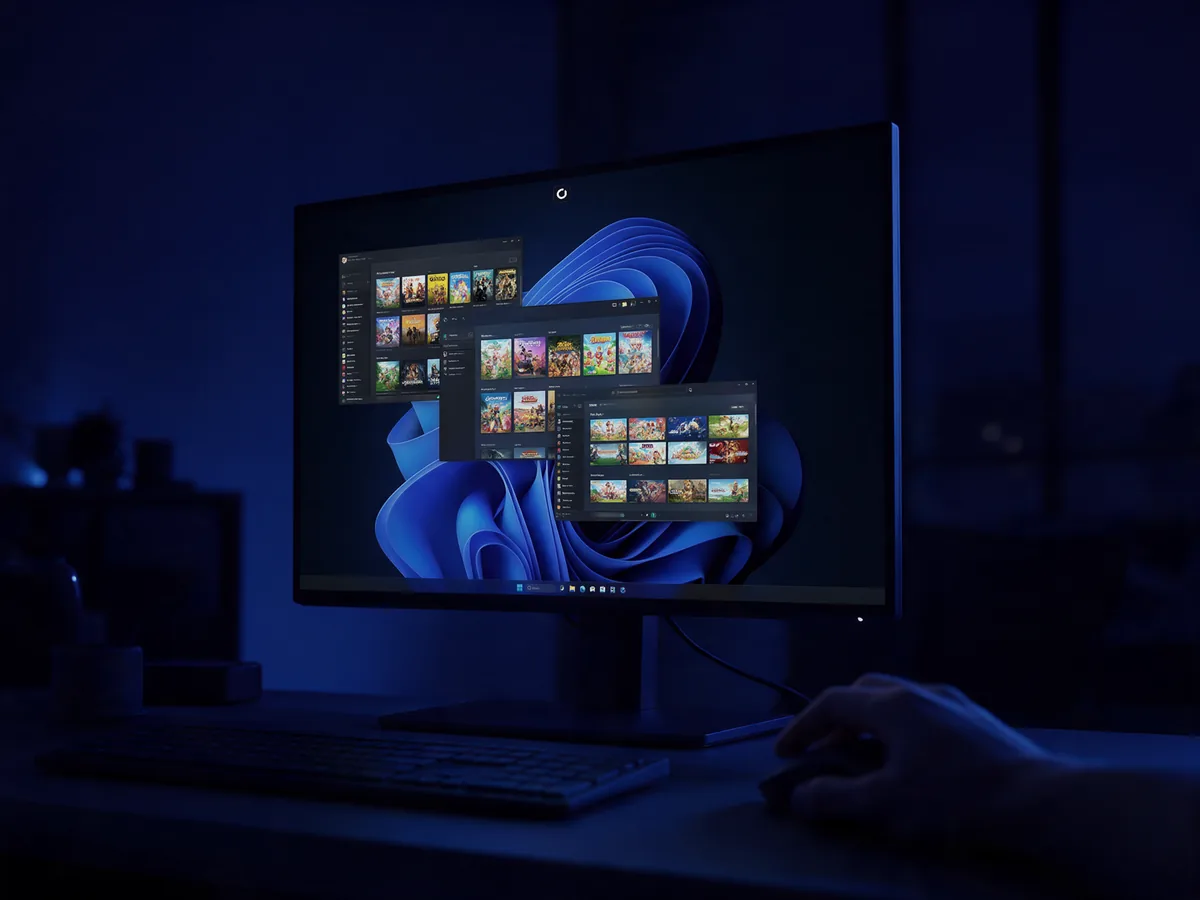
Mods, FiveM servers and custom maps
GeForce Now runs each game as it is set up on the service. There is no Windows desktop, so there is nowhere to install a mod manager such as Vortex or a client such as FiveM.
Shadow PC is that desktop. Nexus Mods, CurseForge, the Steam Workshop, texture packs, shaders, a modded Minecraft instance: you install them, and they are still there at your next session. It is not a niche use either. This summer, the game our players spent the most hours in was FiveM, the GTA V roleplay mod. You cannot get it from a game list.

Talk, clip and stream from the same PC
A game is rarely the only thing open. On Shadow PC, Discord or TeamSpeak runs on the same machine as your game, so the call with your friends carries on while you play. One in three of our players keeps Discord, Medal or OBS open next to their game.
It goes further than chat. Clip your best moment with Medal, cut it into a short with CapCut or DaVinci Resolve, or go live with OBS: capture, edit and stream all happen on your Shadow PC and its dedicated RTX GPU. And because it is your Windows PC, you download and install whatever you want, at 1 Gb/s.
GeForce Now streams the game itself. Everything else has to run on another device.
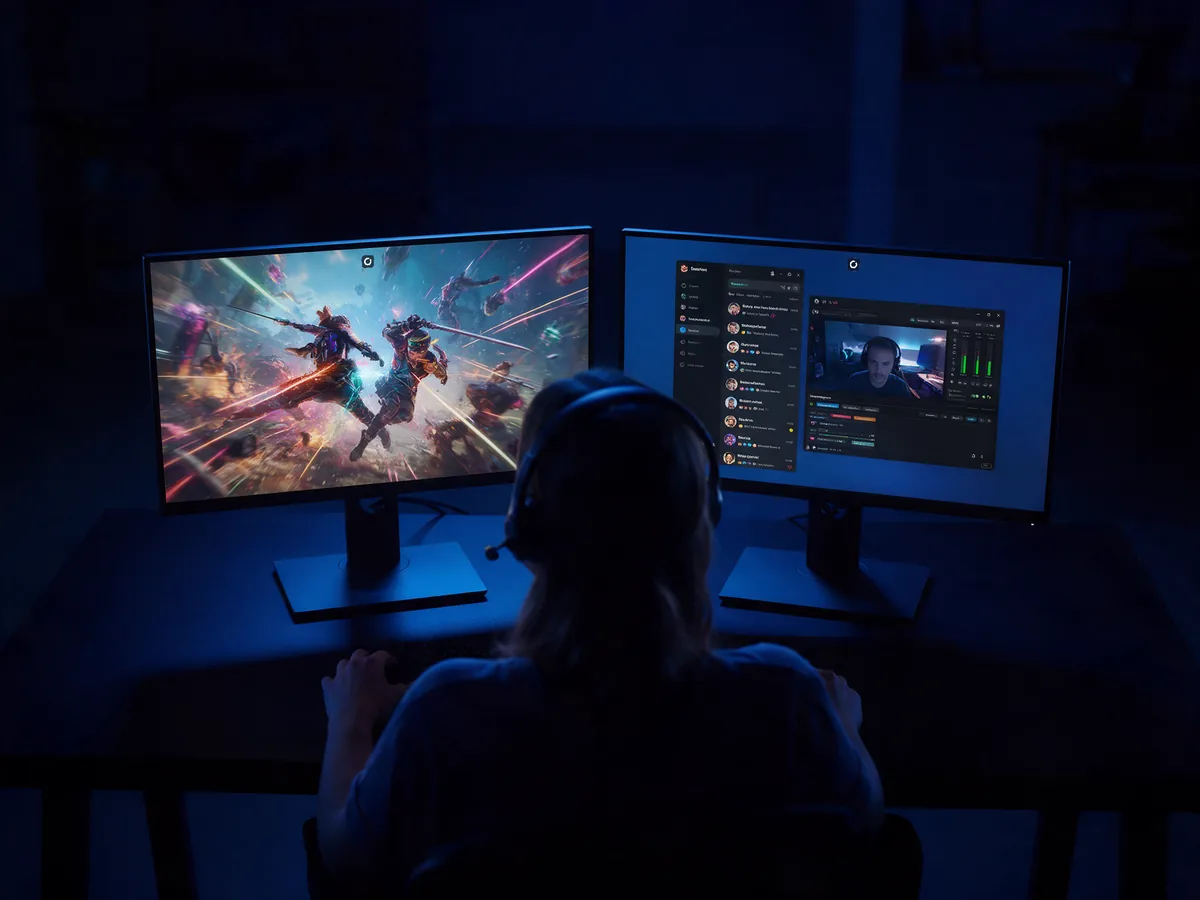
Your files stay, and so do your hours
On Shadow PC your drive is yours: 512 GB on the Shadow PC range, 256 GB on Shadow PC Lite, expandable up to 5 TB. Your saves, your installs and your mod folders are where you left them, from one device to the next.
GeForce Now's Install-to-Play storage works differently: NVIDIA's terms say it is deleted when you cancel, and its content cannot be downloaded or transferred.
Play time follows the same logic. GeForce Now's Performance and Ultimate plans include 100 hours a month, with up to 15 unused hours carried over. Shadow PC includes 210 hours a month, and Shadow PC Lite 120, reset every billing month, with sessions of up to 6 and 4 hours.
Where GeForce Now does better
Three things, and they matter.
It has a free tier. You can try cloud gaming without paying anything, with longer queues and shorter sessions, or buy a 24-hour Day Pass. Shadow PC has no free plan: it is a monthly subscription with no commitment.
Nothing to install, ever. No Windows to update, no launcher to log into, no drive to manage. You click a game and it starts.
Raw frame rate. Ultimate runs on RTX 5080 rigs, up to 5K HDR at 120 fps or 360 fps at 1080p. If you only play competitive shooters on its list, that is hard to beat.

More than cloud gaming: a PC that follows you
Both services stream to almost any screen. The difference is what you find when you get there.
With Shadow PC you open the same Windows desktop on your laptop, your Mac, your phone, an Apple TV or Android TV box, or a browser tab at pc.shadow.tech with nothing installed. One session at a time, like a real PC: you stop on the sofa and pick up at your desk, mid-game, mods loaded.
That is why Shadow PC belongs next to a cloud PC more than next to a game streaming service. You are not renting access to games. You are renting a computer, and the games are yours.

Pick your Shadow PC
Shadow PC Lite for a few hours of play a day, Shadow PC for daily gaming with 210 hours a month and two screens. No commitment, monthly billing.

Neo Lite
per month

 Perfect for occasional gaming in 1440p with RTX
 Up to 120 hours of playtime per month, sessions up to 4hStream to any device in 1440pInstall your games & mods from Steam, Epic, Battle.net...*Upgrade to Shadow PC anytime as you play more
Power Lite
per month
Up to 50% more GPU power than Neo28GB RAM / 20GB VRAM for better in-game performanceUp to 120 hours of playtime per month, sessions up to 4hStream to any device in 1440pInstall your games & mods from Steam, Epic, Battle.net...*Upgrade to Shadow PC anytime as you play more
Neo
For the first six months, 45,99$ after.
Perfect for 1080/1440p gaming with RTXStream to any device up to 1440p+Install your games & mods from Steam, Epic, Battle.net...*Multi screen and ultrawide supportNVIDIA RTX and DLSS compatibility
Power
For the first six months, 63,99$ after.
Up to 50% more GPU power
 28GB RAM / 20GB VRAM for better gaming performanceStream to any device up to 5K+Install your games & mods from Steam, Epic, Battle.net...*Multi screen and ultrawide supportNVIDIA RTX and DLSS compatibility
Neo Pro
For the first six months, 52,99$ after.
Real-time 3D and rendering at the best priceStream on your devices up to 1440p+Install your software & CUDA/RTX workflows...*Priority access & Longer sessionsEasy users & subscriptions management
Power Pro
For the first six months, 73,99$ after.
Up to 50% more GPU power28GB RAM / 20GB VRAM for 3D and gamingStream to any device up to 4K+Install your software & CUDA/RTX workflows...*Priority access & Longer sessionsEasy users & subscriptions managementQuestions about Shadow PC and GeForce Now
It depends on what you play. GeForce Now is the better pick if all your games are on its supported list, if you want a free tier, or if you want the highest frame rates with nothing to install. Shadow PC is the better pick if you need a full Windows PC: any launcher, mods, apps running next to your game, files that stay on your drive, and 210 hours of play a month on the Shadow PC range against 100 hours on GeForce Now's paid plans.
You connect your Steam, Epic Games, Ubisoft Connect, Battle.net, EA app, GOG or Xbox accounts, and GeForce Now shows the games you own that are on its supported list. NVIDIA counts more than 4,500 of them, and its Install-to-Play feature adds Steam games on paid plans. A game or a launcher outside that list cannot be installed. On Shadow PC you install any launcher and any game you own, except about thirty titles with a strict anti-cheat.
Since 2026, GeForce Now's Performance and Ultimate memberships include 100 hours of play a month, and up to 15 unused hours carry over to the next month. Past that, NVIDIA lets you buy additional hours or keep playing on the free experience, with its queues and shorter sessions. Shadow PC includes 210 hours a month on the Shadow PC range and 120 hours on Shadow PC Lite, reset every billing month.
Only as far as each supported game allows on the service. GeForce Now does not give you a Windows desktop, so you cannot install a mod manager such as Vortex, a client such as FiveM or your own texture packs. Shadow PC is a full Windows PC: Nexus Mods, CurseForge, the Steam Workshop and FiveM install as they would at home, and they stay installed between sessions.
No. Shadow PC is a monthly subscription with no commitment, which you can stop at any time. GeForce Now does have a free tier, with longer queues and shorter sessions, and that is one of its real advantages for trying cloud gaming. Shadow PC Lite is the lightest Shadow PC option, built for a few hours of play a day.
Yes. On GeForce Now you link your Steam account and play the games from it that the service supports. On Shadow PC you install Steam itself, log in, and download any game from your library the way you would on a home PC. In both cases you keep playing the games you already bought: neither service sells you the game again.
Almost. Shadow PC runs any game you can install on Windows, except about thirty titles whose strict anti-cheat blocks virtual machines. The Shadow help center keeps the up-to-date list, so you can check a game before you subscribe.
Shadow recommends at least 15 Mbit/s, about 50 Mbit/s for 1080p and 100 Mbit/s for 4K, ideally over Ethernet or 5 GHz Wi-Fi. Your Shadow PC itself downloads at 1 Gb/s, whatever your home connection, so installing a large game is fast even on a slower line.
Keep comparing
Your games, your mods, your PC
A complete Windows PC with a dedicated RTX GPU, on the screens you already have. No commitment, monthly billing.