




















Play The Sims 4 on Mac, with every pack and all your CC
The Sims 4 runs on Mac. Shadow PC gives it the room and the Windows tools it misses: a real gaming PC in the cloud, streamed to your MacBook or iMac.


The Sims 4 runs on Mac.
Your disk is the limit.
Yes, you can play The Sims 4 on Mac. The base game has been free since October 2022, it installs from the EA app on macOS 10.15 or later, and it has run natively on Apple chips since April 2023. The trouble starts with what you add. EA recommends 50 GB of free space for the game alone, the game now has 21 expansion packs, and a few thousand CC files fill a 256 GB MacBook Air fast. ReShade, the tool simmers use for their graphics presets, only works on Windows. Shadow PC is a full Windows PC in the cloud, with an NVIDIA RTX graphics card. You install the Windows version of The Sims 4 on it, with your packs and mods, and play from your Mac. New to The Sims 4 on Shadow PC? Start with why Shadow PC is a good PC for The Sims 4.
What Shadow PC adds to The Sims 4 on Mac
1. Mods, CC and ReShade on the Windows version
Most CC and script mods also work on Mac. ReShade doesn't: it runs from Windows .dll files that macOS can't use. On your Shadow PC, you play the Windows version of The Sims 4, so your ReShade presets work like on any gaming PC. Your Mods folder lives on the Shadow PC too, and downloads run at up to 1 Gb/s, whatever your home connection does.
2. Every pack installed, with room to spare
The Sims 4 has 21 expansion packs, the last one being Royalty & Legacy in February 2026, and new kits now come through the in-game Marketplace. Add game packs, stuff packs and your CC, and the install keeps growing. Shadow PC comes with 512 GB of SSD and Shadow PC Lite with 256 GB, and every offer can be expanded up to 5 TB. And your Mac's disk stays free for everything else.
3. From your MacBook to your iPad
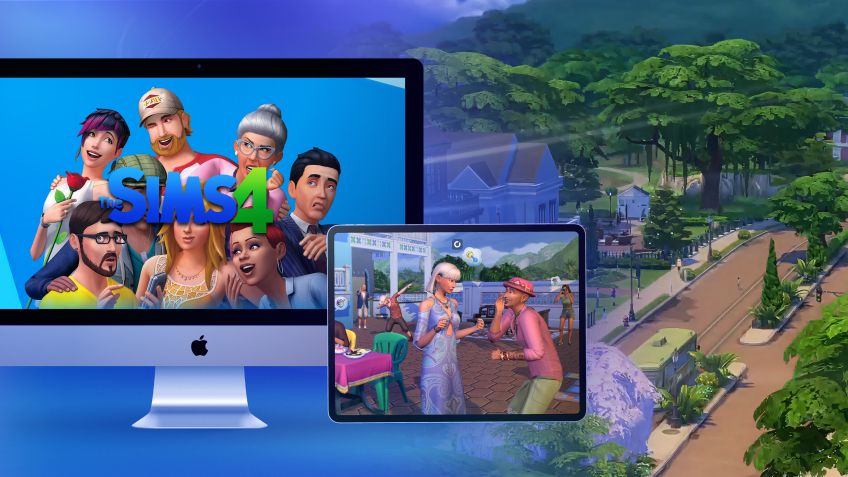
Your Shadow PC is the same PC on every screen. Start a build on your MacBook, then pick up your Sims on an iPad, on your TV with an Apple TV box, or in Chrome at pc.shadow.tech. You play on one screen at a time, like on a real PC. Your saves, packs and mods stay where you left them.
Your Mac, a Windows laptop or Shadow PC for The Sims 4
| Shadow PC | The Mac version | A Windows laptop | |
|---|---|---|---|
| Windows version of the game | Shadow PC | The Mac version Not possible | A Windows laptop |
| ReShade | Shadow PC | The Mac version Not possible | A Windows laptop |
| Room for every pack and your CC | Shadow PC Up to 5 TB | The Mac version Limited to your Mac's disk | A Windows laptop Depends on the laptop |
| Play on Mac, iPad and TV | Shadow PC | The Mac version Mac only | A Windows laptop Not possible |
| No hardware to buy | Shadow PC | The Mac version | A Windows laptop A laptop to buy |

A Shadow PC for your whole Sims library
The Sims 4 is a light game, so Shadow PC Lite is enough for a few hours a day: 120 hours a month and 256 GB of storage. You play more? Shadow PC gives you 210 hours a month, sessions of up to 6 hours and 512 GB. Every offer has an NVIDIA RTX graphics card, storage you can expand up to 5 TB, and no commitment.
Neo Lite
per month

 Perfect for occasional gaming in 1440p with RTX

 Up to 120 hours of play per month, sessions up to 4hStream to any device in 1440pInstall your games & mods from Steam, Epic, Battle.net...*Upgrade to Shadow PC anytime as you play more

Power Lite
per month
Up to 50% more GPU power than Neo28GB RAM / 20GB VRAM for better in-game performanceUp to 120 hours of play per month, sessions up to 4hStream to any device in 1440pInstall your games & mods from Steam, Epic, Battle.net...*Upgrade to Shadow PC anytime as you play more
Neo
per month
Perfect for 1080/1440p gaming with RTXStream to any device up to 1440p+Install your games & mods from Steam, Epic, Battle.net...*Multi screen and ultrawide supportNVIDIA RTX and DLSS compatibility
Power
per month
Up to 50% more GPU power
 28GB RAM / 20GB VRAM for better gaming performanceStream to any device up to 5K+Install your games & mods from Steam, Epic, Battle.net...*Multi screen and ultrawide supportNVIDIA RTX and DLSS compatibility
Play The Sims 4 on Mac in 3 easy steps
Your Mac is all you need. No Boot Camp, no new computer.



Start your Shadow PC, install the EA app or Steam, then download The Sims 4. The base game is free, and the packs you own come with your EA account.
More about The Sims 4 on Shadow PC
The full picture on one page, and the guide for iPad and Chromebook players.
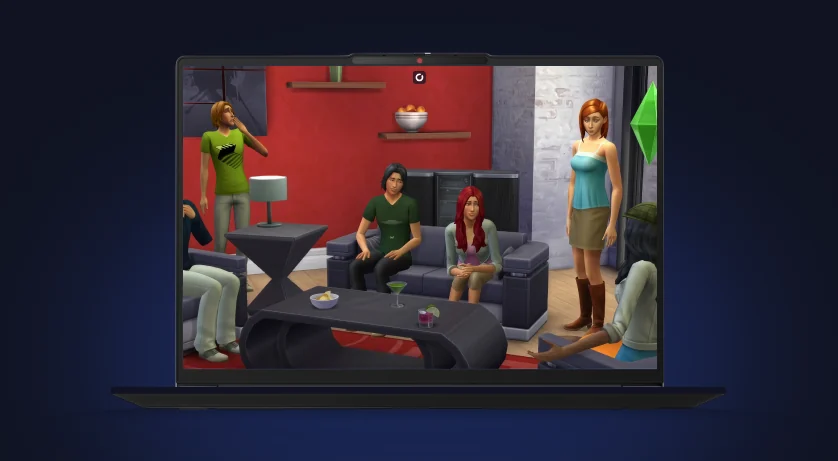
The Sims 4 on Shadow PC
Why Shadow PC is a good PC for The Sims 4: what works, your device compared, the 21 expansion packs and the system requirements.
- What works
- Your device compared
- System requirements
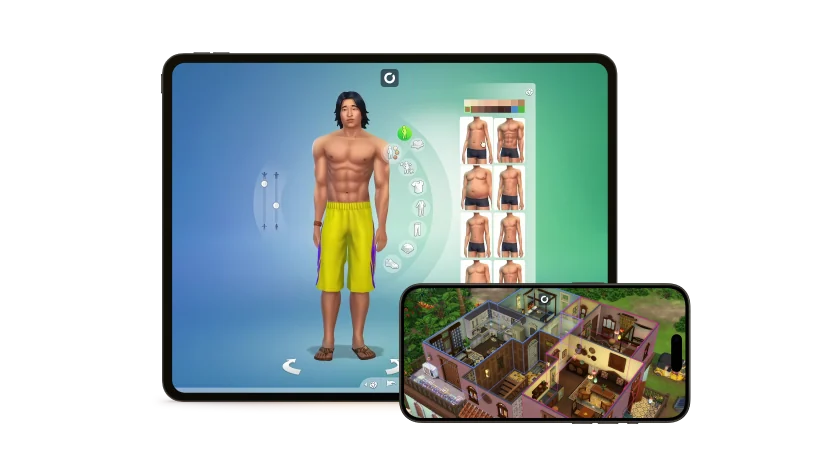
The Sims 4 on iPad and Chromebook
There is no Sims 4 on iPad or ChromeOS. How to play the PC version on your tablet or Chromebook, with the mods simmers use most.
- The most used mods
- Touch or mouse
- Chromebook setup

FAQ
Yes. The Sims 4 has a native Mac version, available in the EA app. It needs macOS 10.15 Catalina or later and a Mac with Metal support, and it has run natively on Apple chips (M1 and later) since April 2023. EA asks for at least 25 GB of free space, and recommends 50 GB, before you add packs and CC.
Mostly, yes. Custom content (.package files) and most script mods (.ts4script) work on the Mac version, in the Mods folder under Documents > Electronic Arts > The Sims 4. Script mods break more often after a game update, on Mac as on PC, so check them after each patch. What doesn't work on Mac is ReShade.
No. ReShade runs from Windows .dll files that macOS can't use, and the only known route on a Mac is to run Windows, with Boot Camp on an old Intel Mac or a virtual machine. With Shadow PC, you play the Windows version of The Sims 4 on a PC in the cloud, so you install ReShade and your presets as usual.
Yes, The Sims 4 is on Xbox Cloud Gaming, which you open in a browser on your Mac with an Xbox Game Pass plan that includes cloud gaming. It streams the Xbox version of the game, which doesn't support custom content or script mods. With Shadow PC, you play the PC version, with your mods, your CC and ReShade.
Yes. Your packs are tied to your EA account, so you download them from the EA app on your Shadow PC. For saves, EA's advice is to copy the whole saves folder from Documents > Electronic Arts > The Sims 4 to the same place on the other computer. Do the same with your Mods and Tray folders.
More than the base game. EA recommends 50 GB of free space for The Sims 4 alone, and each pack adds to it. With 21 expansion packs, the other packs and a large CC folder, plan for much more. Shadow PC comes with 512 GB of SSD and Shadow PC Lite with 256 GB, and storage can be expanded up to 5 TB on every offer.