Play The Sims 4 on iPad and Chromebook, with your mods
The Sims 4 doesn't exist on iPad or Chromebook. Shadow PC runs the PC version on a real Windows PC in the cloud, with your mods, your CC and your packs, and streams it to your screen.
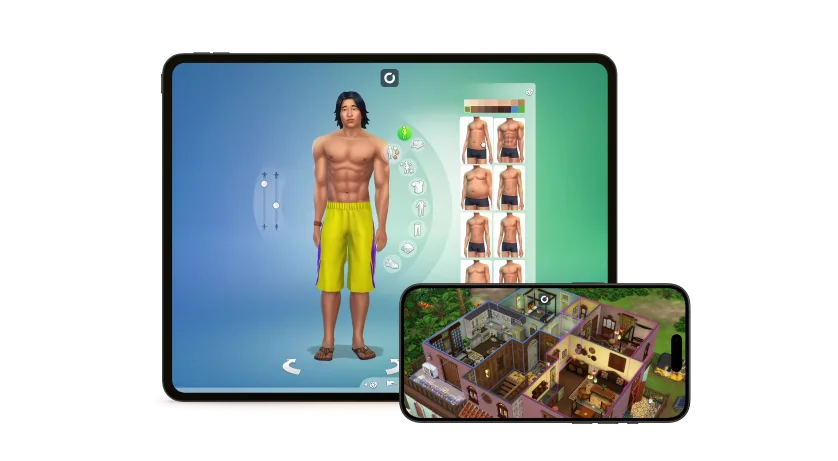


The Sims 4 isn't on iPad or Chromebook.
The PC version can be.
Can you play The Sims 4 on an iPad or a Chromebook? Not with an app: EA releases the game on PC, Mac, PlayStation and Xbox, and The Sims FreePlay on mobile is a different game. Xbox Cloud Gaming can stream the Xbox version in a browser, but console Sims don't take mods or custom content. Shadow PC takes another route: a full Windows PC in the cloud, with an NVIDIA RTX graphics card, that you open from the Shadow app on your iPad, the Android app on your Chromebook, or Chrome. You install the PC version of The Sims 4 on it, with your mods, your CC and the packs on your EA account.
What you need on each device
Every device connects to the same Shadow PC, so your game, your mods and your saves are already there.
iPad
iPadOS 15 or later- AppShadow, on the App Store
- ControlsTouch, or a Bluetooth mouse and keyboard
- Tip5 GHz Wi-Fi, close to your router
Chromebook
With Google Play- AppShadow, on Google Play, or pc.shadow.tech in Chrome
- ControlsThe touchpad, or a USB or Bluetooth mouse
- TipAn Ethernet cable if your Chromebook has a port
Android tablet
Android app- AppShadow, on Google Play
- ControlsTouch, or a Bluetooth mouse and keyboard
- Tip15 Mbit/s at least
The game downloads on your Shadow PC at up to 1 Gb/s. Your own connection only carries the picture.
The mods simmers use most, on your iPad
Your tablet only shows the game. The mods run on your Shadow PC, like on any Windows PC.
MC Command Center
Deaderpool- What it doesStory progression, population, careers and pregnancy settings, all from one menu
- NeedsScript mods turned on
UI Cheats Extension
weerbesu- What it doesRight-click to change needs, skills, money and relationships
- NeedsScript mods turned on
Better BuildBuy
TwistedMexi- What it doesUnlocks hidden objects and lets you place items freely in Build mode
- NeedsScript mods turned on
Meaningful Stories
roBurky- What it doesMoods and emotions shift gradually, so happiness has to be earned
- NeedsScript mods turned on, and an up-to-date game
Better Pie Menu
Andirz- What it doesReorganizes interaction menus with icons, so you find the right action faster
- NeedsLot51 Core Library, script mods turned on
New Emotional Traits
kuttoe- What it does10 new traits, like Arrogant, Daydreamer or Stoic, with their own moods and interactions
- NeedsThe base game only
Among the most popular Sims 4 mods, on CurseForge and their creators' sites (October 2026). None of them works on the Xbox version streamed by Xbox Cloud Gaming. Your CC hair, clothes and furniture work the same way as on a PC.
Install your Sims 4 mods from a tablet
Everything happens on the Windows desktop of your Shadow PC. Touch or a mouse does the rest.
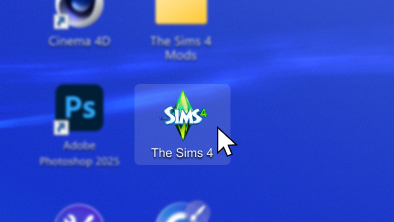
On your Shadow PC, launch The Sims 4, open Game Options, then Other, and tick the custom content and script mods options. Restart the game.
Open a browser on your Shadow PC, not on your tablet, and download your mods there. Unzip them with the Windows file explorer.
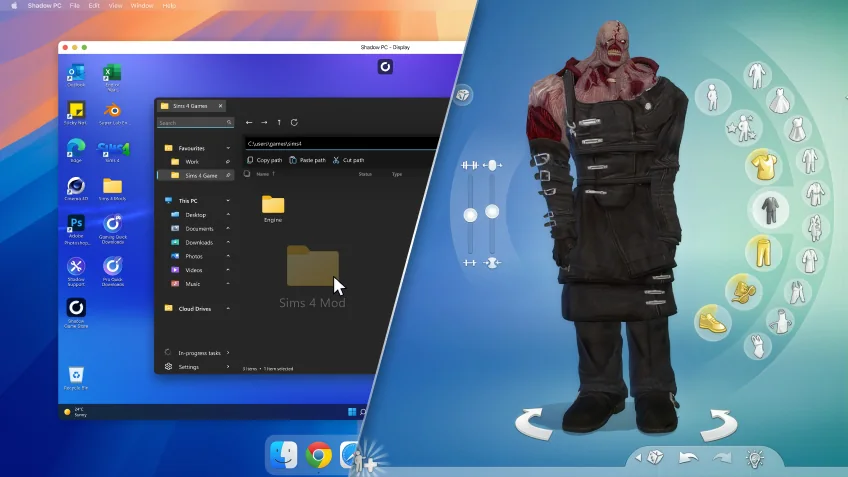
Move .package and .ts4script files to Documents\Electronic Arts\The Sims 4\Mods, and lots and rooms to Tray. Relaunch and check the mod list on the start screen.
Touch to get going, a mouse to build
The PC version of The Sims 4 is designed for a mouse and keyboard. The Shadow app lets you control your Shadow PC by touch, which is handy to check on your Sims. For long sessions, and for Build mode above all, pair a Bluetooth mouse and keyboard with your iPad, Chromebook or Android tablet: your Shadow PC uses them like any PC would.
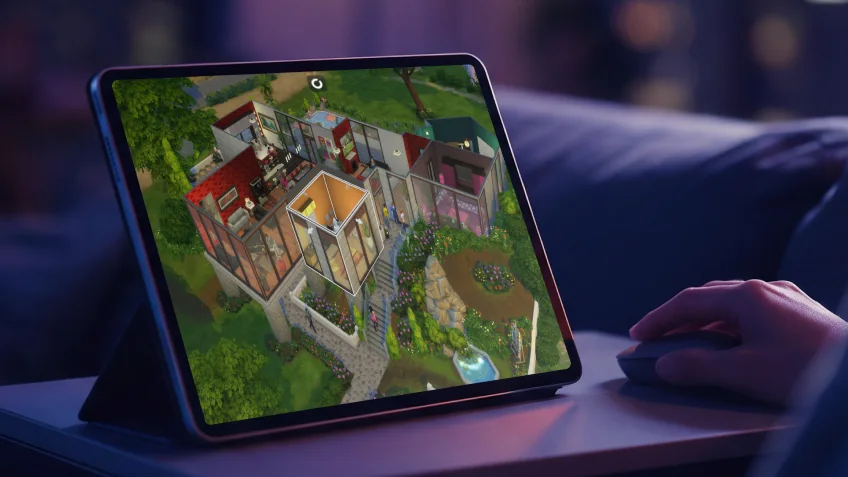
Shadow PC, Xbox Cloud Gaming or The Sims FreePlay on a tablet
| Shadow PC | Xbox Cloud Gaming | The Sims FreePlay | |
|---|---|---|---|
| The Sims 4 | Shadow PC | Xbox Cloud Gaming | The Sims FreePlay A different game |
| Mods and custom content | Shadow PC | Xbox Cloud Gaming Not possible | The Sims FreePlay Not possible |
| Packs from your EA account | Shadow PC | Xbox Cloud Gaming Xbox packs only | The Sims FreePlay Not possible |
| Saves shared with your PC or Mac | Shadow PC | Xbox Cloud Gaming Not possible | The Sims FreePlay Not possible |
| On iPad and Chromebook | Shadow PC | Xbox Cloud Gaming | The Sims FreePlay |

As many hours as your households need
A few evenings a week? Shadow PC Lite gives you 120 hours a month, in sessions of up to 4 hours. Long build sessions every day? Shadow PC gives you 210 hours a month, 6-hour sessions and 512 GB of SSD for a big CC folder. Both come with an NVIDIA RTX graphics card and no commitment.
Neo Lite
per month

 Perfect for occasional gaming in 1440p with RTX

 Up to 120 hours of play per month, sessions up to 4hStream to any device in 1440pInstall your games & mods from Steam, Epic, Battle.net...*Upgrade to Shadow PC anytime as you play more

Power Lite
per month
Up to 50% more GPU power than Neo28GB RAM / 20GB VRAM for better in-game performanceUp to 120 hours of play per month, sessions up to 4hStream to any device in 1440pInstall your games & mods from Steam, Epic, Battle.net...*Upgrade to Shadow PC anytime as you play more
Neo
per month
Perfect for 1080/1440p gaming with RTXStream to any device up to 1440p+Install your games & mods from Steam, Epic, Battle.net...*Multi screen and ultrawide supportNVIDIA RTX and DLSS compatibility
Power
per month
Up to 50% more GPU power
 28GB RAM / 20GB VRAM for better gaming performanceStream to any device up to 5K+Install your games & mods from Steam, Epic, Battle.net...*Multi screen and ultrawide supportNVIDIA RTX and DLSS compatibility
From your tablet to The Sims 4 in 3 steps
No new computer, no console. Your iPad, Chromebook or Android tablet is enough.


Install the Shadow app from the App Store on iPad or from Google Play on Chromebook, or open pc.shadow.tech in Chrome.

Start your Shadow PC, install the EA app or Steam and download The Sims 4, which is free. Then add your mods.
On a Chromebook? Read the full guide
Shadow PC turns a Chromebook into a Windows PC for much more than The Sims 4, with Steam, the EA app or Epic Games. Our guide to Windows games on Chromebook covers the Android app and the browser, step by step. New to The Sims 4 on Shadow PC? Start with The Sims 4 on Shadow PC.

More about The Sims 4 on Shadow PC
The full picture on one page, and the guide for Mac players.
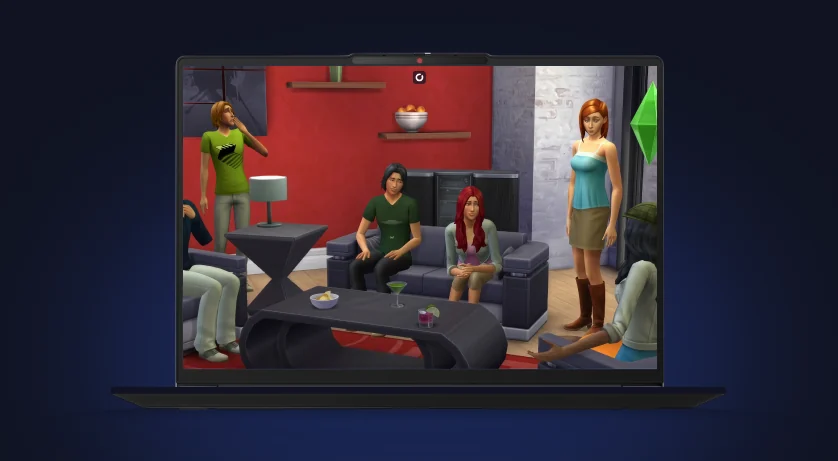
The Sims 4 on Shadow PC
Why Shadow PC is a good PC for The Sims 4: what works, your device compared, the 21 expansion packs and the system requirements.
- What works
- Your device compared
- System requirements
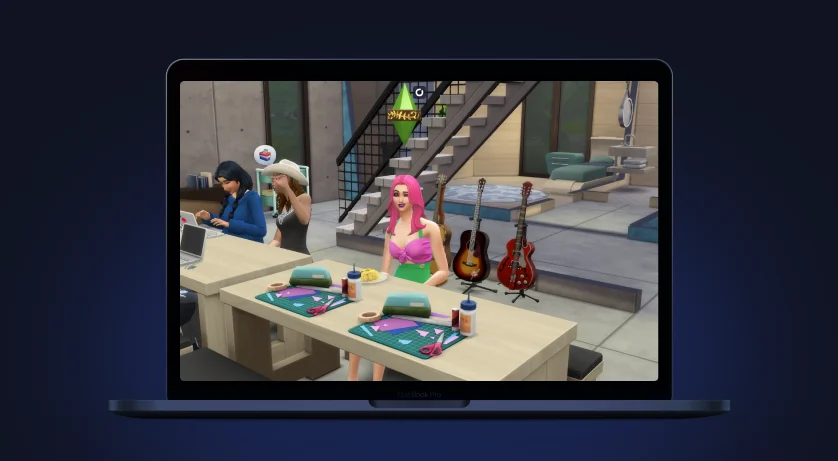
The Sims 4 on Mac
The Mac version runs the game, but not ReShade, and every pack fills your drive. How to play the Windows version from your Mac, with your packs and your CC.
- ReShade on Mac
- Your Mac saves and packs
- Xbox Cloud Gaming or Shadow PC

FAQ
Not with an app: there's no iPadOS version of The Sims 4, and The Sims FreePlay is a different game. You can play the PC version on iPad with Shadow PC. The game runs on a Windows PC in the cloud, and the Shadow app (iPadOS 15 or later) streams it to your iPad.
Not natively: ChromeOS can't run the Windows or Mac version. With Shadow PC, you open your cloud PC from the Shadow app on Google Play or from pc.shadow.tech in Chrome, and play the PC version of The Sims 4 there, like on a Windows laptop.
Yes, with Shadow PC, because the game runs on Windows. Mods and CC go in Documents\Electronic Arts\The Sims 4\Mods on your Shadow PC, like on any PC, and script mods work the same way. The Xbox version streamed by Xbox Cloud Gaming and The Sims FreePlay don't take mods or custom content.
On your Shadow PC, not on the iPad. Open a browser on the Windows desktop of your Shadow PC, download your mods there and unzip them with the file explorer. Then move them into the game's Mods folder. Your iPad never stores them.
Yes. With an Xbox Game Pass plan that includes cloud gaming, you can stream the Xbox version in a browser on an iPad or a Chromebook. That version doesn't support custom content or script mods, and packs bought on PC or Mac don't carry over to it.
No. The Sims FreePlay is a separate free-to-play mobile game from EA, with its own content and no mods. The Sims 4 only exists on PC, Mac and consoles. With Shadow PC, you play the PC version on your tablet.
Not always, but it helps. The PC version of The Sims 4 is designed for a mouse and keyboard. The Shadow app lets you control your Shadow PC by touch, and a Bluetooth mouse and keyboard paired with your iPad make long sessions, and Build mode above all, more precise.
Yes. Install the Shadow app from Google Play, sign in, and play the PC version of The Sims 4 like on a Chromebook. A Bluetooth mouse and keyboard make Build mode easier.
Shadow recommends at least 15 Mbit/s, on Ethernet or 5 GHz Wi-Fi. The game itself downloads on your Shadow PC at up to 1 Gb/s, so your tablet's connection only carries the picture.
Yes. Sign in to the EA app on your Shadow PC with your usual EA account: the packs you bought on PC or Mac are there, ready to download. Packs bought on Xbox or PlayStation stay on those consoles.