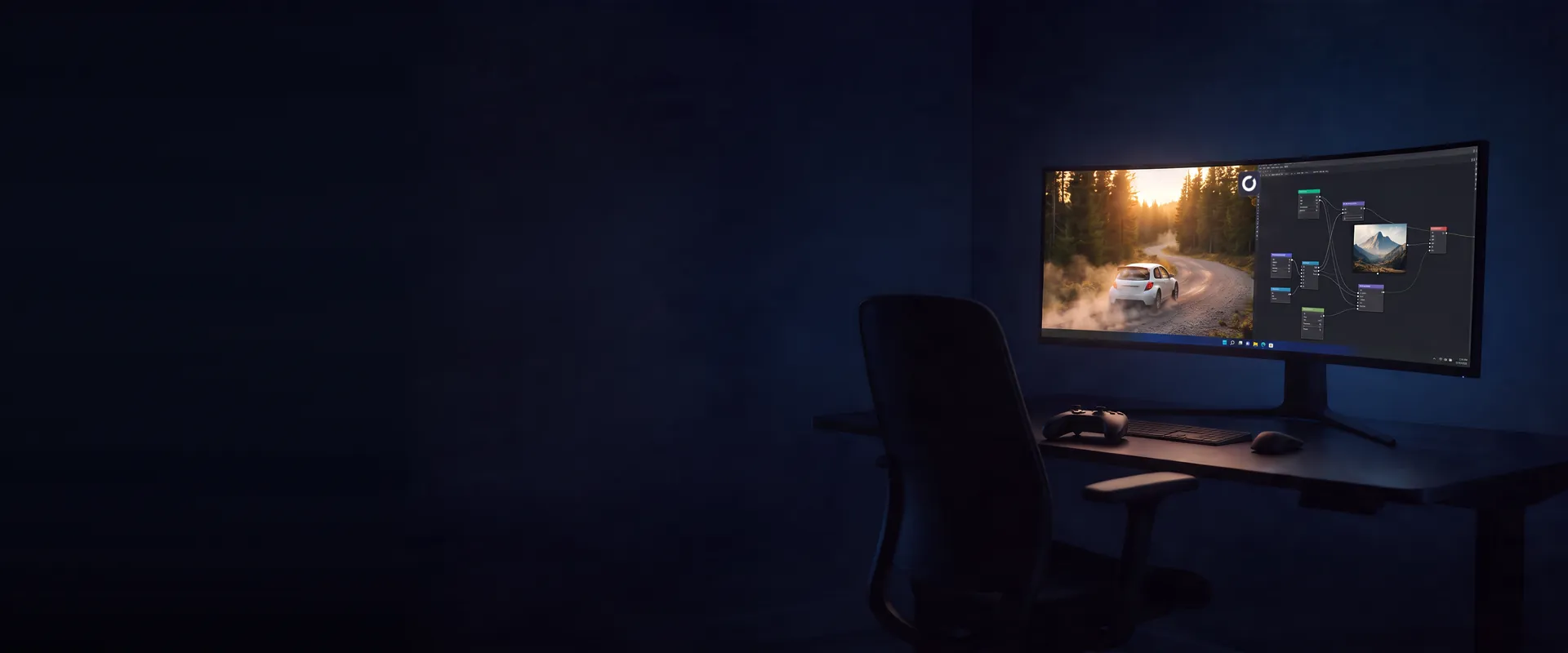
Your gaming PC is also your AI PC
Run a local model, render in ComfyUI or code in Cursor on a Windows PC that plays your games too, with a dedicated RTX GPU behind it. No graphics card to buy.
Get your Shadow PC- Full Windows 11 PC
- Dedicated NVIDIA RTX GPU
- Your games on the same PC
AI on Shadow PC means running the tools you would run on a desktop with a good graphics card: a local model in Ollama or LM Studio, image generation in ComfyUI, a code editor like Cursor, the ChatGPT and Claude apps. Same PC, same drive as your Steam library. You connect from a Mac, a Chromebook or a tablet. The GPU is on the other end.
The AI people actually run on Shadow PC
The same PC opens Claude at noon, renders in ComfyUI at six and launches your game at nine.
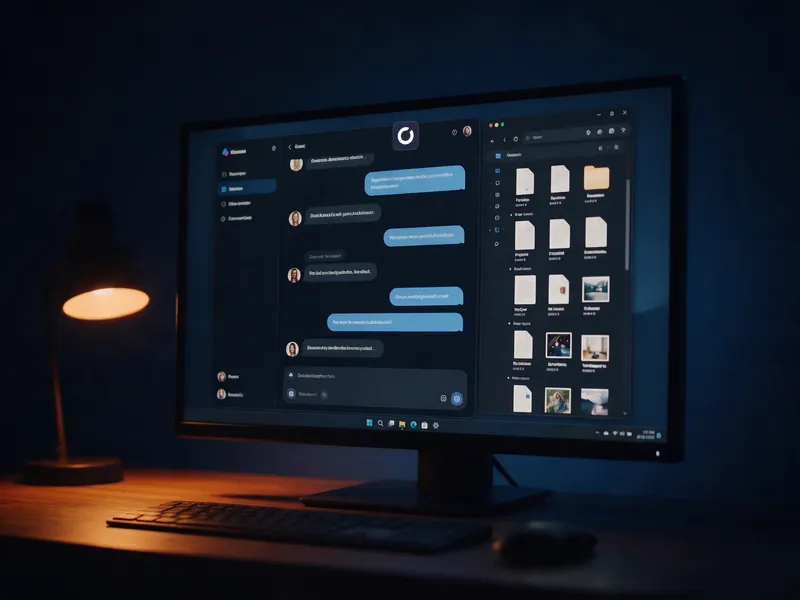
ChatGPT, Claude and Gemini as desktop apps, on the same PC as your project files and your local models. Nothing to sync between two machines.
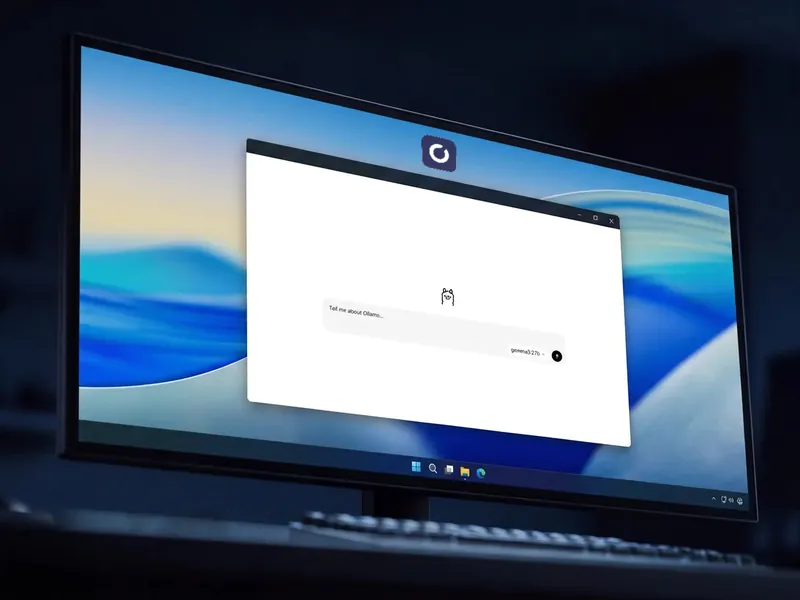
Ollama or LM Studio, up to 32B models on Power, no API meter running. Your prompts stay on your disk.
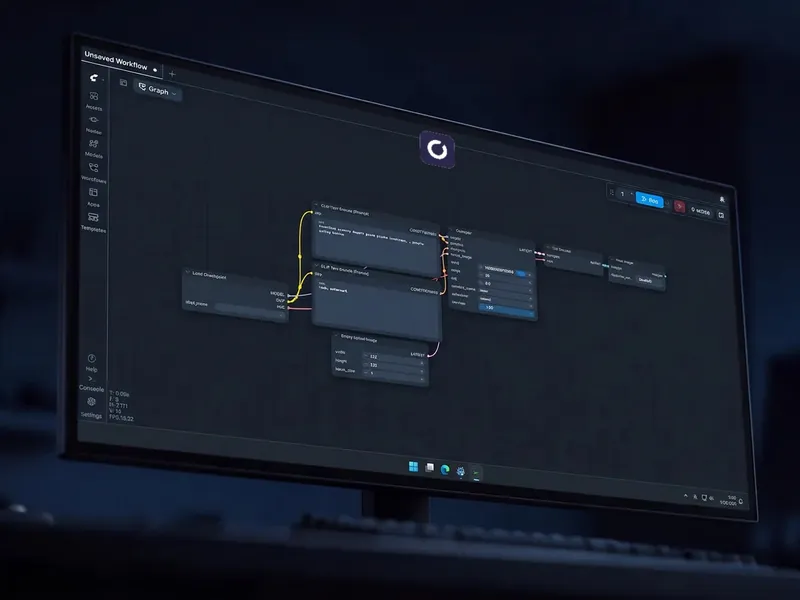
ComfyUI, Stable Diffusion or FLUX on a dedicated RTX GPU, with up to 5 TB for your models.
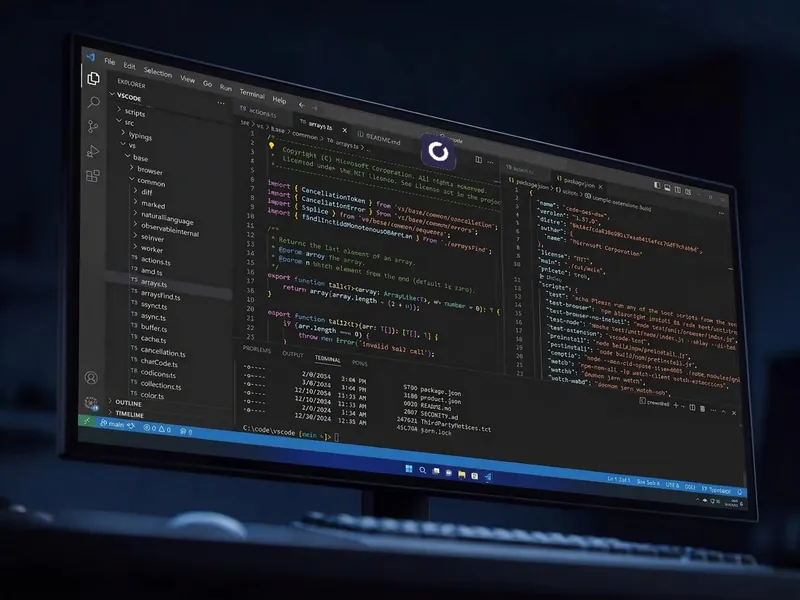
Cursor or Claude Code on any Shadow PC. On Pro, the paid Always On option keeps an OpenClaw agent working while you are away.
Up to 32B on Power, and room to keep them
Every Shadow PC comes with a dedicated NVIDIA RTX GPU. On Power and Power Pro, 20 GB of VRAM run models up to 32B in Ollama or LM Studio, and SDXL, or FLUX in a quantized version, in ComfyUI.
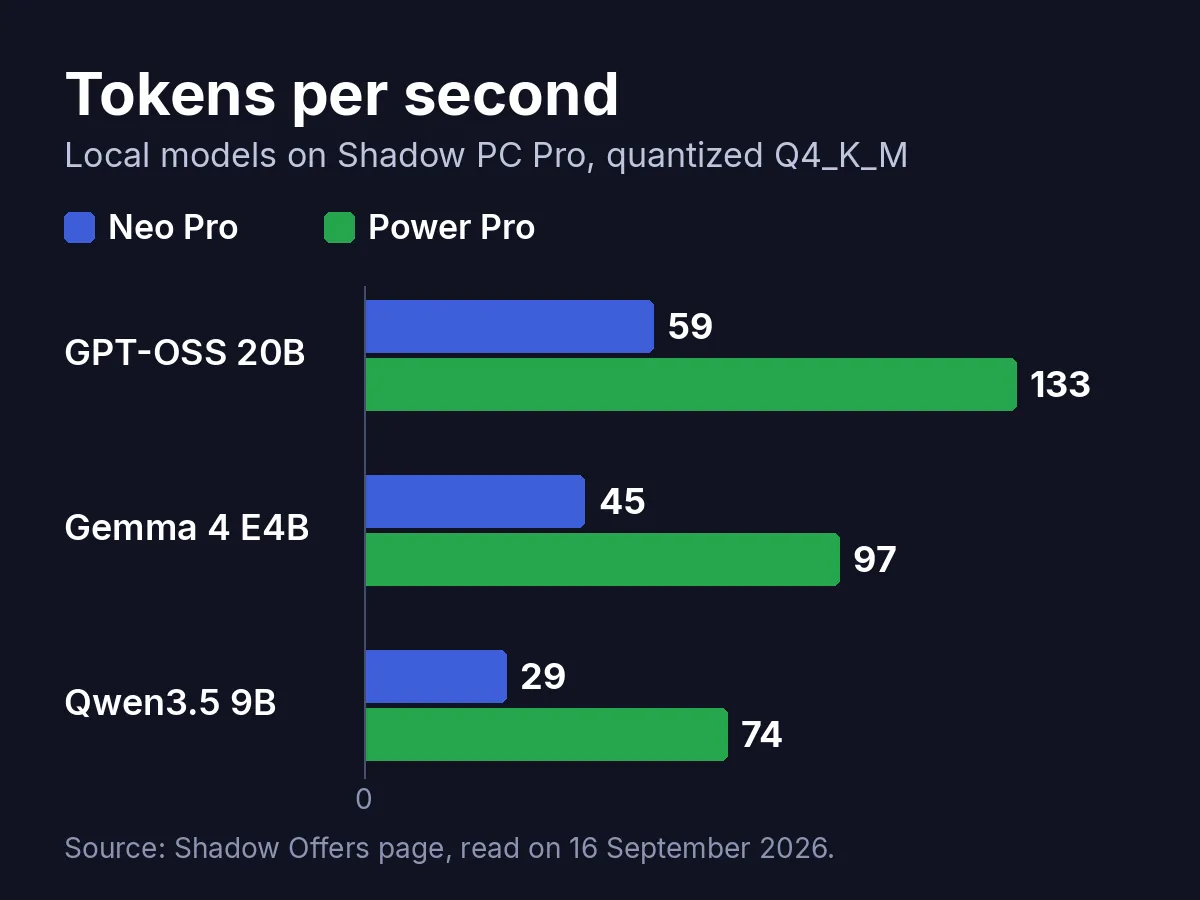
Measured on the Pro range, the numbers on our Offers page give the scale: GPT-OSS 20B answers at 59 tokens per second on Neo Pro and 133 on Power Pro. Storage extends up to 5 TB on every tier, so a 20 GB model file is not a problem.
Pick the Shadow PC your AI needs
Neo covers everyday assistants and light local models. Power is the pick for image generation and the bigger models. On the Pro range, the paid Always On option keeps the PC running while you sleep.

Neo
For the first six months, $37.99 after.

 Your assistants and light local models, next to your games
 ChatGPT, Claude and Gemini as desktop appsOllama and LM Studio for your local modelsYour models and prompts stay on your diskYour games installed on the same PC
Power
For the first six months, $54.99 after.
Image generation and the bigger local models
 No API meter runningComfyUI, Stable Diffusion and FLUXBigger local models in Ollama or LM StudioRoom for your checkpoints and your workflowsYour games installed on the same PC
Neo Pro
For the first six months, $44.99 after.
Everyday AI on a PC that can stay on with the Always On optionYour assistants and local models, always at handThe Always On option keeps it running while you are awayPriority access & Longer sessionsYour models and prompts stay on your disk
Power Pro
For the first six months, $59.99 after.
Heavy models and ComfyUI rendersYour games installed on the same PCThe fastest local models of the rangeComfyUI renders without the waitThe Always On option for agents and long jobsPriority access & Longer sessionsThree ways to get a GPU for AI
Buy the machine, rent a GPU by the hour, or subscribe to a PC that already has one.
| Shadow PC | Buying a machine | Cloud GPU by the hour | |
|---|---|---|---|
| Cost of setup |
Shadow PC
A monthly subscription
|
Buying a machine
From $4,500
|
Cloud GPU by the hour
None
|
| Billing |
Shadow PC
Monthly, fixed
|
Buying a machine
One off
|
Cloud GPU by the hour
Per hour, metered
|
| Full Windows desktop |
Shadow PC
Available
|
Buying a machine
Available
|
Cloud GPU by the hour
Containers and command line
|
| Runs your games too |
Shadow PC
Available
|
Buying a machine
Available
|
Cloud GPU by the hour
Not available
|
| Works from a Mac, nothing running at home |
Shadow PC
Available
|
Buying a machine
Not available
|
Cloud GPU by the hour
Available
|
| Dedicated NVIDIA RTX GPU |
Shadow PC
Available
|
Buying a machine
Available
|
Cloud GPU by the hour
Depends on the plan
|
Machine price: a complete RTX 5090 desktop, public prices read in September 2026. Cloud GPU refers to per hour GPU rental services.
The NVIDIA GPU your Mac never had
Mac owners make up one visitor in six on our AI pages. For image generation the reason is plain: ComfyUI, FLUX and most custom nodes are built for NVIDIA's CUDA first. On a Mac they run slower, when they run at all, and a 16 GB MacBook has little room left for a 22 GB checkpoint.
Shadow PC hands your MacBook, your Chromebook or your iPad a Windows PC with an NVIDIA RTX GPU, in the Shadow app or in Chrome. Your renders run where the CUDA cores are. You keep your keyboard.

Installed like on any Windows PC
-
Get your Shadow PC and open the app on the device you already own: Mac, Windows, Chromebook, iPhone, Android, or a browser.
-
Install the tool the way you would on a desktop: Ollama, LM Studio, ComfyUI Desktop, Pinokio, Cursor. The RTX driver is already there.
-
Launch, then come back tomorrow. Your models and workflows are where you left them.
What runs locally stays on your disk
You install what you want and keep it there. No catalog, no approval list, and a GPU nobody else uses.
Your content is never used by Shadow to train models. What you generate stays yours.
We do not have access to your prompts, and no history is stored on our end. Shadow PC is GDPR compliant.
Questions about AI on Shadow PC
A Shadow PC switches off after a period of inactivity and at the end of a session, even if a program is running. With Always On, a paid option on the Shadow PC Pro range, it stays on around the clock, so an OpenClaw agent or a long generation carries on without you. Always On is billed by calendar month. How Always On works.
On Power and Power Pro, our Offers page puts the ceiling at 32B for models in Ollama or LM Studio, quantized to Q3 or Q4. ComfyUI runs image models such as Stable Diffusion XL, or FLUX in a quantized version. Both carry 20 GB of dedicated VRAM and 28 GB of RAM. Neo handles everyday assistants and lighter local models. Whisper and Topaz run on the same machine.
There is no token meter on a local model. Once Qwen, Gemma or Llama is on your Shadow PC, you prompt it as much as you like, and the only limit is the speed of the PC. What counts is your monthly use of the PC itself, covered by fair use: 210 hours a month on Shadow PC and Shadow PC Pro, 120 hours on Shadow PC Lite, reset on the 1st, for plans subscribed after 23 July 2026. Fair use on Shadow PC.
Yes. Shadow PC is a separate Windows PC streamed to the Shadow app or to a Chromium browser such as Chrome or Edge, so your Mac, Chromebook or iPad only displays the picture. On a work laptop where you cannot install apps, the browser at pc.shadow.tech is enough, as long as your company's IT policy allows it. The model, the driver and the files live on the Shadow PC, not on the device in front of you.
No. Shadow never uses your content to train models and has no access to your prompts. What you generate, download or write lives on your Shadow PC's drive, like on a tower under your desk. With a desktop assistant such as ChatGPT or Claude, your prompts follow that provider's own policy.
Every tier extends up to 5 TB. Shadow PC Lite starts at 256 GB, Shadow PC at 512 GB, Shadow PC Pro at 256 GB plus 512 GB extra. A FLUX dev checkpoint weighs around 24 GB and a 32B model in Q4 around 20 GB, so a few hundred extra gigabytes go a long way. Storage options.
Your next AI PC is a gaming PC
No card to buy, no meter running, and your games on the same PC.