Turn your TV into a gaming PC
The box under your TV can run one. Install the Shadow app on Apple TV or Android TV, grab a controller or use your phone as one, and play your full PC library.
Get your Shadow PC- A full Windows PC
- Built for controllers
- No PC in the house
PC gaming on your TV takes three things: the streaming box you already own, the Shadow app, and a controller. Shadow PC is a full Windows PC in the cloud. Install its app on Apple TV (tvOS 14+) or Android TV (5.0+), pair a Bluetooth gamepad or turn your phone into one, and your whole Steam, Epic and GOG library plays on the big screen. There's no gaming PC anywhere in the house. There doesn't need to be.
Three steps to couch PC gaming
Pick the plan that fits how you play. Your Windows PC in the cloud is ready in minutes. Nothing to buy, nothing to build.
Open the App Store on Apple TV or Google Play on Android TV, search "Shadow PC", sign in. Done.
Pair any Bluetooth gamepad with your box, or turn your phone into one with the Shadow app. Launch your game.
Windows runs without a desk
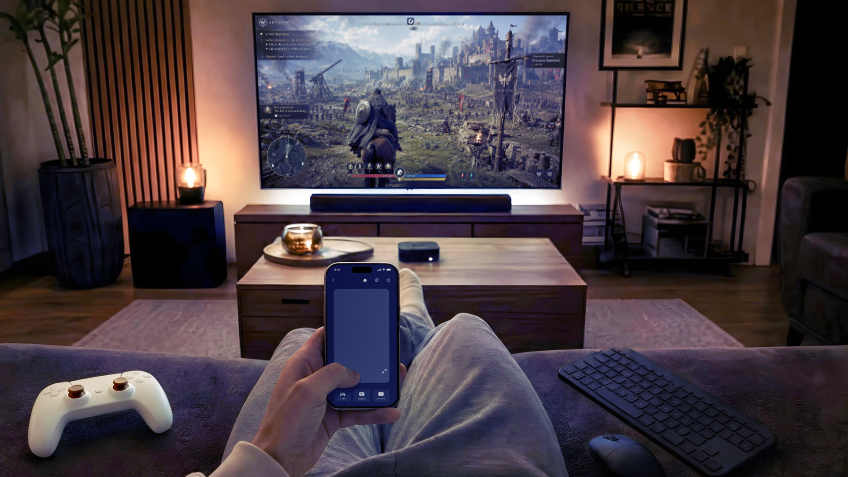
A full PC on your TV means a real desktop: windows, launchers, a file explorer. Here's how you move around it from a couch.
Gamepad as a mouse puts the Windows cursor on your controller stick. Browse a launcher, start a download, change a setting, nothing else required.
Companion mode turns your phone into a trackpad and keyboard. Handy the day you need to type a password.
A Bluetooth mouse and keyboard pair with your box the way they would with a PC. Desk comfort, living-room seating.
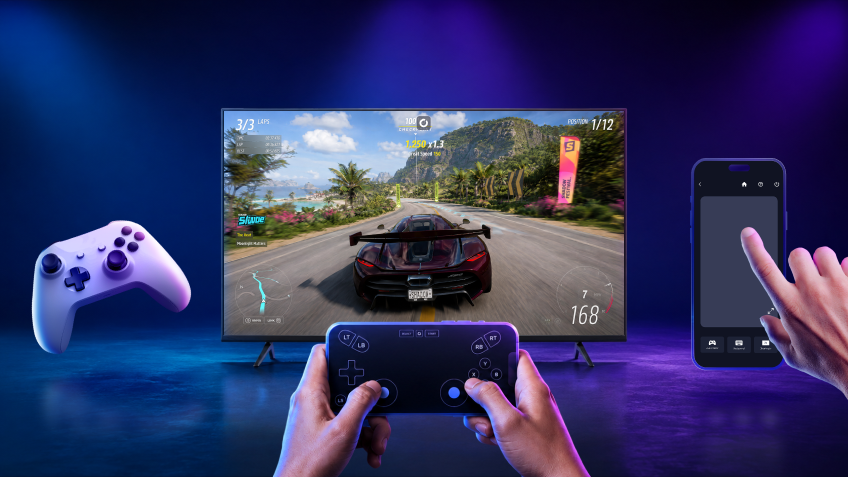
Play with what you already own
The living room means a controller. And if you don't have one tonight, your phone does the job.
Your Bluetooth controller (Xbox, PlayStation or a third-party pad) pairs with your box, then Windows picks it up like any gamepad.
The virtual controller turns your phone into a gamepad straight from the Shadow mobile app. No hardware, no wait.
Mouse and keyboard for the games that ask for them, strategy or shooters. Connect them like you would on a PC.
Real PC power, and it follows you
The PC behind your TV is a real one. A dedicated NVIDIA RTX-class GPU runs Counter-Strike 2 at 140 fps and GTA V at 118 fps on high settings, numbers no streaming stick will ever reach. Your Shadow PC also sits on a 1 Gbps line in the datacenter, so an 80 GB install lands in minutes instead of an evening.
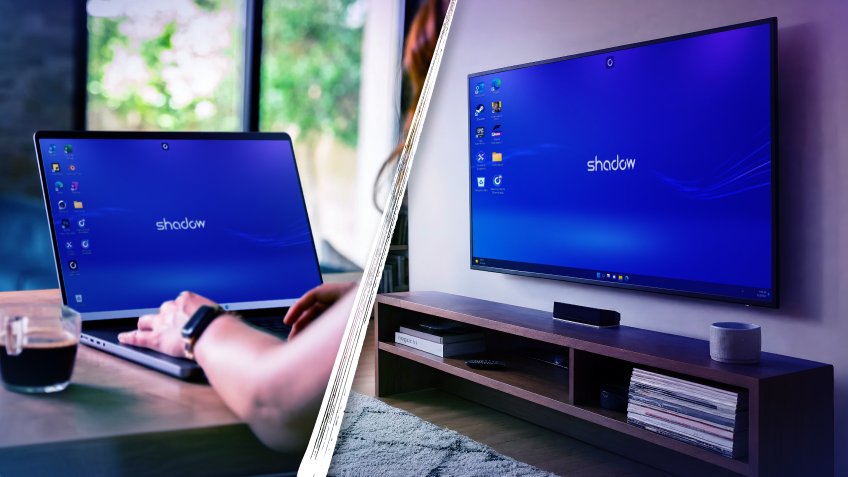
And it's one machine, not a session. Quit on the living-room TV, reopen the exact same Windows on your Mac or your phone: same saves, same mods, same downloads still running. One session at a time, on every screen you own. Just like a real PC, because it is one.
Pick the plan for your living room
Both plans run your full library on your TV. Power adds the headroom for 4K sets and the heaviest AAA nights.
Neo Lite
per month

 Perfect for occasional gaming in 1440p with RTX
 Up to 120 hours of playtime per month, sessions up to 4hStream to any device in 1440pInstall your games & mods from Steam, Epic, Battle.net...*Upgrade to Shadow PC anytime as you play more
Power Lite
per month
Up to 50% more GPU power than Neo28GB RAM / 20GB VRAM for better in-game performanceUp to 120 hours of playtime per month, sessions up to 4hStream to any device in 1440pInstall your games & mods from Steam, Epic, Battle.net...*Upgrade to Shadow PC anytime as you play more
Neo
For the first six months, $37.99 after.
Perfect for 1080/1440p gaming with RTXStream to any device up to 1440p+Install your games & mods from Steam, Epic, Battle.net...*Multi screen and ultrawide supportNVIDIA RTX and DLSS compatibility
Power
For the first six months, $54.99 after.
Up to 50% more GPU power
 28GB RAM / 20GB VRAM for better gaming performanceStream to any device up to 5K+Install your games & mods from Steam, Epic, Battle.net...*Multi screen and ultrawide supportNVIDIA RTX and DLSS compatibility
Neo Pro
For the first six months, $44.99 after.
Real-time 3D and rendering at the best priceStream on your devices up to 1440p+Install your software & CUDA/RTX workflows...*Priority access & Longer sessionsEasy users & subscriptions management
Power Pro
For the first six months, $59.99 after.
Up to 50% more GPU power28GB RAM / 20GB VRAM for 3D and gamingStream to any device up to 4K+Install your software & CUDA/RTX workflows...*Priority access & Longer sessionsEasy users & subscriptions management| Shadow PC | Local streaming | Cloud catalogs | A living-room PC | |
|---|---|---|---|---|
| What your TV runs |
Shadow PC
A full Windows PC
|
Local streaming
A mirror of your PC
|
Cloud catalogs
A game catalog
|
A living-room PC
A full PC
|
| Gaming PC required |
Shadow PC
None
|
Local streaming
Yes, powered on
|
Cloud catalogs
None
|
A living-room PC
It is the PC
|
| Your launchers and mods |
Shadow PC
Available
|
Local streaming
Available
|
Cloud catalogs
Catalog only
|
A living-room PC
Available
|
| Native Apple TV app |
Shadow PC
Available
|
Local streaming
Available
|
Cloud catalogs
Not available
|
A living-room PC
Not applicable
|
| Plays away from home |
Shadow PC
Available
|
Local streaming
Home network mostly
|
Cloud catalogs
Available
|
A living-room PC
Not available
|
| Cost of setup |
Shadow PC
A monthly sub
|
Local streaming
A gaming PC ($1,000+)
|
Cloud catalogs
A monthly sub
|
A living-room PC
$1,000+ upfront
|
Local streaming: Steam Link, Moonlight and similar apps. Cloud catalogs: GeForce Now, Xbox Cloud Gaming.
Go further
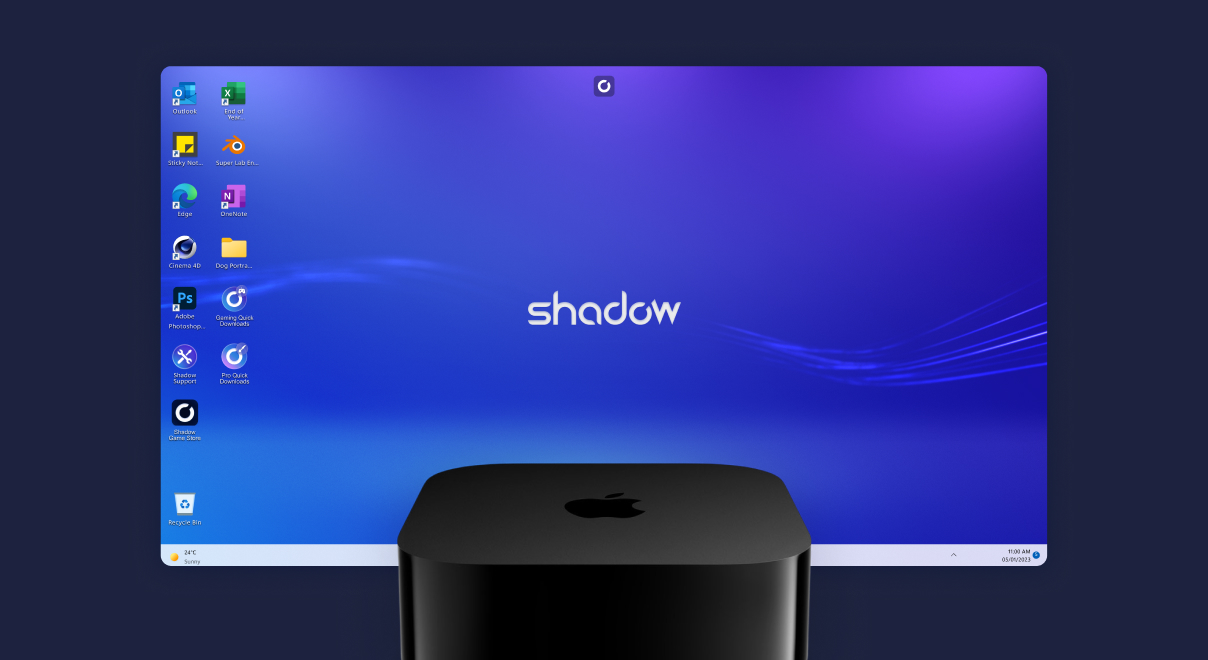
A native tvOS app, on the one living-room box no other cloud gaming service reaches.
Your controller moves the cursor, your phone becomes a trackpad, and it can even become the gamepad.
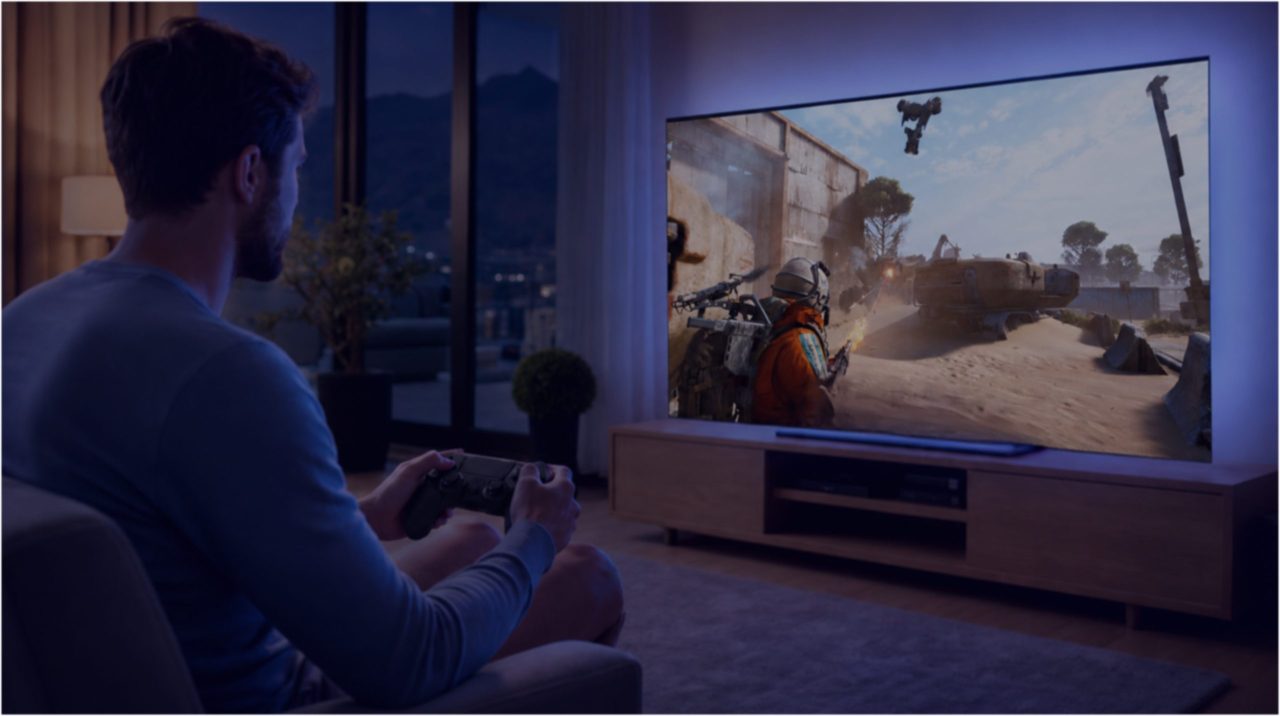
Your Android TV or Google TV box runs a full Windows PC, launchers and mods included.
The box is already under your TV
One app, one controller, or just your phone. Your PC library moves to the big screen tonight.
Frequently asked questions
A streaming box you likely already own, either an Apple TV (tvOS 14 or later) or an Android TV / Google TV device (Android 5.0+), plus the Shadow PC app, a Bluetooth controller and a stable 15 Mbps connection. No gaming PC, no console. Samsung and LG TVs work through one of these boxes too.
Yes. Steam Link and Moonlight only stream from a gaming PC you already own, powered on, on your home network. Shadow PC removes that requirement: the PC itself runs in the cloud, so your TV streams a full Windows machine. No tower in the house, and it works away from home.
Use your phone. The Shadow mobile app includes a virtual controller that turns your smartphone into a gamepad in seconds, enough to jump into a session tonight. For longer sessions, any Bluetooth controller (Xbox, PlayStation and most third-party pads) pairs directly with your box.
Yes. A Bluetooth mouse and keyboard pair with your box and work inside Windows like they would on a desktop. If you'd rather travel light, Companion mode turns your phone into a trackpad and keyboard, and Gamepad as a mouse drives the cursor with your controller stick.
Yes. Install the app on as many devices as you like: TV, Mac, PC, phone, tablet. Your Shadow PC runs one active session at a time, so you quit on one screen and pick up exactly where you left off on the next. Like a real PC, it lives in one place at a time.
Your entire PC library. Steam, Epic, GOG, Battle.net and every other launcher install and run normally, because Shadow PC is a full Windows machine. Around 30 titles with strict anti-cheat systems won't run; the up-to-date list lives in our help center.