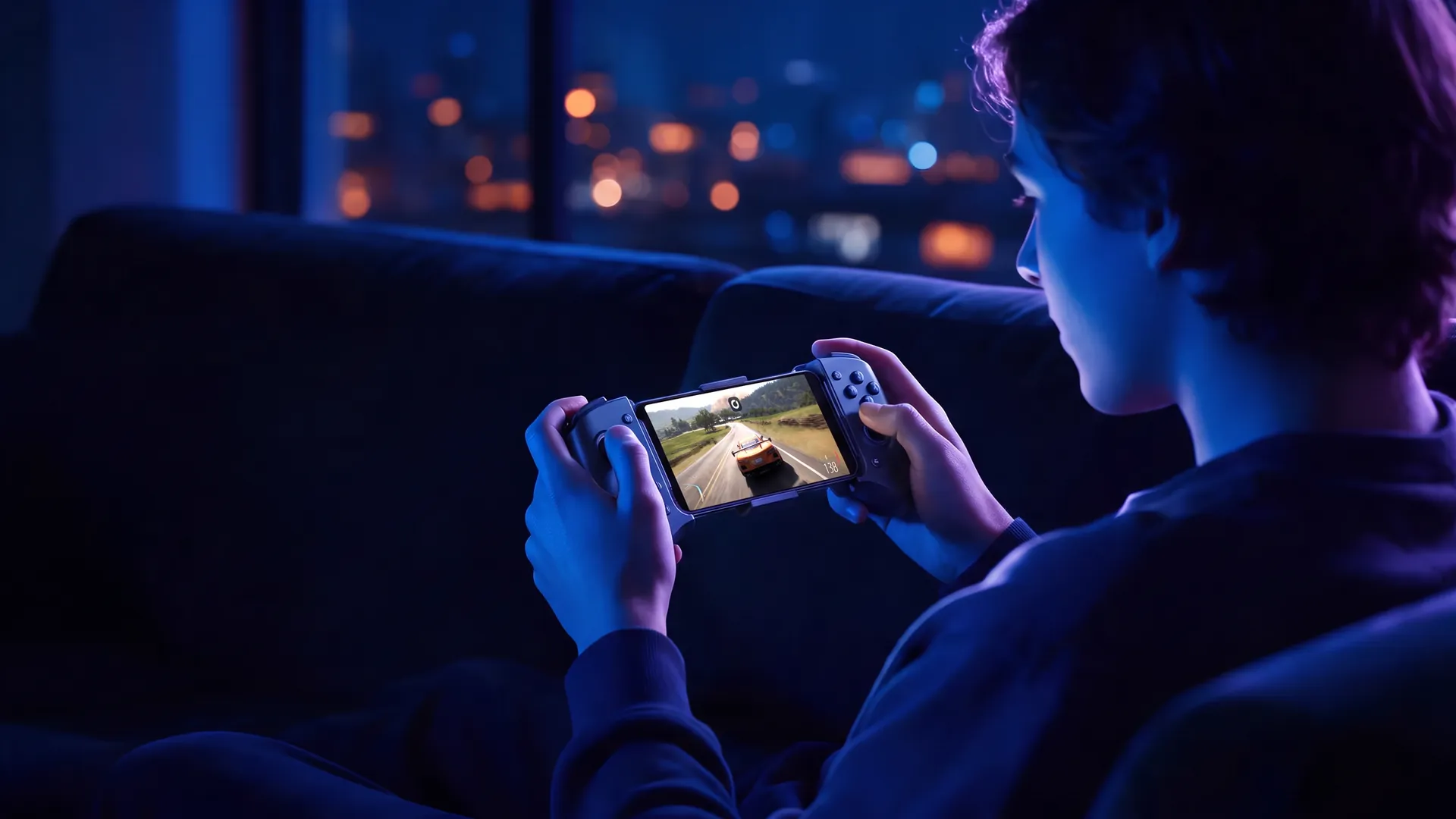
Turn your phone into a PC gaming console
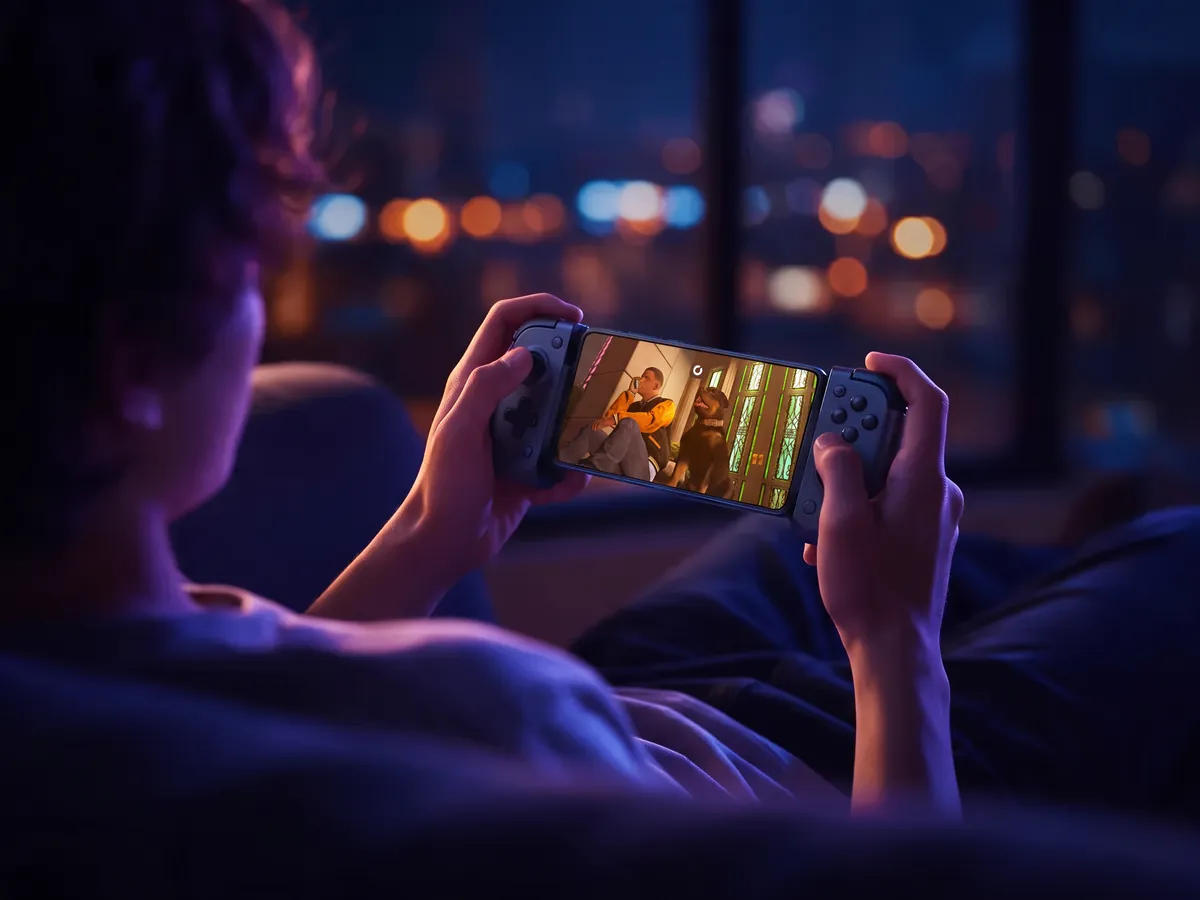
Slide your phone into a controller, open the Shadow PC app and play the PC games you already own. They run on a full Windows PC in the cloud, so the phone only has to show them.
Get your Shadow PC- iPhone, iPad and Android apps
- No commitment
- No gaming PC at home
Playing PC games on mobile doesn't take a gaming PC at home, or the latest flagship. The games run on Shadow PC, a full Windows 11 machine in a data center with its own NVIDIA RTX graphics card, while your phone shows the picture and sends back every button you press.
That's why the phone you have will do. For a good share of the people who play this way with us, it's their main screen, and often the only one.
Steam and your other launchers install on Shadow PC the way they would on any computer. Your mods stay put. Your saves too.
Nothing to build, just three steps
-
Get your Shadow PC. Pick the plan that suits how much you play. The PC itself sits in a data center, so there's nothing to buy, assemble or update at home.
-
Install the app. It's free on the App Store for iPhone and iPad, and on Google Play for Android phones and tablets. Sign in and your Windows desktop appears.
-
Grab a controller. Any of the three below will do, including the one built into the app. Open your launcher and press Play.
Three ways to hold the game
You probably own one of them. The third comes free with the app.
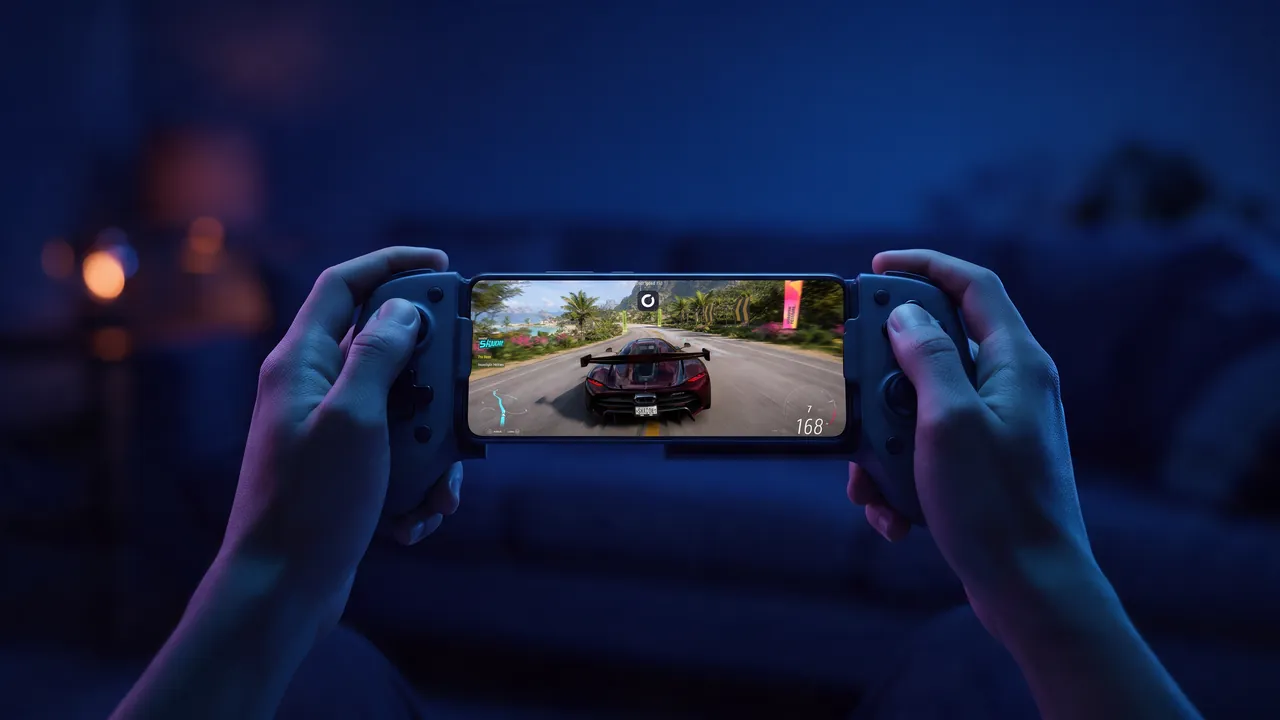
A Backbone One, or anything built like it, holds the phone between two grips and plugs straight in. Nothing goes over Bluetooth, and it feels like a handheld console.
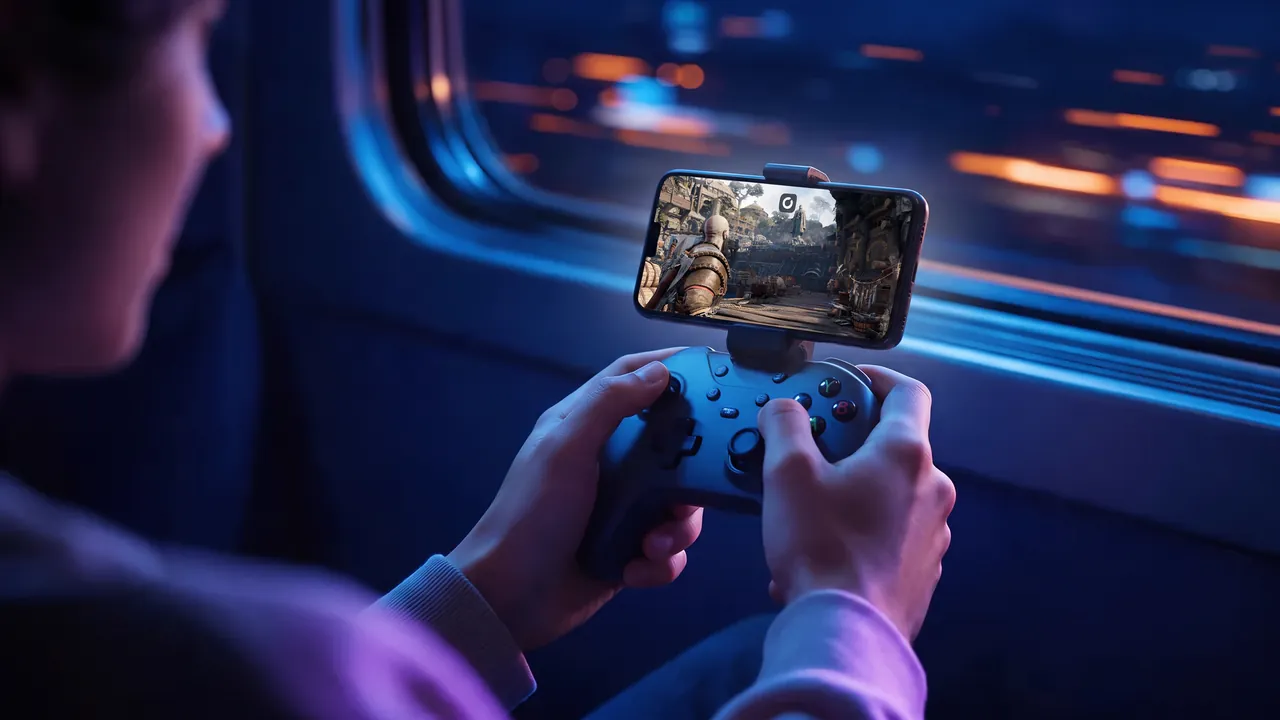
If an Xbox or PlayStation controller already sits by the TV, a small clip holds the phone above it and the pad pairs over Bluetooth. Full-size grips, for the long evenings.
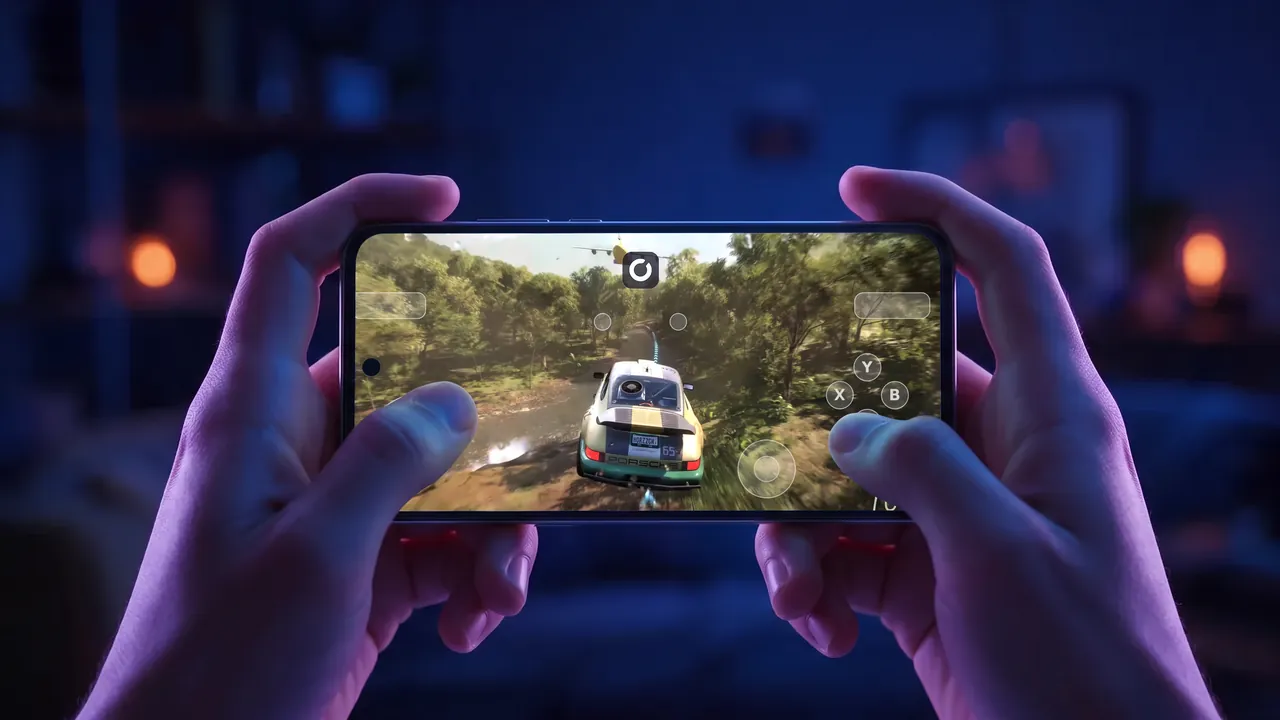
Left the controller at home? The app draws a gamepad on your touchscreen, and its Trackpad and Touch modes let you drive Windows with your fingers. Enough to get started tonight.
A console that plays your PC library
A console usually comes with its own store. This one doesn't. You install the games you own, from the launchers you know, the way you would on a desktop.
On our players' phones, that means a lot of GTA V roleplay, heavily modded Minecraft and MMOs with every add-on they rely on, all of it still installed when they come back.
Most of them play on a computer as well. They start a run on the laptop at lunch and finish it on the sofa that evening.
A steady connection beats a fast one
Your phone doesn't run the game, so its chip barely matters. The network does.
Shadow recommends at least 15 Mbps, and 50 Mbps for 1080p. Ping counts as much as speed, ideally 30 ms or less. At home, the 5 GHz Wi-Fi band and a seat closer to the router do more than a pricier internet plan, and on 5G, a signal that holds steady is worth more than a big number on a speed test.
Away from Wi-Fi, the stream uses your mobile data. Game downloads don't touch it: they happen on the cloud PC's own 1 Gb/s line.

Forget the gaming PC, one sub powers the console
Plans are monthly, with no commitment, and none of them limits which games you play on your phone. Power adds headroom for the heaviest AAA titles, which pays off once you move to a big screen too.
Neo Lite
per month

 Perfect for occasional gaming in 1440p with RTX
 Up to 120 hours of playtime per month, sessions up to 4hStream to any device in 1440pInstall your games & mods from Steam, Epic, Battle.net...*Upgrade to Shadow PC anytime as you play more
Power Lite
per month
Up to 50% more GPU power than Neo28GB RAM / 20GB VRAM for better in-game performanceUp to 120 hours of playtime per month, sessions up to 4hStream to any device in 1440pInstall your games & mods from Steam, Epic, Battle.net...*Upgrade to Shadow PC anytime as you play more
Neo
For the first six months, $37.99 after.
Perfect for 1080/1440p gaming with RTXStream to any device up to 1440p+Install your games & mods from Steam, Epic, Battle.net...*Multi screen and ultrawide supportNVIDIA RTX and DLSS compatibility
Power
For the first six months, $54.99 after.
Up to 50% more GPU power
 28GB RAM / 20GB VRAM for better gaming performanceStream to any device up to 5K+Install your games & mods from Steam, Epic, Battle.net...*Multi screen and ultrawide supportNVIDIA RTX and DLSS compatibility
Neo Pro
For the first six months, $44.99 after.
Real-time 3D and rendering at the best priceStream on your devices up to 1440p+Install your software & CUDA/RTX workflows...*Priority access & Longer sessionsEasy users & subscriptions management
Power Pro
For the first six months, $59.99 after.
Up to 50% more GPU power28GB RAM / 20GB VRAM for 3D and gamingStream to any device up to 4K+Install your software & CUDA/RTX workflows...*Priority access & Longer sessionsEasy users & subscriptions management
Expert Pro
41GB RAM / 24GB VRAM for heavy-duty AI & 3DCPU [email protected] for multi-threaded tasksStream to any device up to 4K+Install your software & CUDA/RTX workflows...*Priority access & Longer sessionsEasy users & subscriptions managementNo new phone, no strings attached
What people tend to ask before they sign up.
The game runs on the cloud PC, so your phone only plays a video stream. Any iPhone on iOS 15 or later handles that, and so does Android from 5.0 (8.0 recommended).
If a game runs on a Windows PC, it runs here too, mods included. The exceptions are a few titles whose anti-cheat blocks cloud PCs, and the compatibility page lists them.
The same app works on iPad and Android tablets and opens the same PC. Add a keyboard and mouse for Windows apps, or keep the controller for the sofa.
No contract, and no hardware to resell. If gaming on the go turns out not to be for you, cancel whenever you like.
Phone players start with these
Players have launched hundreds of different games from their phones on Shadow PC. These four are the ones people look up most.
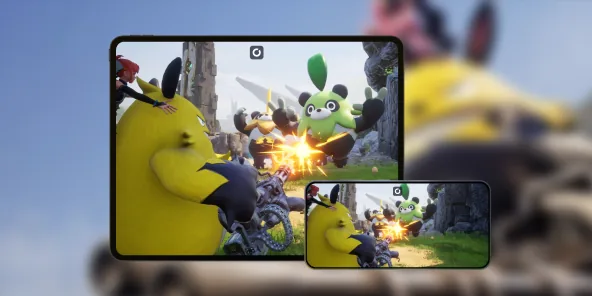
Build a base and catch Pals with friends, from your phone. Our guide walks you through it.
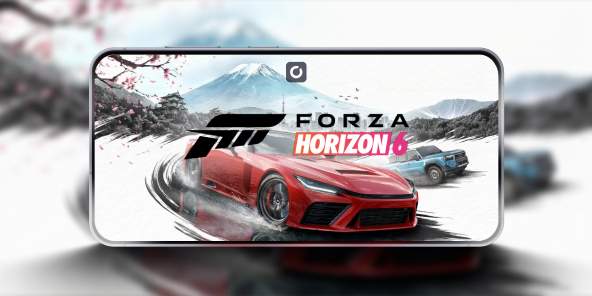
The full PC version of the open-world racer, in the palm of your hand. The guide covers the setup.
Story mode, mods and roleplay servers, wherever you have signal.
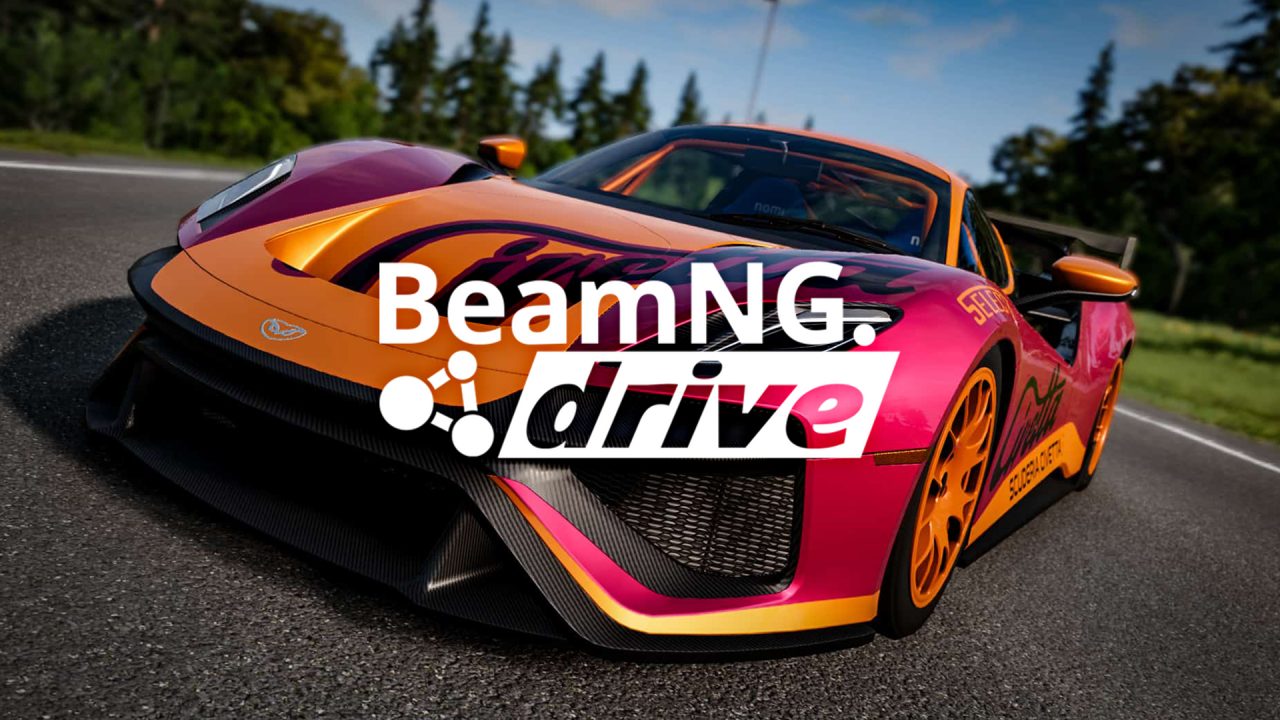
Physics-heavy crash tests, worked out on the cloud PC rather than in your pocket.
Your phone is just one screen
The same Shadow PC opens on every one of these, with your games where you left them.
Questions about PC games on mobile
For PC games, pretty much. Your phone shows the picture, your controller sends the inputs, and a Windows PC in the cloud runs the game. Unlike a console, there's no new store involved: you play the games you own on Steam, Epic Games, Battle.net or GOG.
Yes. Shadow PC is the PC: a Windows 11 machine in a data center, so nothing stays switched on at home. Install the app on your phone, sign in and play.
Install Steam on your Shadow PC as you would on any Windows computer, sign in and download your games. Then open the Shadow PC app on your phone and play them. Epic Games, Battle.net, the EA app and GOG Galaxy work the same way.
iPhone and iPad on iOS 15 or later, from the App Store. Android phones and tablets from Android 5.0 (8.0 recommended), from Google Play. The device requirements page has the details.
Not to start: the app has a virtual gamepad. For longer sessions a real one is more comfortable. Xbox, PlayStation and MFi controllers pair over Bluetooth, and controllers like the Backbone One plug straight into the phone.
Yes, as long as the signal holds. Aim for what you'd want on Wi-Fi: 15 Mbps or more, steady, with a low ping. Higher resolutions use more data, so keep an eye on your plan.
Nearly all of them. A small number of games use anti-cheat that blocks cloud PCs, and that list moves as publishers update their protection. The compatibility page keeps it current.
Yes. It's the same PC on every screen, one session at a time. Close the app on your phone, reconnect from your laptop, and your game is where you left it.
The mobile console you want is already in your pocket
Add a controller to the phone you already own, open the Shadow PC app and your whole PC library is ready to go.