The Sims 4 cloud gaming:
why Shadow PC is a good PC for it
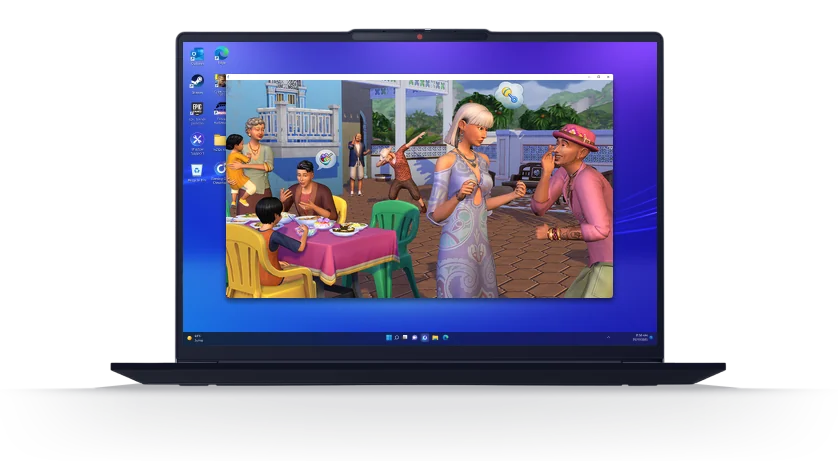
Does The Sims 4 run on Shadow PC? Yes. Shadow PC is a full Windows PC in the cloud with an NVIDIA RTX graphics card: you install the PC version from the EA app or Steam, with your packs, your mods and your CC, and play from the screen you already own.
One of the most played games on Shadow PCSee the rankingEvery pack
21 expansion packs, plus game packs, stuff packs and kits, on an SSD you can expand up to 5 TB.
Mods, CC and ReShade
The Windows version of the game, so everything installs like on any PC.
An NVIDIA RTX graphics card
For big lots and full CC folders, without a gaming PC at home.
On every screen
PC, Mac, iPad, Android, Chromebook or a Chrome tab. Your save is waiting on each.
Your mods and CC, like on any PC
Most cloud gaming services stream the games in their own catalog, often a console version that takes no mods. Shadow PC gives you a whole Windows PC: the Mods folder, the Tray folder and the game's Bin folder are where they always are.
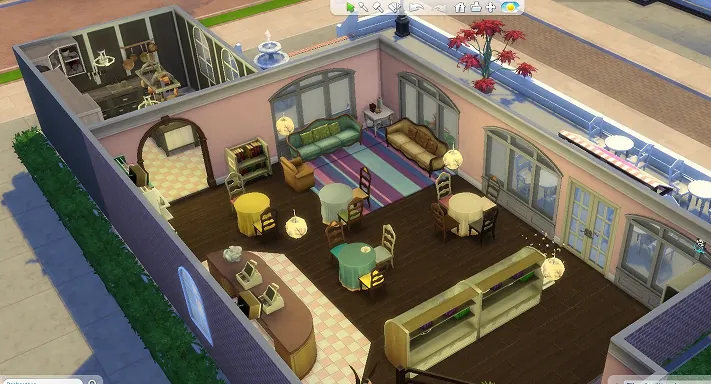
Custom content
Hair, clothes, furniture, build items: .package files dropped into your Mods folder.
- Create a Sim
- Build mode
- Tray lots
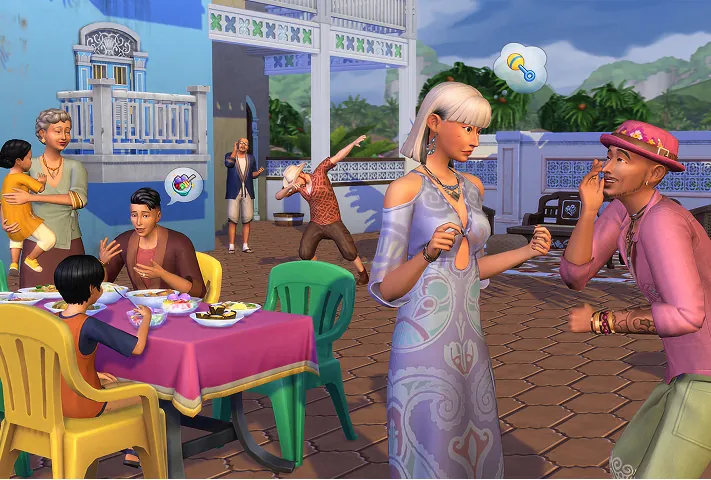
Script mods
.ts4script files that change how the game plays. Update them after each game patch.
- MC Command Center
- UI Cheats Extension
- Better BuildBuy
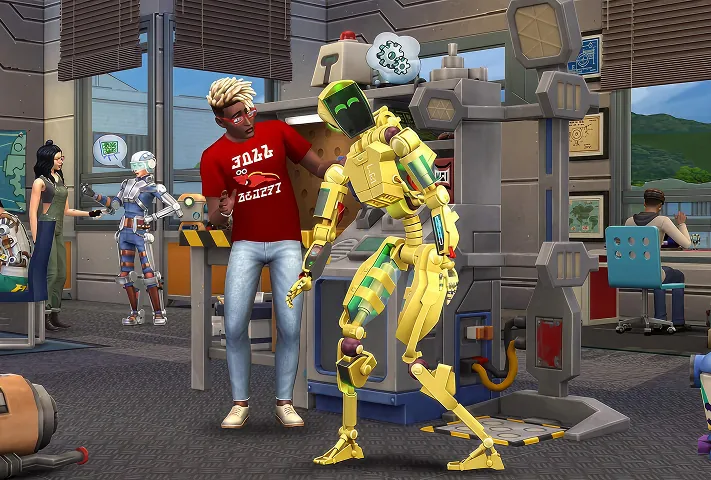
ReShade
Presets that change light and color across the whole game. ReShade only runs on the Windows version.
- Presets
- Depth of field
- Screenshots
- 1In Game Options, then Other, tick custom content and script mods
- 2Download your mods in a browser on your Shadow PC
- 3Drop them in
Documents\Electronic Arts\The Sims 4\Modsand relaunch
The Sims 4 on your device, with and without Shadow PC
What runs once Shadow PC does the work, and what runs on each device today without it.
| Device | The game | Mods and CC | ReShade | Every pack | Learn more |
|---|---|---|---|---|---|
| Any device + Shadow PCThe PC version, streamed from the cloud | Yes | Yes | Yes | Yes | See the offers |
| A laptopRuns on EA's minimum spec, slows down with big saves | Limited | Limited | Limited | Limited | See the offers |
| A MacNative version, but no ReShade | Yes | Yes | No | Limited | The Sims 4 on Mac |
| An iPadNo iPad version of the game | No | No | No | No | The Sims 4 on iPad |
| A ChromebookNo ChromeOS version of the game | No | No | No | No | The Sims 4 on Chromebook |
| A gaming PCRuns it all, at your desk | Yes | Yes | Yes | Yes | Play on your other screens |
- Works
- With limits
- Not possible

Playing on a Mac, an iPad or a Chromebook? Start here
Two step-by-step pages for the devices where The Sims 4 is missing something, or missing altogether.
The Sims 4 on Mac
The Mac version runs the game, but not ReShade, and every pack fills your drive. How to play the Windows version from your Mac, with your packs and your CC.
- ReShade on Mac
- Your Mac saves and packs
- Xbox Cloud Gaming or Shadow PC
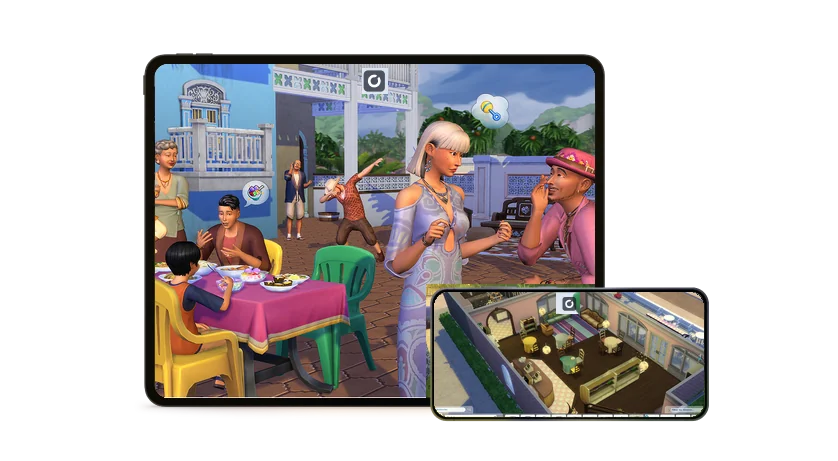
The Sims 4 on iPad and Chromebook
There is no Sims 4 on iPad or ChromeOS. How to play the PC version on your tablet or Chromebook, with the mods simmers use most.
- The most used mods
- Touch or mouse
- Chromebook setup
The Sims 4 in short, and its 21 expansion packs
The Sims 4 is a life simulation game made by Maxis and published by Electronic Arts. It came out on PC in September 2014, then on Mac, PlayStation 4 and Xbox One, and the base game has been free since October 2022. You create Sims, build their homes and run their lives. Twenty-one expansion packs have added careers, pets, seasons, universities and whole new worlds, and every one you own installs on your Shadow PC.
- DeveloperMaxis
- PublisherElectronic Arts
- ReleasedSeptember 2014 on PC
- Base gameFree since October 2022
- PlatformsPC, Mac, PlayStation, Xbox
- Expansion packs21, plus game packs, stuff packs and kits
2026
1 expansion pack
- Royalty & LegacyFebruaryNoble ranks, lineages and sword duels
2025
3 expansion packs
- Adventure AwaitsOctoberGetaways, imaginary friends and bug collecting
- Enchanted by NatureJulyFairies and nature skills in Innisgreen
- Businesses & HobbiesMarchTurn a hobby into a small business
2024
2 expansion packs
- Life & DeathOctoberGhosts, bucket lists and the Grim Reaper career
- LovestruckJulyDating, attraction and romance
2023
3 expansion packs
- For RentDecemberBecome a landlord and rent out units
- Horse RanchJulyHorses and your own ranch
- Growing TogetherMarchFamily dynamics and life milestones
2022
1 expansion pack
- High School YearsJulyTeens go to high school
2021
1 expansion pack
- Cottage LivingJulyFarm animals and country life
2020
2 expansion packs
- Snowy EscapeNovemberSkiing and climbing in Mt. Komorebi
- Eco LifestyleJuneEco footprint and neighborhood projects
2019
2 expansion packs
- Discover UniversityNovemberDegrees and campus life
- Island LivingJuneIsland life in Sulani, with mermaids
2018
2 expansion packs
- Get FamousNovemberFame and an acting career
- SeasonsJuneWeather, seasons and holidays
2017
1 expansion pack
- Cats & DogsNovemberPets and your own vet clinic
2016
1 expansion pack
- City LivingNovemberCity apartments and festivals in San Myshuno
2015
2 expansion packs
- Get TogetherDecemberClubs and the town of Windenburg
- Get to WorkMarchActive careers, your own shop and aliens
Game packs, stuff packs, kits and Marketplace content, sold in game since March 2026, come with your EA account too.
The Sims 4 system requirements, next to Shadow PC
EA publishes two configurations for the base game on PC. Packs, CC and script mods add to them, on storage first.
| System requirements | EA minimum | EA recommended | Shadow PC |
|---|---|---|---|
| System | Windows 10, 64-bit | Windows 10, 64-bit | Windows 11 |
| Processor | Intel Core i3-3220 or AMD Ryzen 3 1200 | Intel Core i5 (4 cores) or AMD Ryzen 5 | Runs in the cloud, nothing to upgrade |
| Memory | 4 GB | 8 GB | Up to 28 GB on Power offers |
| Graphics | 128 MB of video memory, DirectX 11 | NVIDIA GTX 650 or AMD Radeon HD 7750, 1 GB | Dedicated NVIDIA RTX, up to 20 GB on Power offers |
| Storage | 25 GB, plus 1 GB for CC and saves | 50 GB, plus 1 GB for CC and saves | 256 or 512 GB SSD, up to 5 TB |
| Your own device | Runs the game | Runs the game | Just displays the stream: a 15 Mbit/s connection is enough |
Requirements published by EA for the PC version of the base game.
A Shadow PC for every kind of Simmer
A few evenings a week? Shadow PC Lite gives you 120 hours a month, sessions of up to 4 hours and 256 GB of storage. Long legacy challenges every day? Shadow PC gives you 210 hours a month, 6-hour sessions and 512 GB. Every offer comes with an NVIDIA RTX graphics card, storage you can expand up to 5 TB, and no commitment.
Neo Lite
per month

 Perfect for occasional gaming in 1440p with RTX

 Up to 120 hours of play per month, sessions up to 4hStream to any device in 1440pInstall your games & mods from Steam, Epic, Battle.net...*Upgrade to Shadow PC anytime as you play more

Power Lite
per month
Up to 50% more GPU power than Neo28GB RAM / 20GB VRAM for better in-game performanceUp to 120 hours of play per month, sessions up to 4hStream to any device in 1440pInstall your games & mods from Steam, Epic, Battle.net...*Upgrade to Shadow PC anytime as you play more
Neo
per month
Perfect for 1080/1440p gaming with RTXStream to any device up to 1440p+Install your games & mods from Steam, Epic, Battle.net...*Multi screen and ultrawide supportNVIDIA RTX and DLSS compatibility
Power
per month
Up to 50% more GPU power
 28GB RAM / 20GB VRAM for better gaming performanceStream to any device up to 5K+Install your games & mods from Steam, Epic, Battle.net...*Multi screen and ultrawide supportNVIDIA RTX and DLSS compatibility

FAQ
Yes. Shadow PC is a complete Windows PC in the cloud, so you install The Sims 4 from the EA app or Steam like on any PC and sign in with your EA account. The base game, expansion packs, game packs, stuff packs, kits, custom content and script mods all run on it, and you play from a PC, a Mac, an iPad, an Android device or a Chromebook.
For the base game on PC, EA asks for at least an Intel Core i3-3220 or AMD Ryzen 3 1200, 4 GB of RAM, 128 MB of video memory with DirectX 11 and 25 GB of free space. EA recommends an Intel Core i5 with 4 cores or AMD Ryzen 5, 8 GB of RAM, an NVIDIA GTX 650 or AMD Radeon HD 7750 with 1 GB, and 50 GB of free space. Packs and CC add to the storage. On Shadow PC, the game runs on a dedicated NVIDIA RTX graphics card, and your own device only displays the stream.
The base game, yes. EA made The Sims 4 free in October 2022, on the EA app and Steam. Expansion packs, game packs, stuff packs and Marketplace items are paid. On Shadow PC, you sign in with your EA account and download the game like on any PC.
Yes, in two ways. Xbox Cloud Gaming streams the Xbox version with an Xbox Game Pass plan that includes cloud gaming, without custom content or script mods. Shadow PC gives you a whole Windows PC in the cloud, so you play the PC version with your EA account, your packs, your mods and your CC, from a PC, a Mac, a tablet or a Chromebook.
Yes. The 21 expansion packs, from Get to Work to Royalty & Legacy, and the game packs, stuff packs and kits are tied to your EA account. Sign in to the EA app on your Shadow PC and download the ones you own. They install on the SSD of your Shadow PC, which you can expand up to 5 TB.
Like on any Windows PC. Launch The Sims 4 on your Shadow PC, open Game Options, then Other, tick Enable Custom Content and Mods and Script Mods Allowed, and restart the game. Then put your .package and .ts4script files in Documents\Electronic Arts\The Sims 4\Mods, and your lots and rooms in the Tray folder. After each game update, check your script mods before you load your save.
More than the base game. EA recommends 50 GB of free space for The Sims 4 alone, and each pack adds to it. With 21 expansion packs, the other packs and a large CC folder, plan for much more. Shadow PC comes with 512 GB of SSD and Shadow PC Lite with 256 GB, and storage can be expanded up to 5 TB on every offer.
The base game runs on modest hardware, but a big save with many packs and CC files asks for more. With Shadow PC, The Sims 4 runs on a PC in the cloud with an NVIDIA RTX graphics card, and your laptop only displays the stream. You need a stable connection: 15 Mbit/s at least.
Not natively: The Sims 4 isn't available on iPad or Chromebook. With Shadow PC, the PC version runs in the cloud and you play it through the Shadow app on iPad, on a Chromebook, or in Chrome at pc.shadow.tech. Our page on The Sims 4 on iPad and Chromebook explains how.
The Sims 4 is a light game, so every Shadow PC runs it. Shadow PC Lite gives you 120 hours a month, sessions of up to 4 hours and 256 GB of storage. Shadow PC gives you 210 hours a month, sessions of up to 6 hours and 512 GB. Every offer has a dedicated NVIDIA RTX graphics card and comes with no commitment.